
Start with the photo.
Bring a customer photo or depth map. Generate depth locally or in a private cloud job, then frame the subject.
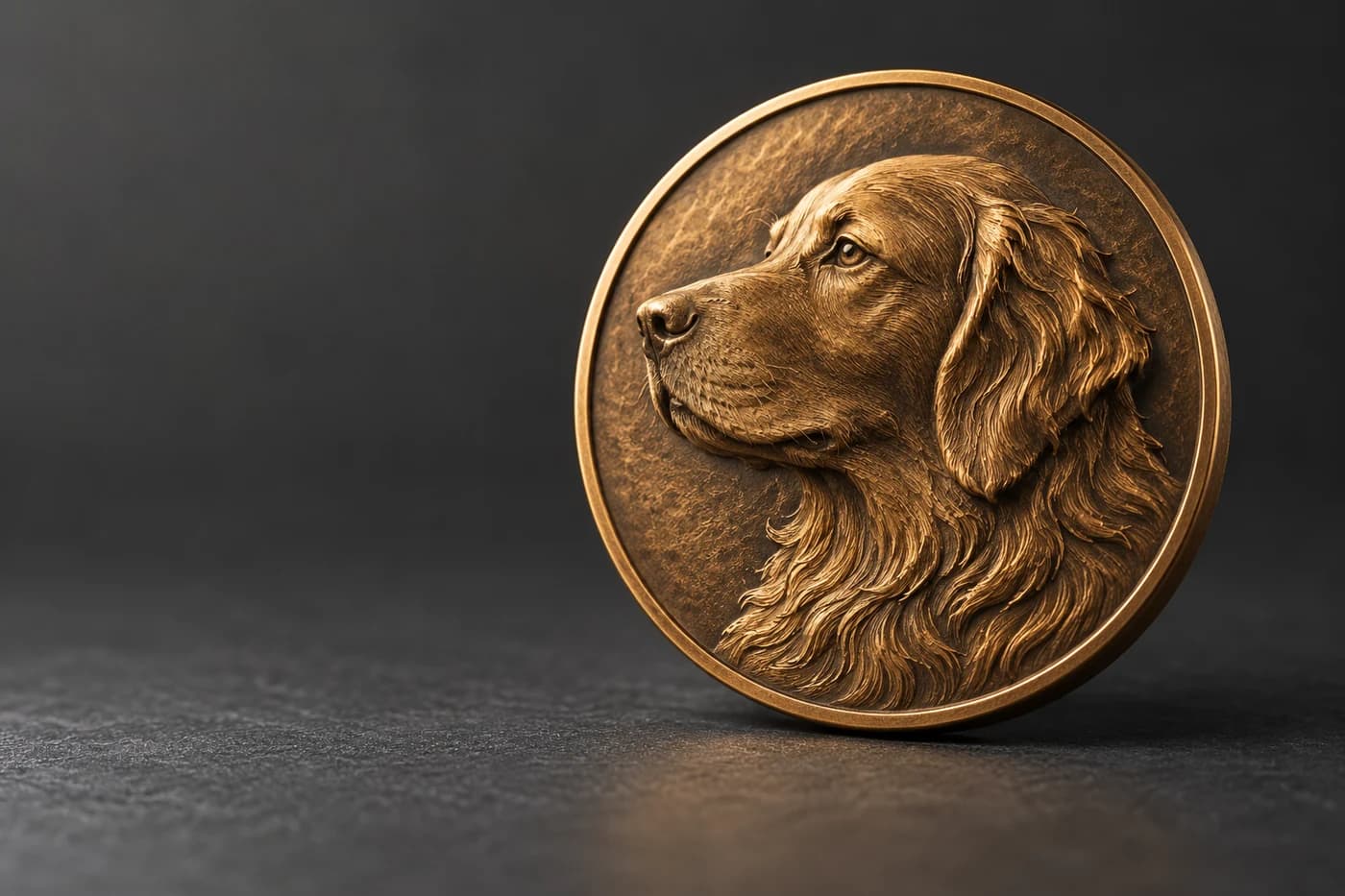
Turn a customer photo into a relief coin or plaque, add exact names and dates, get the design approved, and export STL and 16-bit PNG files for laser, CNC or 3D printing.
5 free cloud AI jobs. No card. No expiry.
Bring a customer photo or depth map. Generate depth locally or in a private cloud job, then frame the subject.
Adjust dimensions, relief and rim. Add names and dates as deterministic lettering, with no new portrait generation.
Share the saved revision in 3D. New revisions revoke old links, so a customer approves the design you plan to produce.
Export the approved mesh, height field, recipe and checks. Keep settings and workshop notes for the next order.
Preview the same solid mesh that goes into your STL. Every production package is checked for closed edges and consistent winding.
Rotate the sample, change its depth, and download the complete production package.
Open your own projectThe sample starts from an 8-bit depth image. The PNG export uses a 16-bit encoding. This is a digital sample, not a physical machining benchmark.
Every setting is in millimeters, so the file matches the blank on your bench. Start from a 50 mm coin, a 65 mm pet medallion or a 100 × 130 mm portrait plaque, then change anything.
Saved templates, exact revisions, customer decisions, and production notes stay together. Copy a successful job when the next commission arrives.
Changing a date edits the lettering. The portrait stays the same.
The exported approved surface comes from the saved file.
Export recipes, original depth and project data. Delete cloud projects when you no longer need them.
A focused workspace for single-sided relief coins and rectangular portrait plaques. Try the local editor before subscribing.
Mesh checks do not replace CAM setup or a physical test. General CAD, toolpaths and machine control are outside this release.
Local edits and exports use no cloud AI credits. Cancel renewal at any time. Applicable taxes are shown at checkout.
Cloud service terms and privacyDepthGen Pro remains a one-time desktop purchase with its existing licence, for depth maps from any image. Relief Studio is for the order around the relief: lettering, approval, files and the repeat job. Studio imports 8 and 16-bit grayscale depth maps, so the two can share a job.
| Job | Relief Studio | DepthGen Pro |
|---|---|---|
| Price | $49 every 30 days | $39.99 once |
| Runs | In the browser, local or private cloud jobs | Windows or macOS app, offline |
| Depth models | Depth Anything V2 Small | Depth Anything V2, V3 (Windows) and Lotus 2 |
| Coins photographed as objects | Photometric relief engine | |
| Coin and plaque layout in mm | Plate size and thickness | |
| Exact names and dates | Straight and curved lettering | |
| Customer proof and approval | ||
| Repeat-order templates | ||
| Batch processing | ||
| Export | STL, OBJ, 16-bit PNG, Float32 | PNG 8 and 16-bit, EXR, STL, OBJ |
Relief Studio is a browser workspace from Depthue for custom relief coins and plaques. It turns a photo or depth map into an editable relief, adds exact lettering, shares a versioned proof your customer approves, and exports the production files.
$49 USD every 30 days, with 30 cloud depth jobs, 500 projects and 2 GB of private storage. Cancel renewal at any time in Billing. Taxes are shown at checkout.
Yes. A free account includes 5 cloud depth jobs, 10 projects and 250 MB of storage, with no card and no time limit. Local AI, editing and exports never use cloud jobs.
Only when you choose to. Local drafts, local AI and exports run on your device. Running a cloud job, saving to the cloud or sharing a proof uploads the files that step needs to private storage, and uploads are not used to train AI models.
No. Lettering is drawn by code from a bundled font, not generated by AI. Changing a date edits the letters and leaves the relief exactly as it was.
You share a private link to one saved revision. The customer inspects it in 3D, then approves or requests changes with their name and a comment, and you get an email. Saving a new revision revokes the older link and links expire after seven days, so an approval always belongs to the exact design you produce.
A production ZIP with a watertight STL, an OBJ, a 16-bit grayscale PNG height map, the raw Float32 depth, the recipe and the mesh checks. STL and OBJ go into CAM software and slicers; the PNG goes into software that reads height maps.
It prepares files for all three. The grayscale PNG suits laser 3D engraving such as LightBurn 3D Sliced, the STL and OBJ import into CNC CAM such as Vectric Aspire and into slicers. Relief Studio does not create toolpaths or control a machine.
DepthGen Pro is a one-time desktop app for making depth maps from any image, with three local models and batch processing. Relief Studio handles the order around the relief: shape, lettering, approval, files and repeat orders. Relief Studio also imports 16-bit grayscale depth maps, so the two can share a job.
No. The allowance resets each billing period. A cloud job that fails for a technical reason, or that you cancel while it is queued, gives the job back.
New to the term? Read what bas-relief means for CNC and laser work.