
Depthue Studio
Online STL editor
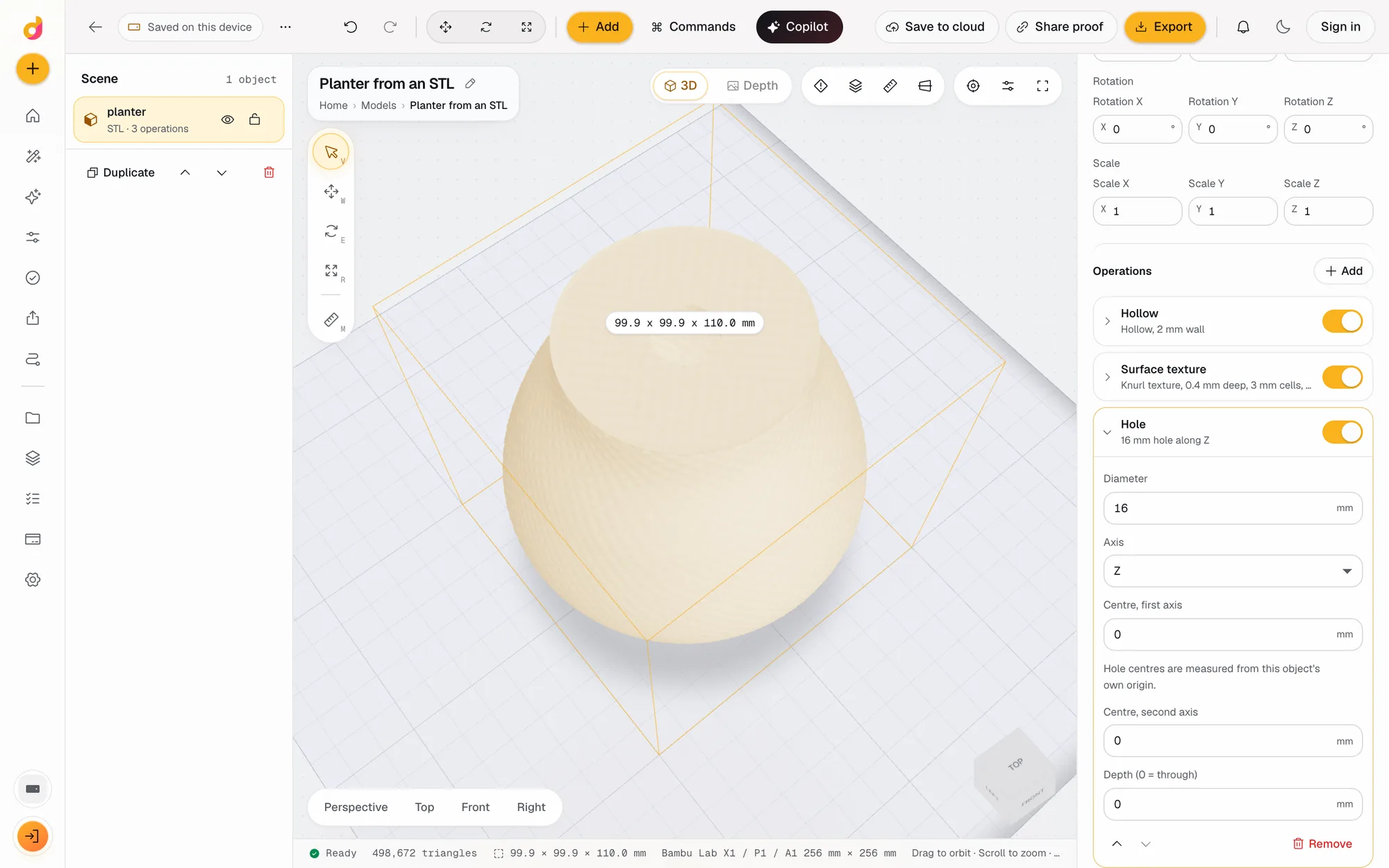
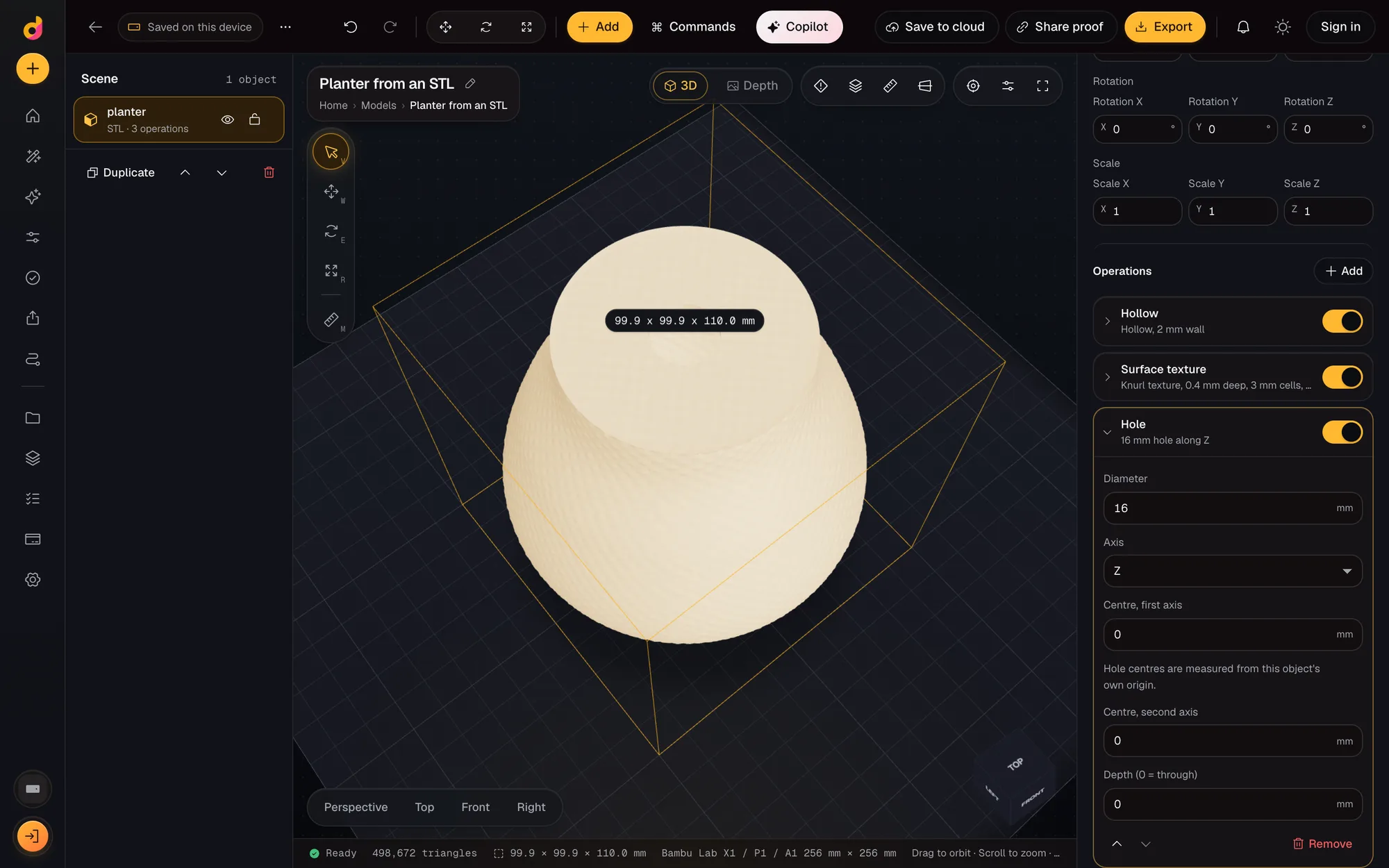
Depthue Studio is a free online STL editor. Open an STL, OBJ, 3MF, GLB or PLY file, set its size in millimetres, then cut, hollow, combine, emboss text, drill holes, repair or simplify it, and export a new STL or 3MF. Every change stacks on the original, so you can turn any step off later.
Free in your browser, no card. Files stay on your device until you save to the cloud.
The short answer
- Opens STL, OBJ, 3MF, GLB, glTF and PLY files up to 120 MB, in millimetres, in any modern browser.
- 20 operations stack on the imported mesh without changing the file: hollow, plane cut, boolean, hole, emboss text, repair, simplify, smooth and more.
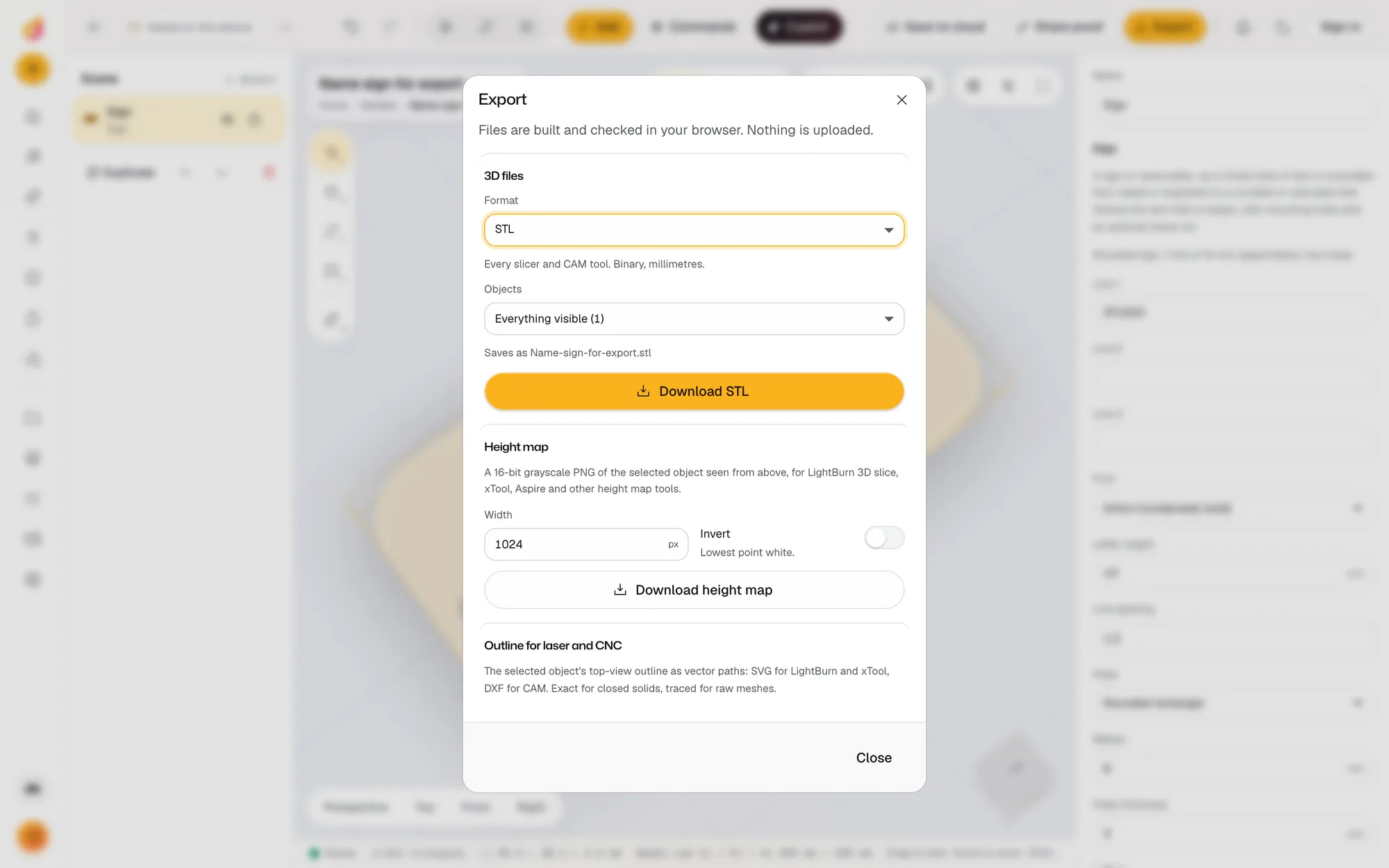
- Exports STL, 3MF with colours, OBJ, GLB and PLY. Editing and export run on your device and use no credits.
- Opens
- STL, OBJ, 3MF, GLB, glTF and PLY up to 120 MB; multi-object files split into objects
- Transform
- Exact size in mm with proportions locked or free, move, rotate, scale, mirror, drop to plate, 1 mm and 15° snapping
- Cut and combine
- Plane cut, flatten base, boolean union, subtract and intersect, keep largest shell
- Shape
- Hollow with drain holes, thicken or shrink, round edges, smooth, twist, taper, bend
- Add
- Holes, base plate, array, embossed or engraved text in 17 fonts, surface texture, pattern cut
- Clean up
- Repair into one closed solid, simplify within a tolerance in mm
- Exports
- STL (binary, mm), 3MF with colours, OBJ, GLB, PLY, 16-bit height map, SVG or DXF outline
How to edit an STL file online
- 1
Open the file
Drop an STL, OBJ, 3MF, GLB or PLY on the plate, or use Add, Import model. Files with several objects come in as separate objects.
- 2
Set the size
Type the width, depth or height in millimetres with proportions locked, or drag the move, rotate and scale gizmos with 1 mm and 15 degree snapping.
- 3
Stack operations
In the inspector, Operations, Add: hollow, cut, drill, emboss text, combine with another object, repair or simplify. Each one can be switched off or removed.
- 4
Check and export
Read the checks (closed solid, volume, plate fit, thin walls), then Export as STL or 3MF for your slicer.
What you can change in an STL
An STL is a list of triangles with no design history. Most edits people need are still simple: make it a different size, cut a flat bottom, add a hole for a magnet, put a name on it, hollow it for resin, or merge two parts. Depthue Studio does each of these on the mesh itself with a geometry kernel that keeps the result a closed solid, which is what slicers and CAM software need.
Because each change is an operation in a stack, the original stays untouched underneath. You can switch the hollow off to compare weights, change a hole from 4 to 6 mm a week later, or remove a step without starting over.
Scale an STL to exact millimetres
Select the object and type a size under Transform. With Keep proportions on, the other two sizes follow. Drop to plate sets it down on the build plate and centres it. The build plate presets cover common Bambu Lab, Prusa, Creality and resin printers, a 400 x 400 mm laser bed and a 300 x 180 mm CNC bed, so the plate fit check reads against your machine.
Cut, hollow and combine
- Plane cut slices along X, Y or Z at a position in mm and keeps one side. Flatten base cuts a flat bottom so a scan or a tilted model stands up.
- Hollow empties the inside to a wall thickness from 0.4 mm, with up to eight drain holes for resin.
- Boolean adds, subtracts or intersects another object in the scene, which is how you carve a logo into a part or join two prints into one.
- Hole drills a cylinder along any axis for a screw, a magnet or a key ring.
Repair and simplify
Imported files are often broken: open edges, flipped faces, loose fragments. Repair rebuilds the mesh into one closed solid so cuts and booleans work. Keep largest shell drops floating debris. Simplify reduces triangles within a tolerance you set in millimetres; the STL simplifier page explains how to pick it.
If you only need a quick fix without an editor, the free STL repair tool does that one job in the browser.
When another editor is the better choice
Studio edits meshes; it is not a parametric CAD program with sketches and constraints. If you have the original CAD file, change that and export a new STL. For sculpting organic shapes, Blender is the right tool. The guide to how to edit an STL file matches each kind of change to the free tool that does it best.
Questions
Is there a free online STL editor?
Yes. Depthue Studio opens STL files in the browser for free, with no card: scale, cut, hollow, combine, add text and holes, repair, simplify and export. A free account adds cloud saving, but local editing works without one.
Can I edit an STL file without downloading software?
Yes. Depthue Studio runs in a modern desktop browser with WebGL. The geometry engine (Manifold, compiled to WebAssembly) runs on your computer, so nothing is installed and the file is not uploaded.
How do I resize an STL to an exact size?
Select the object and type the width, depth or height in millimetres under Transform, Size. With proportions locked the other two sizes follow. The footer shows the new size of the whole scene.
Can I cut an STL file in half?
Yes. Add a Plane cut, choose the axis and the position in mm, and keep the side above or below. To keep both halves, duplicate the object and cut each copy on the opposite side. Both results are closed solids.
Can I add text to an STL?
Yes. The Emboss or engrave text operation raises or sinks exact lettering into the top face in millimetres, in any of the 17 bundled fonts. You can also add separate solid 3D text and combine it with a boolean.
Will editing change my original STL?
No. The imported mesh stays as it was and every operation stacks on top of it. Turn an operation off to compare, remove it, or reorder the stack, then export a new file.
What does it cost?
Editing, checks and exports are free on every plan and never use credits. Credits only pay for cloud AI such as the copilot.
Also in Depthue Studio
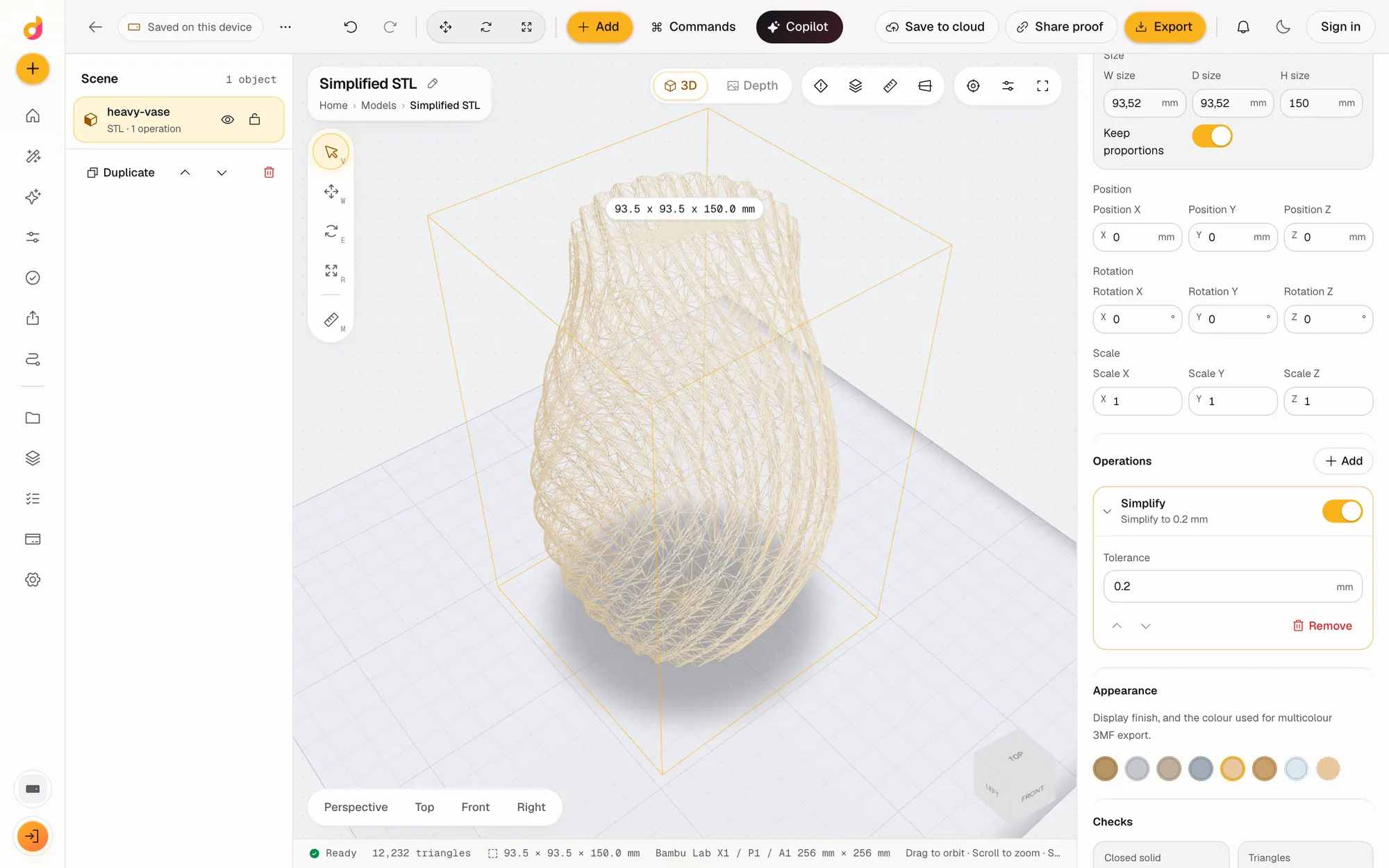 STL simplifierReduce an STL's triangle count and file size within a tolerance in millimetres, see the new count live and export a lighter STL or 3MF. Free, in your browser.See how it works
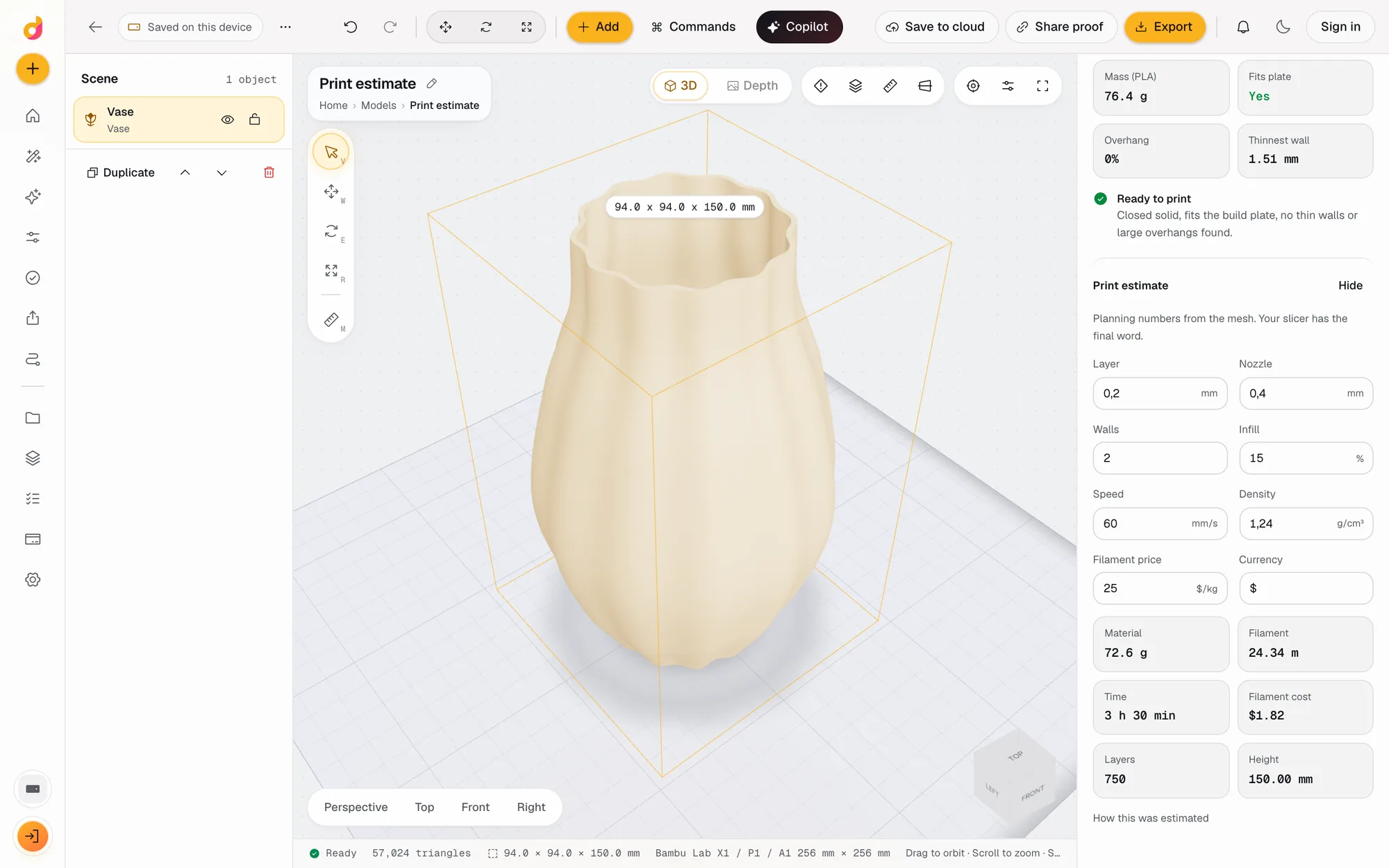 STL checkerCheck an STL before printing: closed solid, plate fit, overhangs, thin walls, volume, mass and a print estimate in grams, time and cost. Free, in your browser.See how it works
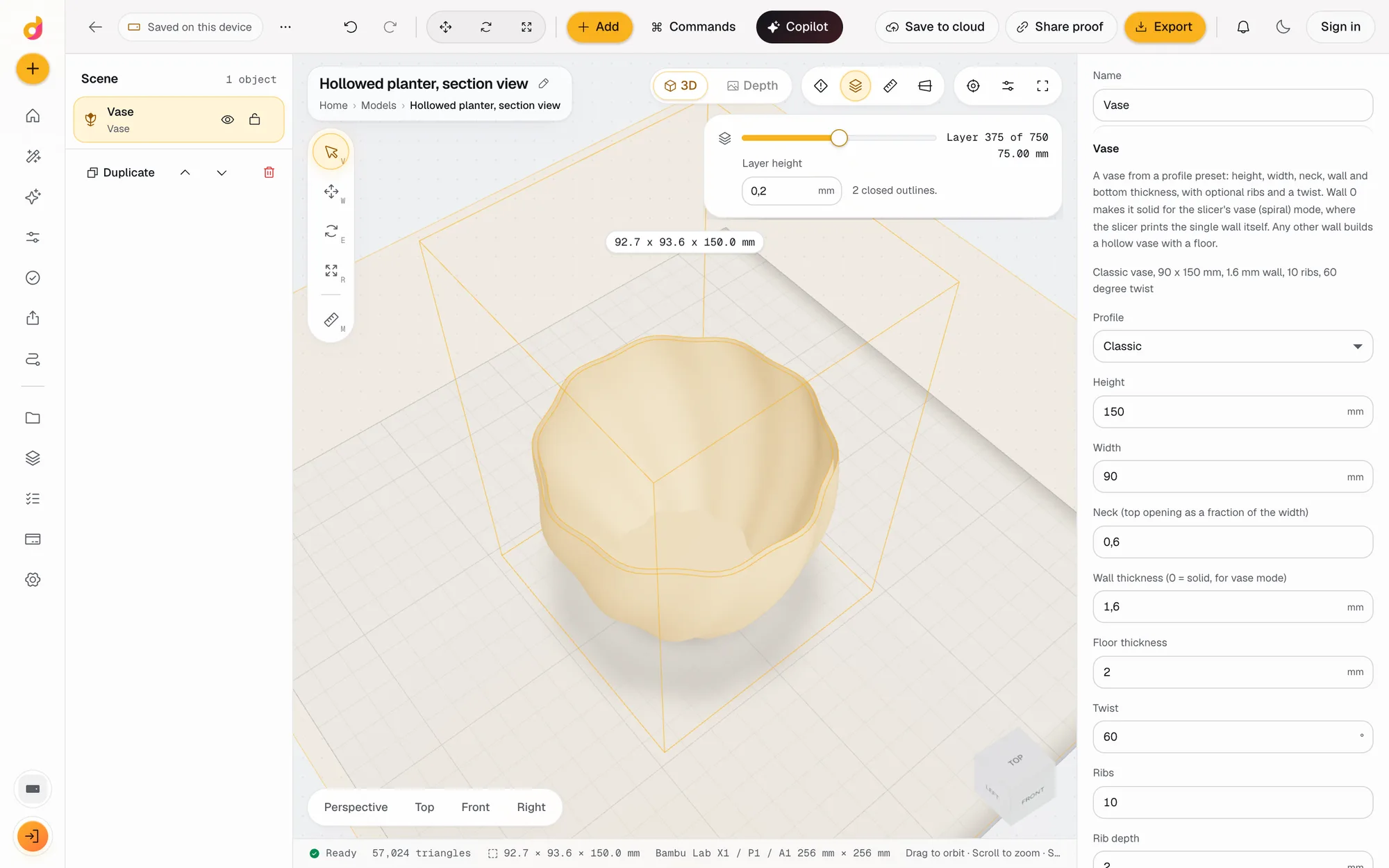
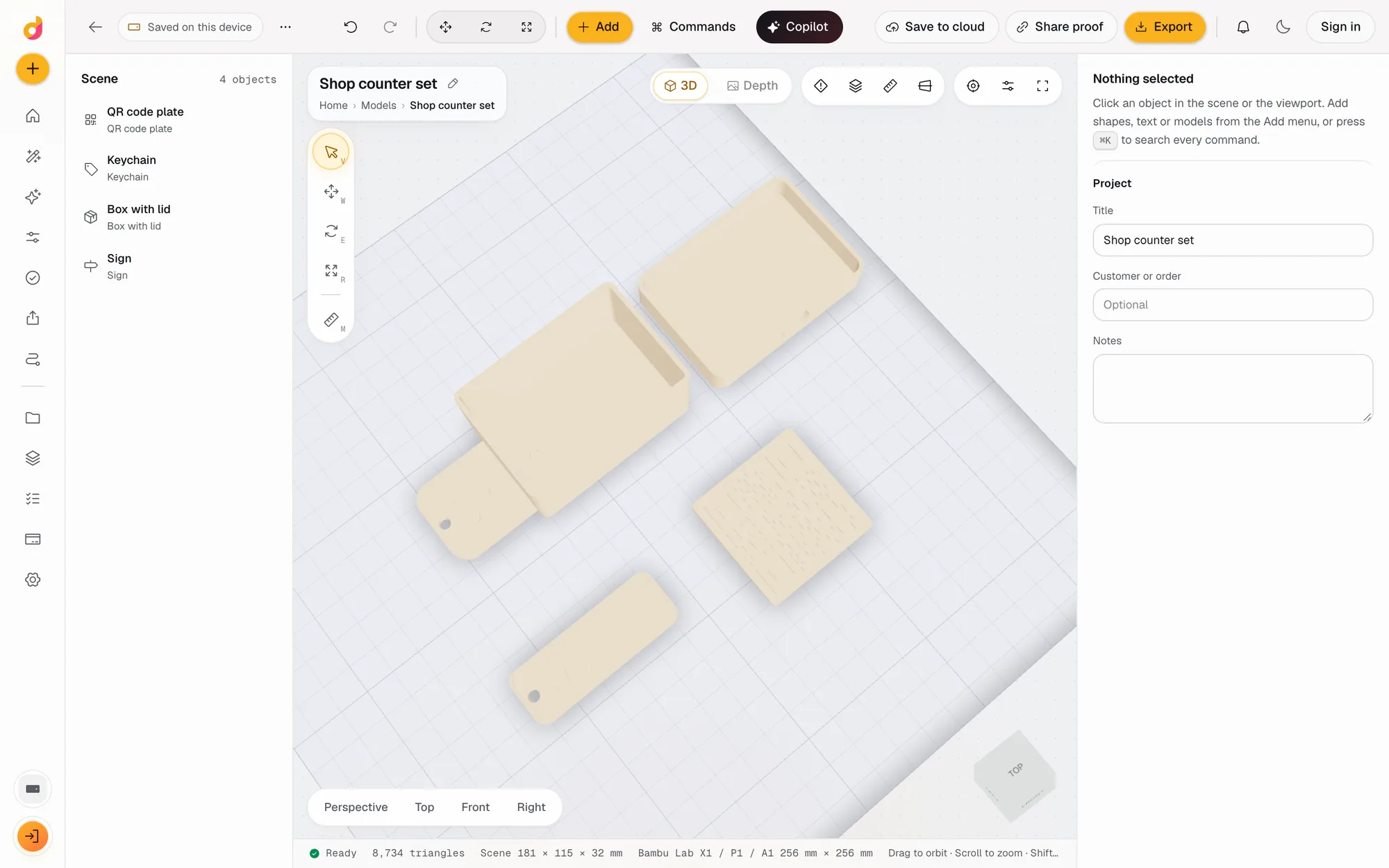 Parametric model makerMake printable keychains, name signs, boxes with lids, vases, QR plates and gears from a few settings in mm, then edit and export STL or 3MF. Free.See how it works
Read next
3D printing
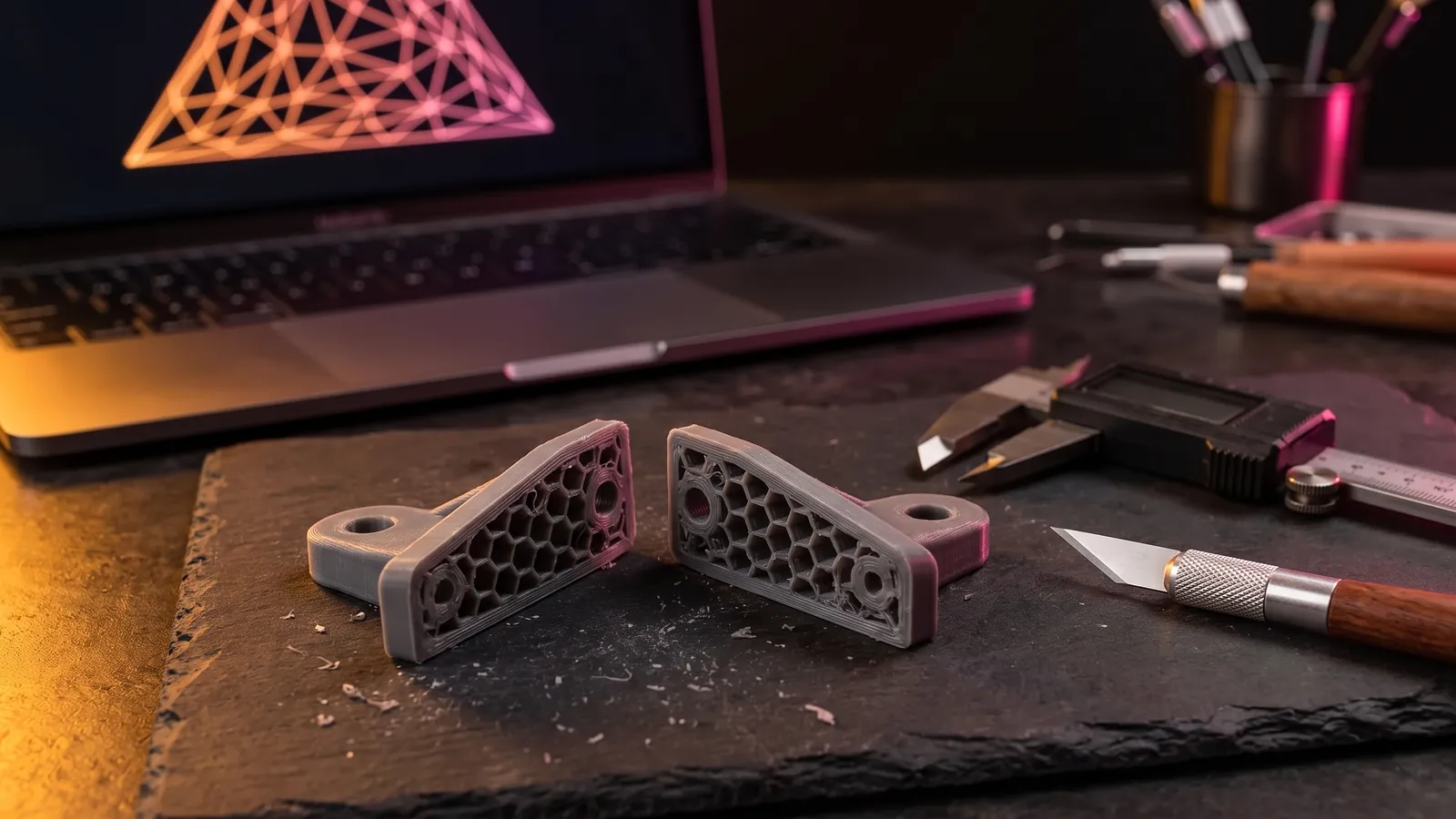
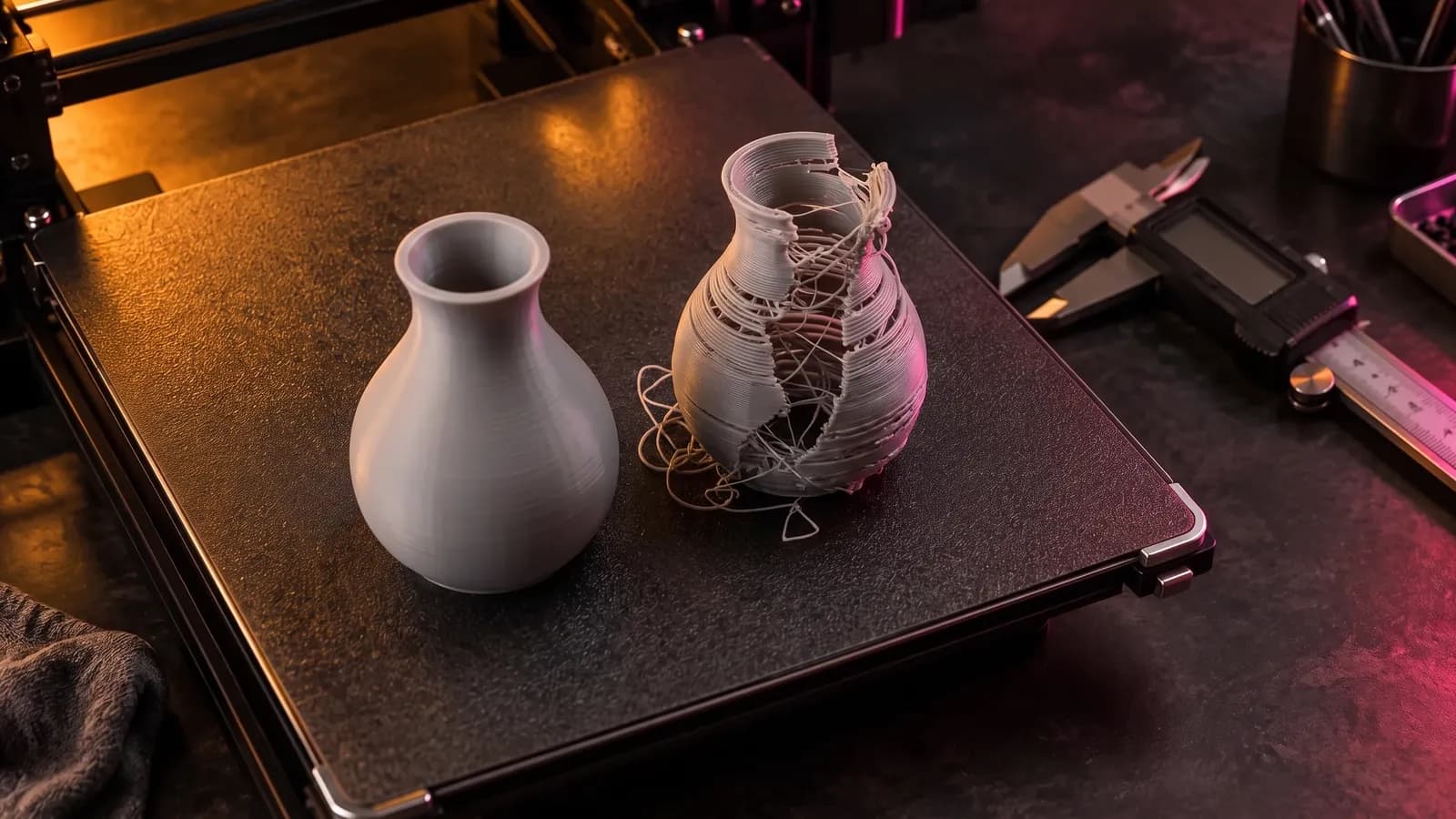
How to Edit an STL File: The Right Free Tool for Each Change
How to edit an STL file for free: scale, cut, add text, combine parts or cut holes in your slicer, Tinkercad, Blender, Fusion or FreeCAD, matched to the job.
November 2, 2026 11 min read
3D printing
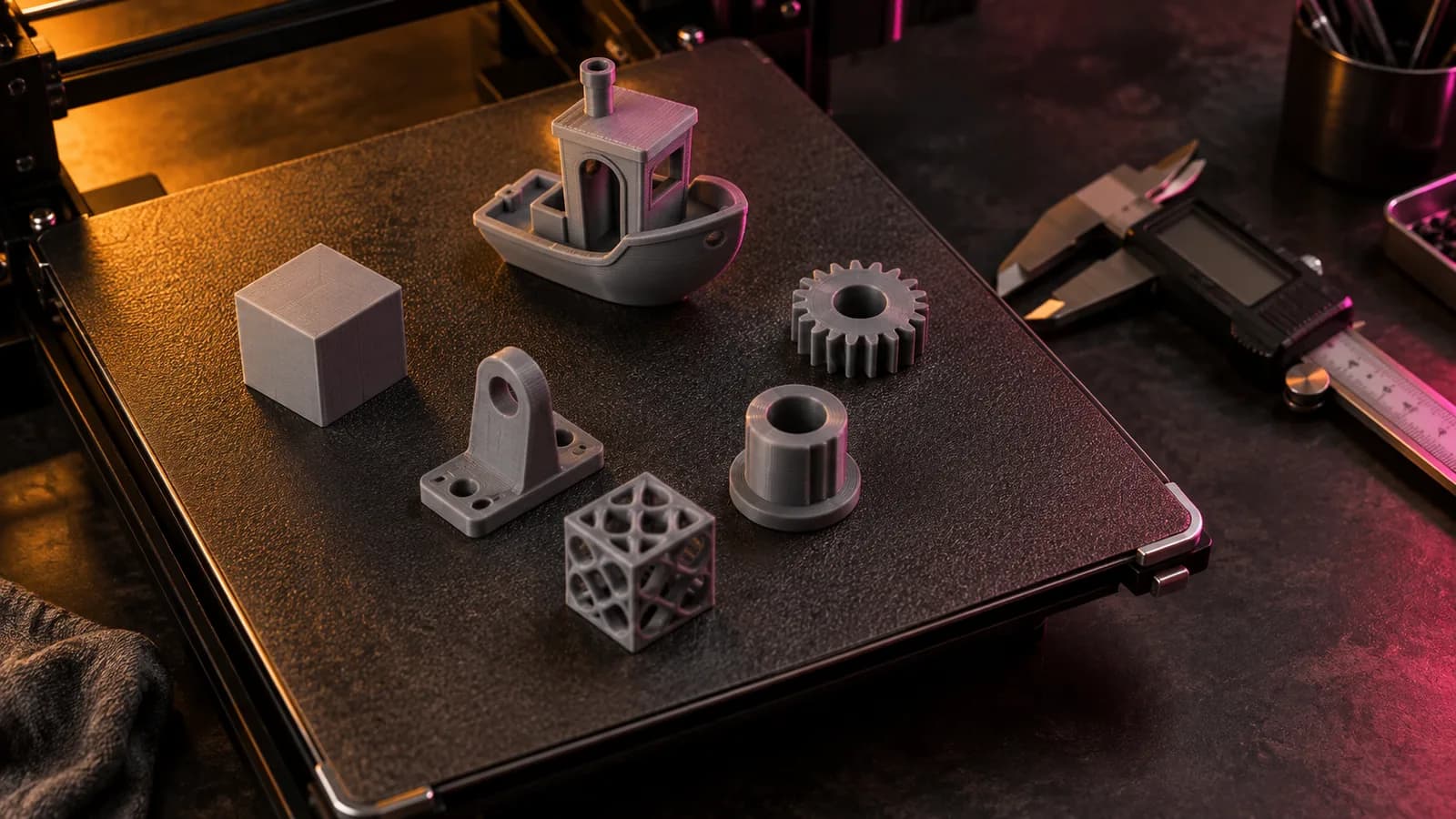
How to Fix STL Files: Holes, Non-Manifold Edges and Other Errors
How to fix STL errors: what open edges, non-manifold edges, flipped normals and self-intersections mean, what your slicer is saying, and the fix for each.
October 8, 2026 8 min read
3D printing
How to Convert 3MF to STL: 4 Free Ways (No Upload Needed)
Convert 3MF to STL with a free in-browser converter, Bambu Studio, OrcaSlicer, PrusaSlicer, Cura or Blender, and what STL keeps from multi-object plates.
September 21, 2026 2 min read
Open the STL editor.
It runs in your browser and the free plan needs no card. Paid plans from $5 a month add credits, storage and projects.