
Turn any image into a depth map you can carve.
Depth maps, lithophanes and color reliefs for laser, CNC and 3D printing. Free in your browser. Pro on your desktop.

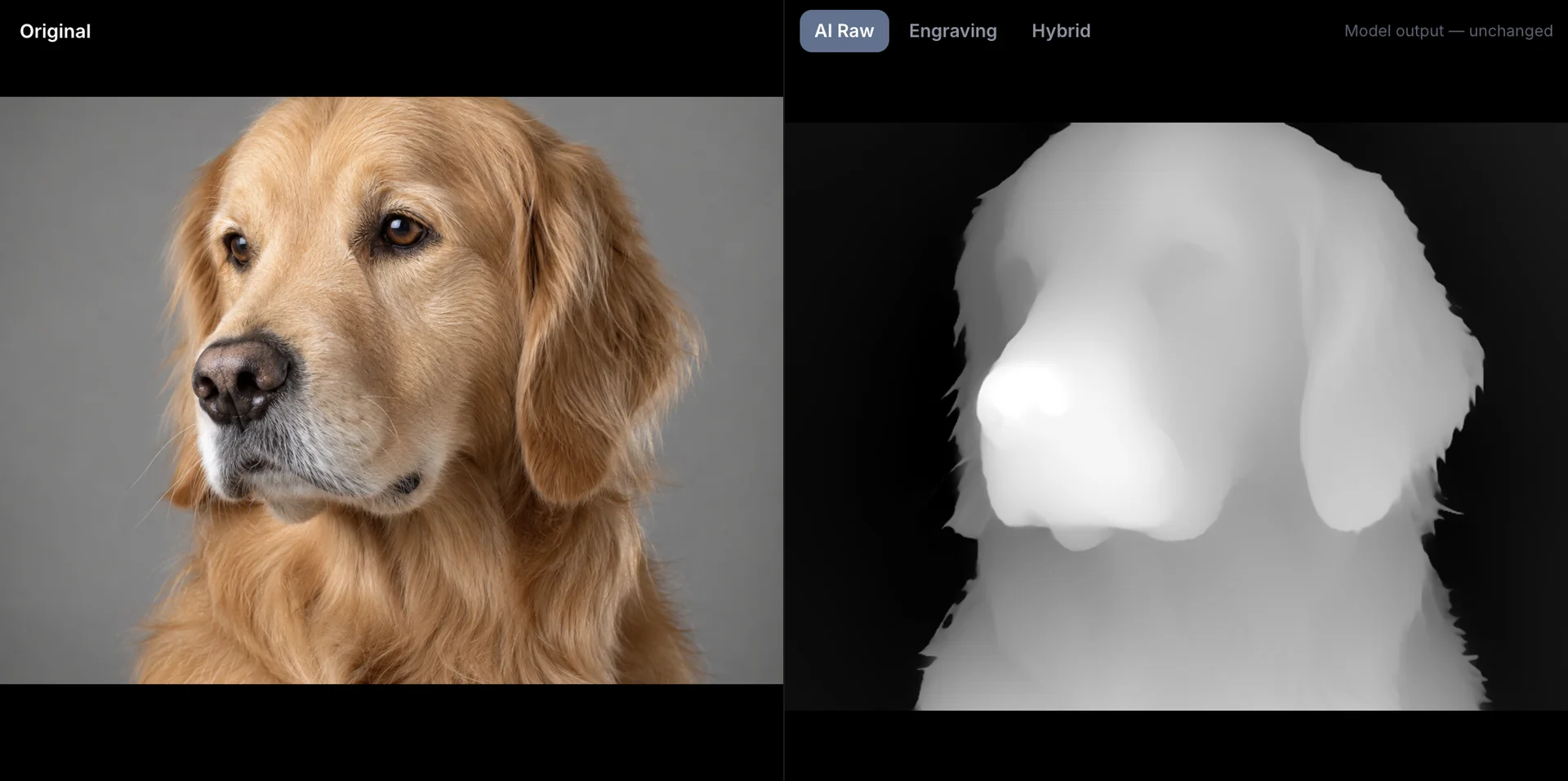
The input: one ordinary photo.
Opens in the software on your bench
- LightBurn
- xTool Creative Space
- Vectric Aspire
- VCarve Pro
- Carbide Create
- Fusion
- Bambu Studio
- OrcaSlicer
- PrusaSlicer
- Cura
- Photoshop
- Affinity Photo
Everything between the photo and the finished file.
Start free in the browser. Move to the desktop when the work is paid, private or in batches, and to Depthue Studio when a customer has to sign off.
Inside DepthGen Pro
Not one model. The right one for the image.
A coin, a portrait and a logo need different depth models. DepthGen Pro reads the image, routes it, then puts the detail back. Hover a step to follow the path.
Built for work people pay for.
Every piece below starts as an ordinary image and ends as a file a machine can cut, carve or print.
Scenes are illustrations of typical projects.
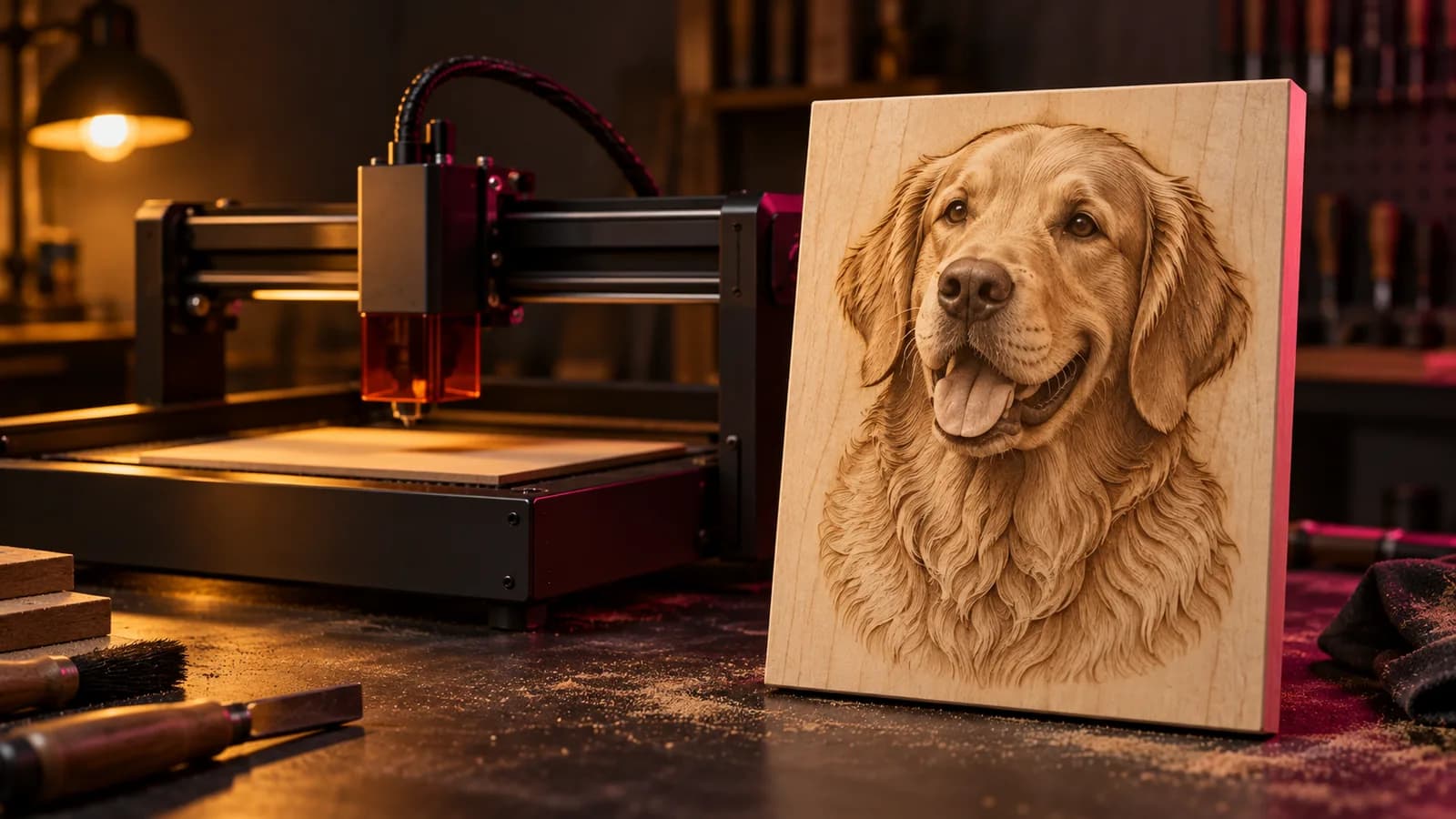
Pet portraits on wood
A pet portrait starts as a phone photo. DepthGen Pro turns it into a relief a diode laser can carve.
Try it on your photo
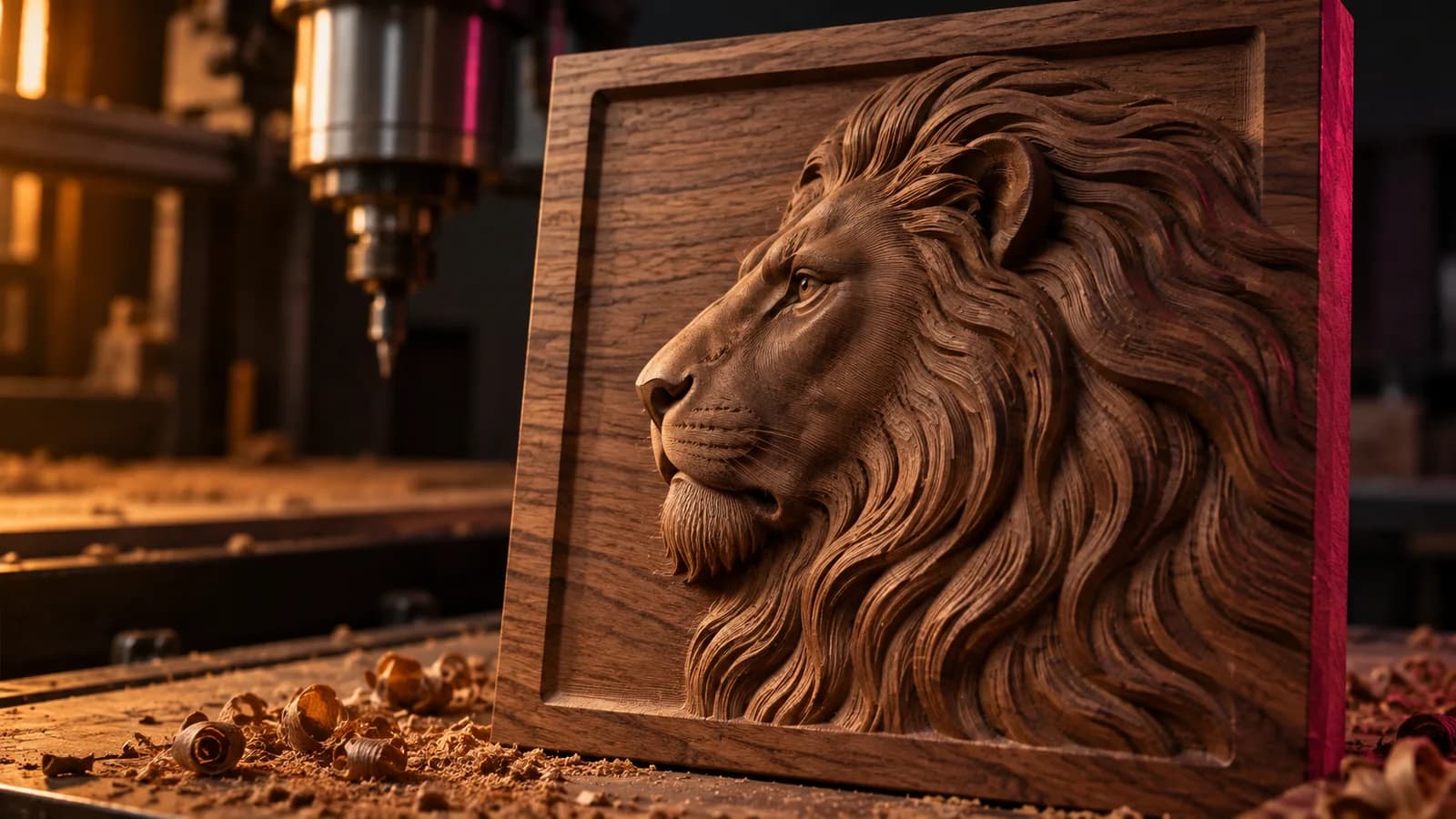
CNC relief panels
Height maps for Aspire, VCarve and Carbide Create, or a watertight STL straight into CAM.
See DepthGen Pro
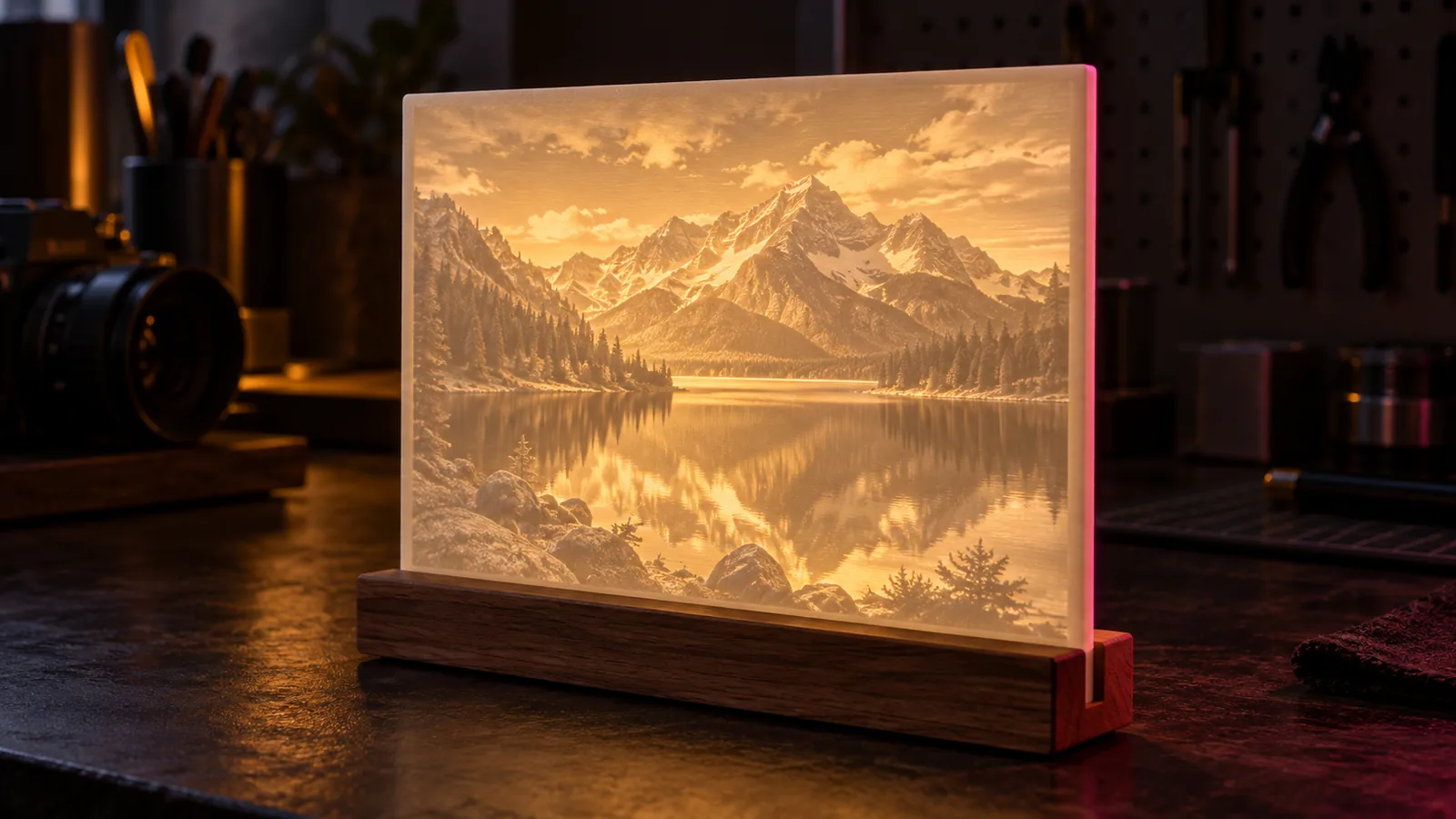
Lithophanes
Photo to backlit panel, sized in millimetres and exported as a clean STL.
Make a lithophane
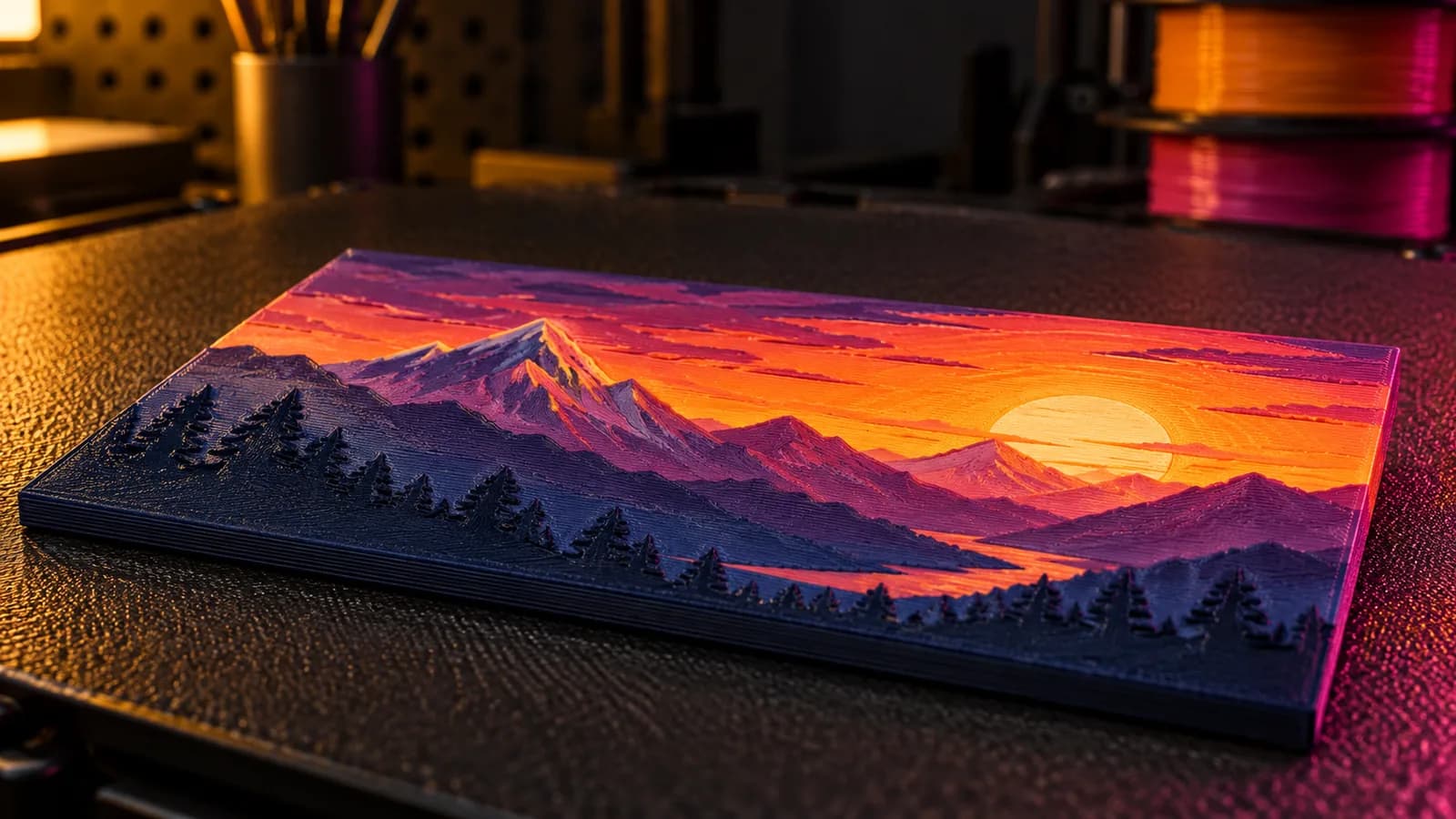
Filament paintings
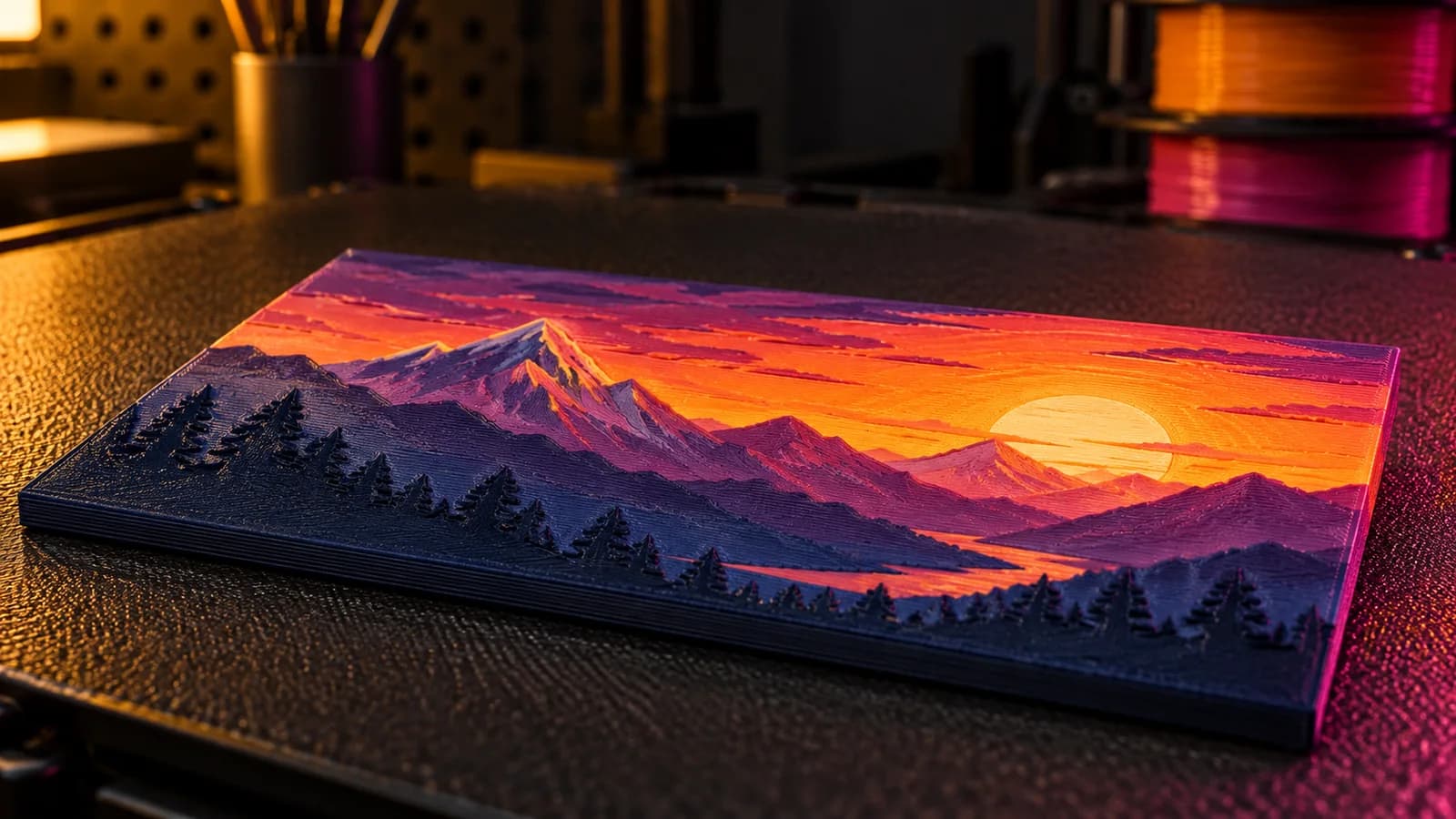
HueForge-style color reliefs planned around the filament on your shelf.
Plan the colors
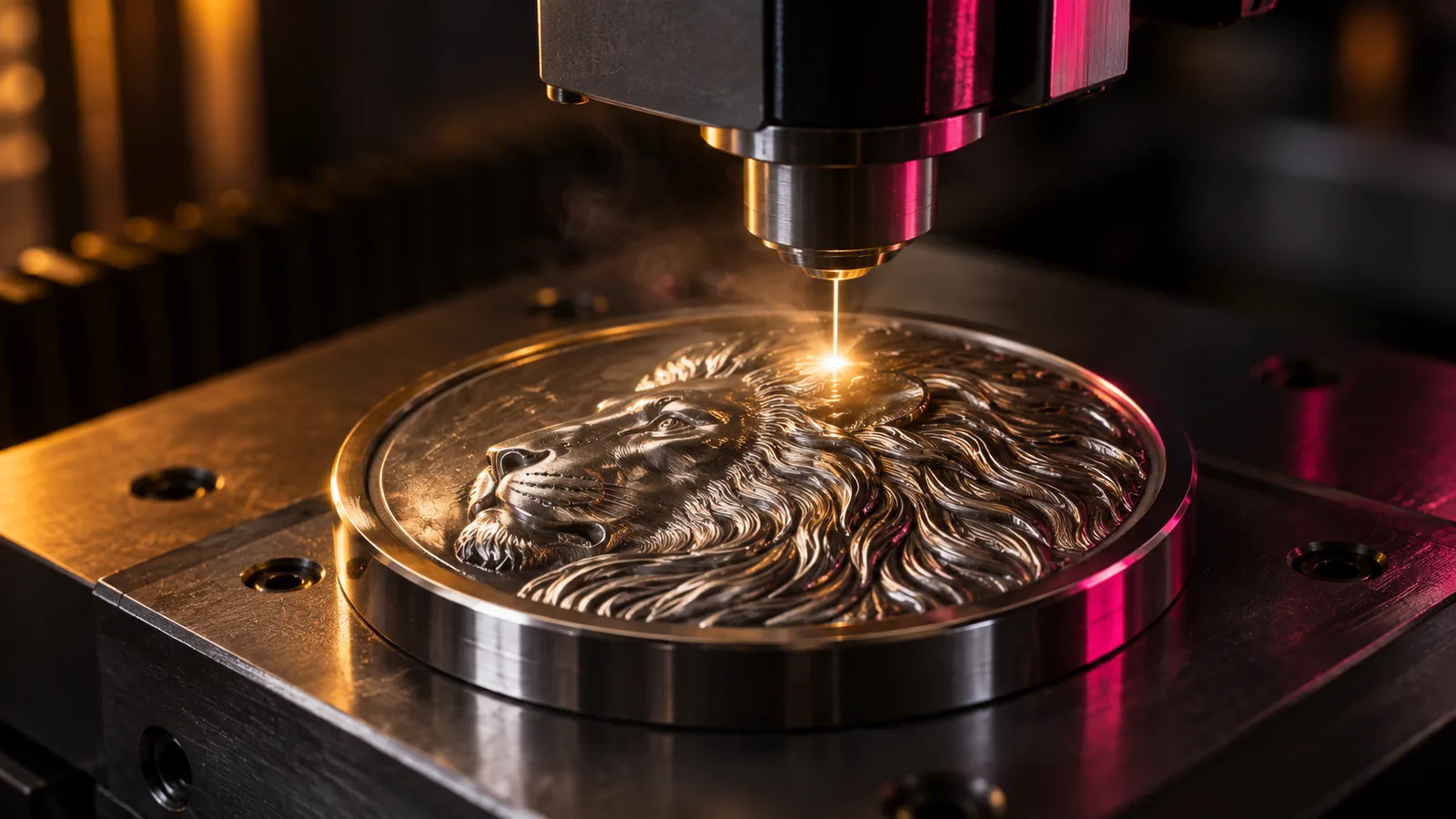
Coins and medals
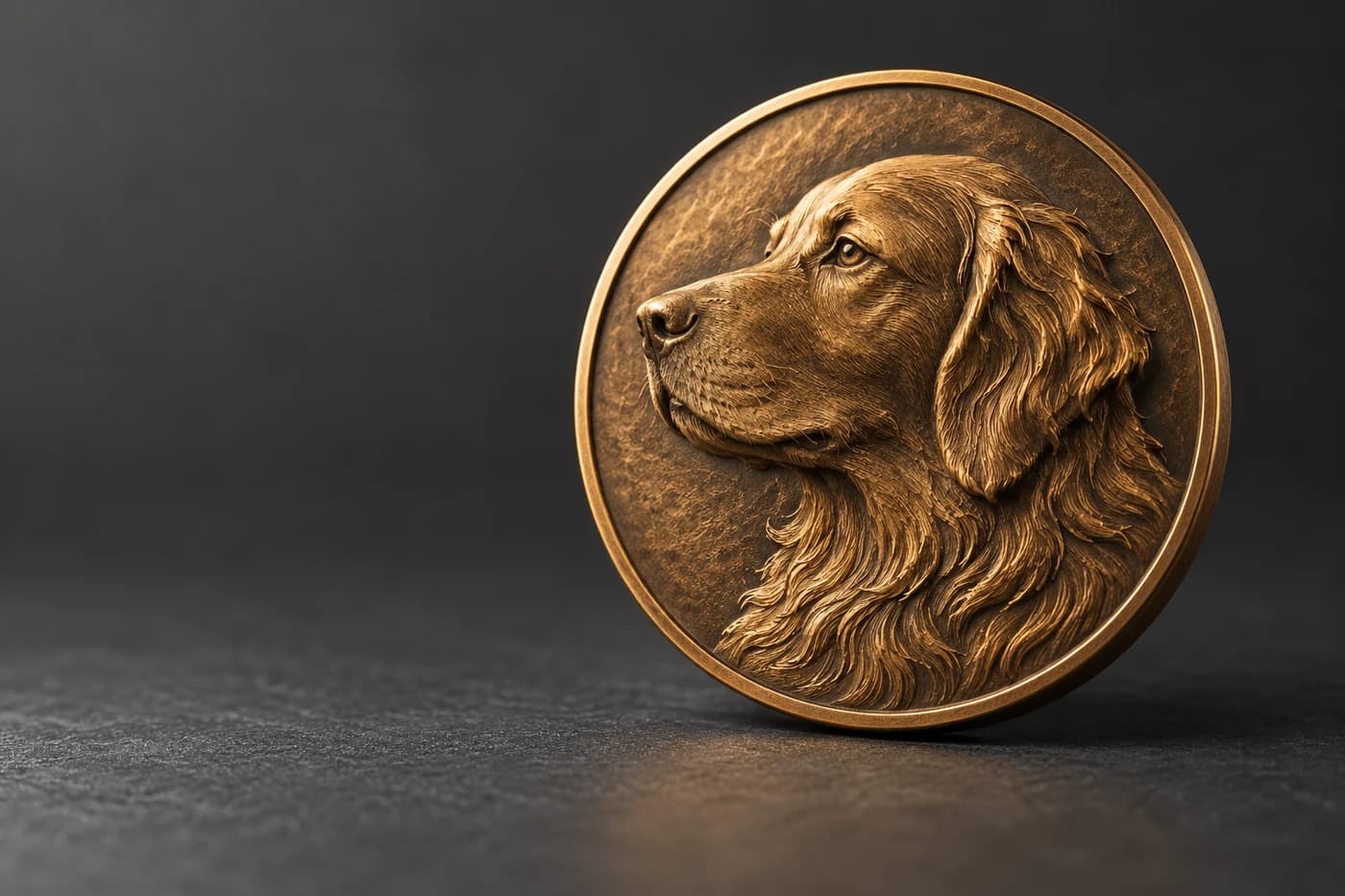
The photometric relief engine rebuilds height from shading, where generic AI sees a flat disc.
How the relief engine works
Pay once. Stop renting your depth maps.
Cloud depth tools cost about $15 to $30 a month past the free tier. DepthGen Pro is $49.99, one time, with every update included.
- Lifetime licence. No renewal date, no credits, no tier that locks features later.
- Commercial use included. Sell every engraving, carving and print you make.
Your client's photo never leaves the machine.
Memorial portraits, commissioned pieces, unreleased designs. Cloud tools need them on someone else's server first. DepthGen Pro, VoxelPrime and the free tools process everything on your own computer. Depthue Studio works locally too, and uploads only when you run a cloud job or share a proof.
Offline by design
DepthGen Pro needs the internet once, to activate. Then never again.
No upload in the browser
The free tools run the AI model and file conversion on your device.
Your files stay yours
The desktop apps and free tools need no account and add no watermarks or usage caps.
Free tools
Free tools that run in your browser.
No signup, no email wall, no upload. Bookmark the ones you use at the bench.
- Open tool
Depth Map Generator
Drop in a photo. Get a depth map for LightBurn, Aspire or your slicer. The AI runs on your own device, so nothing is uploaded.
- Open tool
Lithophane & Relief Maker
Photo or depth map in, watertight STL out. Lithophane or relief, sized in millimetres, ready for your slicer.
- Open tool
3D Map Generator
Search a place, set the area and the width, download a watertight terrain STL or a 16-bit height map. Elevation comes from open data tiles.
- Open tool
Filament Painting Planner
Choose your filaments, see how the stack will look, and get the exact Z height for every color change.
- Open tool
3D Print Cost Calculator
Drop a model or type your slicer's numbers. Get the true cost of the print and a price that leaves a profit.
- Open tool
STL Viewer
Open STL, OBJ, 3MF, PLY or GLB. Check size, triangles and volume before you slice.
- Open tool
G-code Viewer
Drop a .gcode file. Scrub through the layers, play the toolpath and check time and filament before you print or cut.
- Open tool
STL Repair
Drop an STL. See what is broken, fix it in one click and download a watertight file.
- Open tool
QR Code for Laser Engraving
Paste a link or Wi-Fi details. Get a vector QR code sized in millimetres that your laser engraves cleanly and phones scan.
- Open tool
Kerf Calculator
Measure one test cut, get the offset LightBurn needs, then size joints that press-fit.
- Open tool
Laser & CNC Settings
Pick your machine and material. Get a starting point and a test grid to dial it in.
- Open tool
AI Prompt Builder
Describe what you want to make. Get a prompt that produces artwork your machine can actually use.
- Open tool
SVG to STL Converter
Drop an SVG, a PNG logo or type some text. Get a watertight STL at exactly the height you want.
- Open tool
STL to SVG Converter
Drop an STL. Get its outline or a cross-section as a clean SVG at real size, ready for LightBurn.
- Open tool
SVG to DXF Converter
Drop an SVG and get a clean DXF at the right size. Your laser or CAM software opens it without surprises.
- Open tool
3MF to STL Converter
Drop a .3mf, get a clean binary STL. Multi-object projects and build transforms are handled, and nothing is uploaded.
- Open tool
STL File Converter
One converter for the common 3D formats. Drop a file, pick the output, download.
Switching tools?
Side-by-side comparisons with the tools people usually try first, including where they beat us.
Latest guides
All articles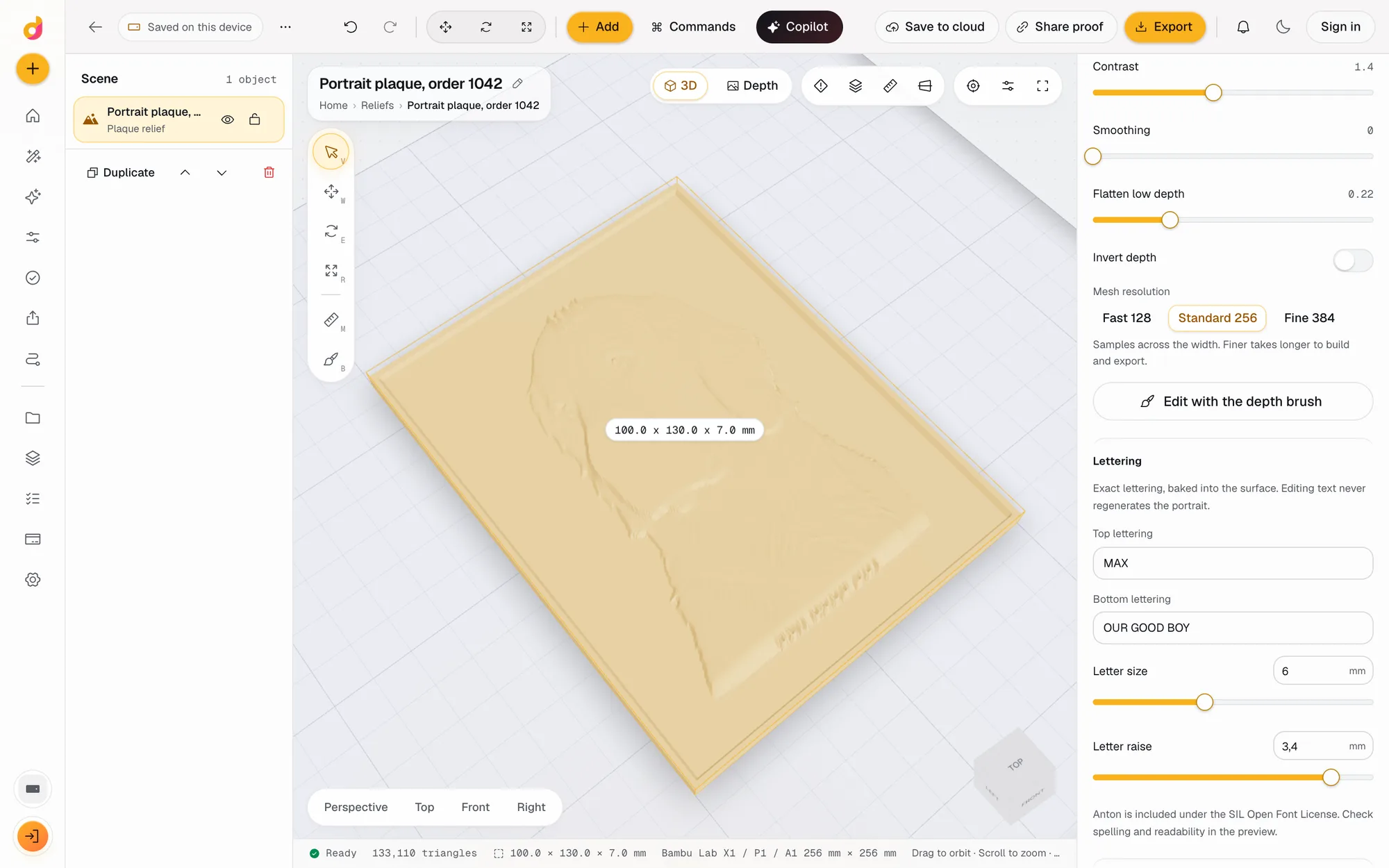
3D printing
How to Turn a Photo Into a Bas Relief STL for 3D Printing
Turn a photo into a bas relief STL you can 3D print: make a depth map, build the relief with a base and rim in mm, and print it. Three free routes compared.
November 5, 2026 3 min read
3D printing
How to Make an STL File: 6 Ways, From Scratch or From What You Have
How to make an STL file for 3D printing for free: model it, build it from settings, turn a photo, logo or text into one, convert a CAD file, or use AI.
November 4, 2026 4 min read
3D printing
Meshy vs Tripo for 3D Printing: Price, Credits, Exports and Rights
Meshy vs Tripo compared for 3D printing from their own pages: free credits, paid plans, STL and 3MF export, print tools and who owns free-plan models.
November 4, 2026 2 min read
Questions, answered straight.
What is Depthue?
Depthue makes software for turning images into physical relief. DepthGen Pro is an offline AI depth map generator for laser engraving, CNC carving and 3D printing on Windows and macOS. VoxelPrime turns images into HueForge-style color prints. Depthue Studio is a browser workspace for custom relief coins and plaques with customer proofs. The free browser tools cover depth maps, lithophanes, STL viewing, 3MF conversion and laser setup.
Is there a free depth map generator?
Yes. The Depthue depth map generator runs the Depth Anything V2 model in your browser for free, with no signup and no upload, and exports PNG and STL. DepthGen Free Edition is also a free offline download for Windows.
Do the free tools upload my images?
No. Every Depthue tool processes files on your own device. The AI model downloads to your browser once and runs locally, so photos, STL and 3MF files never reach a server.
Is DepthGen Pro a subscription?
No. DepthGen Pro is a single payment with a lifetime licence and free updates. The Windows and macOS editions are sold separately, each with its own licence.
Does Depthue sell a subscription?
No. Depthue Studio, the browser 3D workspace, starts free with 50 credits a month for cloud AI and no card. DepthGen Pro and VoxelPrime are one-time purchases.
Which file should I export for LightBurn?
An 8-bit grayscale PNG covers LightBurn 3D Sliced jobs up to 256 passes. Use a true 16-bit PNG only when the job runs more than 256 passes on LightBurn 2.1 or newer.
What is the difference between DepthGen Pro and VoxelPrime?
DepthGen Pro makes depth maps and relief meshes for lasers, CNC routers and single-color prints. VoxelPrime plans multicolor filament prints, HueForge style, with color swap heights for any FDM printer.
Make your first depth map in under a minute.
Drop a photo into the free generator. If it earns its place on your bench, DepthGen Pro takes it the rest of the way.