
Depthue Studio
AI CAD for 3D printing: a copilot that builds and edits the model
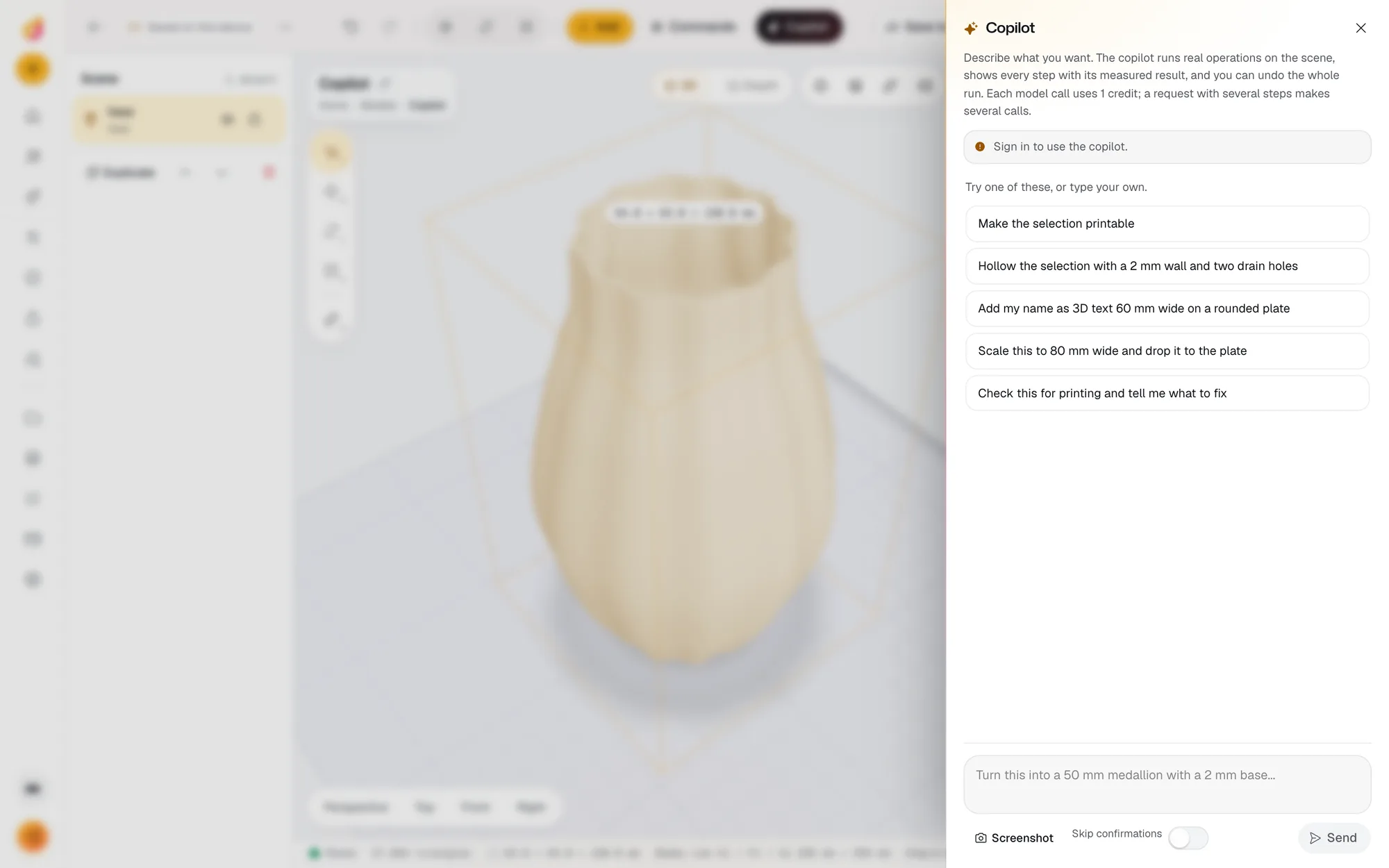
The Depthue Studio copilot is AI CAD for 3D printing: you describe the result, such as a 50 mm medallion with a 2 mm base and a name on it, and it runs the same operations you could click, reports the measured sizes and checks, and lets you undo the whole run in one click. It asks before deleting anything or exporting files.
Free in your browser, no card. Files stay on your device until you save to the cloud.
The short answer
- It works through Studio's own tools: add shapes and text, scale to exact mm, cut, hollow, emboss, write scripted parts, check printability, estimate the print and export.
- Every step shows its measured result, deleting and exporting ask first, and Undo reverses the whole run.
- Each model call costs 1 credit; the free plan includes 50 credits a month, and editing by hand never costs credits.
- What it can do
- Add shapes, text, terrain and ready-made parts; move, rotate and scale to exact mm; drop to the plate; add, change or switch off operations; shape reliefs and lettering; write scripted parts; remove backgrounds; check, estimate and export
- Safety
- Deleting objects and exporting files ask for your confirmation unless you turn on Skip confirmations; Undo reverses the whole run
- Context
- Reads the scene with every object's size, position, operations and checks; can attach a screenshot of the viewport
- Price
- 1 credit per model call on the current model; a request with several steps makes several calls
- Limits
- 120 calls a day per account on top of credits
- Account
- Free account required; 50 credits a month on the free plan
How to use the AI copilot
- 1
Open it
Copilot in the top bar, or Cmd J. Sign in with a free account to use it.
- 2
Describe the result
Say what you want in plain words and sizes, for example: hollow this with a 2 mm wall and two drain holes.
- 3
Watch the steps
Each step runs a real operation and reports what it measured: sizes in mm, whether the part is closed, what the checks found.
- 4
Keep or undo
Keep the result and carry on by hand, or undo the whole run in one click.
Words in, operations out
Most AI 3D tools generate a new mesh from a prompt. That is useful for a figurine and frustrating for a part that must be 50 mm wide with a 6 mm hole 8 mm from the edge. The Studio copilot works the other way: it reads your scene, decides which of the editor's own tools to run, runs them, and reads the measurements back. The result is the same as if you had clicked through it yourself, including every operation in the stack.
Requests to try
These come from the copilot panel itself:
- "Make the selection printable."
- "Scale this to 80 mm wide and drop it to the plate."
- "Hollow the selection with a 2 mm wall and two drain holes."
- "Add my name as 3D text 60 mm wide on a rounded plate."
- "Turn this into a 50 mm medallion with a 2 mm base."
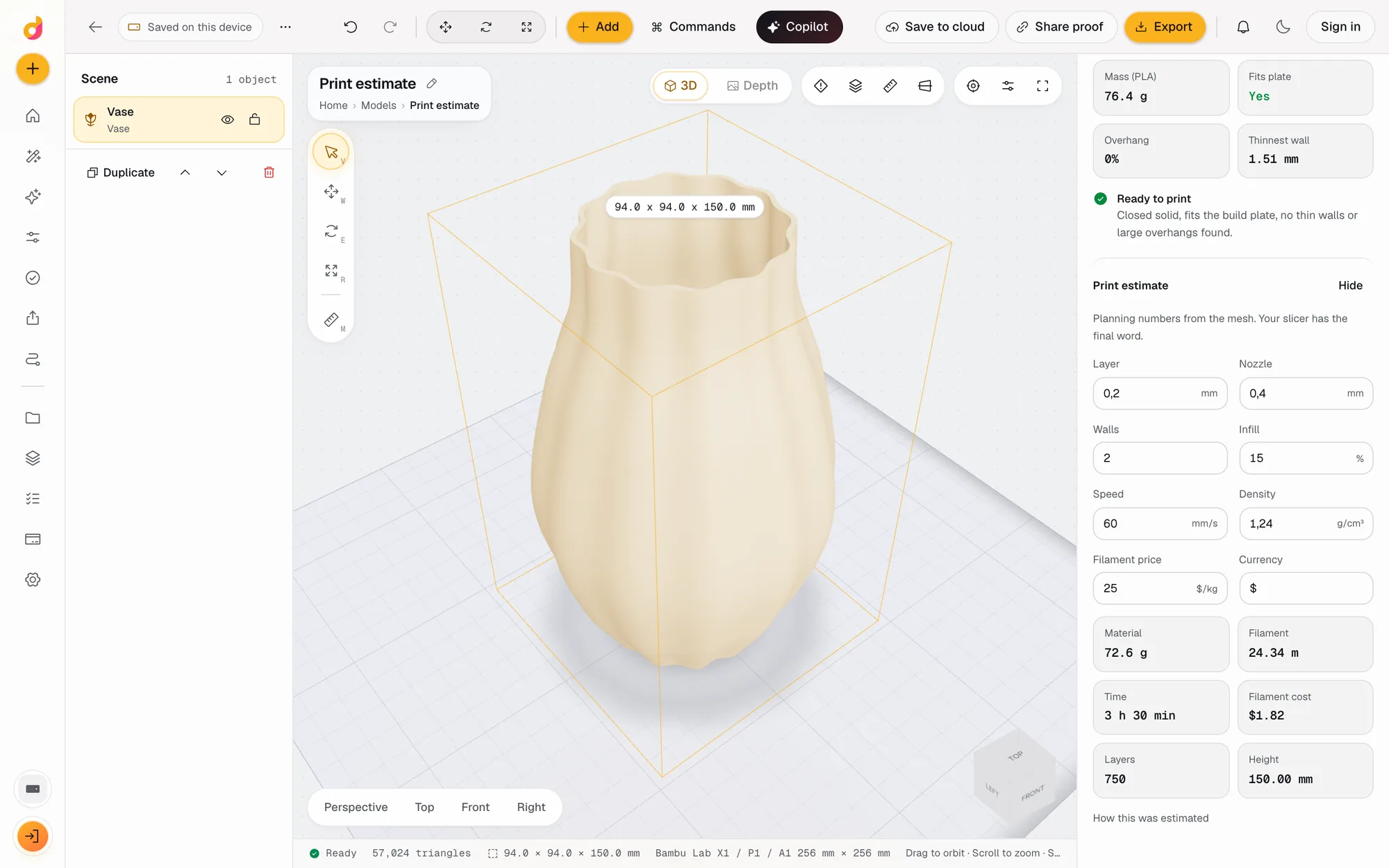
- "Check this for printing and tell me what to fix."
Precise sizes give precise parts. When a request is ambiguous about which object you mean, the copilot asks a short question instead of guessing.
You stay in control
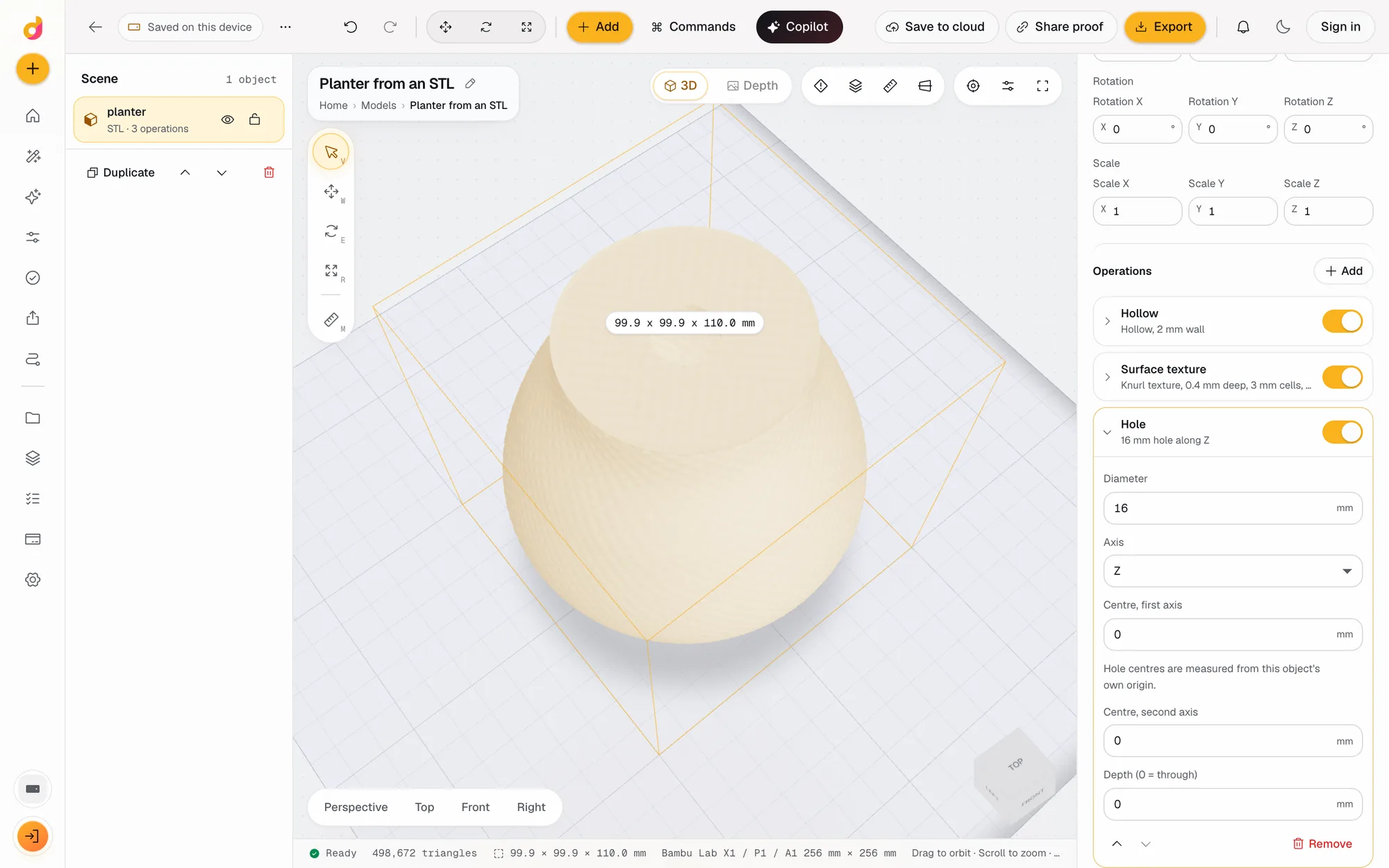
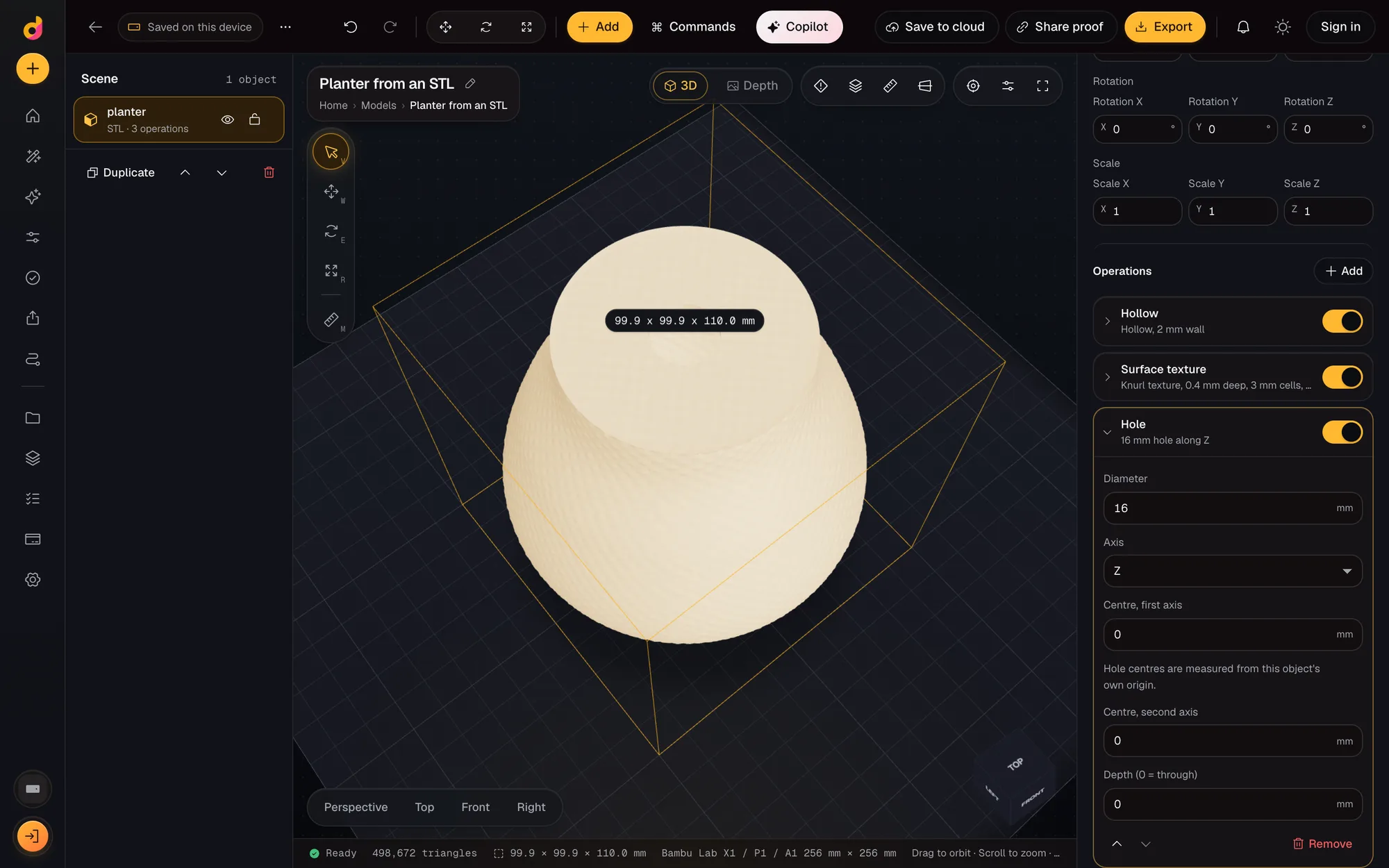
Every step appears in the panel with what it measured: sizes in millimetres, whether the solid is closed, what the checks found. Deleting objects and exporting files wait for your yes. If the run went the wrong way, one Undo reverses all of it. Because the work lands in the normal operation stack, you can also open any step and change its numbers by hand.
What it costs
Each model call uses 1 credit, and a request with several steps makes several calls. The free plan includes 50 credits a month with no card, and there is a cap of 120 calls a day. Clicking the same operations yourself is always free. For parts you describe often, a scripted part or a parametric part turns the request into settings you can reuse without any credits.
Questions
What is AI CAD?
Software where you describe a part in words and an AI builds or changes the model. Some tools generate a new mesh; the Depthue Studio copilot instead drives a real geometry editor, so the result has exact sizes and every step stays editable.
Can AI edit an existing STL?
Yes, through the editor. Import the STL and ask for the change, such as scale it to 80 mm wide, cut a flat base and add a 6 mm hole. The copilot runs those operations on your mesh and reports the new size and checks.
Is it text to CAD?
It turns text into CAD steps on a mesh scene: primitives, booleans, cuts, holes, text, scripted parts and parametric parts like gears and boxes. It exports STL, 3MF, OBJ, GLB and PLY. It does not produce STEP files or parametric feature trees.
How much does it cost?
Each model call uses 1 credit, and a request with several steps makes several calls. The free plan includes 50 credits a month; paid plans start at 1,200 credits for $5 a month.
Can it delete my work?
Not without asking. Deleting objects and exporting files need your confirmation unless you switch on Skip confirmations, and Undo reverses everything a run did.
Do I need an account?
Yes, a free one, because the copilot runs on Depthue's servers. Everything else in the editor, including local depth, editing, checks and exports, works without an account.
Also in Depthue Studio
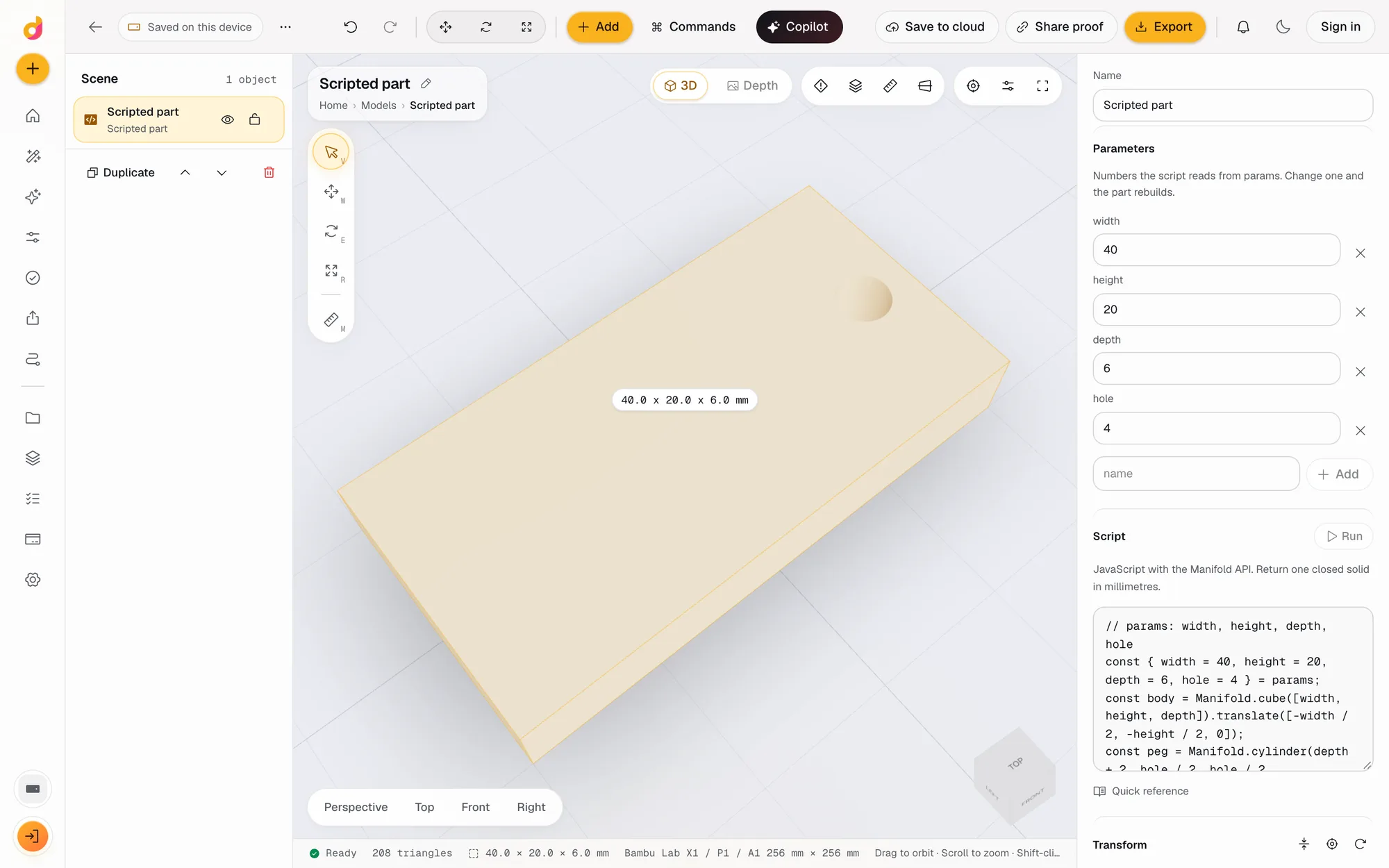 Code CADWrite a few lines of JavaScript and get a closed, printable solid. Named parameters become fields, Cmd Enter rebuilds, and it exports STL or 3MF. Free.See how it works
- STL editorEdit STL files online: scale to exact millimetres, cut, hollow, combine, add text and holes, repair and simplify, then export STL or 3MF. Free, in your browser.See how it works
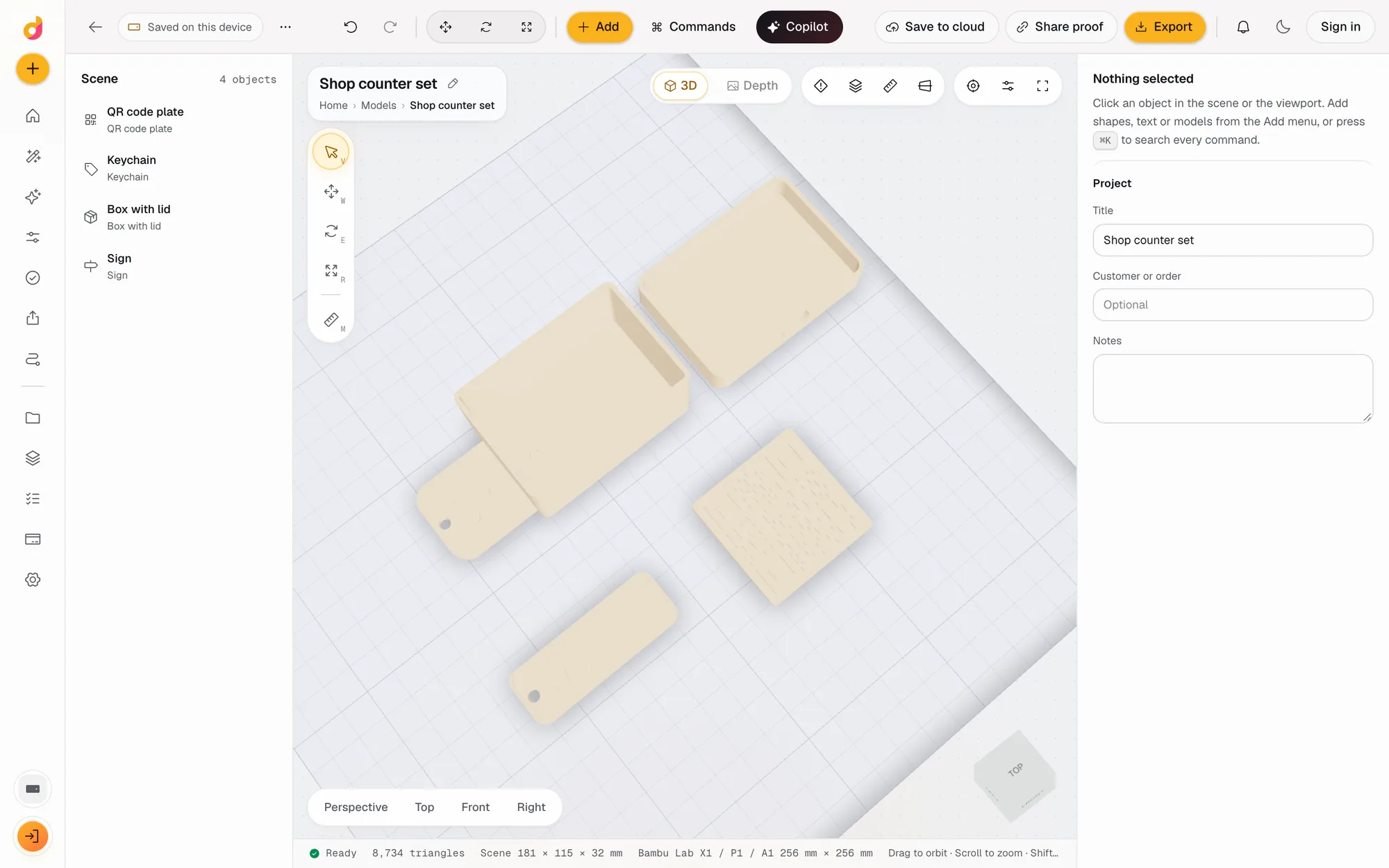 Parametric model makerMake printable keychains, name signs, boxes with lids, vases, QR plates and gears from a few settings in mm, then edit and export STL or 3MF. Free.See how it works
Read next
3D printing
How to Edit an STL File: The Right Free Tool for Each Change
How to edit an STL file for free: scale, cut, add text, combine parts or cut holes in your slicer, Tinkercad, Blender, Fusion or FreeCAD, matched to the job.
November 2, 2026 11 min read
Laser and CNC
Best AI Tools for Laser Engraving in 2026, by Job
The best AI tools for laser engraving and cutting, grouped by job: artwork, text, vectors, photo prep, depth maps and all-in-one apps, with their limits.
October 2, 2026 4 min read
Try the copilot.
It runs in your browser and the free plan needs no card. Paid plans from $5 a month add credits, storage and projects.