Best AI Tools for Laser Engraving in 2026, by Job
The best AI tools for laser engraving and cutting, grouped by job: artwork, text, vectors, photo prep, depth maps and all-in-one apps, with their limits.
By Depthue Lab3 min read
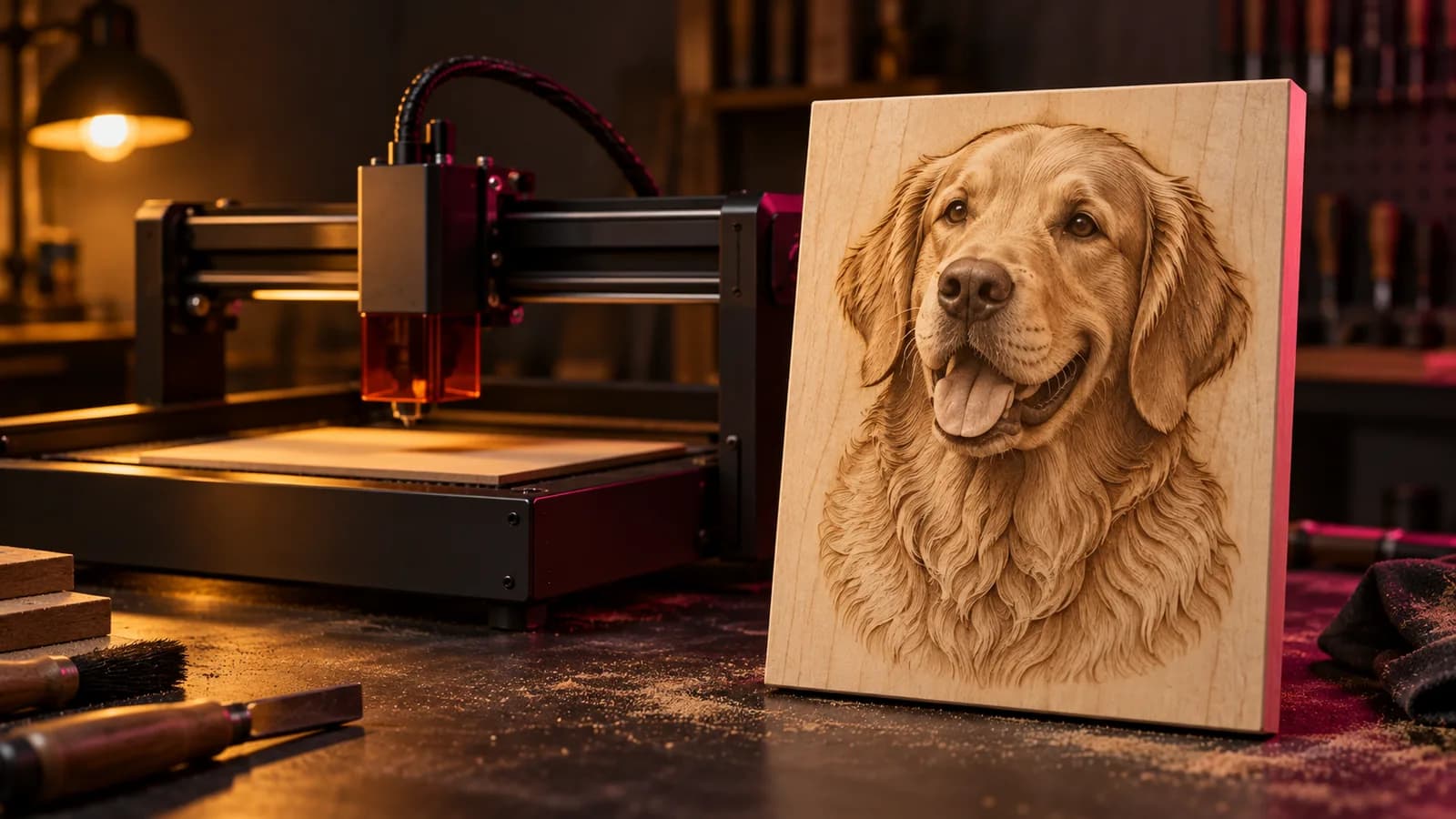
A laser job has stages: an idea becomes artwork, artwork becomes a file the machine understands, and the file gets tuned for a material. AI now helps at every stage, but no tool does all of them well. The fastest workflow is a small stack: one tool to create, one to convert or prepare, and your laser software to finish.
Disclosure: Depthue makes DepthGen Pro, listed under depth maps. Other tools are described from their own documentation.
Stage 1: create the artwork
ChatGPT images: best for iterating in plain English
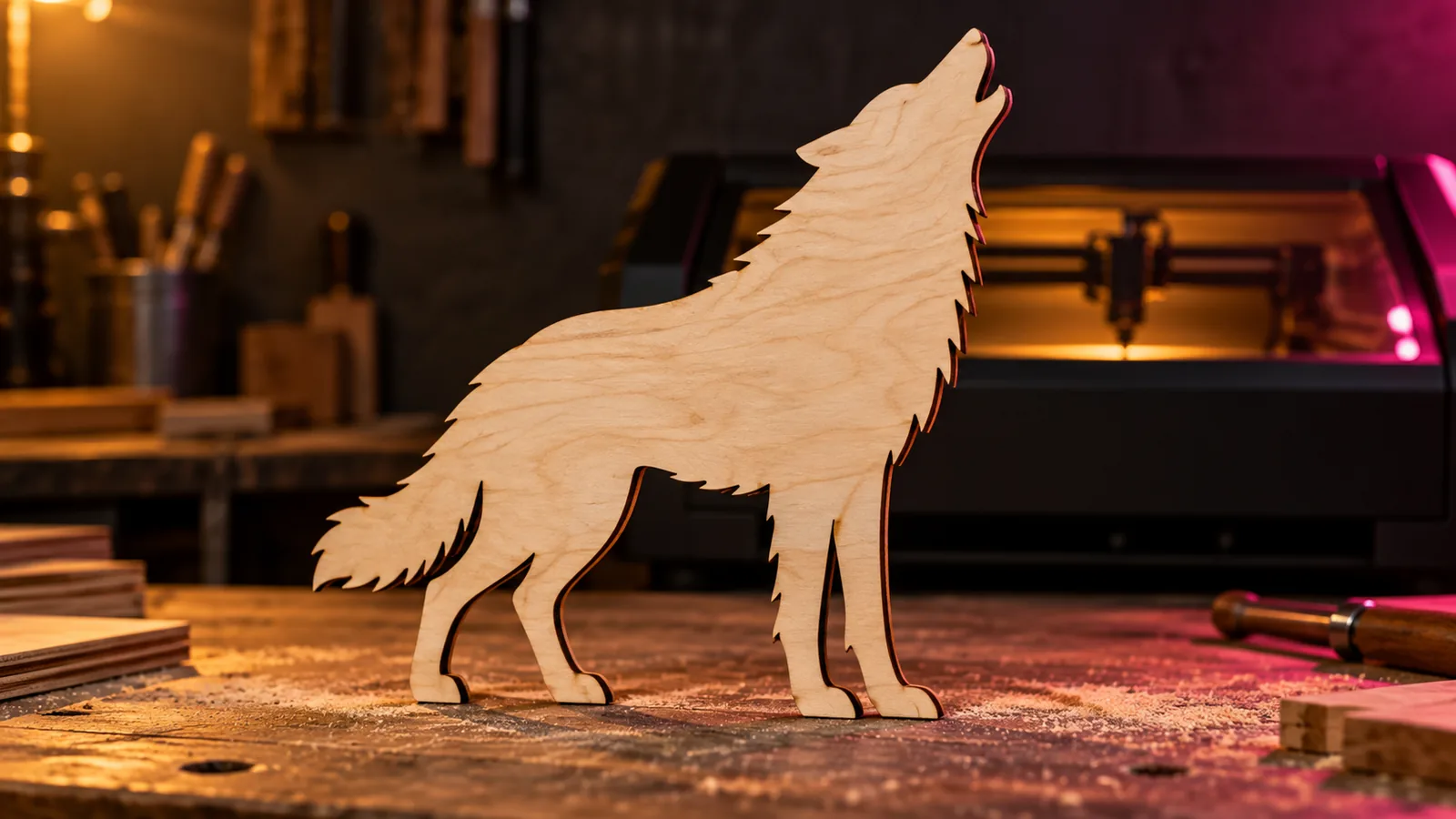
ChatGPT is strongest when you revise. Ask for thicker outlines, fewer details, a plain white background or a centered layout, and it keeps the same design while changing what you asked. Describe the production constraint, not just the style: "single-color line art, closed shapes, no shading, isolated on white" gets you closer to a cut file than "make it laser ready".
Midjourney: best for striking stylized art
Woodcut scenes, tattoo-style animals, ornamental borders and vintage labels are Midjourney's strength. That richness can backfire on small pieces, where fine texture merges into a dark patch. Ask for bold value separation and simple negative space, and generate at the size you will engrave.
Ideogram: best for designs with words
Name signs, wedding plaques, shop logos and quotes need readable lettering. Ideogram handles text better than most image models, but check every letter, and rebuild text you will sell with a real font in your vector editor.
Adobe Firefly: best if you live in Photoshop and Illustrator
Firefly fits a workflow that already ends in Adobe apps. Generate, clean up and rebuild vectors without leaving the tools you know.
Our free AI prompt builder writes prompts for all four, tuned for cutting, line engraving, photo engraving, relief and lithophanes.
Stage 2: convert artwork into cut paths
Vectorizer.AI: best raster to vector
Vectorizer.AI traces pixels into clean vector shapes, which is what a laser needs for cutting and line engraving. It works best on artwork that already has clear edges. A noisy photo turns into thousands of tiny shapes.
After tracing, check four things in your design software: every contour is closed, no lines are duplicated (they burn twice), no feature is thinner than your kerf, and parts you want to keep are connected.
LaserBurn AI: best all-in-one route to SVG and DXF
LaserBurn AI is built around laser deliverables. It takes a prompt, photo or sketch and produces cut paths and engraving layers as SVG, DXF or PNG for LightBurn and similar software. It suits beginners who do not want to move between a generator and a tracer.
xTool AImake: best inside the xTool ecosystem
AImake is xTool's crafting AI agent, integrated into xTool Studio. You generate and edit designs conversationally and send them straight to an xTool machine. It uses credits. Read our xTool AImake review for details.
Stage 3: prepare photos for engraving
ImagR: best photo preparation
A photo engraving lives or dies on contrast, background and dithering. ImagR prepares photos for specific materials with contrast tools, background removal, upscaling and several dithering algorithms, and can export straight to a LightBurn project. Some of it is AI and some is classic image processing, which is the right mix.
Stage 4: make 3D relief
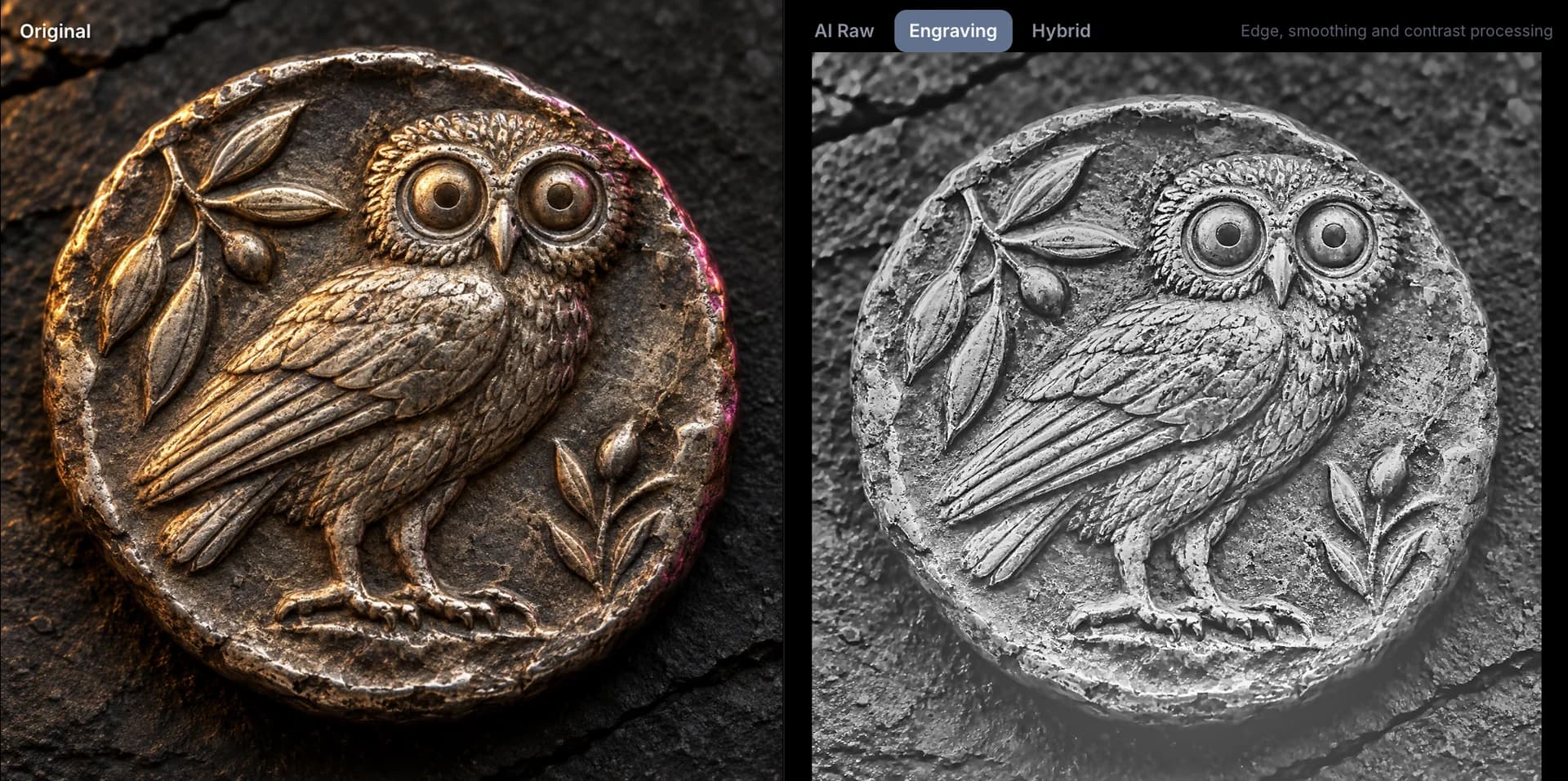
Relief engraving, coin designs and CNC carving need a depth map, where brightness means height. A grayscale photo is not one: a dark shirt in front of a light wall would be carved as a hole.
DepthGen Pro: best offline depth maps and reliefs
DepthGen Pro runs three depth models on your own computer, has a Coin / Relief mode for medals and coins, a height brush for fixes, and exports 16-bit PNG, EXR, STL and OBJ. One payment, Windows and Mac.
SculptOK: best quick cloud relief
SculptOK generates depth maps and reliefs from an upload, on credits. It is convenient for occasional work if you are fine uploading the image.
To try AI depth for free, the Depthue depth map generator runs in your browser and never uploads the photo.
Stacks that work
| Job | Create | Convert or prepare | Finish |
|---|---|---|---|
| Cut ornament or sign | ChatGPT, Midjourney or Ideogram | Vectorizer.AI or LaserBurn AI | LightBurn, kerf offset |
| Pet or portrait on wood | Customer photo | ImagR | LightBurn dithering |
| Coin or medal relief (galvo) | Photo or render | DepthGen Pro, Coin / Relief | LightBurn 3D Sliced |
| CNC relief panel | Any image | Depth map generator | Aspire or Carbide Create |
Three things AI will not do for you
- Measure your kerf. Tight joints need a real test cut. Use the kerf calculator.
- Know your material. Plywood batches, coatings and moisture change everything. Start from known settings and run a test grid.
- Check rights. Characters, logos and real people in AI images are not automatically yours to sell.
Free tools for this job
Frequently asked questions
What is the best AI for laser engraving?
It depends on the file you need. ChatGPT or Midjourney for artwork, Ideogram for designs with lettering, Vectorizer.AI for turning raster art into cut paths, ImagR for photo preparation, and DepthGen Pro or SculptOK for 3D relief depth maps.
Can AI make laser-ready SVG files?
Image models output pixels, not paths. Tools such as Vectorizer.AI, LaserBurn AI and xTool AImake convert or generate vector artwork, but you should still check for closed contours, duplicate lines and details thinner than your kerf.
Do I still need LightBurn if I use AI?
Yes. AI tools create or prepare the file. LightBurn, xTool Studio or your machine software handles layout, layers, power, speed and running the job.
Is it legal to sell laser engravings made with AI art?
It depends on each tool's terms and on what the image depicts. Most paid plans allow commercial use of outputs, but trademarks, characters and real people are still off limits. Read the tool's terms before selling.