AI Prompts for Laser Engraving, Cutting and CNC That Actually Work
AI prompt formulas for laser engraving and CNC: cut silhouettes, line art, photo engravings, depth map reliefs and lithophanes, for Midjourney and ChatGPT.
By Depthue Lab2 min read
On this page (4 sections)
Ask an image model for "a wolf, laser engraving" and you get a beautiful picture with soft shadows, a glowing moon and fur that fades into the background. On screen it is great. On a laser it is a mess: gradients become speckles, thin strands burn away, and floating pieces fall out of the cut.
The fix is to prompt for what the machine needs, not for what the picture should look like.
Build a prompt in seconds
The builder below combines your subject with process-specific instructions and formats them for Midjourney, ChatGPT, Ideogram or Stable Diffusion and Flux, including a negative prompt where the model supports one.
What each process needs
Laser cutting: one connected shape
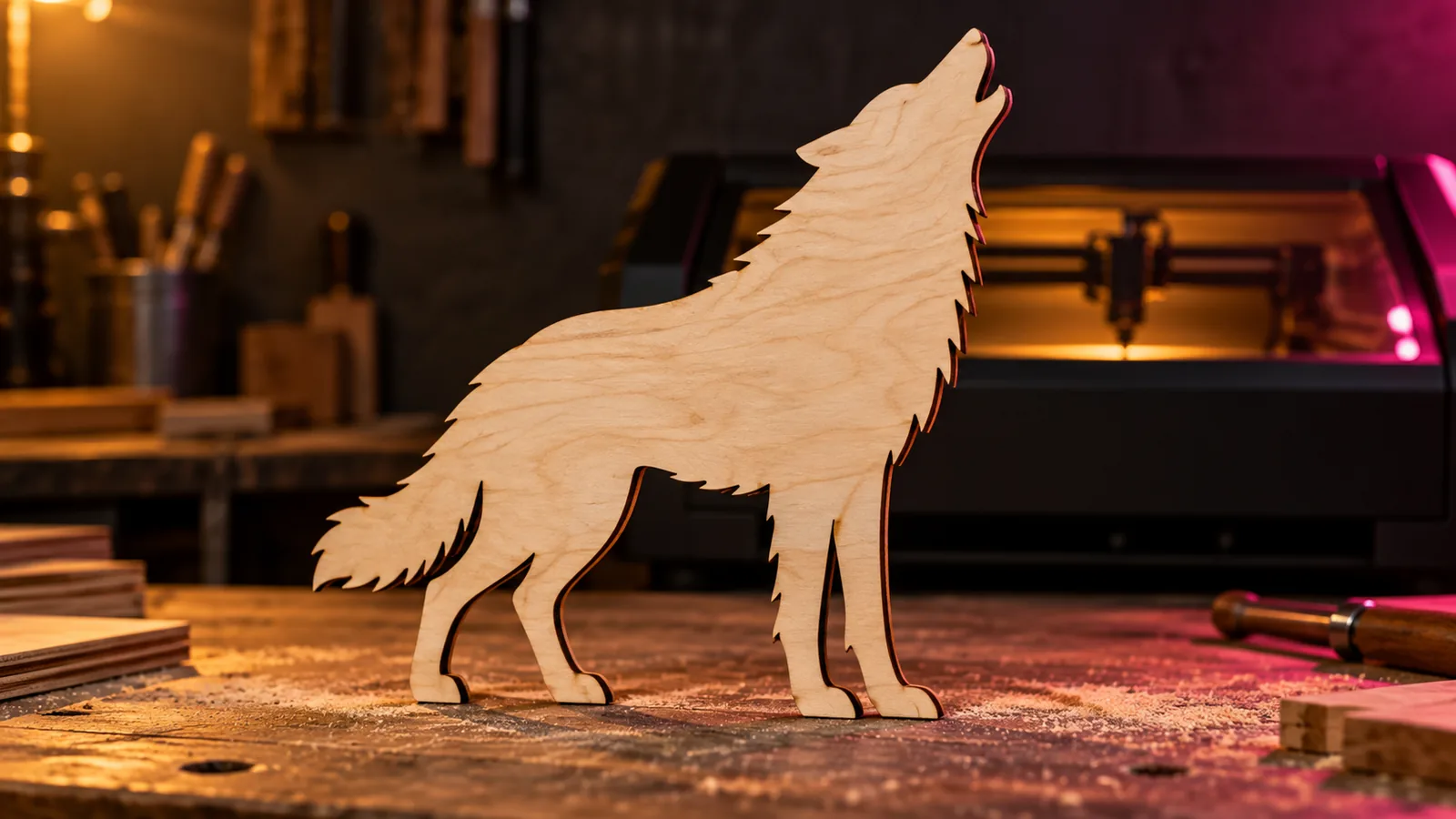
A cut file is a silhouette. Every piece must connect, and no feature can be thinner than a couple of kerf widths.
Solid black silhouette of a howling wolf, single connected shape, thick bridges between parts, flat vector style, pure white background. Avoid: gradients, shading, thin lines, floating islands.
Line engraving: even strokes, no fills
Black and white line art of an oak tree, clean continuous strokes of even weight, high contrast, white background. Avoid: gray tones, gradients, blur.
Photo engraving: tone and separation
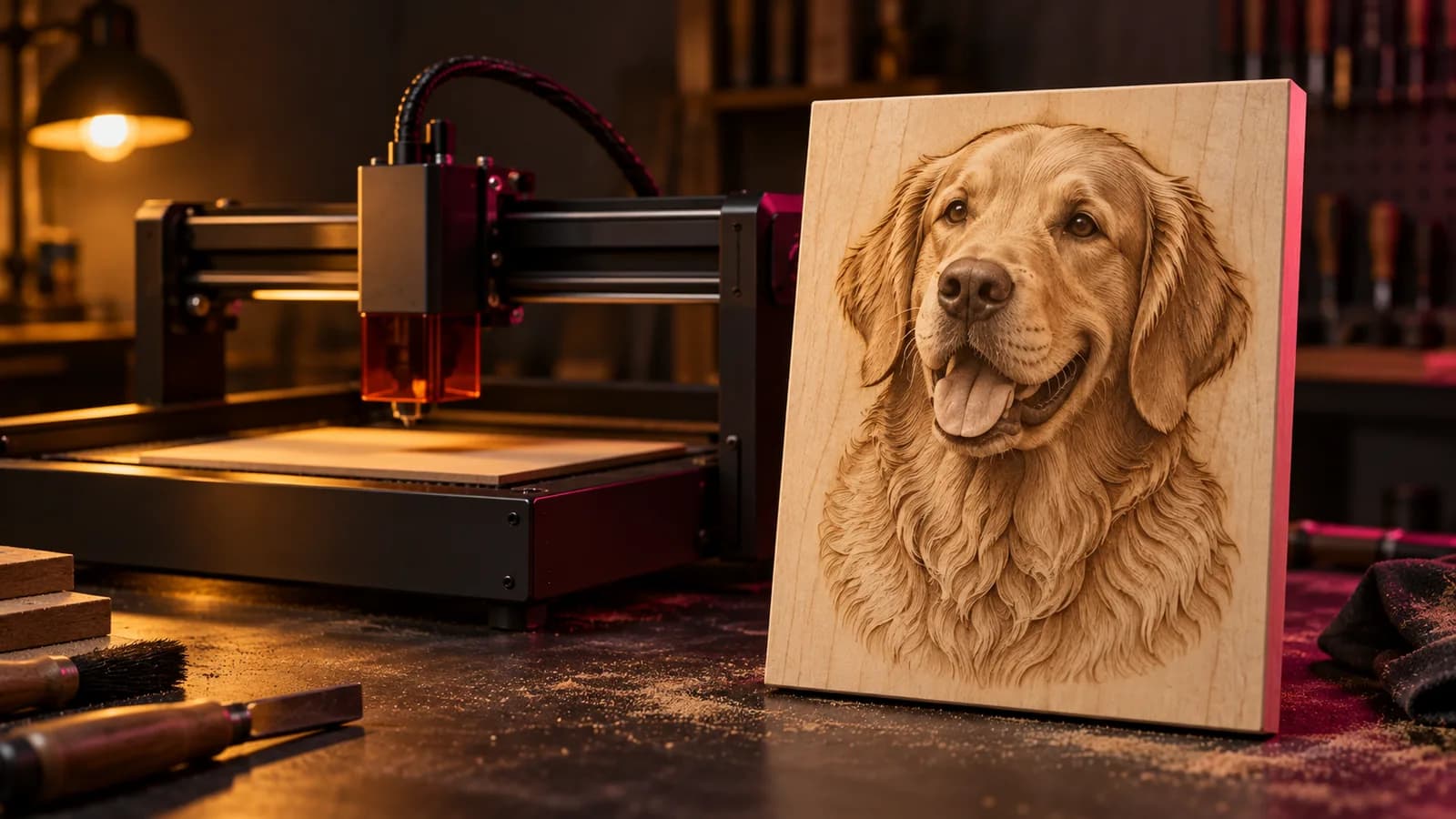
Photo engravings need a full tonal range and a subject separated from the background, because the dithering has to show form.
CNC relief and depth maps: generate the form, not the map
It is tempting to prompt for "a grayscale depth map of a lion". Image models will draw one, but the grays rarely follow real geometry: shadows become holes and highlights become bumps. The reliable route is to prompt for the form, such as "a bas-relief sculpture of a lion in plain white clay, soft frontal light", then turn that image into a real depth map with the depth map generator.
Lithophanes and filament paintings
Lithophanes want strong highlights and shadows with detail in them. Filament paintings want a small palette of flat colors with clear light-to-dark separation, because each color becomes a band of layers.
Model-specific tips
- Midjourney: add
--style rawto cut decorative flourishes,--nofor things to avoid, and--arfor the shape of your blank. - ChatGPT: write it as instructions and say what the image is for. Ask for revisions in follow-ups.
- Ideogram: best when the design includes words. Check spelling letter by letter.
- Stable Diffusion and Flux: put exclusions in the negative prompt.
After the prompt
- Upscale before tracing or engraving, so edges stay smooth.
- Trace to vectors for cutting, then check for islands, open paths and duplicates.
- Size for the material. Details that looked fine at screen size may be thinner than your beam.
- Test on scrap with settings from the settings finder.
For the tools that handle each stage, see the best AI tools for laser engraving.
Free tools for this job
Frequently asked questions
What is the best prompt for laser engraving?
Describe the output the machine needs: black and white line art, clean continuous strokes, high contrast, no gradients, plain white background. Add your subject and style, and for Midjourney use --style raw and --no shading, gradients.
Can Midjourney make laser-cut files?
Midjourney makes images, not vectors. Prompt for a solid silhouette with connected parts, then trace it to SVG with a vectorizer before cutting.
Can AI generate a depth map directly?
Image models can draw something that looks like a depth map, but the grays rarely follow real geometry. A more reliable route is to generate the artwork, or a clay bas-relief render of it, then run it through a depth estimation model.
Which AI is best for text on laser designs?
Ideogram handles lettering better than most. For paid work, rebuild the text in a vector editor with a licensed font.