
Depthue Studio
Bas relief generator: photo to relief STL
Depthue Studio is a bas relief generator that runs in your browser. Drop in a photo and it estimates depth on your device, then builds a relief plaque, coin, medallion or lithophane at the size you type in millimetres. Shape the depth with sliders and brushes, add exact lettering, and export a closed STL, OBJ, a 16-bit PNG or the whole production package.
Free in your browser, no card. Files stay on your device until you save to the cloud.
The short answer
- Depth is estimated in your browser with Depth Anything V2 Small, free and without uploading the photo; a cloud depth job costs 1 credit.
- Formats: coin, medallion, plaque from 15 to 400 mm, flat, curved and tube lithophanes, and filament paintings, each with base, relief height and rim in mm.
- Exports a closed STL, OBJ, a 16-bit PNG and a production ZIP with Float32 depth, the recipe and mesh checks.
- Formats
- Coin, medallion and plaque from 15 to 400 mm; flat, curved and tube lithophanes; filament painting with a swap sheet; blank canvas
- Input
- PNG, JPEG or WebP photo up to 12 MB, or an 8 or 16-bit grayscale depth map
- Depth
- Depth Anything V2 Small in your browser, free; optional cloud depth job, 1 credit
- Background
- Removed on your device: BiRefNet lite for any subject, MODNet for people
- Relief
- Relief height 0.1 to 20 mm, solid base 0.2 to 20 mm, rim width up to 12 mm, rim raise, surface curve
- Detail
- Depth curve, contrast, smoothing, flatten low depth, invert; mesh 128, 256 or 384 samples across
- Brushes
- Raise, lower, smooth and flatten, painted on the depth view
- Lettering
- Top and bottom lines, curved on coins, baked into the surface
- Export
- Watertight STL, OBJ, 16-bit grayscale PNG, Float32 depth, recipe and mesh checks in one ZIP
How to make a bas relief from a photo
- 1
Choose a format
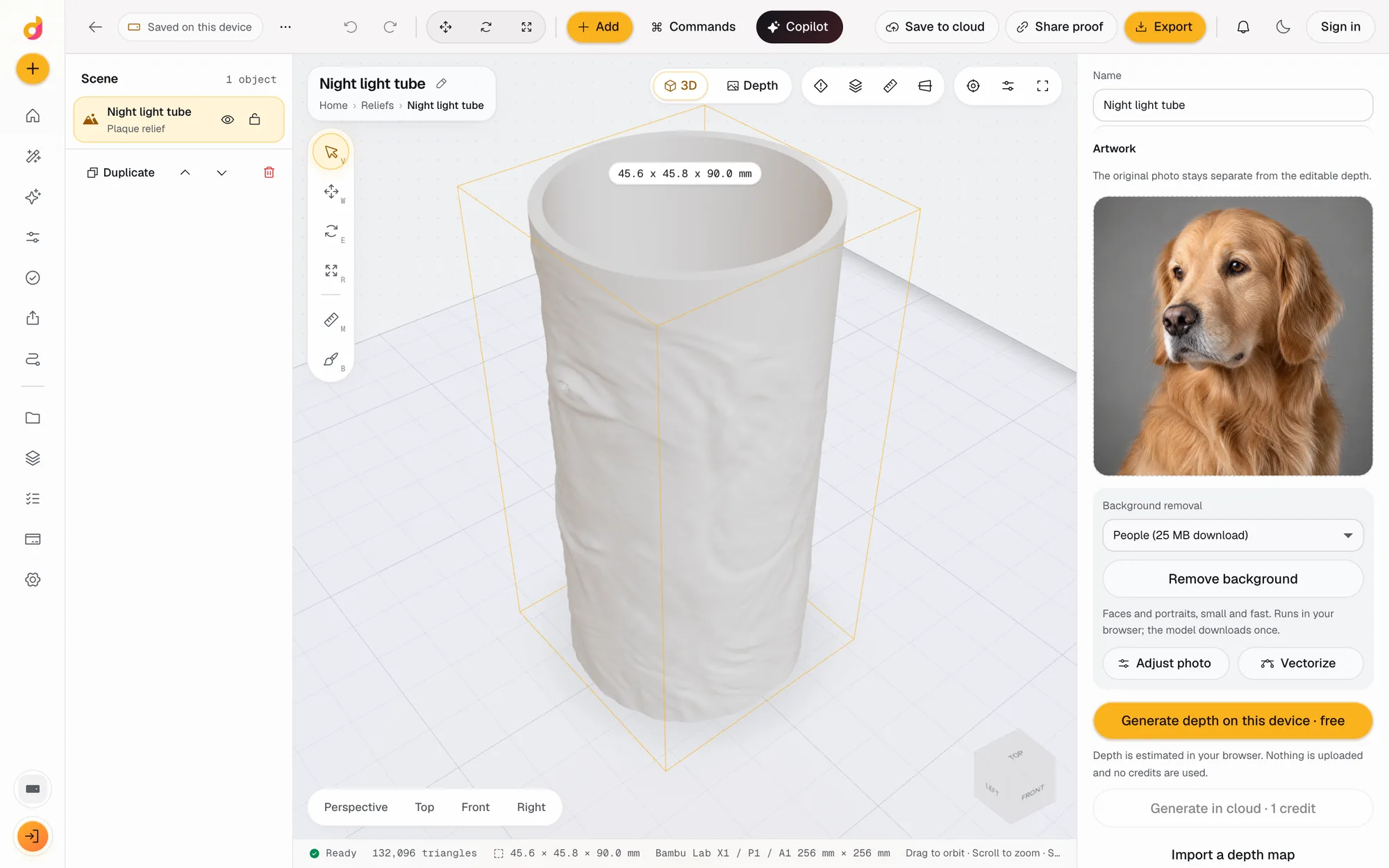
New project, Relief from a photo: heritage coin, pet keepsake medallion, portrait plaque, lithophane, curved lithophane, night light tube, filament painting or a blank canvas.
- 2
Add the photo
Drop a PNG, JPEG or WebP up to 12 MB. Depth is generated on your device. Remove the background first if the subject should stand alone.
- 3
Shape the depth
Set relief height, base and rim in mm, then depth curve, contrast, smoothing and flatten low depth. Paint with the raise, lower, smooth and flatten brushes.
- 4
Letter and export
Add top and bottom lettering, check the mesh, then export STL, OBJ, a 16-bit PNG or the production package.
What makes a good relief
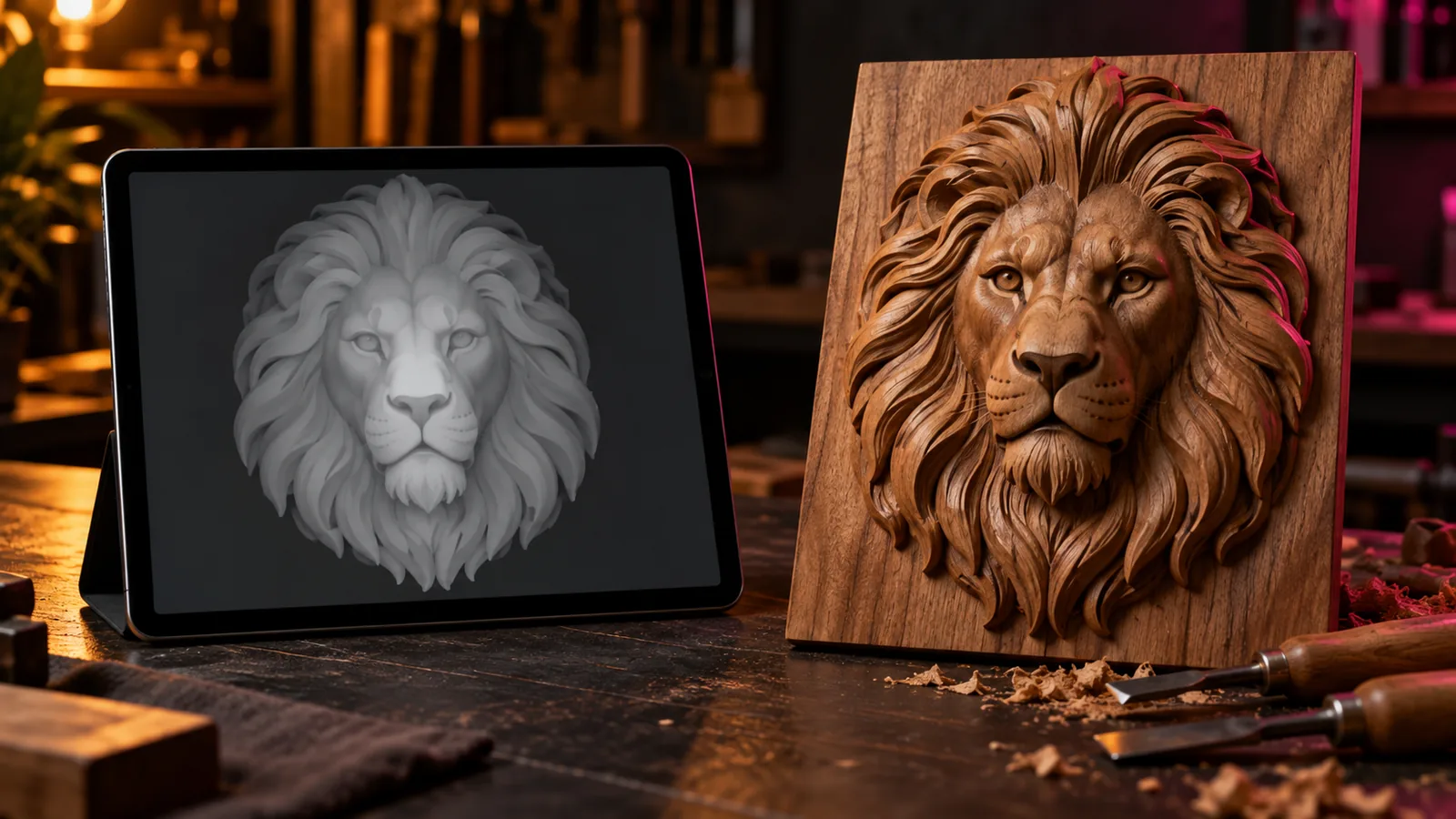
A bas relief is a sculpture raised only slightly from its background, made to be seen from the front. A photo becomes one in two steps: a depth map that says how far each pixel is from the viewer, and a mesh that turns that depth into millimetres of material on a solid base. Studio does both in the browser and keeps them apart, so you can reshape the depth without losing the original photo.
The depth comes from Depth Anything V2 Small, an Apache 2.0 licensed model that runs on your device. It is free and the photo is not uploaded. A depth map from another tool can be imported instead.
Shape the depth, not the photo
AI depth is relative, so every portrait needs some shaping. The controls work on the depth itself:
- Relief height and solid base set the millimetres; the rim frames coins and plaques.
- Depth curve and contrast move detail into the face or out to the edges.
- Flatten low depth pushes the background back, so the subject stands clear.
- Smoothing and the smooth brush remove noise; raise and lower fix a flat nose or a deep eye socket.
Lettering that stays exact
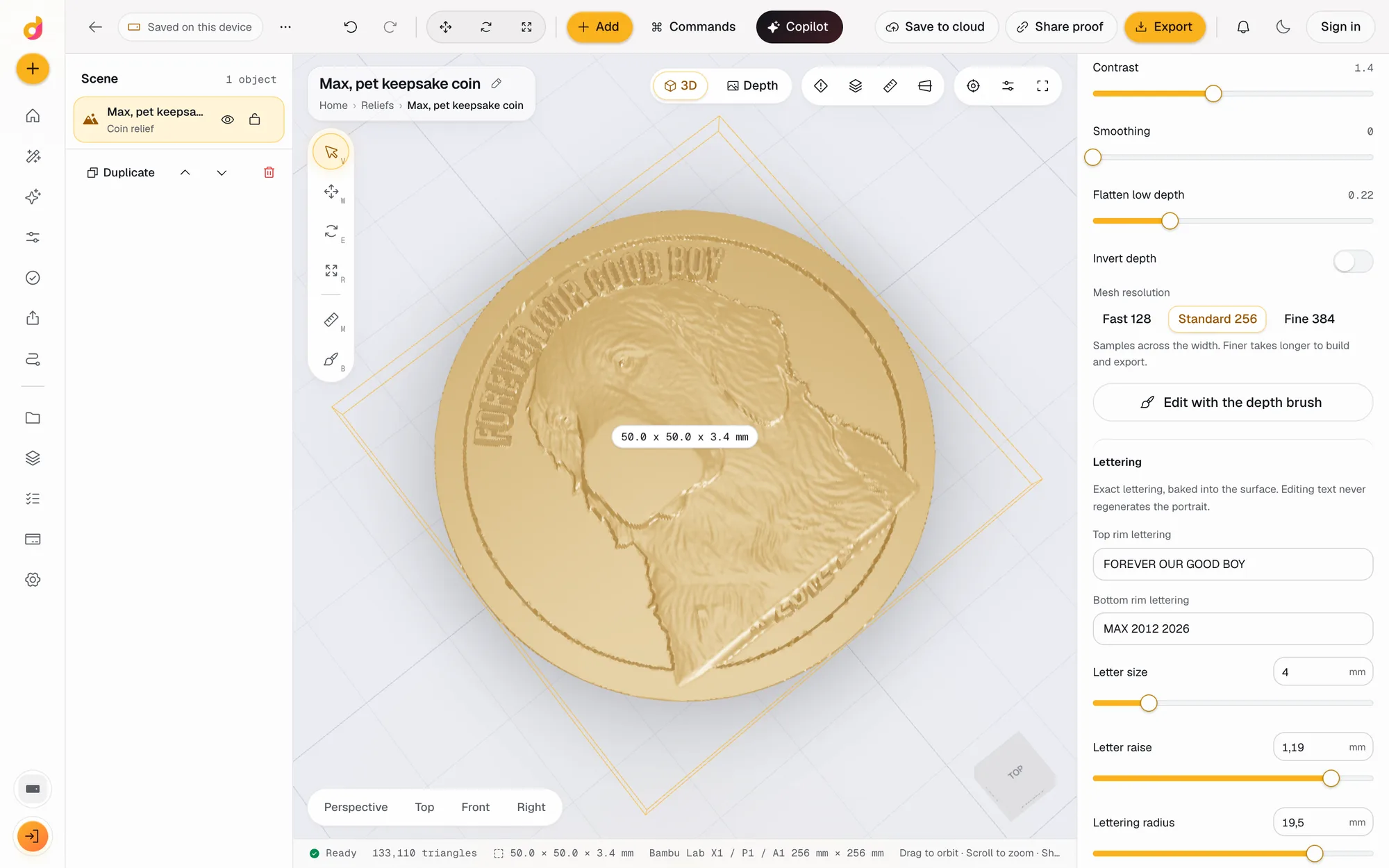
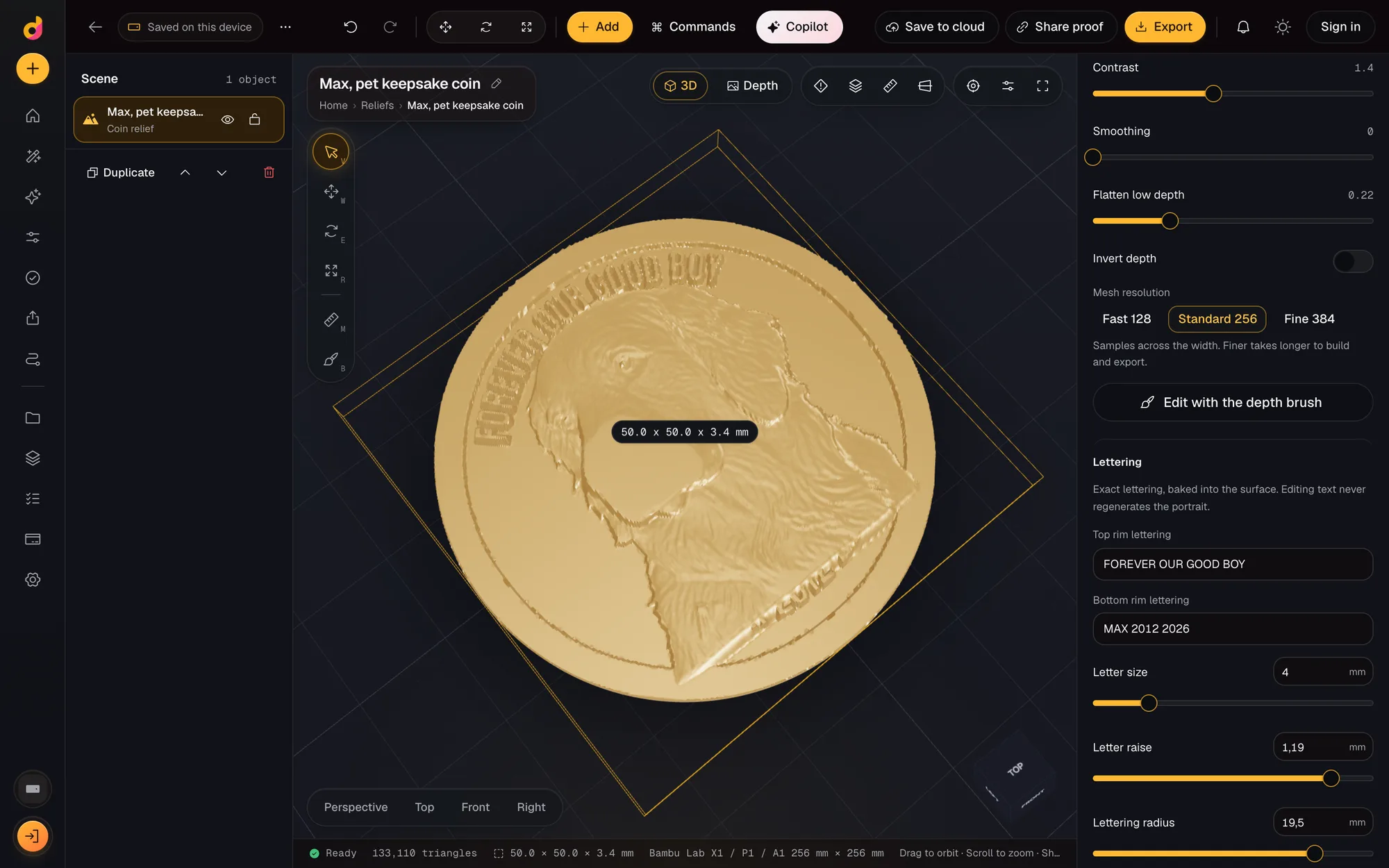
Top and bottom lettering is drawn from a bundled font and baked into the surface, curved around the rim on coins. Unsupported characters and text that does not fit block the export instead of producing a broken part. Changing a date never touches the portrait, which is what makes customer proof approval safe for personalised orders.
Files for any machine
The production package holds a watertight STL, an OBJ, a 16-bit grayscale PNG, the Float32 depth, the recipe and the mesh checks. The STL goes to a slicer or to CAM software such as Vectric Aspire; the PNG goes to LightBurn for laser 3D engraving. The guide to photo to CNC relief plaques covers sizes, depths and borders, and the bas relief software comparison lists the other tools for this job.
Questions
How do I turn a photo into a bas relief?
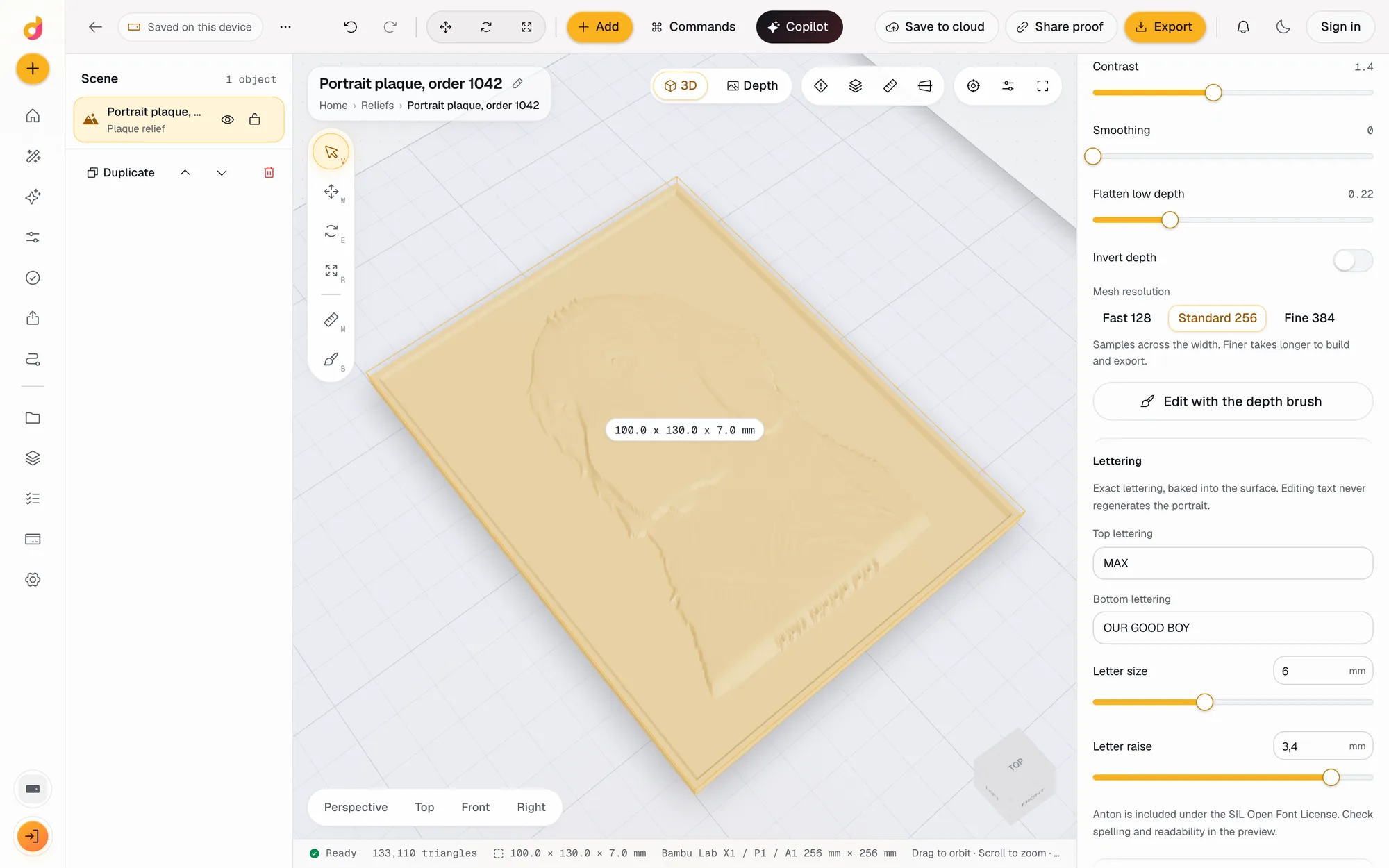
Open Depthue Studio, start a relief project, pick a plaque or coin format and drop in the photo. Depth is estimated on your device and the relief is built at the size you set in mm. Adjust depth, add lettering and export an STL for printing or CAM.
Is the photo uploaded?
Not for the default path. Depth and background removal run in your browser. The photo leaves your device only if you run a cloud depth job, save the project to the cloud or share a customer proof.
What relief height should I use?
It depends on the size and the process. The portrait plaque preset starts at 4 mm of relief on a 3 mm base for 100 x 130 mm; the 50 mm coin starts at 1.4 mm on a 2 mm base. Raise it until the subject reads at arm's length.
Can I use my own depth map?
Yes. Choose Depth map instead of photo and drop an 8 or 16-bit grayscale PNG. 16-bit files keep their precision, so a depth map from DepthGen Pro or the free depth map generator comes through exactly.
Does it work for CNC and laser, not just 3D printing?
Yes. The STL and OBJ go into CAM software such as Vectric Aspire or Carveco, and the 16-bit PNG suits laser 3D engraving in LightBurn. Studio makes the files; it does not create toolpaths.
Will changing the lettering change the face?
No. Lettering is drawn from a bundled font and baked into the surface. Changing a name or date never regenerates the portrait.
Also in Depthue Studio
- Coin makerMake a custom 3D coin or medallion from a photo: relief portrait, raised rim, curved rim lettering, sized in mm, exported as STL, OBJ or a 16-bit PNG.See how it works
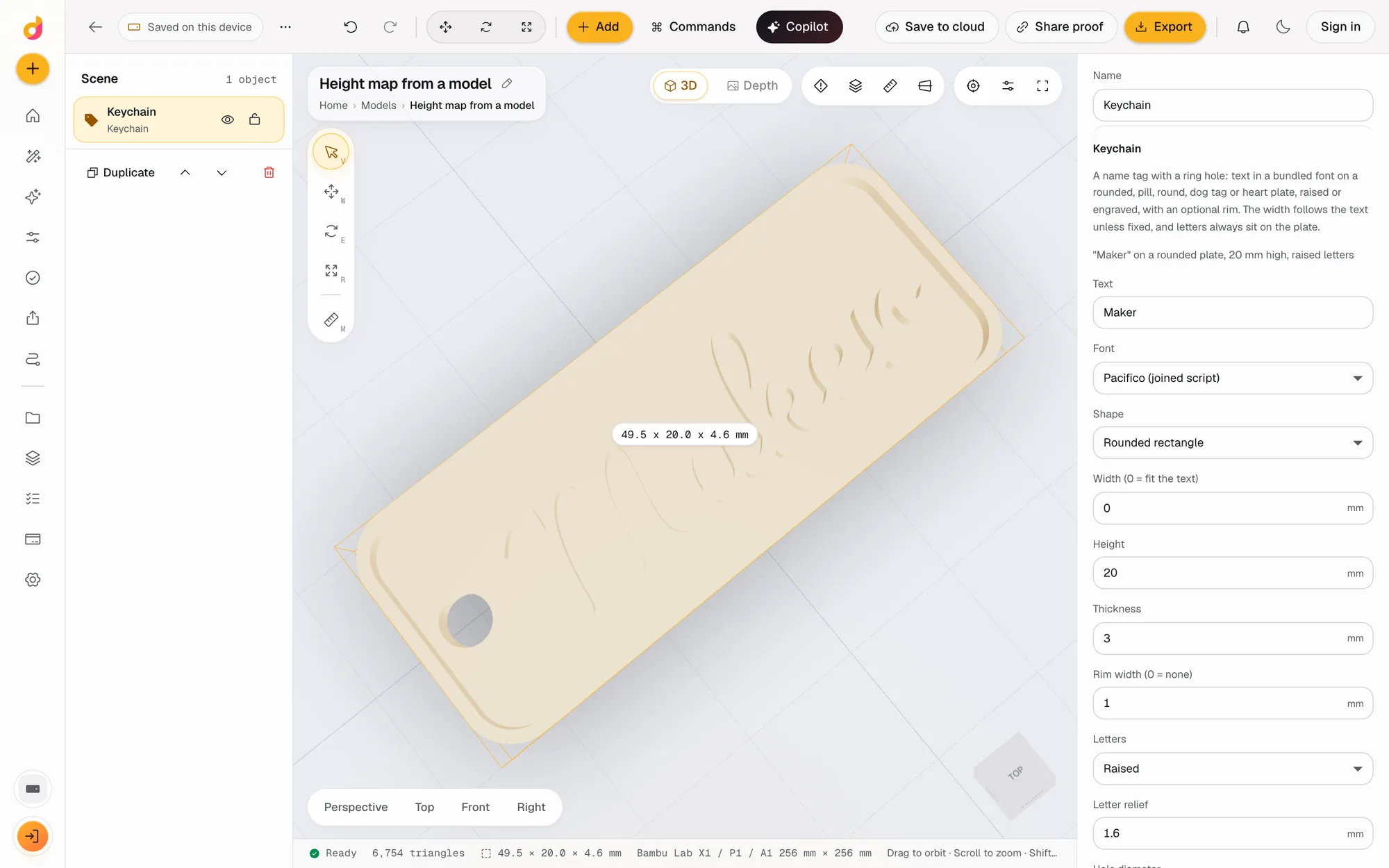 STL to depth mapTurn an STL or any 3D model into a 16-bit grayscale depth map PNG for LightBurn, xTool and Aspire, or an SVG or DXF outline. Free, in your browser.See how it works
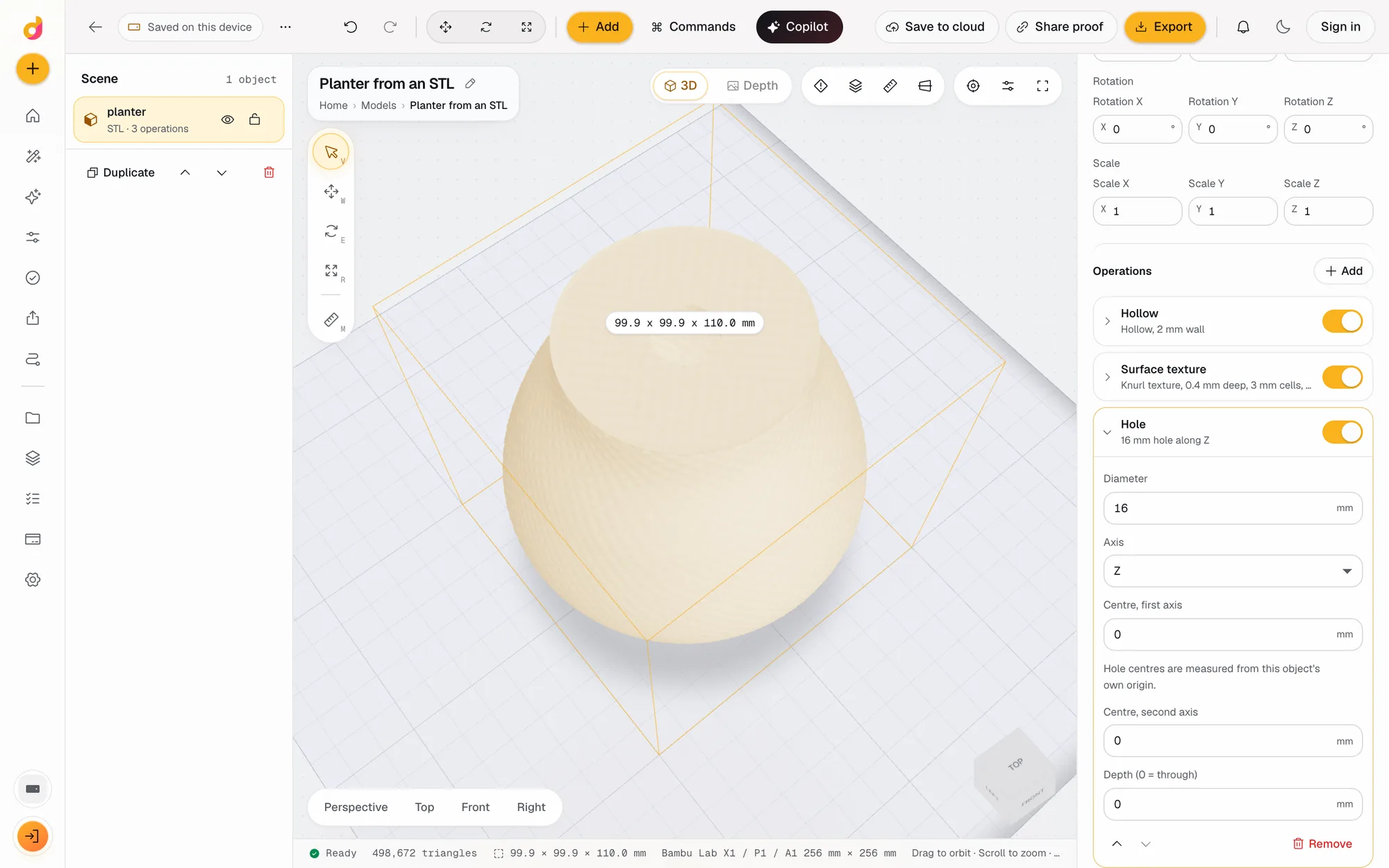 STL editorEdit STL files online: scale to exact millimetres, cut, hollow, combine, add text and holes, repair and simplify, then export STL or 3MF. Free, in your browser.See how it works
Read next
Laser and CNC
Photo to CNC Relief Plaque: Size, Depth, Border and Files
How to turn a portrait or pet photo into a CNC relief plaque: size, relief depth, base, border, lettering, customer approval and the files your CAM needs.
November 2, 2026 4 min read
Depth maps
How to Make a Depth Map From a Photo (AI and Manual Methods)
How to make a depth map from a photo for laser engraving, CNC and 3D printing: AI estimation, phone depth, hand painting, and checking it before you cut.
October 2, 2026 3 min read
Depth maps
The Best Bas Relief Software in 2026: Photo to Relief, Compared
Software that turns a photo into a bas relief for CNC, laser and 3D printing, compared on price, files and workflow: Carveco, Aspire, DepthCarve and more.
November 2, 2026 5 min read
Make a relief from a photo.
It runs in your browser and the free plan needs no card. Paid plans from $5 a month add credits, storage and projects.