
Depthue Studio
3D coin maker: photo coins and medallions with rim lettering
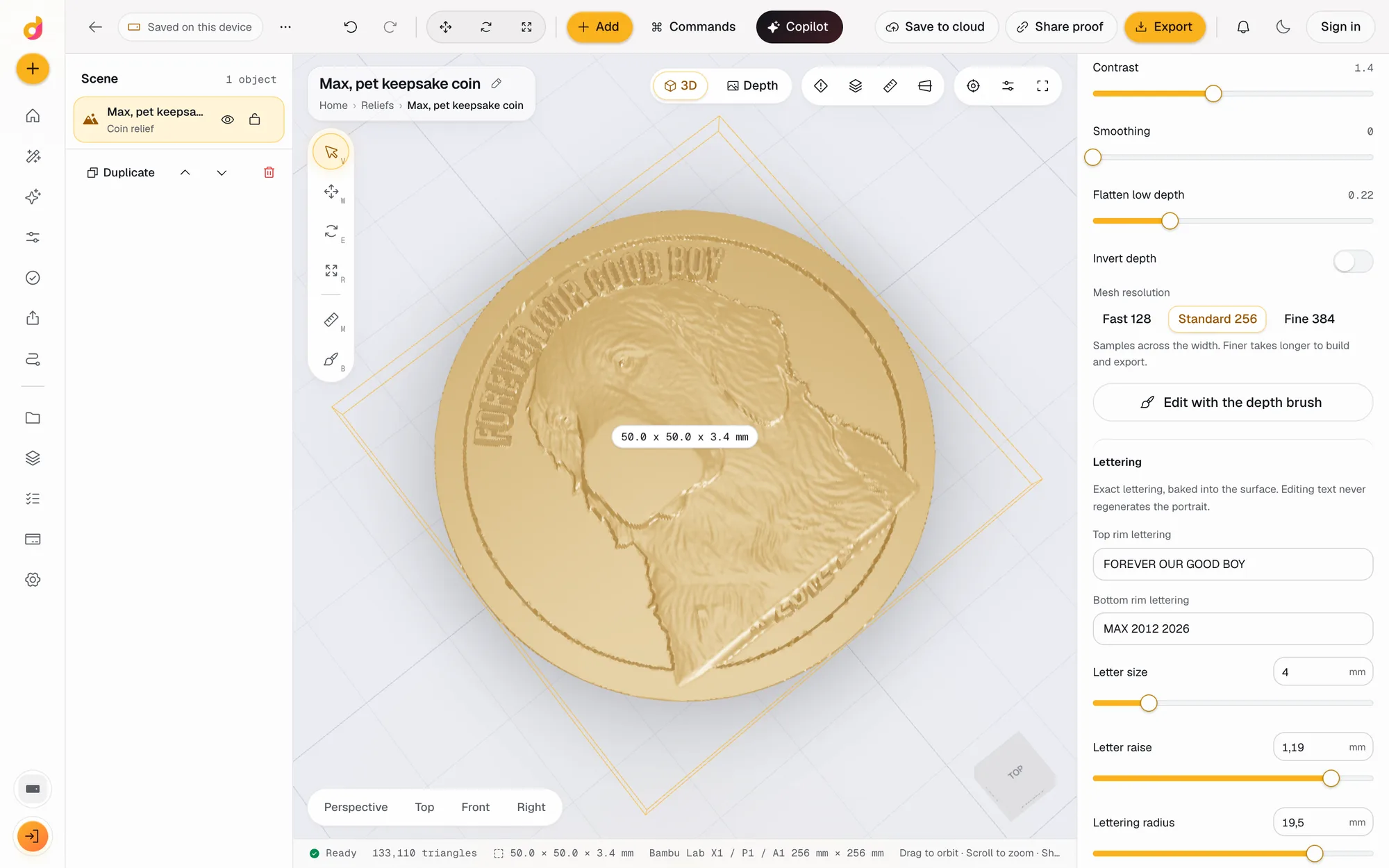
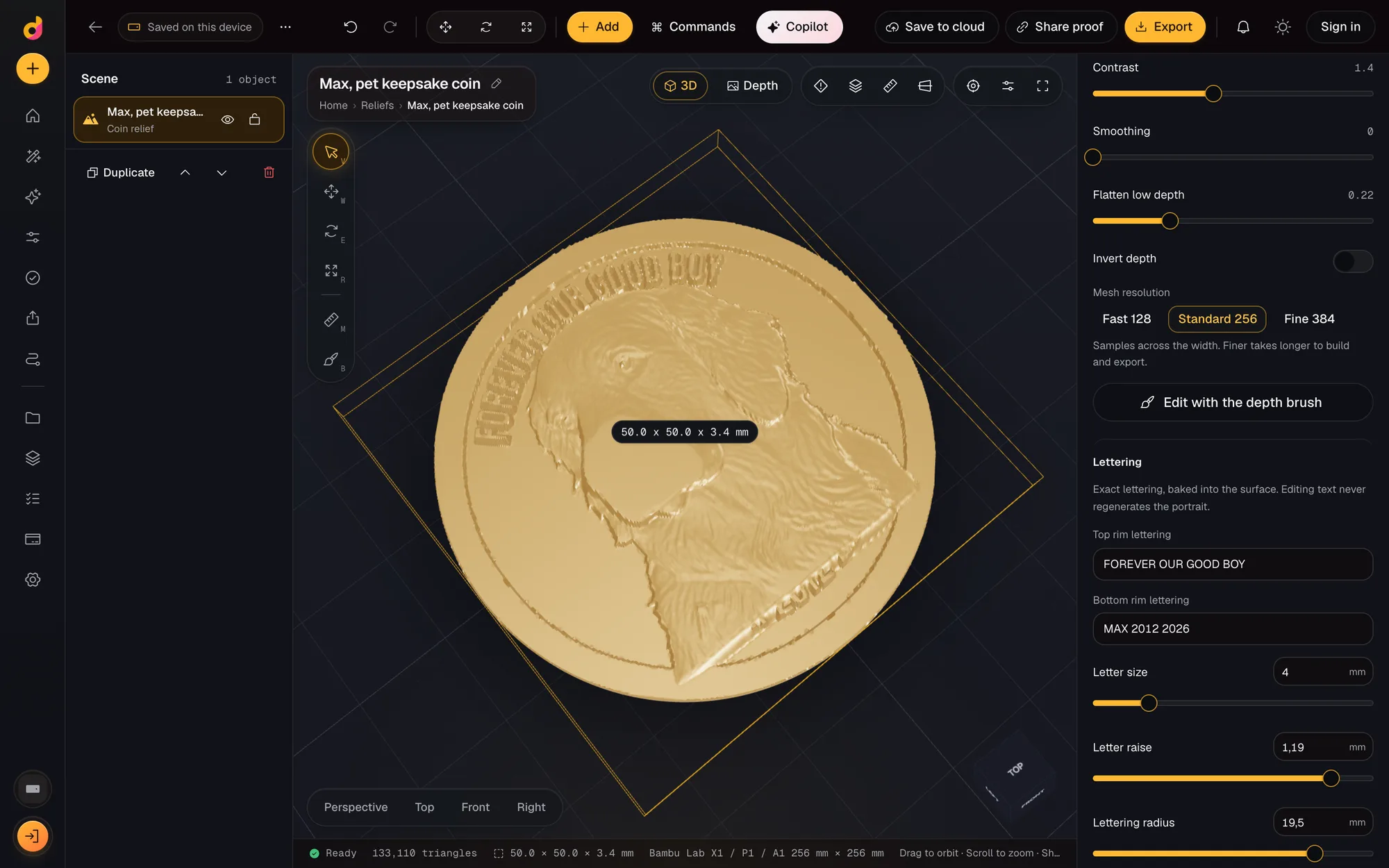
Depthue Studio's coin maker turns a photo into a relief coin or medallion with a raised rim and curved lettering around the edge, at any diameter from 15 to 400 mm. Preview it in bronze or silver, send the customer a proof of that exact version, and export a watertight STL for printing or CNC, or a 16-bit PNG for laser engraving.
Free in your browser, no card. Files stay on your device until you save to the cloud.
The short answer
- Coins and medallions from 15 to 400 mm across, with a relief portrait, a raised rim and curved top and bottom rim lettering.
- Two coin presets: a 50 mm heritage coin and a 65 mm pet keepsake medallion, both editable down to the millimetre.
- A private proof link shows the customer that exact version in 3D; a new version revokes the old link.
- Diameter
- 15 to 400 mm; heritage coin 50 mm, pet keepsake 65 mm
- Relief
- Heritage coin: 2 mm base, 1.4 mm relief, 3 mm rim; all adjustable
- Rim
- Width up to 12 mm, raise up to the relief height
- Lettering
- Curved top and bottom rim lines up to 60 characters, letter size 2 to 12 mm, letter raise and lettering radius in mm
- Portrait
- Subject size, position and edge blend; depth curve, contrast, smoothing, flatten low depth; four depth brushes
- Preview finishes
- Bronze, silver, clay, resin, PLA, wood or glass (display only)
- Approval
- Private proof link to one saved version; approve or request changes with a name and comment; links expire after seven days
- Export
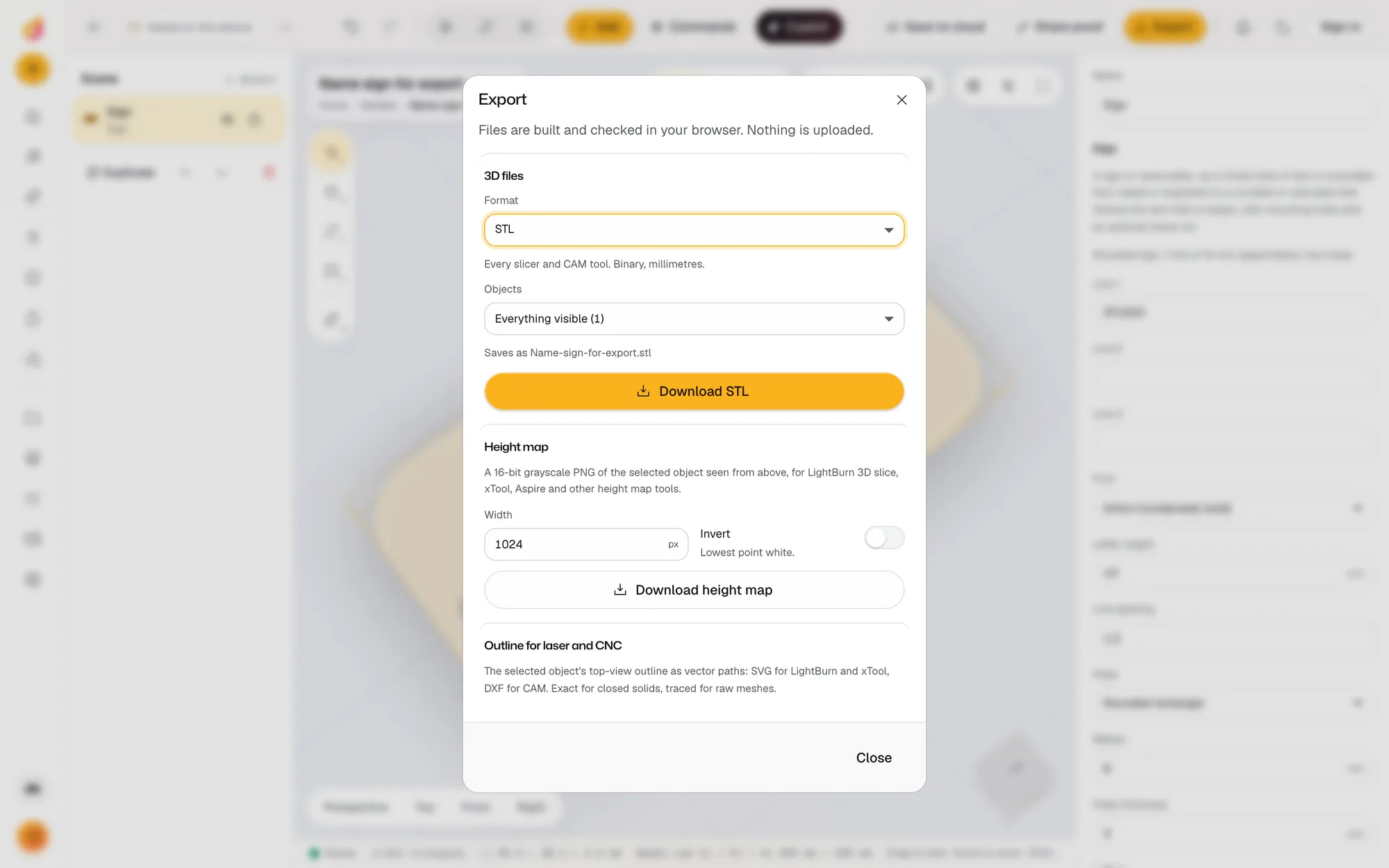
- Watertight STL, OBJ, 16-bit grayscale PNG, or the production ZIP with depth, recipe and checks
How to make a custom coin from a photo
- 1
Pick the coin
New project, Relief from a photo, then Heritage coin (50 mm) or Pet keepsake (65 mm). Change the diameter to anything from 15 to 400 mm.
- 2
Add the photo
Drop the photo. Depth is estimated on your device; remove the background so the portrait stands on a clean field.
- 3
Letter the rim
Type the top and bottom rim lettering, then set the letter size, raise and lettering radius in mm.
- 4
Approve and export
Share a proof for the customer to approve, then export STL, OBJ, the 16-bit PNG or the production package.
A coin is a relief with rules
A coin reads well when the portrait stays inside the rim, the rim stands slightly above the field, and the lettering is large enough to read at arm's length. Studio's coin presets start from those rules. The heritage coin is 50 mm across with a 2 mm base, 1.4 mm of relief and a 3 mm rim, and the pet keepsake medallion is 65 mm with 3 mm of relief. Every number is editable.
Lettering around the rim
Top and bottom rim lettering curves around the coin. The letter size, how far the letters stand up, and the radius they follow are all set in millimetres. The lettering is drawn from a bundled font and baked into the surface, so editing a name or a date never changes the portrait. Text that does not fit, or characters the font does not have, stop the export with a clear message instead of making a broken coin.
Send the customer the coin you will make
For custom orders the costly mistake is a remake. A proof link shows the customer one saved version of the coin in 3D. They approve it or ask for changes with their name and a comment, and you get an email. Saving a new version revokes the old link, and links expire after seven days, so an approval always belongs to the design you produce. Proofs need a free account, because the version is saved to your private cloud workspace. The guide to customer proof approval covers what a proof should show.
From one file to every machine
- 3D printing: export STL or 3MF for a resin or FDM printer.
- CNC: the STL imports into CAM software such as Vectric Aspire or Carveco for carving in wood, brass or wax.
- Laser: the 16-bit PNG drives laser 3D engraving in LightBurn's 3D Sliced mode.
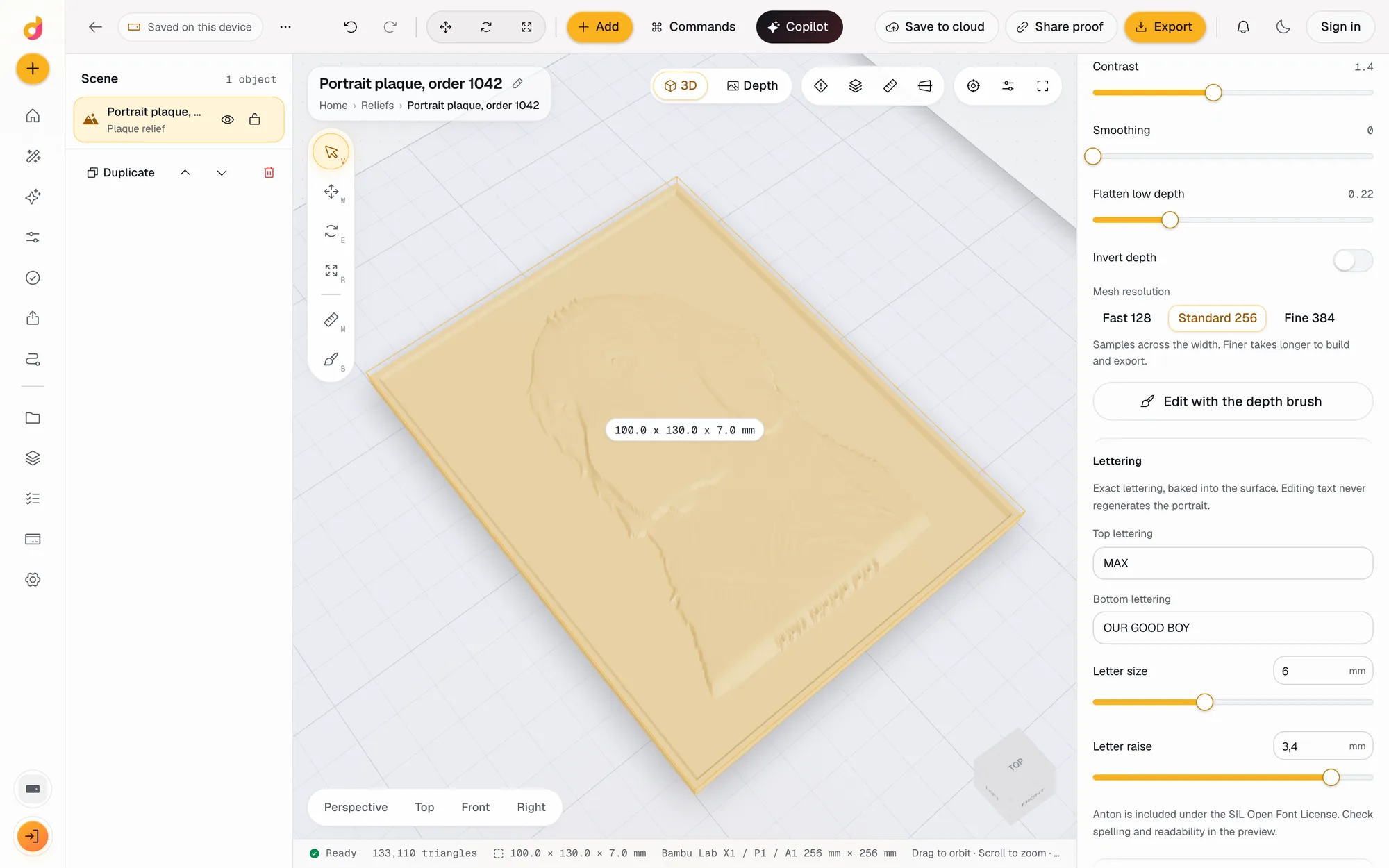
For the full walk-through with sizes and depths, read how to make a custom relief coin from a photo. For plaques and other formats, see the bas relief generator.
Questions
How do I make a 3D coin from a photo?
Start a relief project with the Heritage coin preset, drop in the photo, and let Studio estimate depth on your device. Set the diameter, relief height and rim in mm, type the rim lettering, and export a watertight STL.
What size should a custom coin be?
Any diameter from 15 to 400 mm. The heritage preset is 50 mm and the pet keepsake 65 mm. On small coins keep the lettering short: Studio stops the export when text does not fit the rim.
Can the lettering follow the edge of the coin?
Yes. On coins the top and bottom lines curve around the rim. Set the lettering radius to move them closer to the edge or to the portrait.
Can I make coins for a laser engraver?
Yes. Export the 16-bit grayscale PNG and use it for laser 3D engraving, for example LightBurn's 3D Sliced mode on a fiber laser. The STL suits resin or FDM printing and CNC carving in CAM software.
How does customer approval work?
Share a private link to one saved version. The customer turns the coin in 3D, then approves or requests changes with their name and a comment, and you get an email. Saving a new version revokes the older link.
Can I reuse the setup for the next order?
Yes. Save the coin as a template, then start the next order from it: same size, rim and lettering style, new photo and new names.
Also in Depthue Studio
- Bas relief generatorTurn a photo into a bas relief plaque, coin or lithophane in mm: depth on your device, exact lettering, depth brushes, then STL, OBJ and 16-bit PNG. Free.See how it works
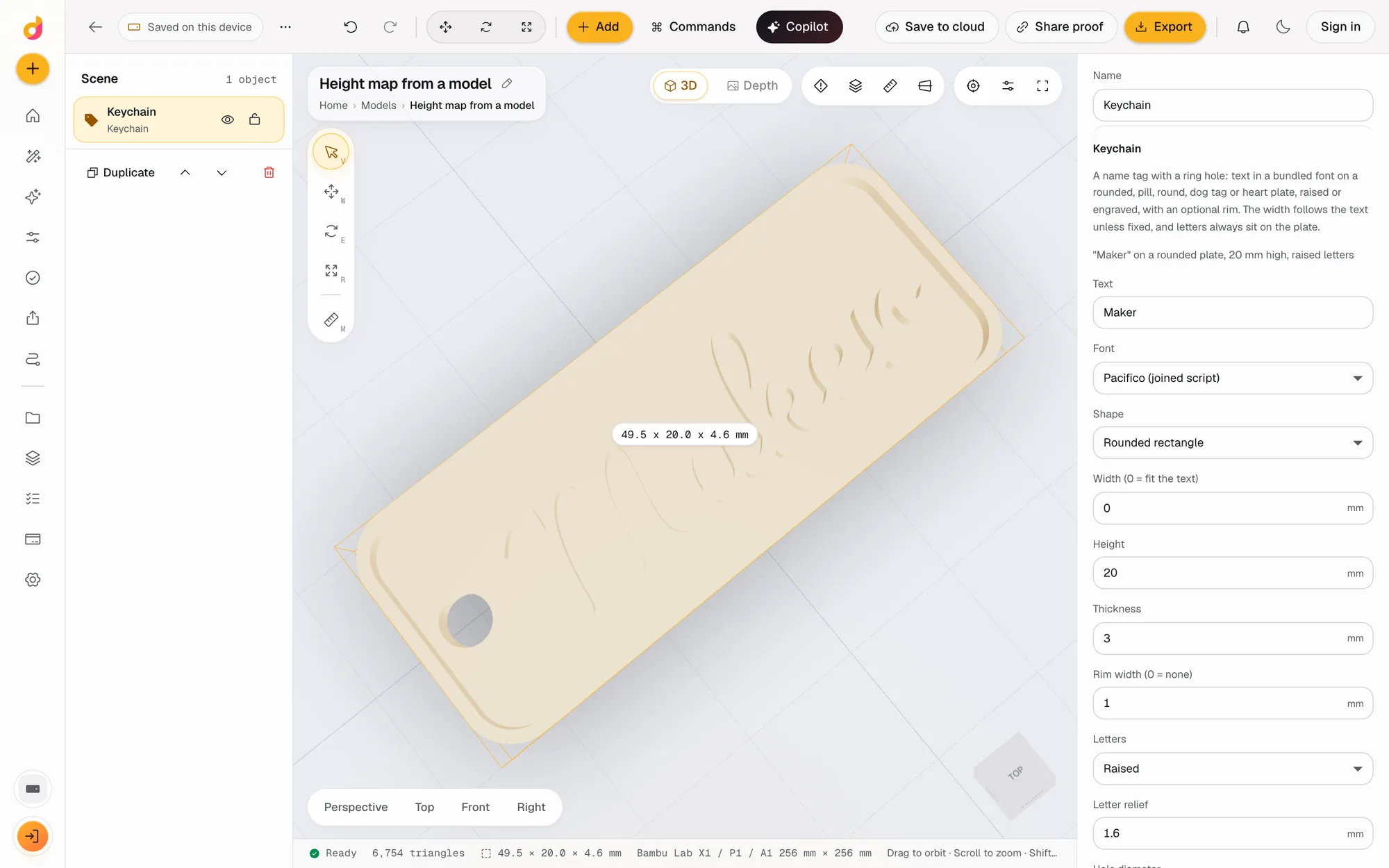 STL to depth mapTurn an STL or any 3D model into a 16-bit grayscale depth map PNG for LightBurn, xTool and Aspire, or an SVG or DXF outline. Free, in your browser.See how it works
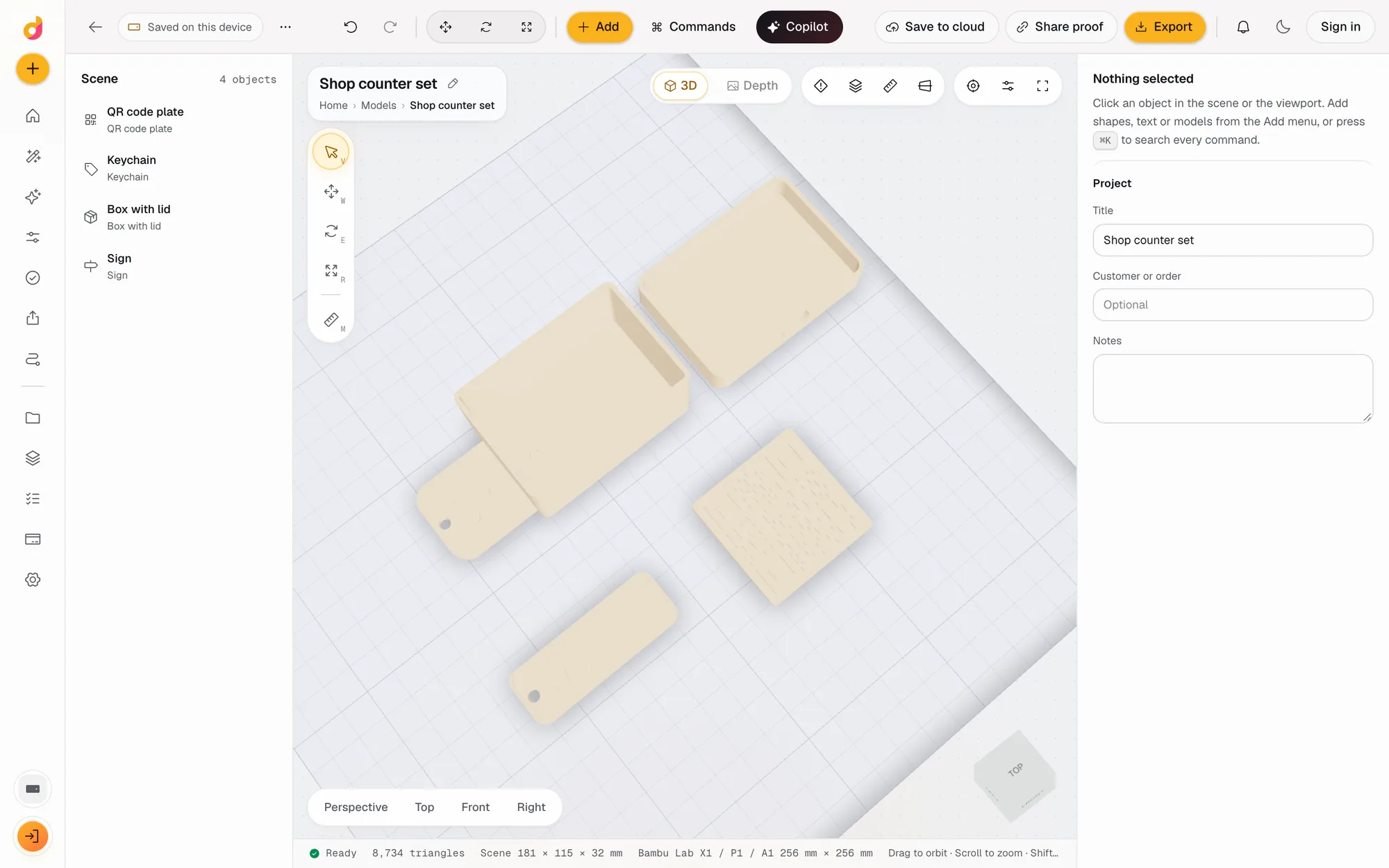 Parametric model makerMake printable keychains, name signs, boxes with lids, vases, QR plates and gears from a few settings in mm, then edit and export STL or 3MF. Free.See how it works
Read next
Laser and CNC
How to Make a Custom Relief Coin From a Photo
Turn a customer photo into a relief coin: diameter, relief depth, rim and lettering, then the STL or grayscale PNG your laser, CNC router or printer needs.
November 2, 2026 6 min read
Laser and CNC
Customer Proof Approval for Custom Engraving Orders
What a proof for a custom engraving, coin or plaque order must show, how to ask for a clear yes, and how to handle revisions without remakes or disputes.
November 2, 2026 3 min read
Depth maps
3D Laser Engraving: The 3 Types, the Machines and How to Do It
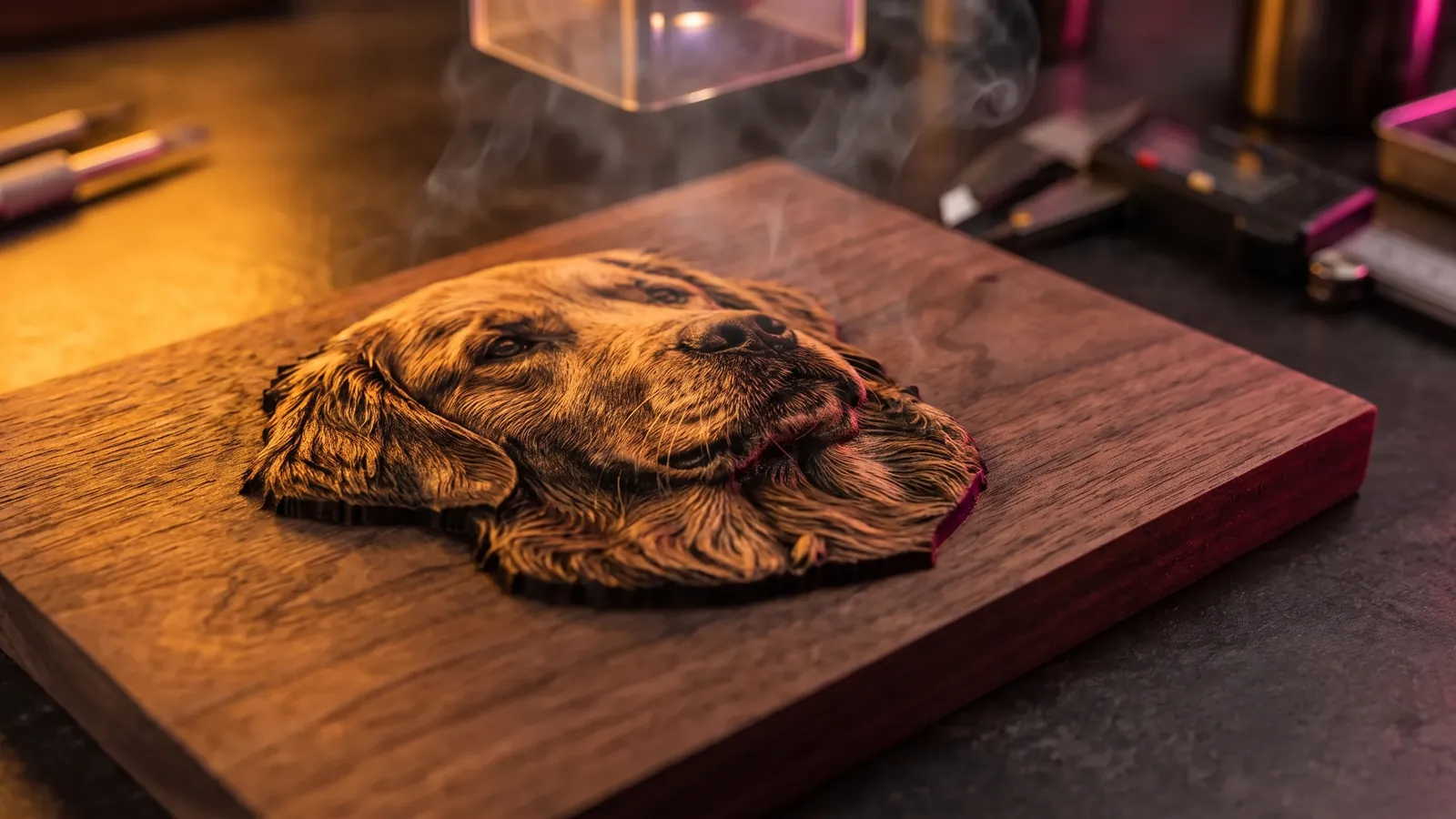
What 3D laser engraving means (relief, crystal or curved surfaces), how to engrave a depth map step by step, starting settings, software and machine prices.
October 8, 2026 10 min read
Make a coin.
It runs in your browser and the free plan needs no card. Paid plans from $5 a month add credits, storage and projects.