
Depthue Studio features
Depthue Studio is one workspace in the browser for 3D printing, laser engraving and CNC. Each page below shows one job it does, with real screenshots and a button that opens that tool. Editing, checks and exports are free on every plan.
Model
Open, build and change 3D models in millimetres.
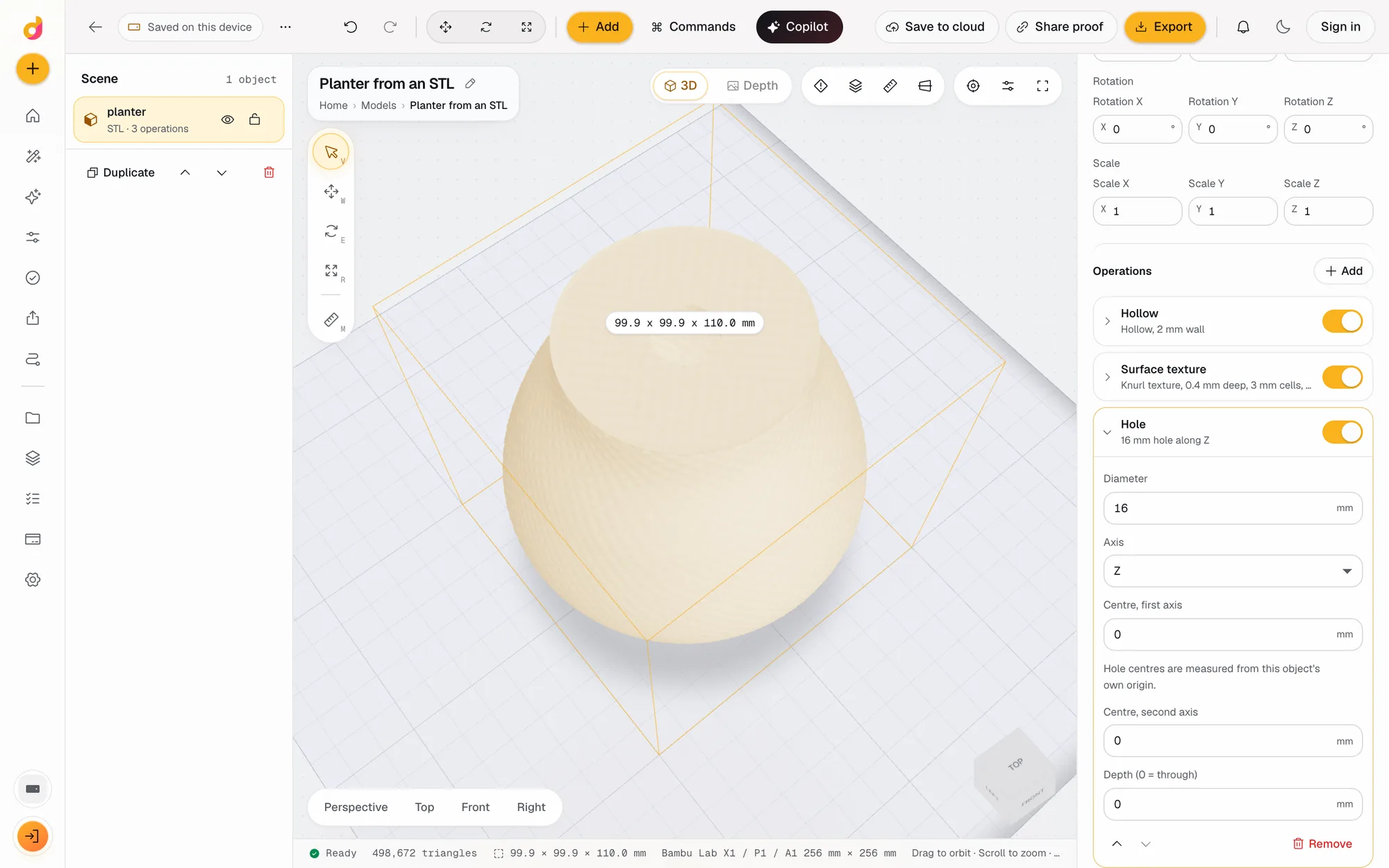 STL editorEdit STL files online: scale to exact millimetres, cut, hollow, combine, add text and holes, repair and simplify, then export STL or 3MF. Free, in your browser.See how it works
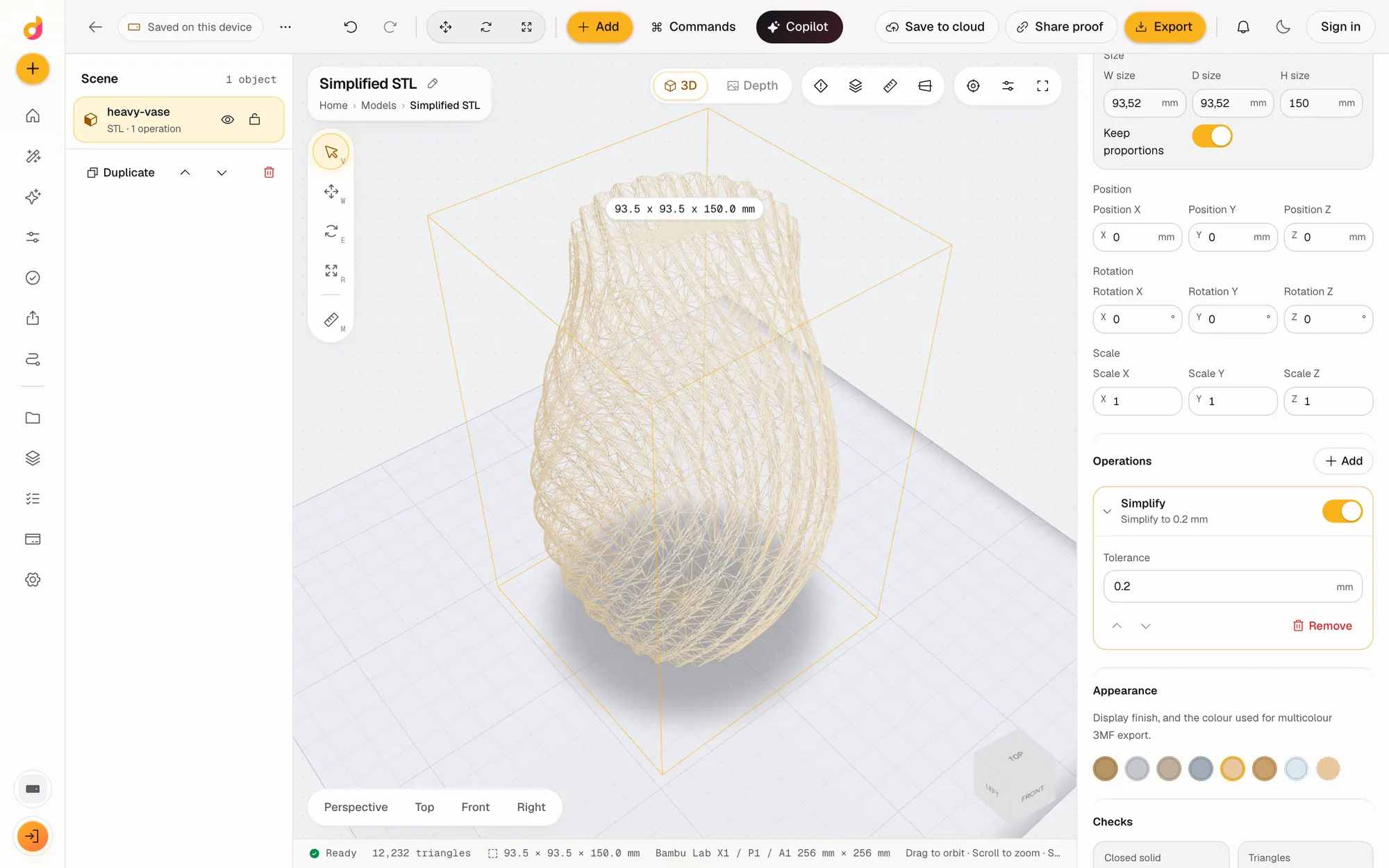 STL simplifierReduce an STL's triangle count and file size within a tolerance in millimetres, see the new count live and export a lighter STL or 3MF. Free, in your browser.See how it works
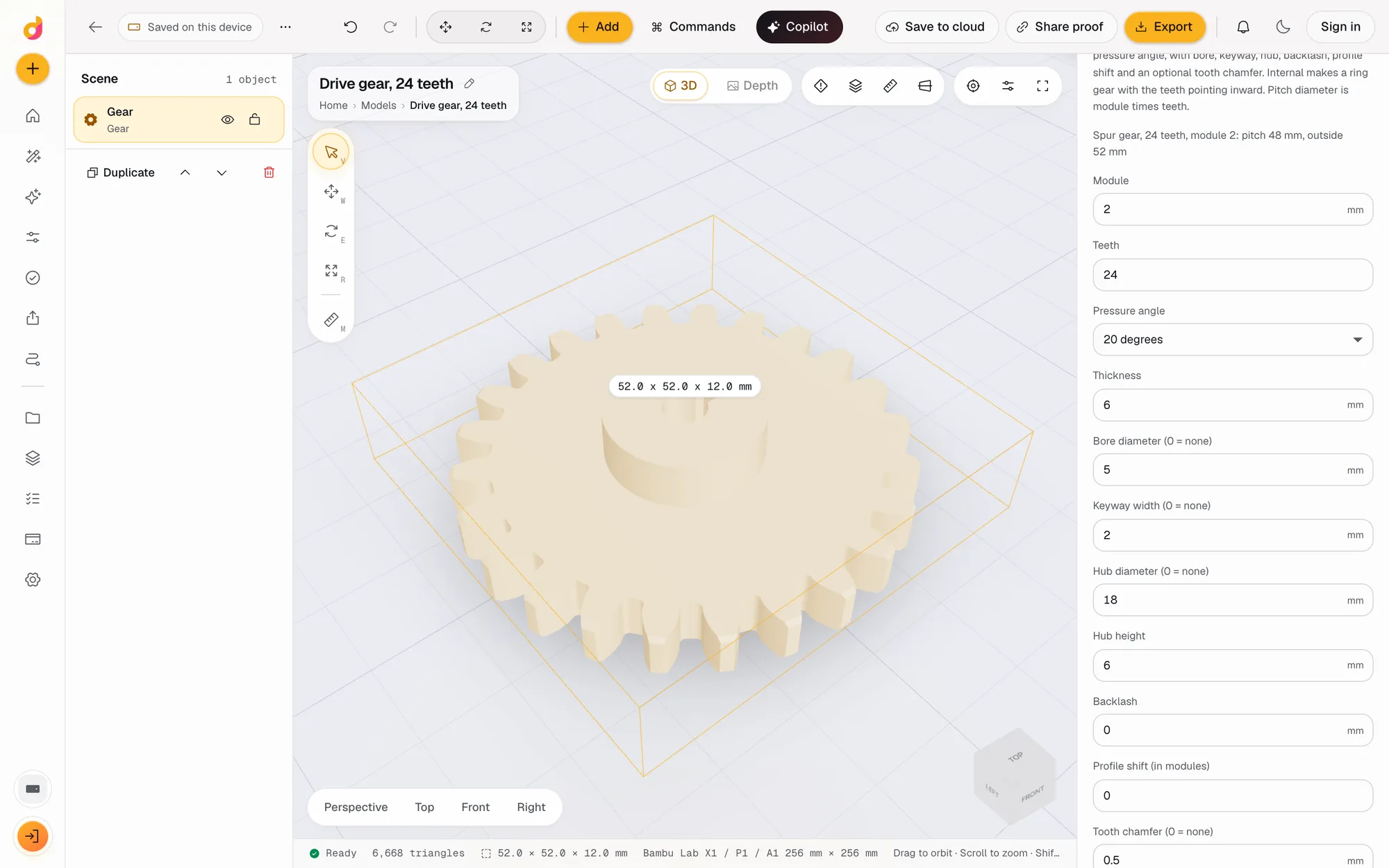 Gear generatorFree involute gear generator: set module, teeth and pressure angle, add a bore, keyway, hub, backlash or chamfer, and download a printable gear STL or 3MF.See how it works
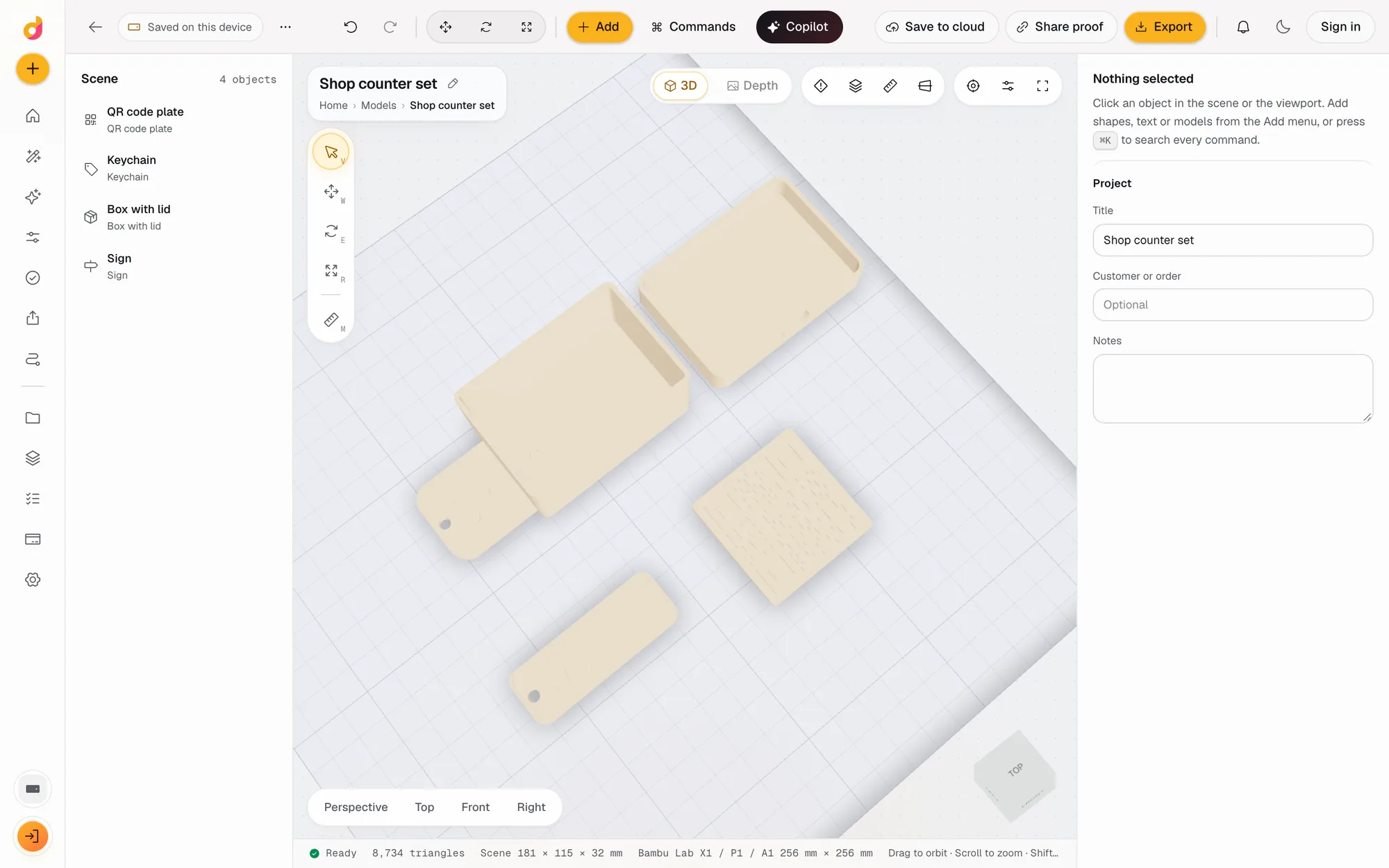 Parametric model makerMake printable keychains, name signs, boxes with lids, vases, QR plates and gears from a few settings in mm, then edit and export STL or 3MF. Free.See how it works
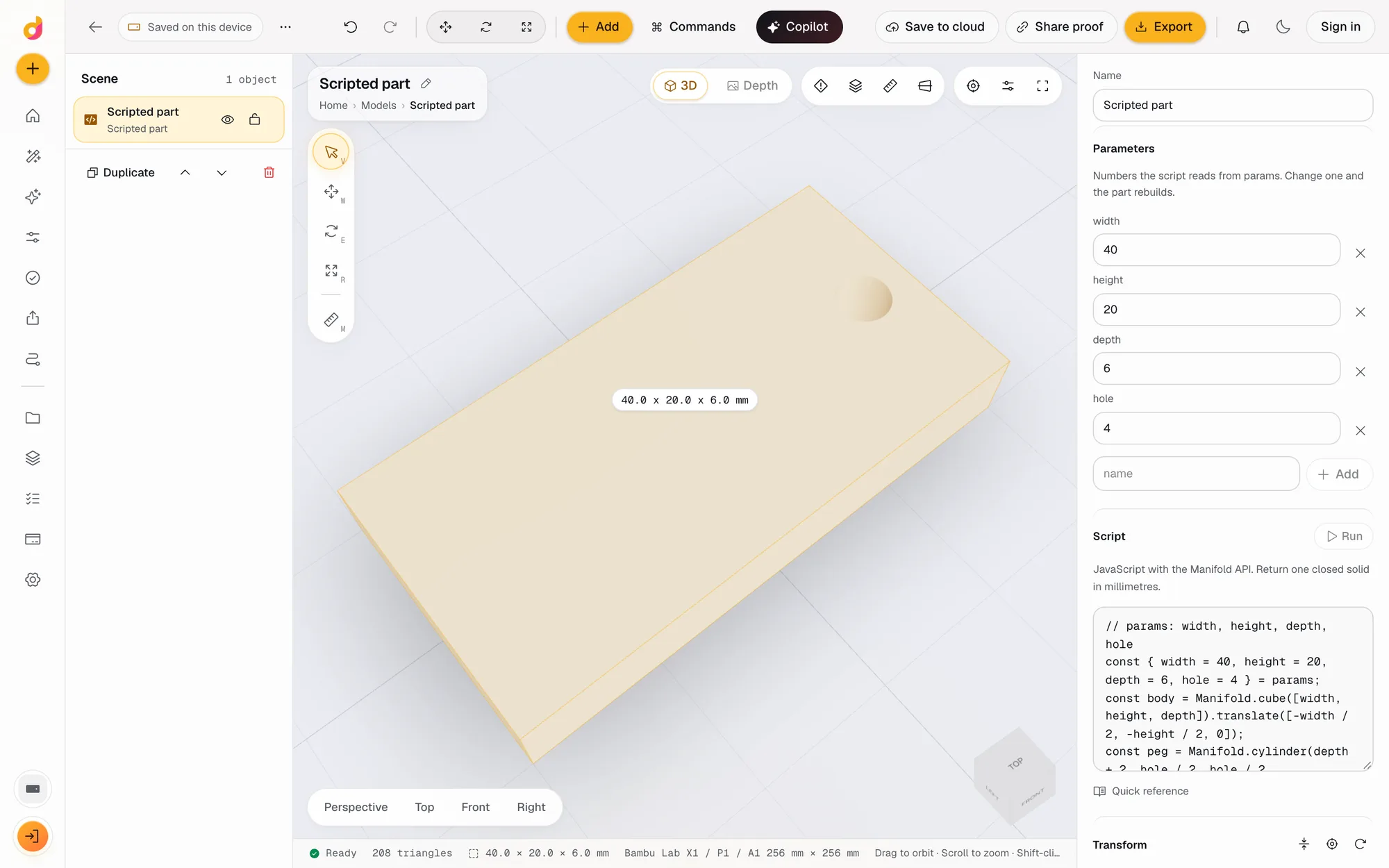 Code CADWrite a few lines of JavaScript and get a closed, printable solid. Named parameters become fields, Cmd Enter rebuilds, and it exports STL or 3MF. Free.See how it works
Relief
Photos become coins, plaques and lithophanes.
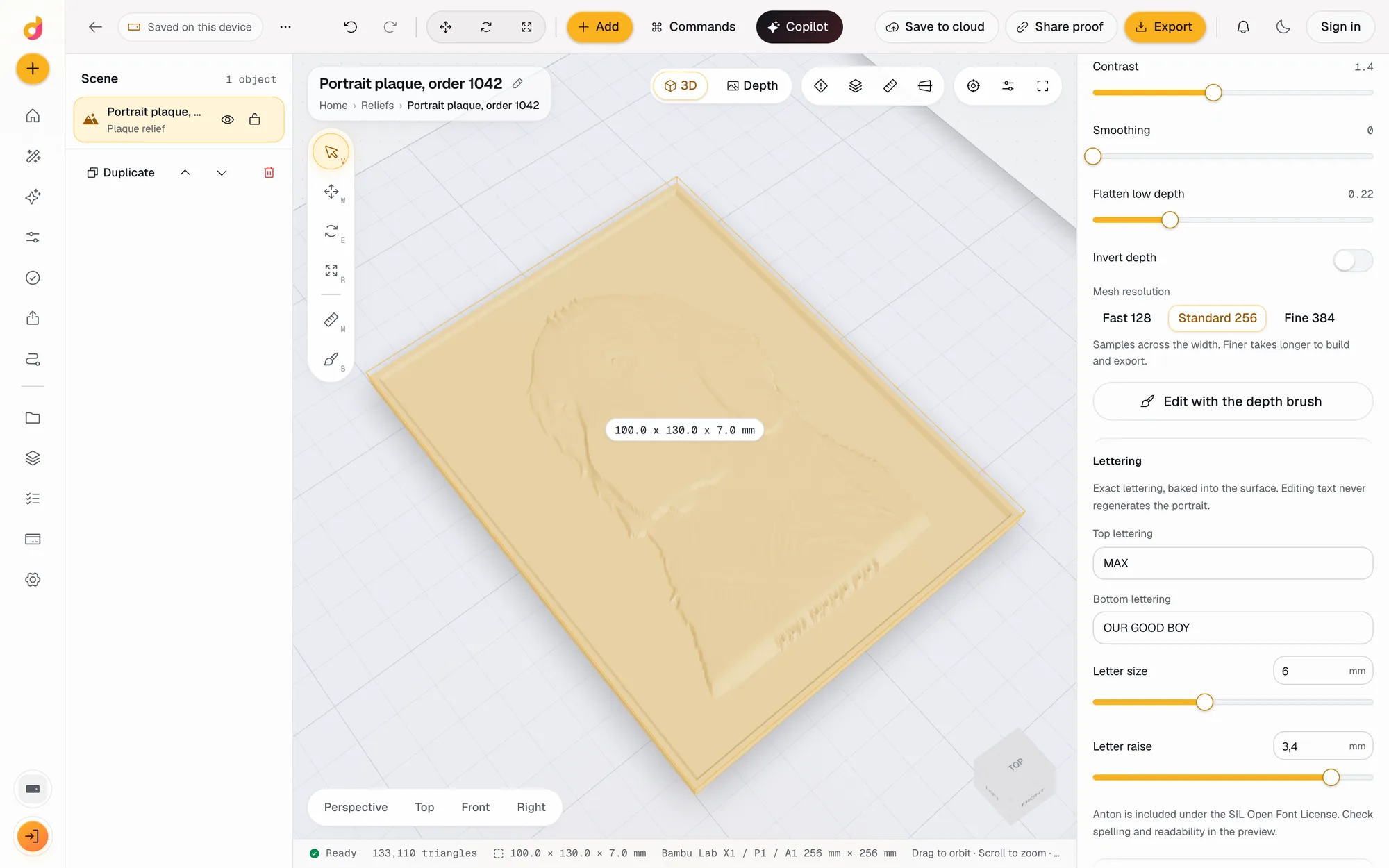 Bas relief generatorTurn a photo into a bas relief plaque, coin or lithophane in mm: depth on your device, exact lettering, depth brushes, then STL, OBJ and 16-bit PNG. Free.See how it works
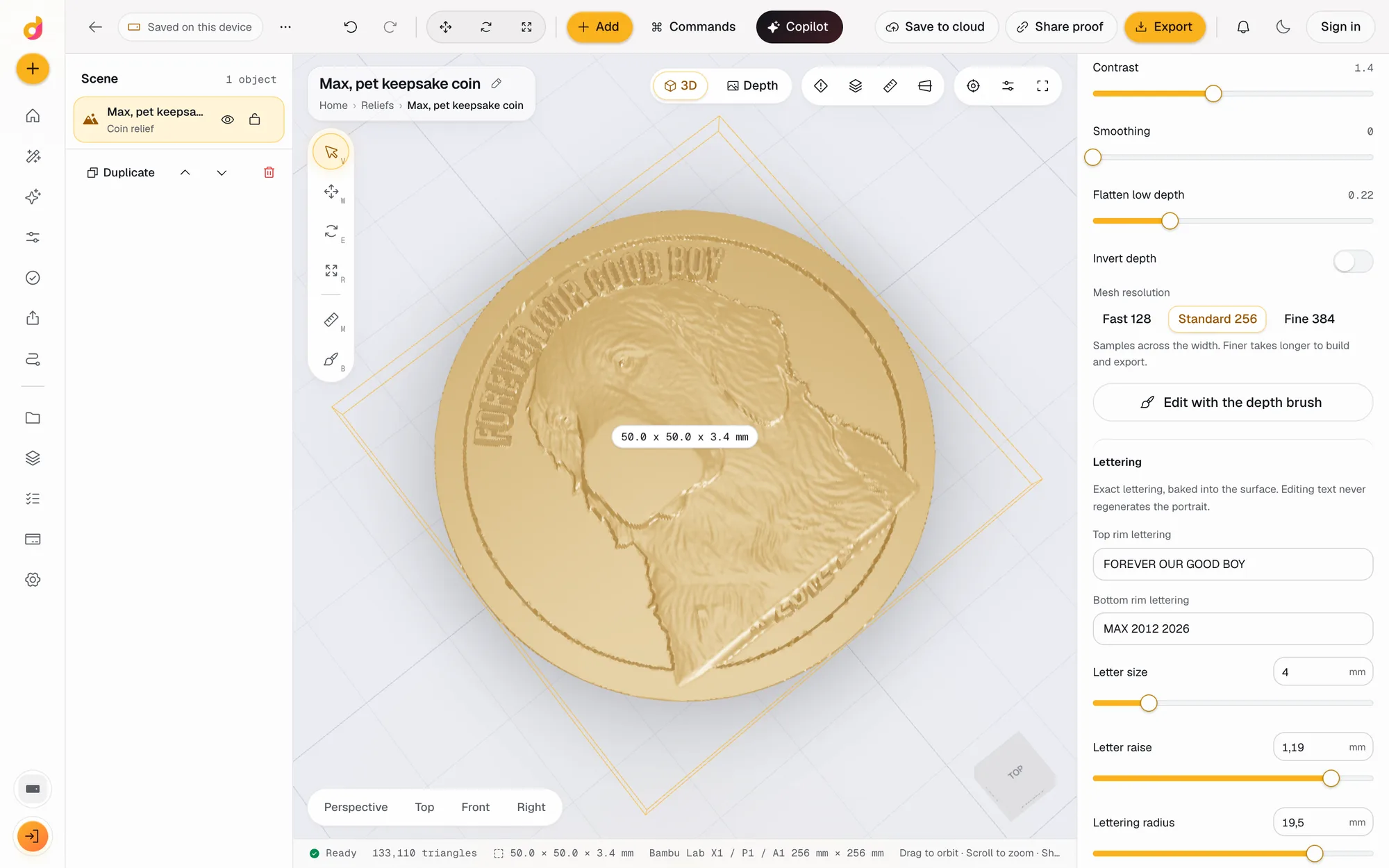 Coin makerMake a custom 3D coin or medallion from a photo: relief portrait, raised rim, curved rim lettering, sized in mm, exported as STL, OBJ or a 16-bit PNG.See how it works
Check and export
Know it will print, then get the right file.
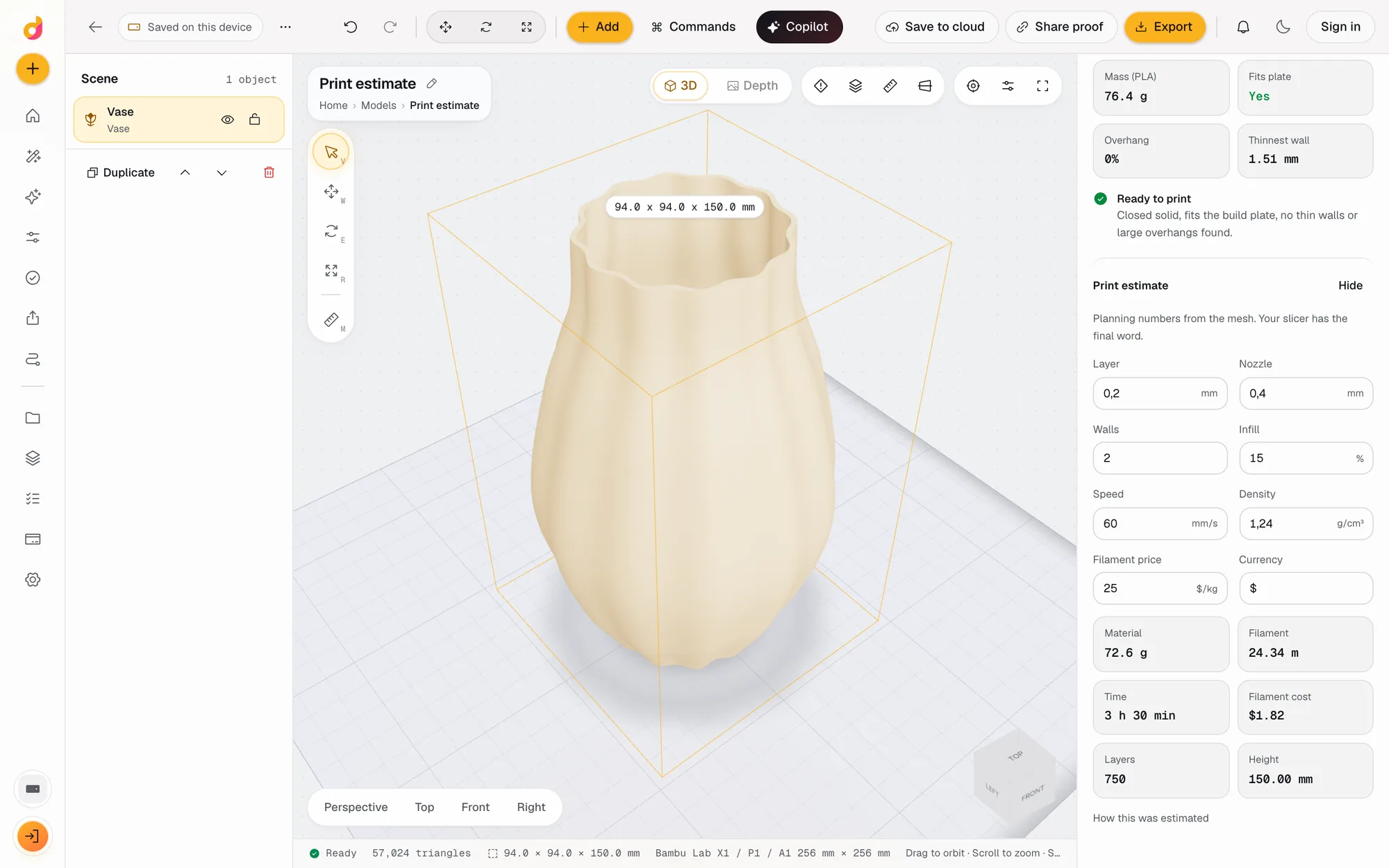 STL checkerCheck an STL before printing: closed solid, plate fit, overhangs, thin walls, volume, mass and a print estimate in grams, time and cost. Free, in your browser.See how it works
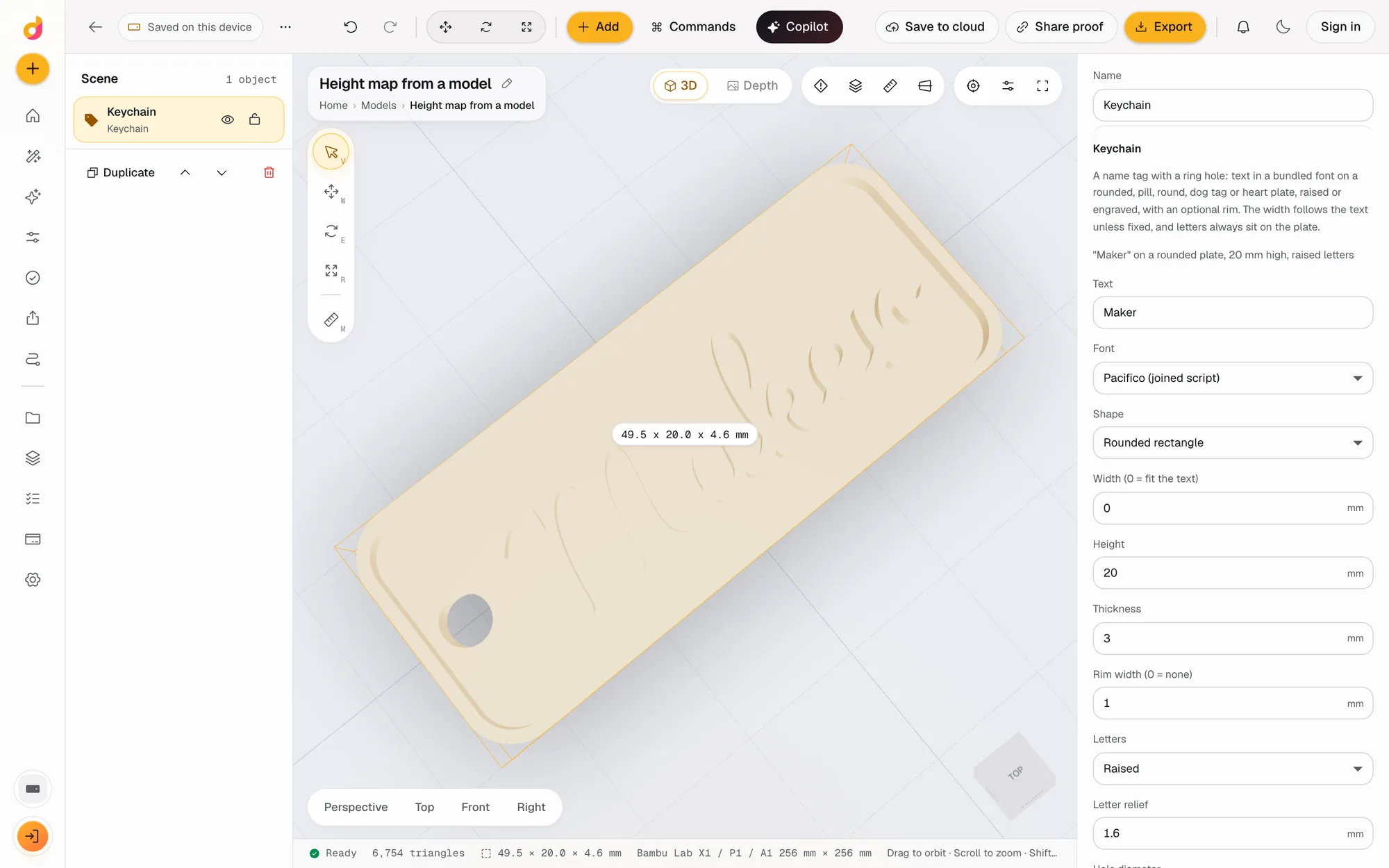 STL to depth mapTurn an STL or any 3D model into a 16-bit grayscale depth map PNG for LightBurn, xTool and Aspire, or an SVG or DXF outline. Free, in your browser.See how it works
AI
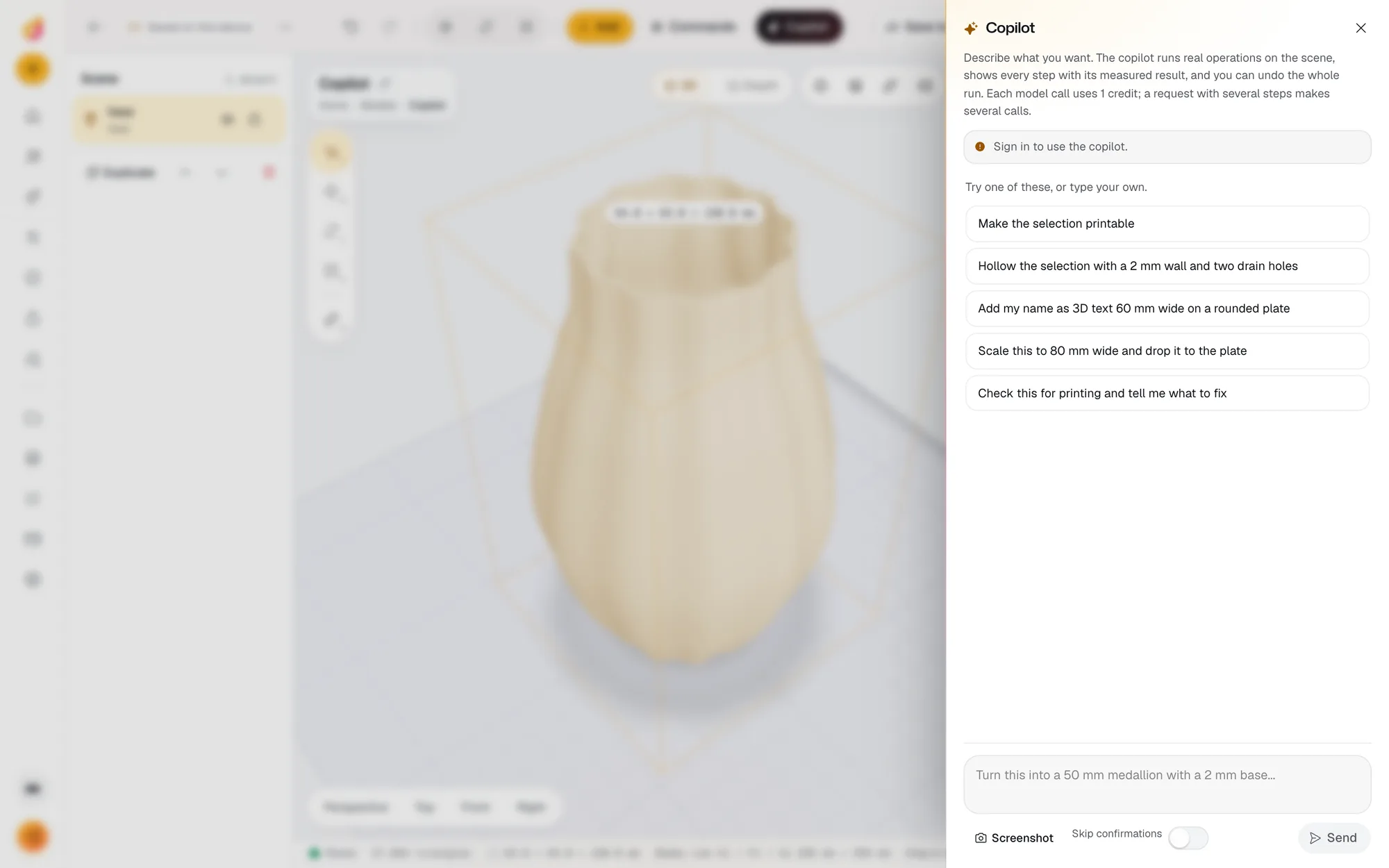
Describe the result; the editor does the steps.
Also in the Studio
- Lithophanes, flat, curved and tubeBacklit photo prints from the photo's brightness, including closed night light tubes.Open it in Studio
- Filament paintingHueForge-style colour prints with a swap sheet, as a relief format.Open it in Studio
- Terrain from a mapSearch a place and its real elevation becomes a printable relief.Open it in Studio
- Customer proofsA private 3D link to one saved version, approved or sent back with a comment.Read how it works
The full list of tools, with where each one lives in the editor, is on the features page inside the workspace.
Open it and make something.
No install and no card. The free plan includes 50 credits a month for cloud AI, and editing never uses credits.