
Depthue Studio
STL simplifier: reduce STL file size without losing the shape
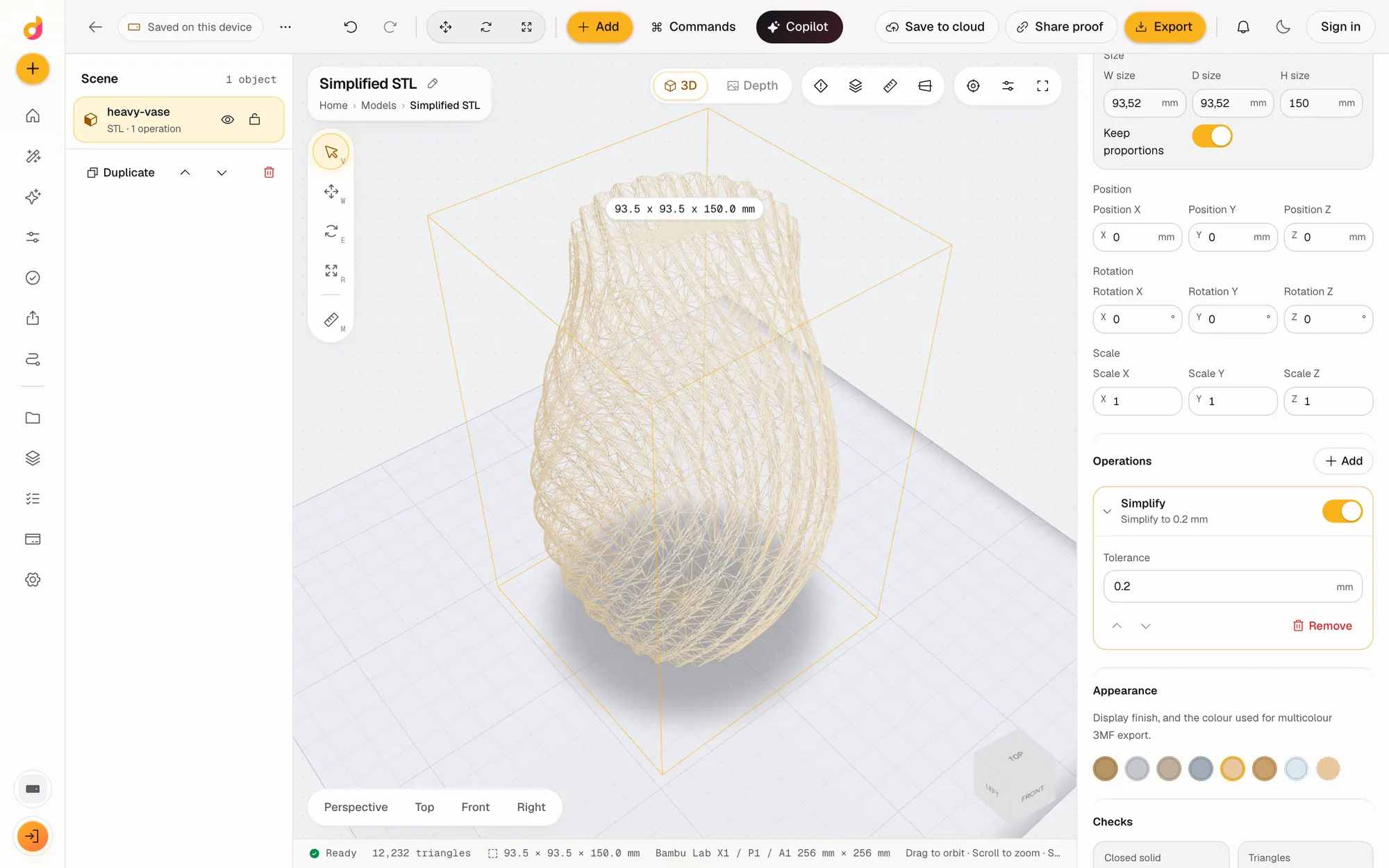
The Depthue Studio STL simplifier reduces the number of triangles in a mesh while keeping every point of the surface within a tolerance you set in millimetres. The triangle count updates as you change it, the original stays untouched underneath, and the lighter model exports as STL or 3MF.
Free in your browser, no card. Files stay on your device until you save to the cloud.
The short answer
- Simplify keeps the surface within a tolerance in mm, from 0.001 to 5 mm, and starts at 0.05 mm.
- The footer shows the triangle count after every change, so you see the saving before you export.
- Smooth, Repair and Keep largest shell clean up scans and AI meshes in the same stack.
- Method
- Removes triangles while keeping the surface within the tolerance of the original
- Tolerance
- 0.001 to 5 mm, default 0.05 mm
- Live count
- Triangles and size in the footer after every change
- Clean up
- Repair (weld, remove duplicates, fix flipped faces, fill holes), Keep largest shell, Smooth
- Opens
- STL, OBJ, 3MF, GLB, glTF and PLY up to 120 MB
- Exports
- Binary STL, 3MF, OBJ, GLB, PLY
How to reduce an STL file size
- 1
Open the STL
Drop the file on the plate. The footer shows its triangle count and size in mm.
- 2
Add Simplify
Inspector, Operations, Add, Simplify. It starts at a 0.05 mm tolerance.
- 3
Raise the tolerance
Increase the tolerance until the count is low enough, and turn the operation off and on to compare the surface.
- 4
Export
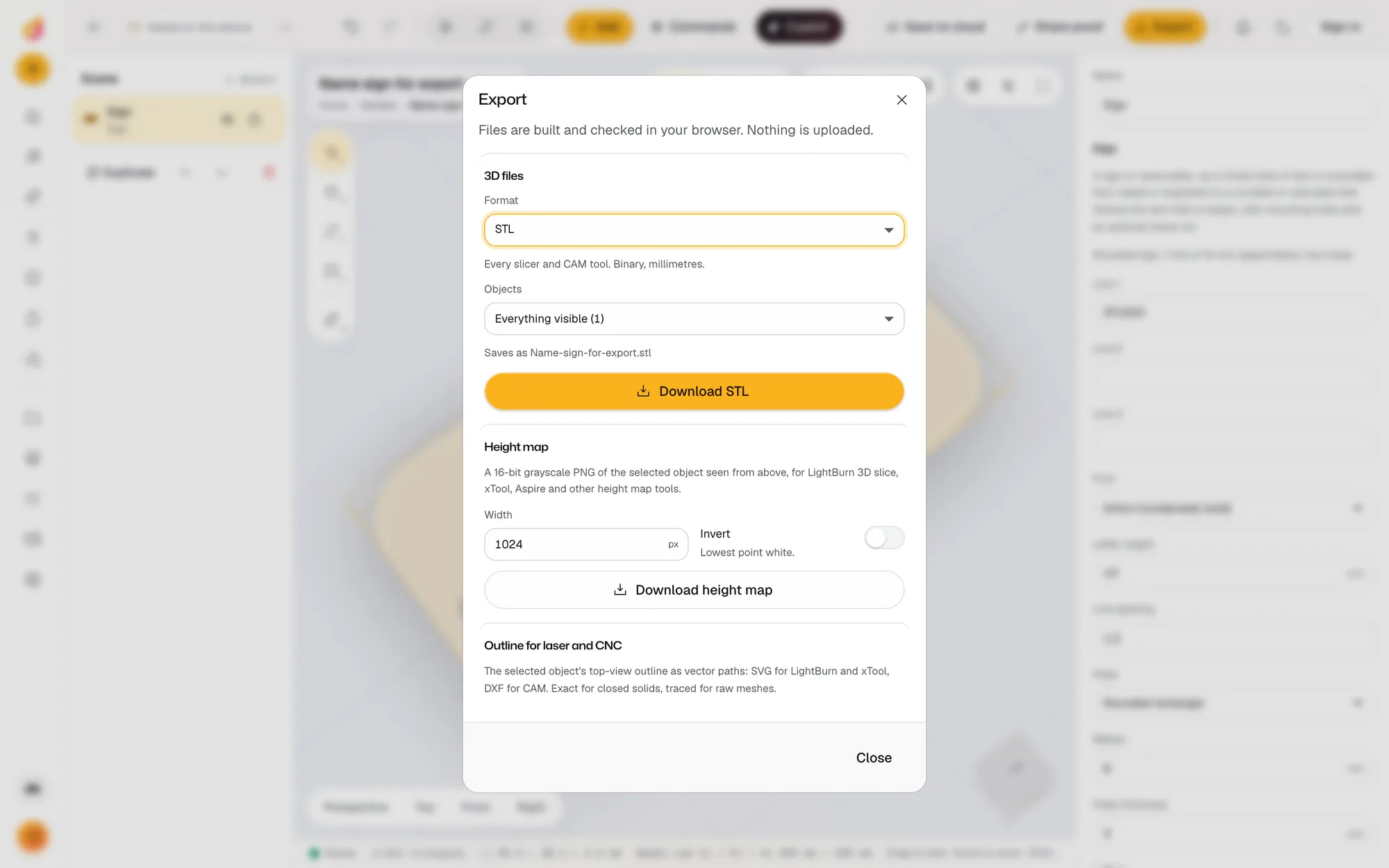
Export a binary STL, or a 3MF, which is zipped and often smaller still.
Why STL files get too big
An STL stores every triangle on its own, so the file size grows with the triangle count. Scans, photogrammetry, AI 3D generators and CAD exports at fine resolution can produce hundreds of thousands or millions of triangles. Large files slow down slicers, hit upload limits on model sites and print services, and make editing sluggish, without adding detail your printer can reproduce.
How Simplify decides what to remove
Simplify collapses triangles where the surface is flat or gently curved and keeps the new surface within the tolerance of the original everywhere. A tolerance of 0.05 mm means no point moves more than 0.05 mm. Because the limit is a distance in millimetres, not a percentage, you can reason about it against your nozzle size and layer height.
Clean up while you are there
Big meshes are often broken meshes. In the same stack:
- Repair welds vertices, removes duplicate and zero-area triangles, fixes flipped faces and fills holes, so the mesh becomes a closed solid.
- Keep largest shell throws away floating debris from scans and AI generations.
- Smooth rounds off faceting on soft edges and leaves sharp edges alone.
Order matters: repair first, then simplify. The arrows on each operation move it up or down the stack.
Check before you print
The print checks confirm the result is a closed solid and find the thinnest wall, and the layer view shows any slice. If you only need a repair and no editing, the free STL repair tool does that in one step.
Questions
How do I reduce the size of an STL file?
Lower its triangle count. Open it in Depthue Studio, add the Simplify operation, raise the tolerance until the triangle count in the footer is low enough, and export. Saving as 3MF instead of STL also helps, because 3MF is a zipped format.
What tolerance should I use?
Start at the default 0.05 mm. For FDM printing with a 0.4 mm nozzle, surface changes well under a layer height rarely show. Raise it while the model still looks right with the operation toggled on and off.
Will simplifying ruin small details?
Only details smaller than the tolerance can change. Text, edges and thin features keep their shape as long as the tolerance stays below their size. Compare by turning the operation off, and check thin walls afterwards.
Why is my STL so big?
Scans, AI generators and high-resolution exports often produce millions of triangles, more than a printer can resolve. ASCII STL files are also several times larger than binary ones. Studio always exports binary STL.
Is it free and private?
Yes. Simplifying runs in your browser on the Manifold geometry engine. The file is not uploaded and no credits are used.
Also in Depthue Studio
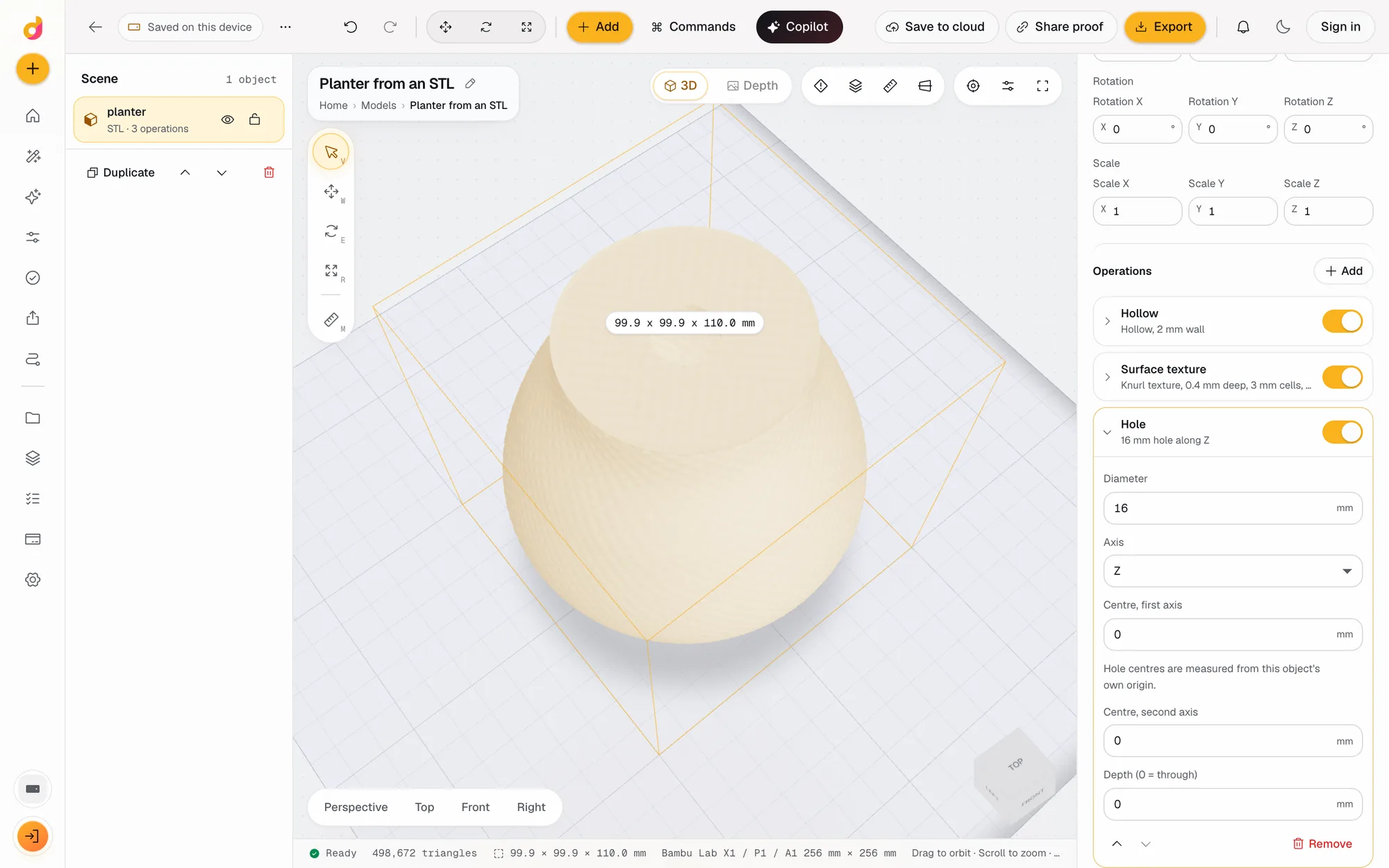 STL editorEdit STL files online: scale to exact millimetres, cut, hollow, combine, add text and holes, repair and simplify, then export STL or 3MF. Free, in your browser.See how it works
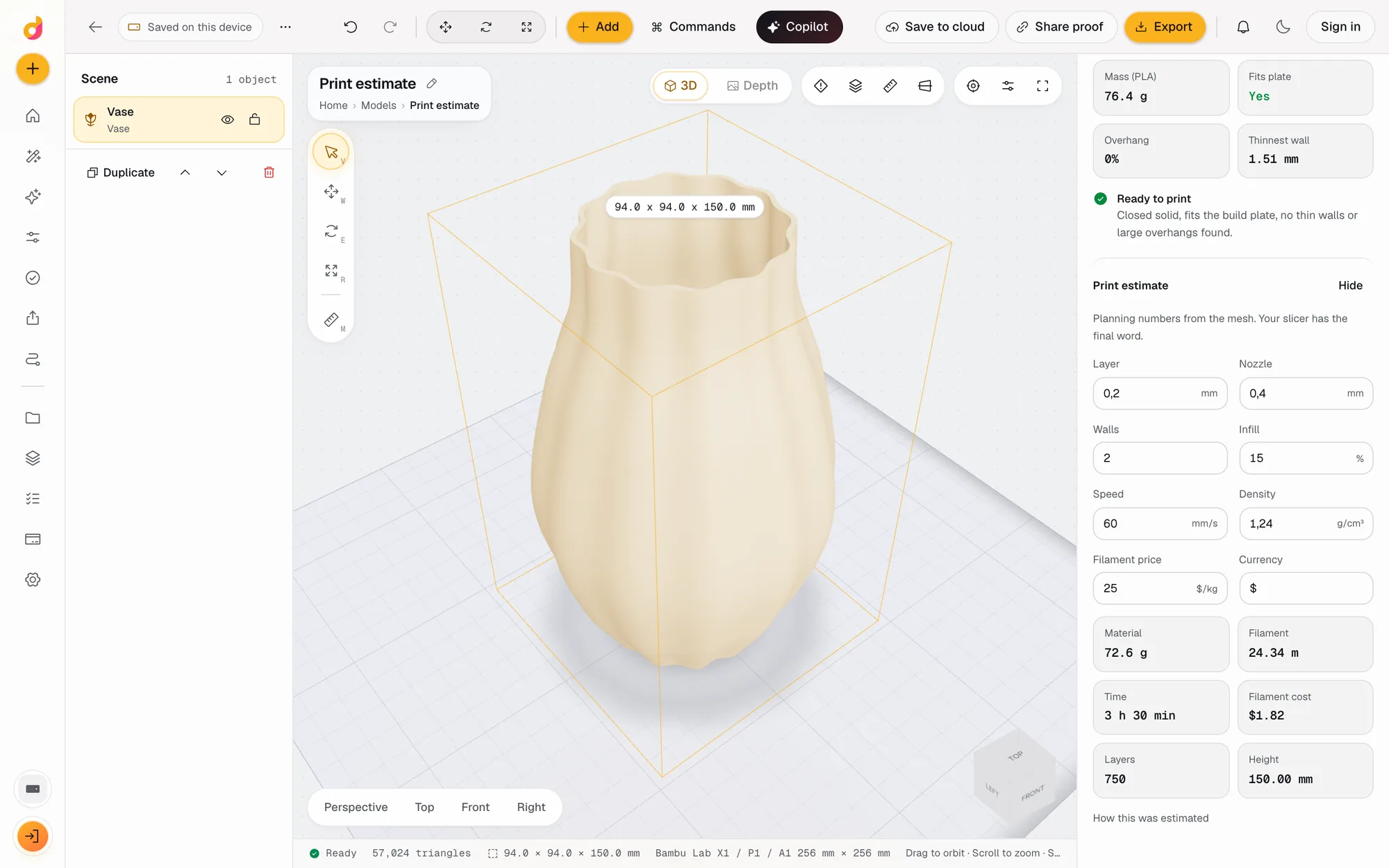 STL checkerCheck an STL before printing: closed solid, plate fit, overhangs, thin walls, volume, mass and a print estimate in grams, time and cost. Free, in your browser.See how it works
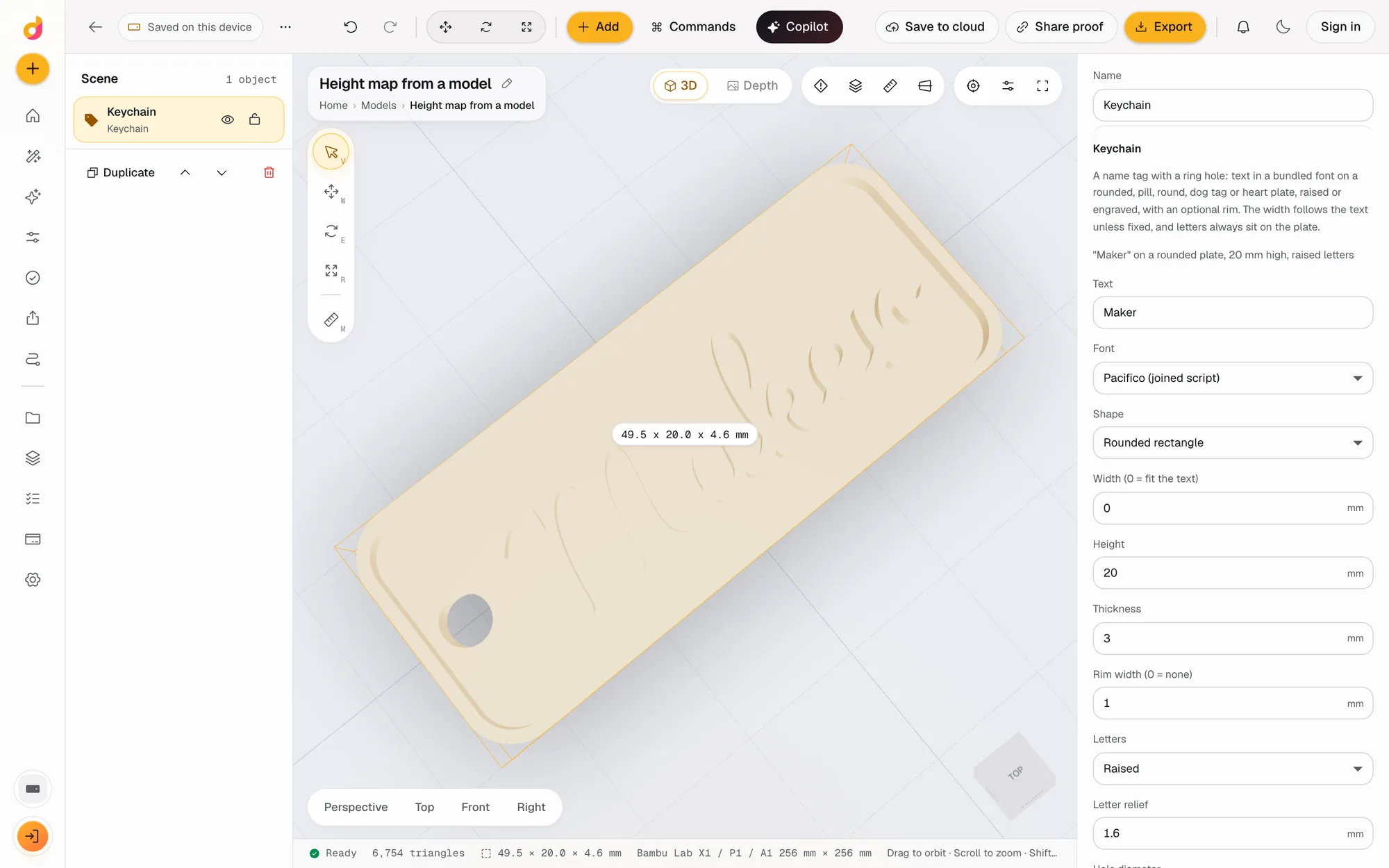 STL to depth mapTurn an STL or any 3D model into a 16-bit grayscale depth map PNG for LightBurn, xTool and Aspire, or an SVG or DXF outline. Free, in your browser.See how it works
Read next
3D printing
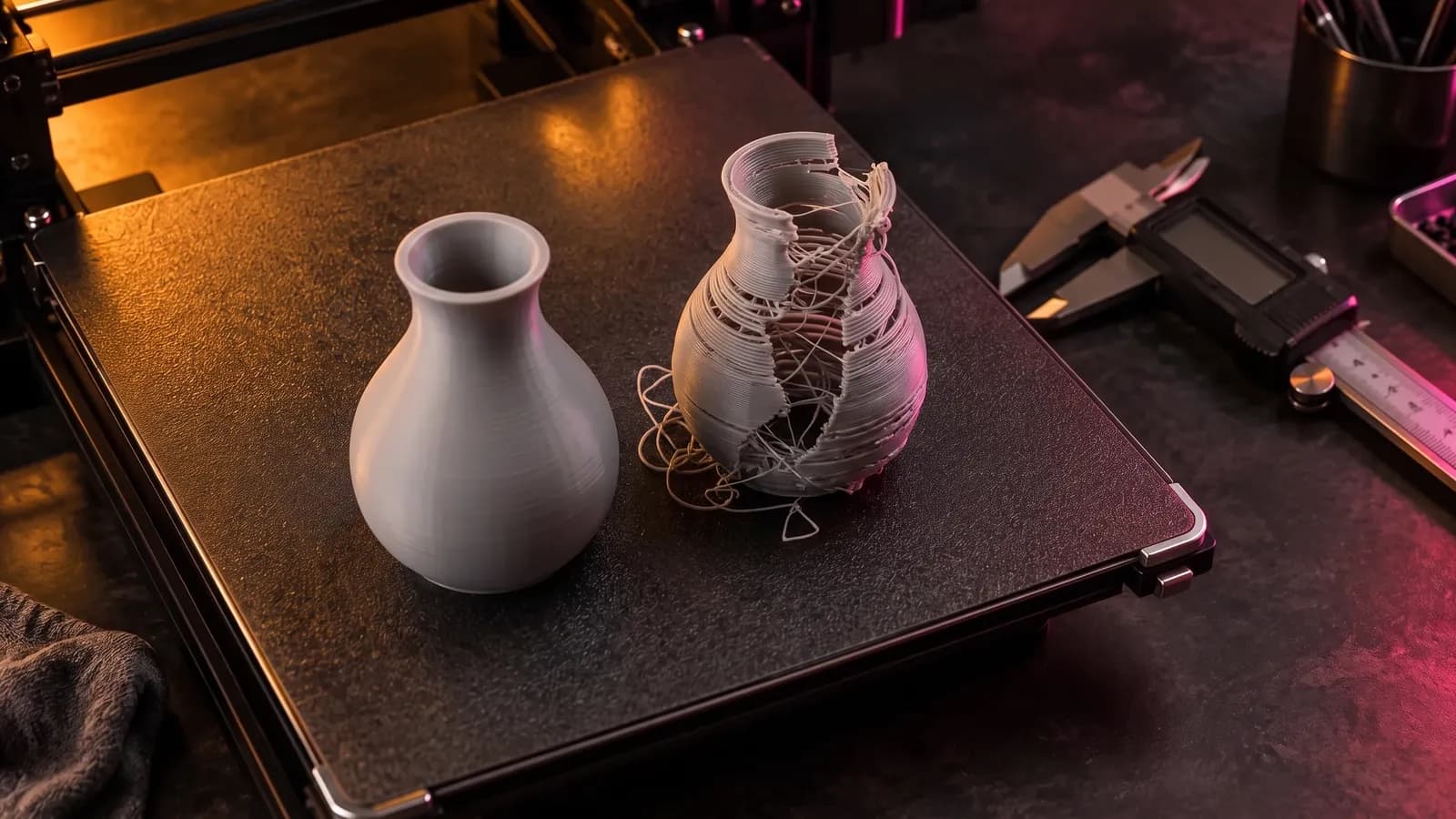
How to Fix STL Files: Holes, Non-Manifold Edges and Other Errors
How to fix STL errors: what open edges, non-manifold edges, flipped normals and self-intersections mean, what your slicer is saying, and the fix for each.
October 8, 2026 8 min read
3D printing
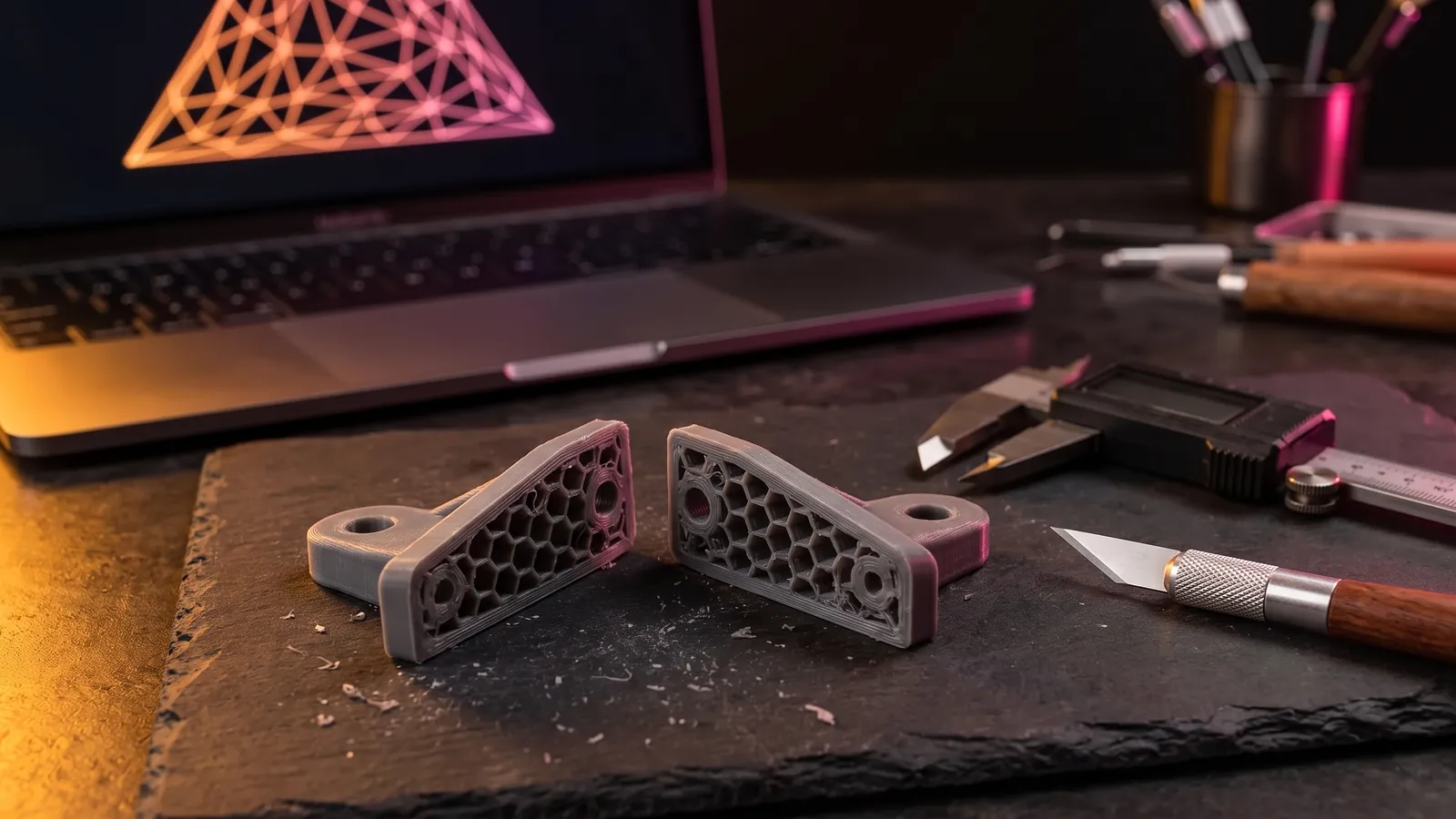
How to Edit an STL File: The Right Free Tool for Each Change
How to edit an STL file for free: scale, cut, add text, combine parts or cut holes in your slicer, Tinkercad, Blender, Fusion or FreeCAD, matched to the job.
November 2, 2026 11 min read
Open the STL simplifier.
It runs in your browser and the free plan needs no card. Paid plans from $5 a month add credits, storage and projects.