
Free tool
Free AI depth map generator
Drop in a photo. Get a depth map for LightBurn, Aspire or your slicer. The AI runs on your own device, so nothing is uploaded.
Runs in your browser. Nothing is uploaded.
How to use it
1Add a photo
Drop a JPG, PNG or WEBP, paste one with Ctrl+V or Cmd+V, or try a sample. The first run downloads the depth model once.
2Let the AI estimate depth
Depth Anything V2 runs on your GPU with WebGPU, or on your CPU. It takes a few seconds and nothing is uploaded.
3Tune the map
Raise the black point to flatten the background, set midtones, add detail from the photo and smooth if needed. Check it in the 3D relief view.
4Download
Download an 8-bit grayscale PNG for LightBurn, Aspire or Carbide Create, or an STL relief for your slicer with the size, base and relief height you set.
What this tool does
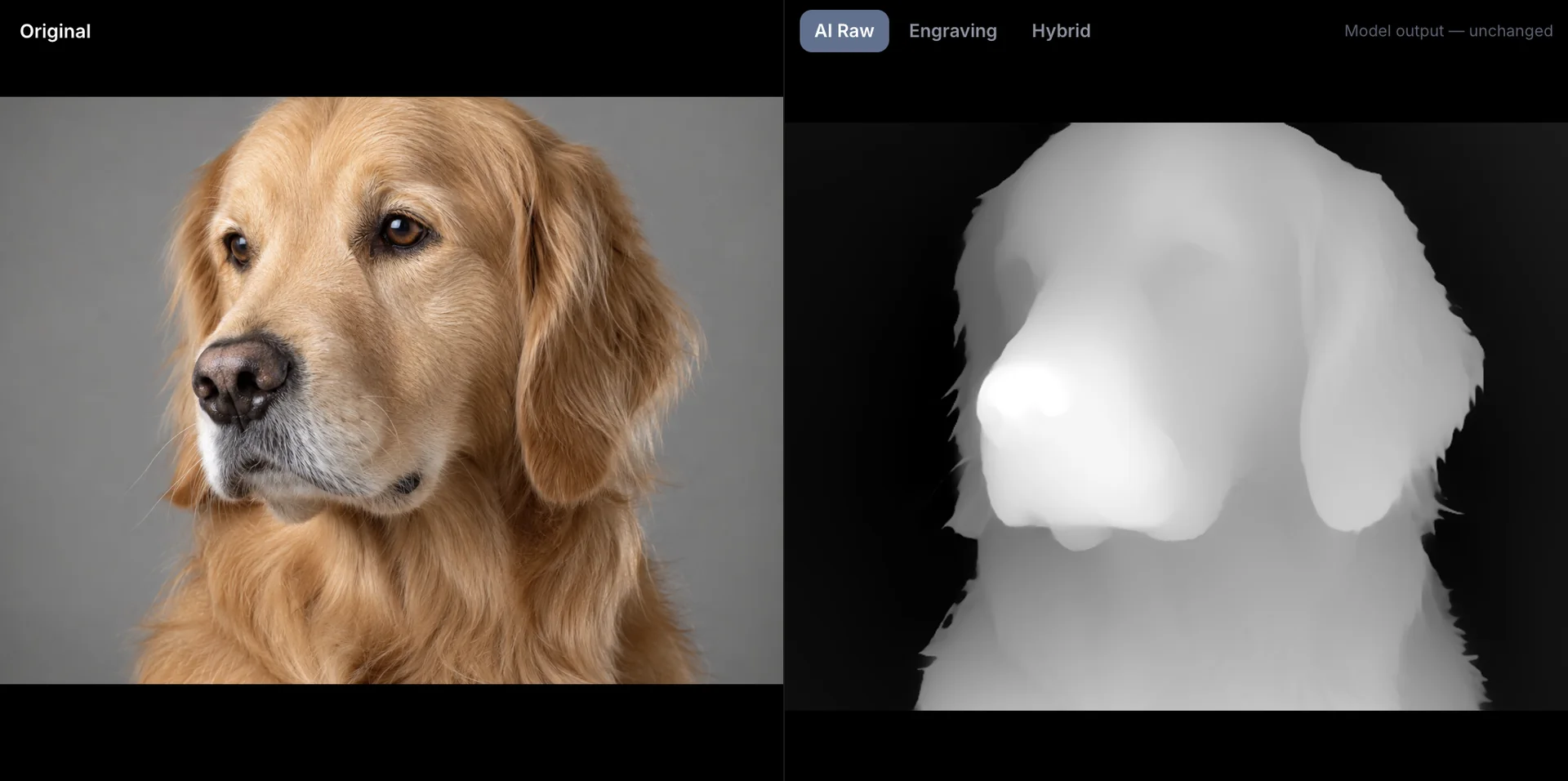
The generator estimates depth from a single image with Depth Anything V2, the same family of models used in research and in professional depth tools. It then applies the adjustments that matter for fabrication, black and white points, midtones, detail transfer from the photo, smoothing and a background cutoff, and exports files your machine software accepts.
White means raised and black means deep, the convention LightBurn, Vectric Aspire, Carbide Create and slicers expect.
Tips for better depth maps
- Pick photos with one clear subject and a simple background.
- Flatten the background with the black point or cutoff; most reliefs need a flat base.
- Use detail sparingly. 20 to 35 percent brings back fur and fabric; more can turn shadows into holes.
- Check the 3D view before exporting. Problems you see there will show up in wood.
When to use DepthGen Pro instead
Choose DepthGen Pro for coins and medals (its Coin / Relief mode reconstructs relief from shading), for 16-bit or EXR precision, for fixing mistakes with a height brush, and for processing whole orders in batches, offline on Windows or Mac.
Questions
Is this depth map generator really free?
Yes. No signup, no watermark, no daily limit. It runs in your browser, so it costs us nothing per image either.
Is my photo uploaded?
No. Only the AI model is downloaded, from the Hugging Face CDN, once. Your image is processed on your own device and never sent anywhere.
Which AI model does it use?
Depth Anything V2 Small, an open monocular depth estimation model, running through Transformers.js with WebGPU when available and WebAssembly otherwise.
Why is the first run slower?
The first run downloads the model, about 25 to 100 MB depending on your device. Your browser caches it, so later runs start in seconds.
Can I use the depth maps commercially?
Yes. Maps you make are yours to use in engravings, carvings and prints you sell.
How do I get a 16-bit depth map?
This tool exports 8-bit PNG, which covers most work. DepthGen Pro exports true 16-bit PNG and 32-bit EXR from its offline models.
Read next
Depth maps
Free Depth Map Generator for Laser Engraving, CNC and 3D Printing
Three free ways to turn a photo into a depth map for laser engraving, CNC and 3D printing: an AI generator in your browser, a free Windows app, and more.
September 21, 2026 3 min read
Depth maps
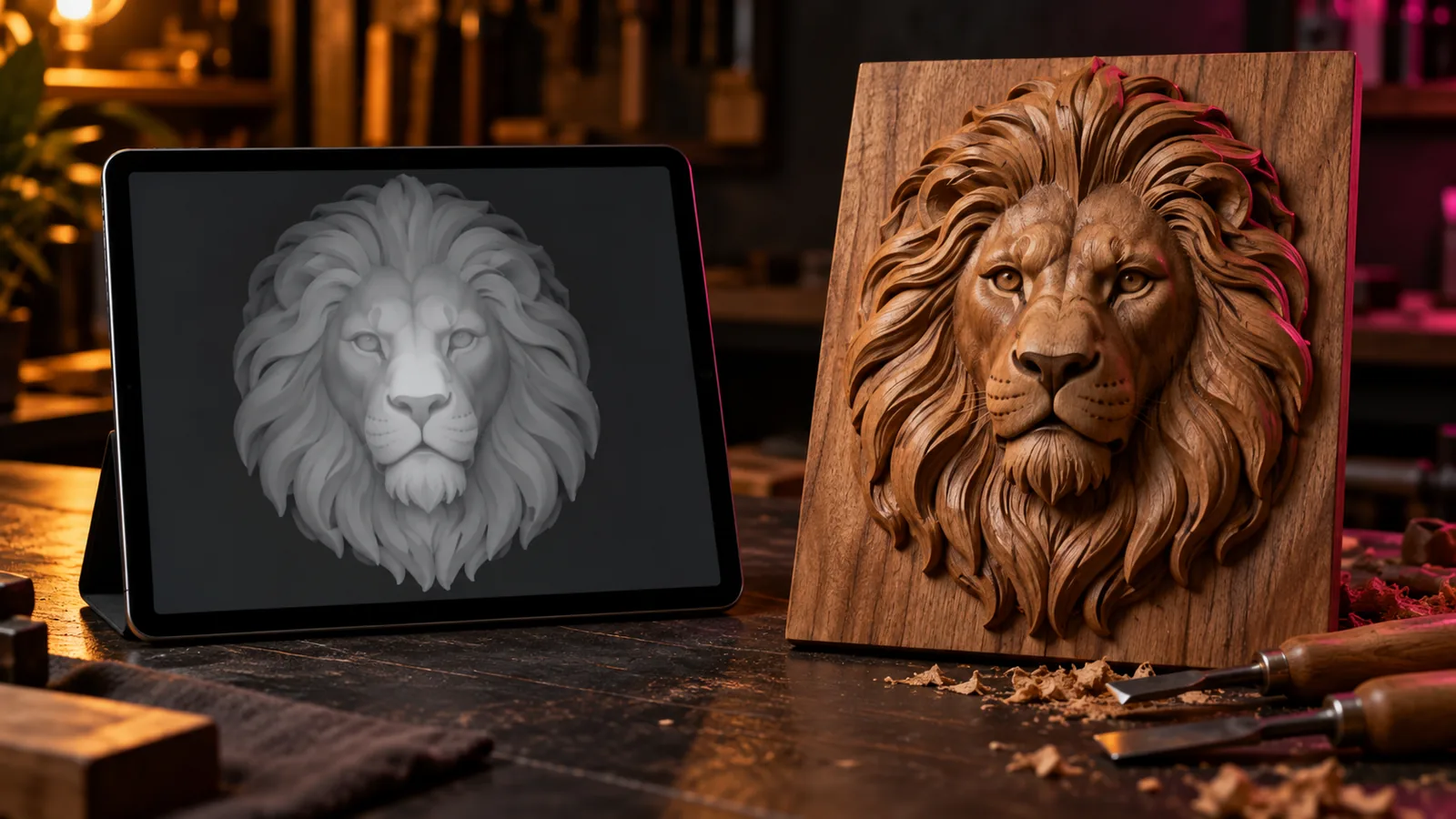
How to Make a Depth Map From a Photo (AI and Manual Methods)
How to make a depth map from a photo for laser engraving, CNC and 3D printing: AI estimation, phone depth, hand painting, and checking it before you cut.
September 21, 2026 3 min read
Depth maps
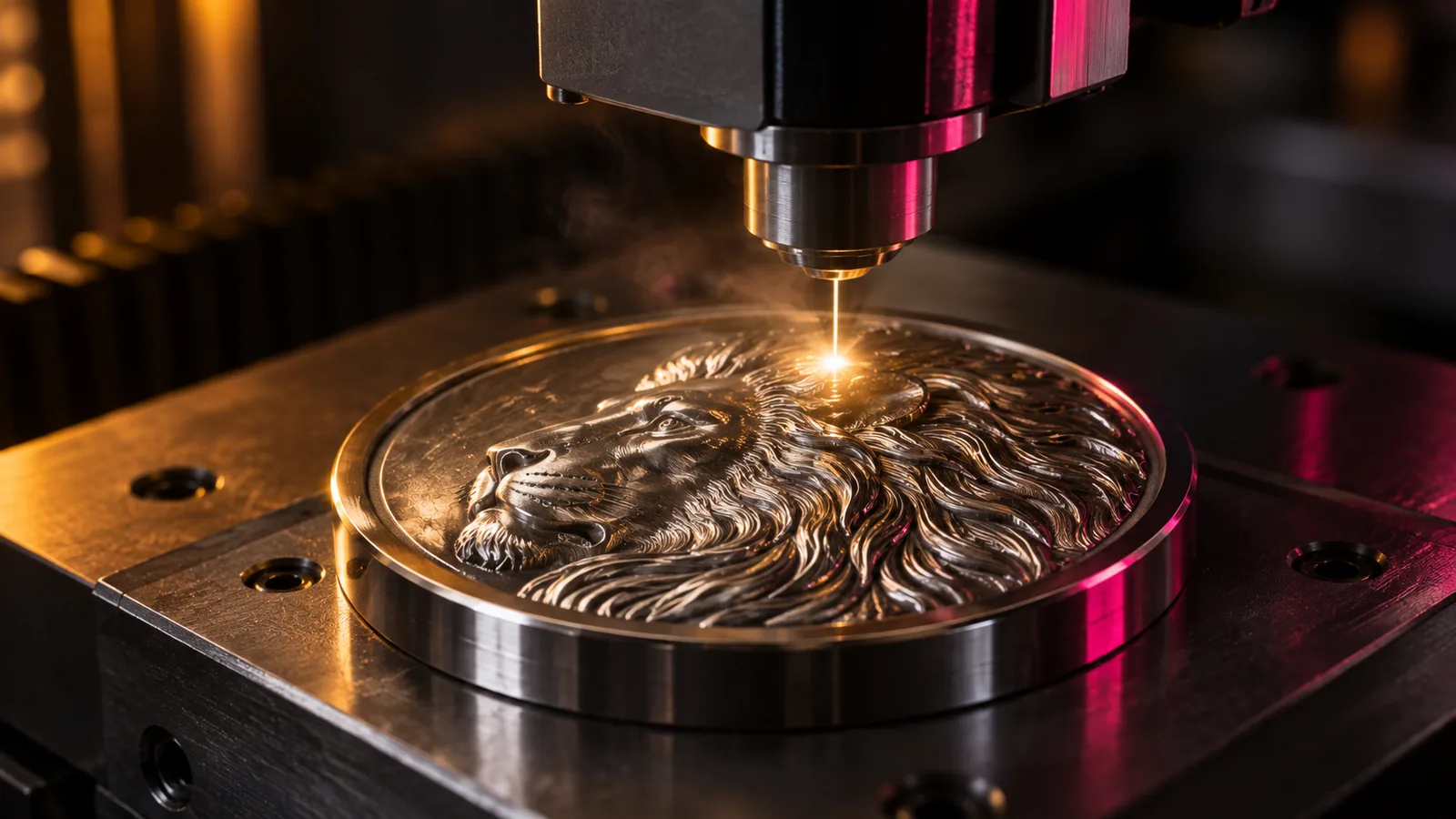
16-Bit vs 8-Bit Depth Maps for LightBurn 3D Sliced Engraving
When a 16-bit depth map improves a LightBurn 3D Sliced engraving, when 8-bit is enough, how passes relate to gray levels, and how to check a file's bit depth.
September 21, 2026 3 min read