
Free tool
Lithophane maker: photo to lithophane STL
Photo in, lithophane STL out. Flat, curved or a cylinder lamp, sized in millimetres and previewed lit from behind.
Runs in your browser. Nothing is uploaded.
How to use it
1Drop a photo
A JPG, PNG or WebP. Faces, pets and landscapes with clear light and shadow work best. The photo stays in your browser.
2Pick the shape
Flat panel for a frame or window, Curved for a desk piece that stands on its own, Cylinder for a lamp around an LED puck or tea light.
3Set size and thickness
Type the width (or the circumference for a cylinder) in millimetres. 0.8 mm thinnest and 3 mm thickest suit most printers.
4Check it lit and download
The preview shows the panel lit from behind. Download the watertight STL and slice it in white PLA at 100 percent infill.
Which lithophane shape?
| Shape | Stands on its own | Best for | Light |
|---|---|---|---|
| Flat panel | No, needs a frame or a stand | Window pieces, picture frames, light boxes | Behind, 2 to 5 cm away |
| Curved | Yes | Desk pieces and gifts | A tea light or LED behind the curve |
| Cylinder | Yes | Lamps and night lights | An LED puck inside |
Set the curve from 30 to 300 degrees for a curved lithophane. A wider arc stands more steadily but shows less of the photo at once.
Sizes that work for gifts
| Use | Width | Notes |
|---|---|---|
| Hanging ornament | 60 to 80 mm | Keep the subject large in the frame |
| Desk gift | 100 to 150 mm | The most common size |
| Night light | 200 to 250 mm around | Cylinder around a small LED puck |
| Lamp | 250 to 320 mm around | Cylinder around an 80 to 100 mm puck light |
Getting a good photo
A lithophane shows brightness as thickness: dark areas print thick and block light, bright areas print thin and glow. Photos with clear contrast give the best result. Crop tight on the subject, and brighten very dark shadows a little before you start, because everything darker than the thickest setting prints as one flat area. The contrast slider in the tool does the same job after you load the photo.
From lithophane to product
Selling lithophanes or making a batch of gifts? Depthue Studio builds flat, curved and tube lithophanes with the size typed in millimetres, adds exact lettering, and sends the customer a proof link to approve before you print. The free tool on this page stays the quickest way to make one.
Questions
What is the best free lithophane maker?
For a flat, curved or cylinder lithophane from one photo, this one is free, needs no account and keeps the photo on your device. It previews the print lit from behind and exports a watertight STL that slicers accept without repair.
What size should a lithophane be?
100 mm wide is a good first print and takes a few hours. Go to 150 mm or more for portraits with fine detail. Small ornaments work from about 60 mm, but faces lose detail below that.
What thickness should a lithophane be?
0.8 mm at the thinnest and 3 mm at the thickest is the usual start for white PLA. Thinner lets more light through and looks brighter; thicker gives deeper shadows but needs a stronger light.
How do I print a lithophane?
White PLA, 100 percent infill, 0.12 to 0.16 mm layers, and the panel standing upright so the detail is built in the layer plane. Curved and cylinder lithophanes come out of this tool already standing up.
How do I make a lithophane Christmas ornament?
Make a flat or curved lithophane about 70 mm wide with a 3 mm frame, then open the STL in Depthue Studio and add a hole through the frame at the top for the hook. Studio's ornament maker also makes name ornaments to hang beside it.
Can I make a cylinder lithophane lamp?
Yes. Choose Cylinder and enter the circumference: π times the inside diameter you need. For an 80 mm LED puck light, enter 251 mm. The photo wraps once around a smooth bore with solid rims top and bottom.
Read next
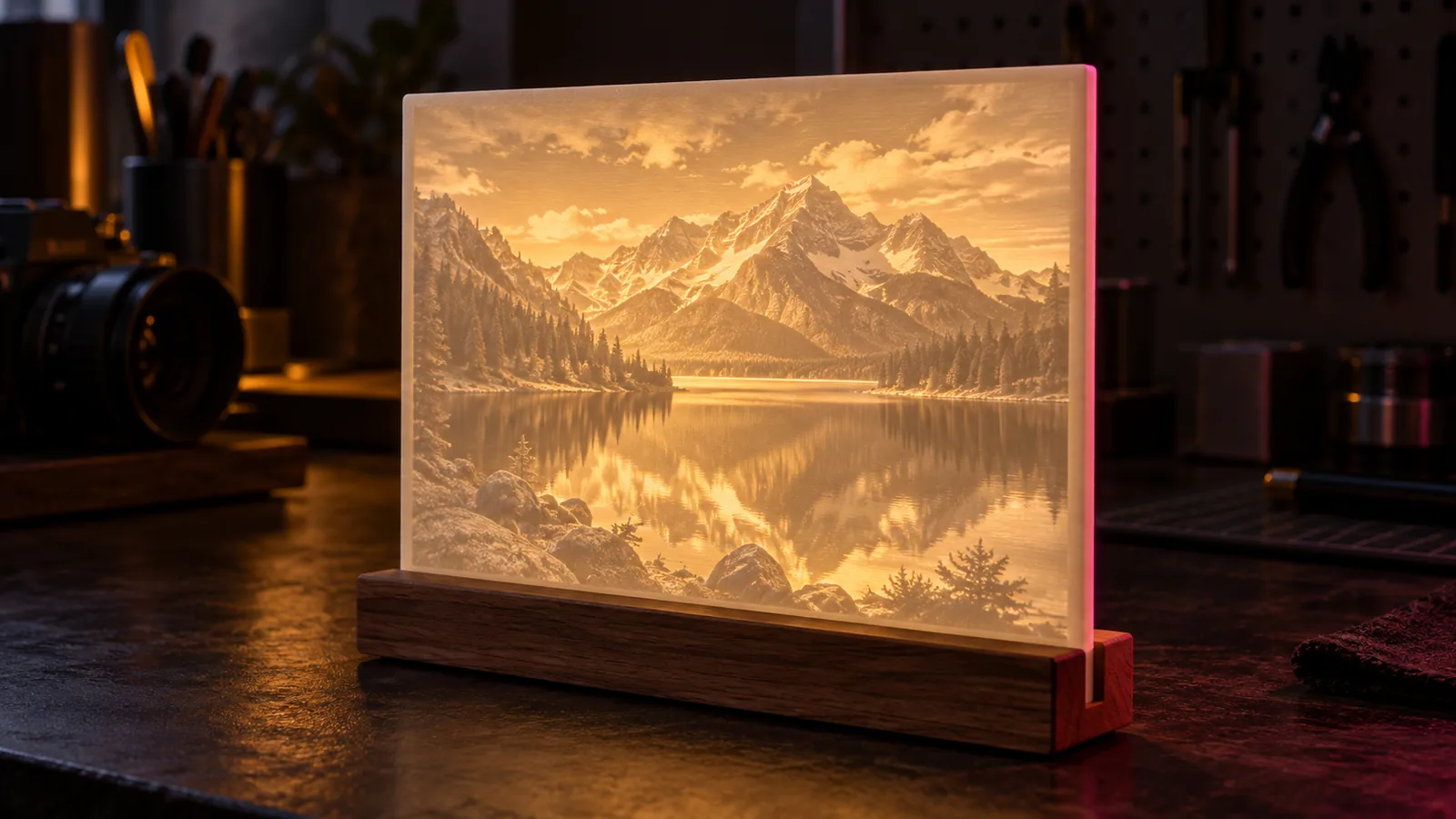
HueForge and lithophanes
How to Make a Lithophane From a Photo (Settings That Work)
How to make a lithophane from a photo: image choice, thickness, size, flat or curved panels, slicer settings for white PLA, and fixing flat or dark prints.
September 21, 2026 2 min read
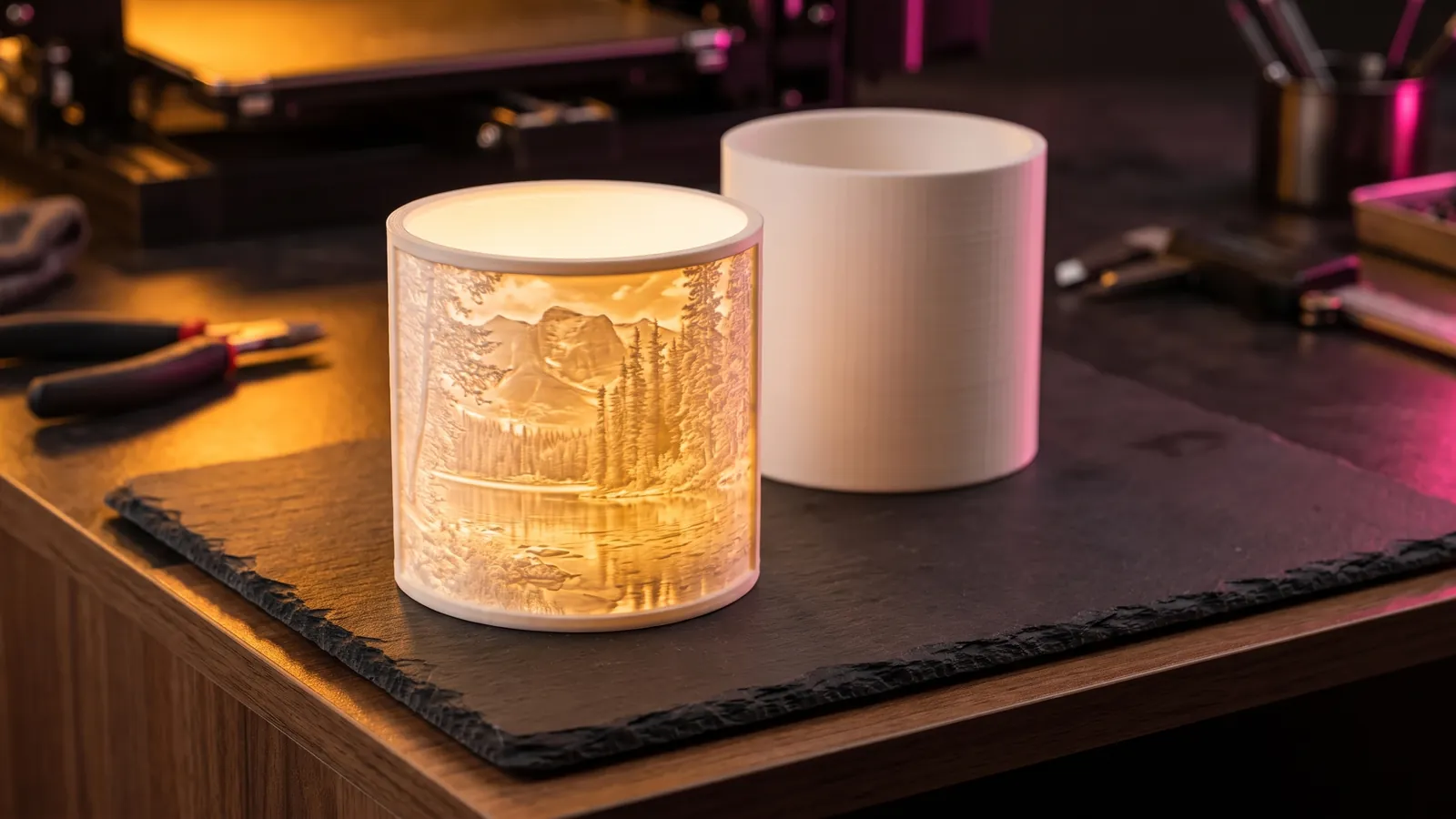
HueForge and lithophanes
How to Make a Lithophane Lamp: Types, Lights, Sizing and Safety
Make a lithophane lamp, night light or light box: pick the shape and the LED, size the print with π × diameter, print it upright and power it safely.
October 8, 2026 8 min read
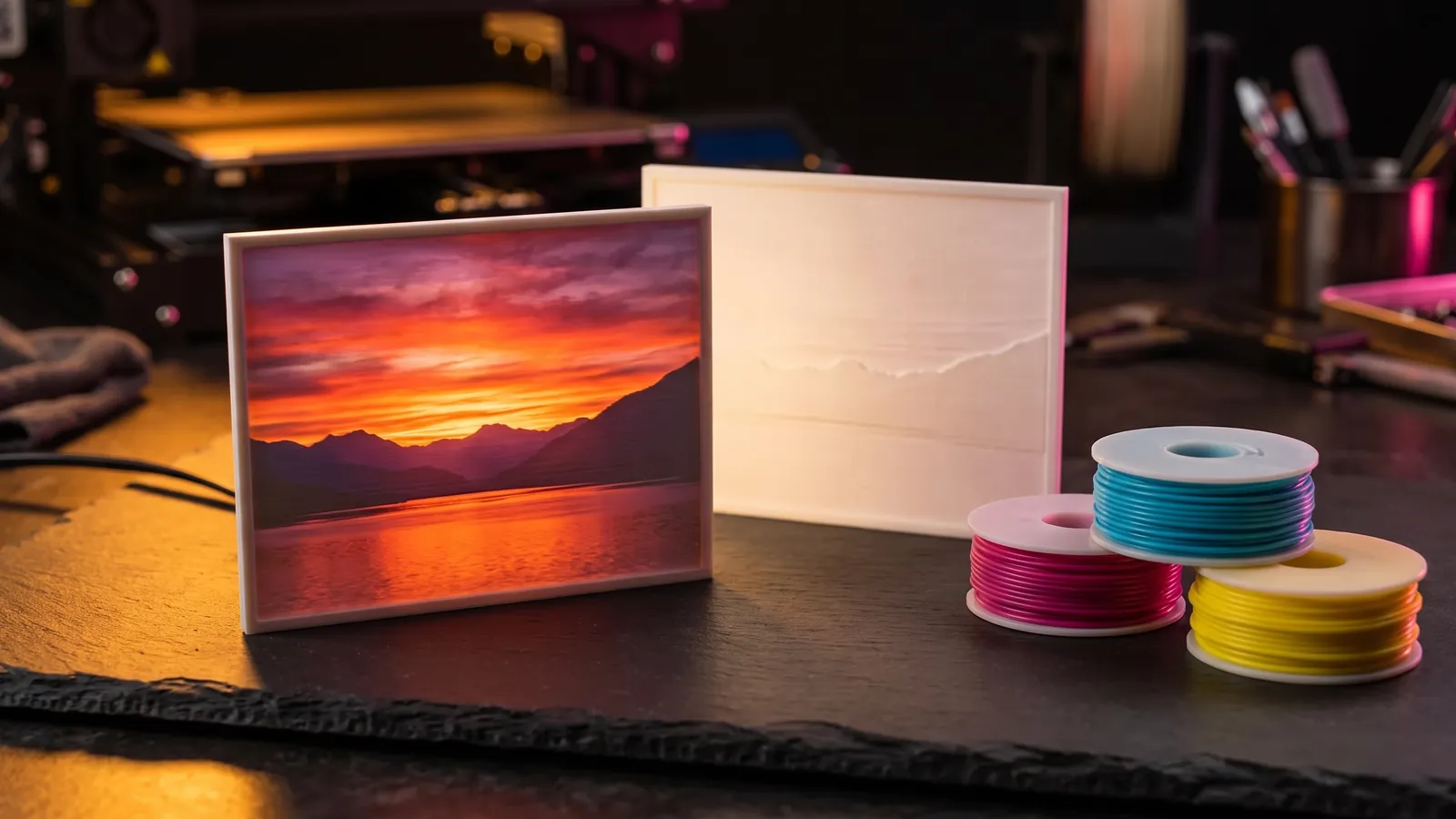
HueForge and lithophanes
How to Make a Color Lithophane: 3 Methods Compared
How color lithophanes work and 3 ways to print one: CMYK filament, a color sheet behind white, or a filament painting. Tools, filament, settings, light.
October 8, 2026 10 min read