
Free tool
AI prompt builder for laser, CNC and 3D printing
Describe what you want to make. Get a prompt that produces artwork your machine can actually use.
Runs in your browser. Nothing is uploaded.
How to use it
1Describe the subject
Type what you want to make, or tap the shuffle button for an example.
2Choose the process
Cut silhouette, line art, photo engraving, CNC relief, lithophane, filament painting, badge or stencil.
3Pick style and composition
Optional style and a layout: isolated, circle frame, panel or border.
4Copy for your model
Switch between Midjourney, ChatGPT, Ideogram and Stable Diffusion or Flux, then copy the prompt and negative prompt.
After you generate
Upscale, then trace to vectors for cutting or dither for photo engraving. Check that pieces connect and that no detail is thinner than your beam at the final size. For relief work, turn the image into a depth map with the depth map generator.
Questions
Why not just ask for a laser file?
Image models make pictures. Naming what the machine needs, connected shapes, no gradients, clean edges, is what makes the output usable.
Can the AI make a depth map for CNC directly?
It can draw something that looks like one, but the grays rarely follow real shape. Prompt for a bas-relief render instead, then make the depth map with the depth map generator.
Does it work with xTool AImake?
The descriptive part of any prompt works in any image model, including AImake. The flags like --ar are Midjourney-specific.
Read next
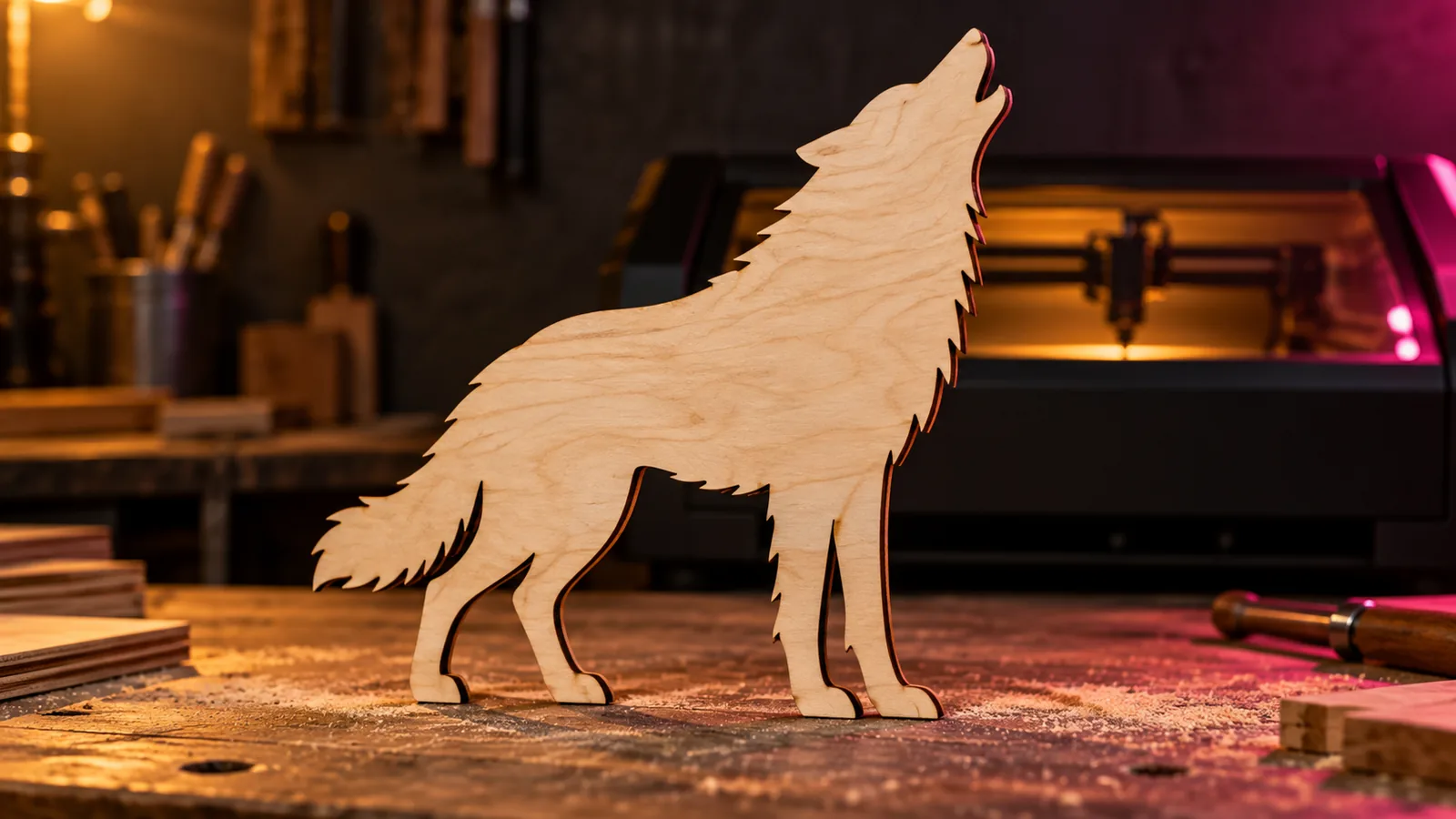
Laser and CNC
AI Prompts for Laser Engraving, Cutting and CNC That Actually Work
AI prompt formulas for laser engraving and CNC: cut silhouettes, line art, photo engravings, depth map reliefs and lithophanes, for Midjourney and ChatGPT.
September 21, 2026 2 min read
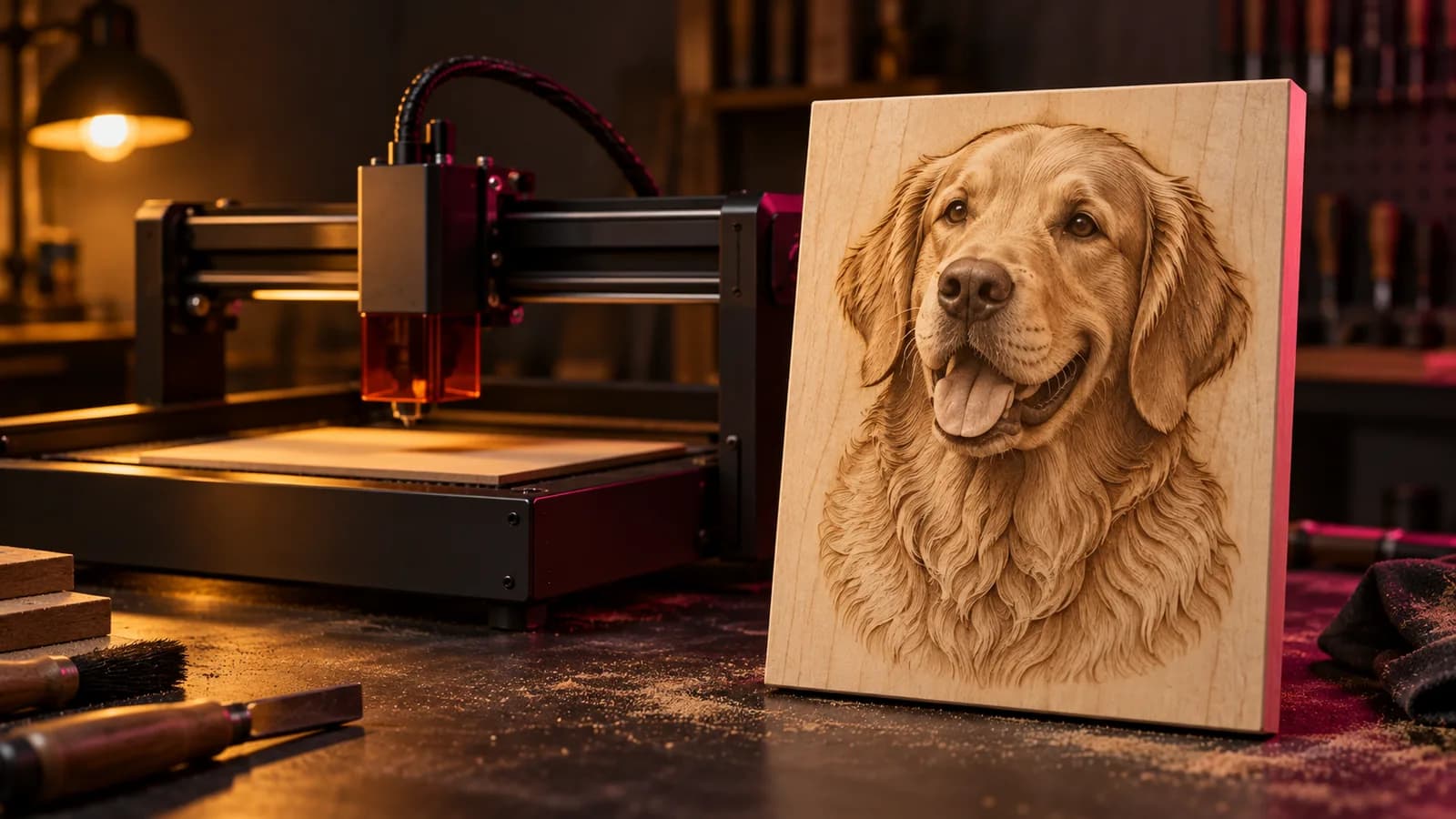
Laser and CNC
Best AI Tools for Laser Engraving in 2026, by Job
The best AI tools for laser engraving and cutting, grouped by job: artwork, text, vectors, photo prep, depth maps and all-in-one apps, with their limits.
September 21, 2026 3 min read
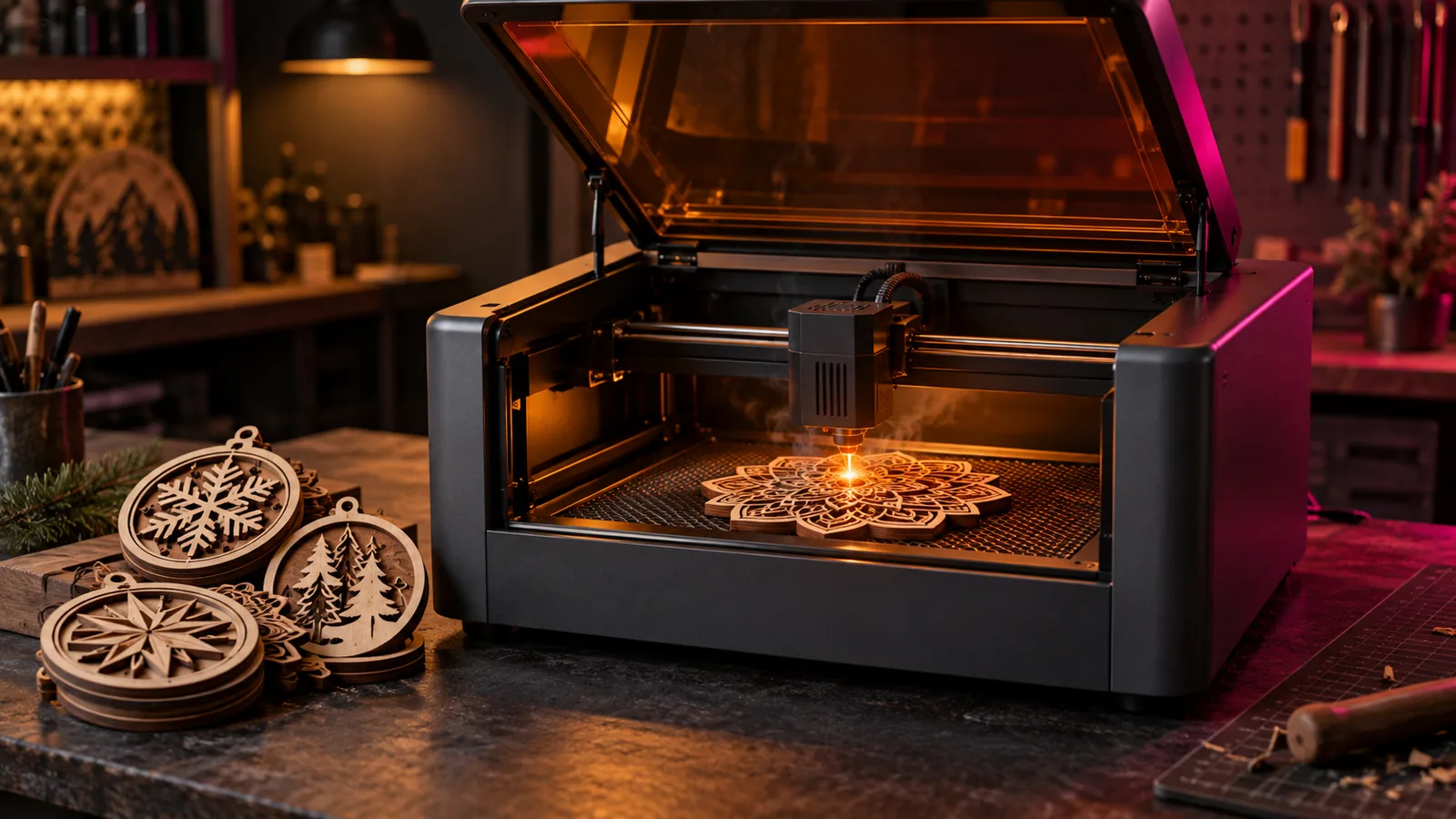
Laser and CNC
xTool AImake: What It Does for Laser and Craft Files (2026)
xTool AImake review: how it works inside xTool Studio, what it does well, where it falls short, how credits work, and how it compares with other AI tools.
September 21, 2026 2 min read