
Free tool
Online DXF viewer
Drop a DXF to see it at true scale. Save it as SVG for LightBurn, Cricut or Inkscape if you need to.
Runs in your browser. Nothing is uploaded.
How to use it
1Drop the DXF
An ASCII DXF from AutoCAD, Fusion, Inkscape, LightBurn, QCAD or any CAM program. It is read on your device.
2Check the size
The drawing is shown at true scale using the units saved in the file. If it has none, pick mm, cm or inches.
3Look at the layers
Every layer is listed, and you can hide any of them to see what is underneath.
4Save it if you need to
Download an SVG at true scale for LightBurn, xTool, Glowforge, Cricut or Inkscape.
To open a DXF file online, drop it on the viewer above. Lines, polylines with arcs, circles, ellipses, splines and blocks are drawn at true scale with each layer kept separate, in your browser, without AutoCAD and without uploading the file. If you need it in another format, save it as an SVG for your laser software in the same step.
What opens and what does not
| Drawn | Not drawn |
|---|---|
| Lines, polylines and polyline arcs | Dimensions, leaders and points, which are listed instead |
| Circles, arcs and ellipses | Binary DXF files: save them as ASCII first |
| Splines | Hatch fills, unless you turn on hatch outlines |
| Blocks, placed where they are used | |
| Text, in a substitute font |
Laser and CNC checks before you cut
A DXF that looks right can still cut wrong. While it is open, check three things: the overall size against your material, that outlines are closed where you expect a part to drop out, and that engrave and cut paths sit on separate layers. For press-fit parts, offset the paths by your laser's kerf; the kerf calculator works out how much.
To turn an SVG back into a DXF for CAM, use the SVG to DXF converter. For an outline of a 3D model, use the STL to SVG converter.
Questions
How do I open a DXF file without AutoCAD?
Drop it on the viewer above. It draws lines, polylines with arcs, circles, ellipses, splines and blocks at true scale in your browser, with no install, no account and no upload.
What is a DXF file?
DXF (Drawing Exchange Format) is Autodesk's open format for 2D and 3D drawings. Laser cutters, CNC routers and CAD programs use it to exchange cut paths.
Why will my DXF not open?
Two common reasons: it is a binary DXF, which this viewer cannot read, so save it as ASCII DXF from your CAD program; or it holds only dimensions, text or points, which are not drawn as cut paths.
Can I see the real size of a DXF?
Yes. When the file states its units, the drawing is shown at true scale in millimetres or inches. Files without units are read as millimetres, and you can switch the unit if the size looks wrong.
Is my drawing uploaded?
No. The DXF is read and drawn in your browser tab.
Read next
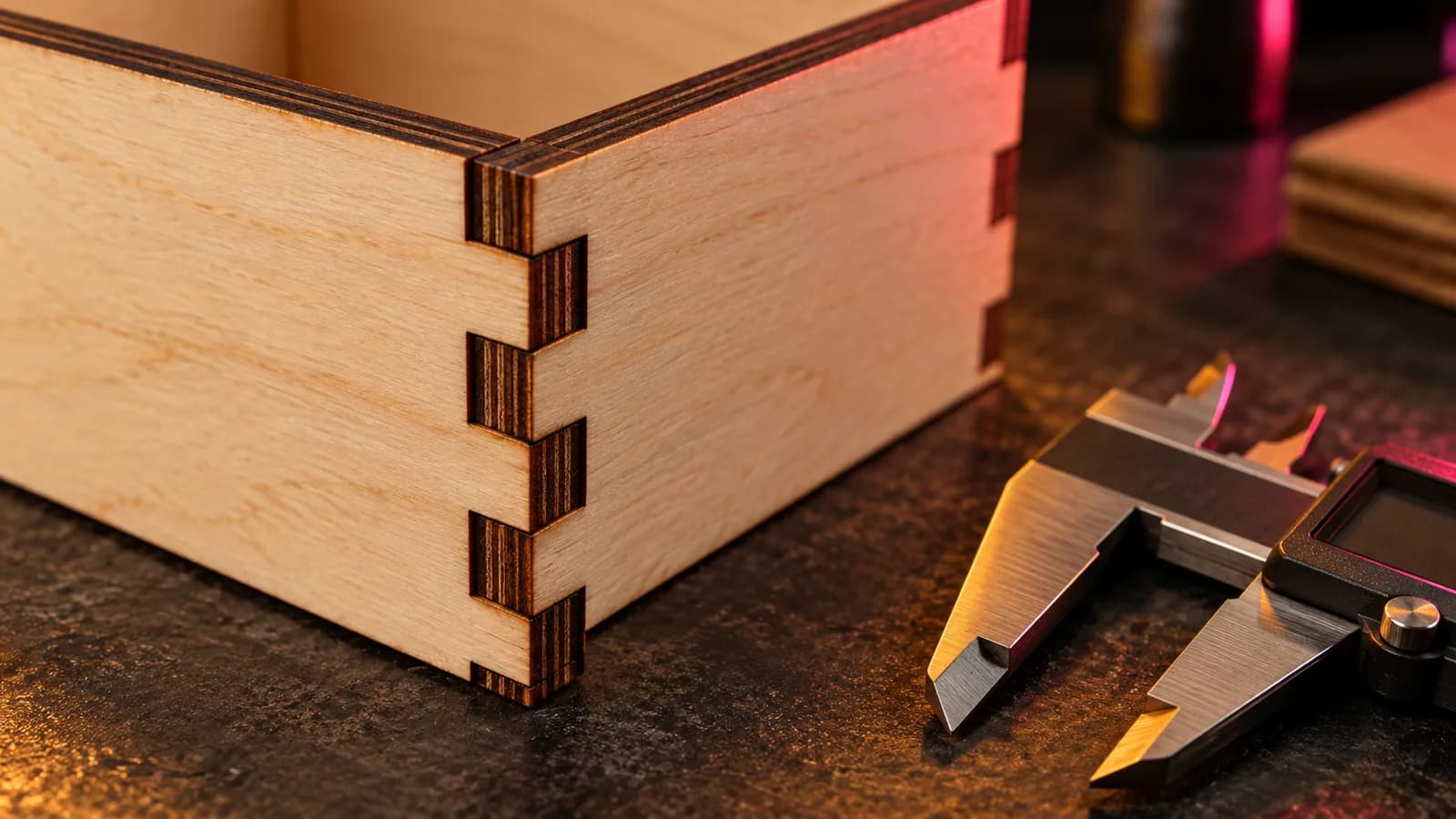
Laser and CNC
Laser Kerf Explained: Measure It and Set the Offset in LightBurn
What laser kerf is, why press-fit joints come out loose, how to measure kerf with one test cut, and how to set the kerf offset in LightBurn.
September 21, 2026 2 min read
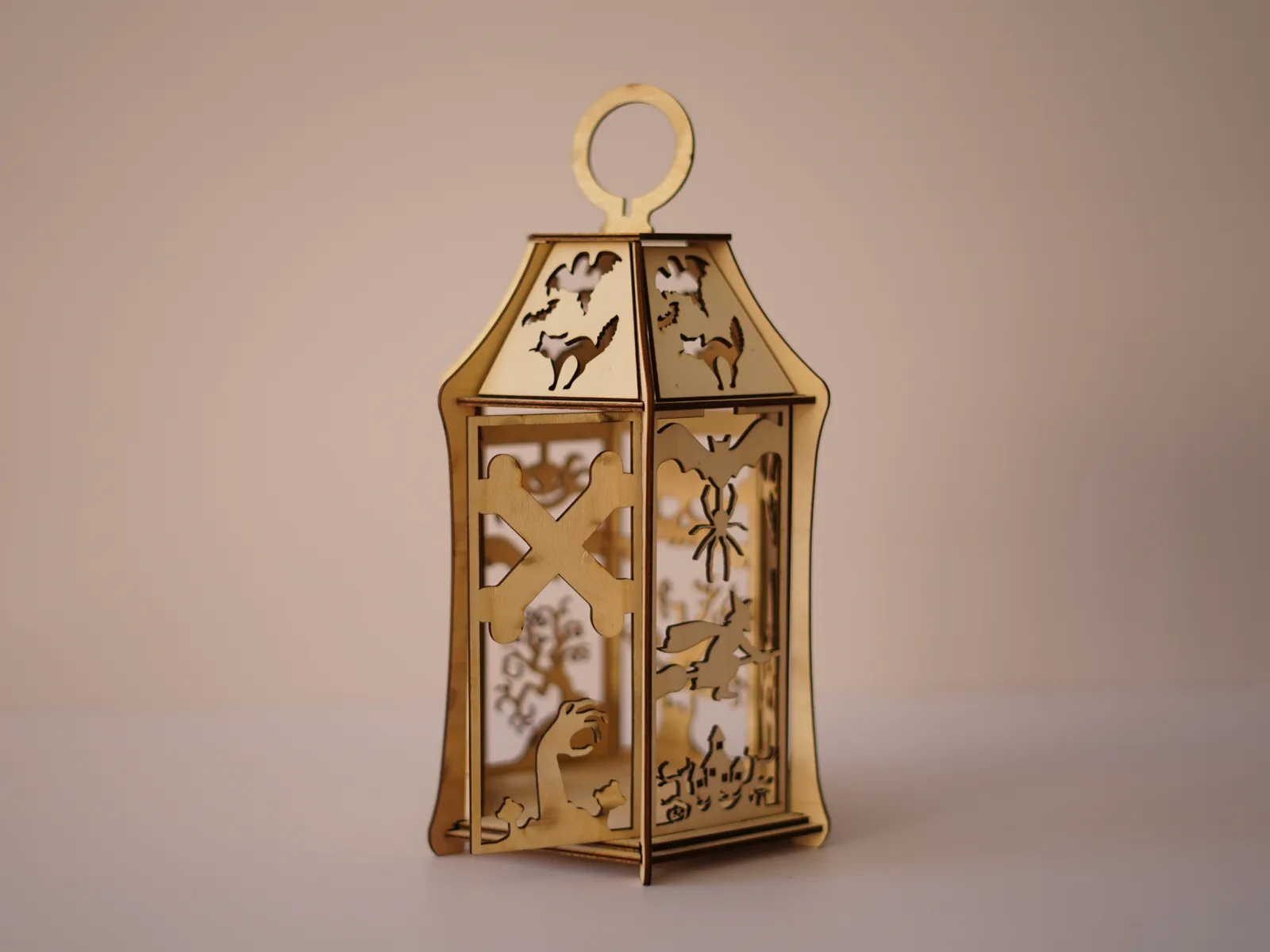
Laser and CNC
Free Halloween Lantern Laser Cut Files (SVG, EPS, PDF) for 3 mm Wood
Free laser-cut Halloween lantern for 3 mm plywood or MDF: bats, a witch, a black cat and a haunted house in SVG, EPS and PDF, with settings and assembly.
September 21, 2026 2 min read
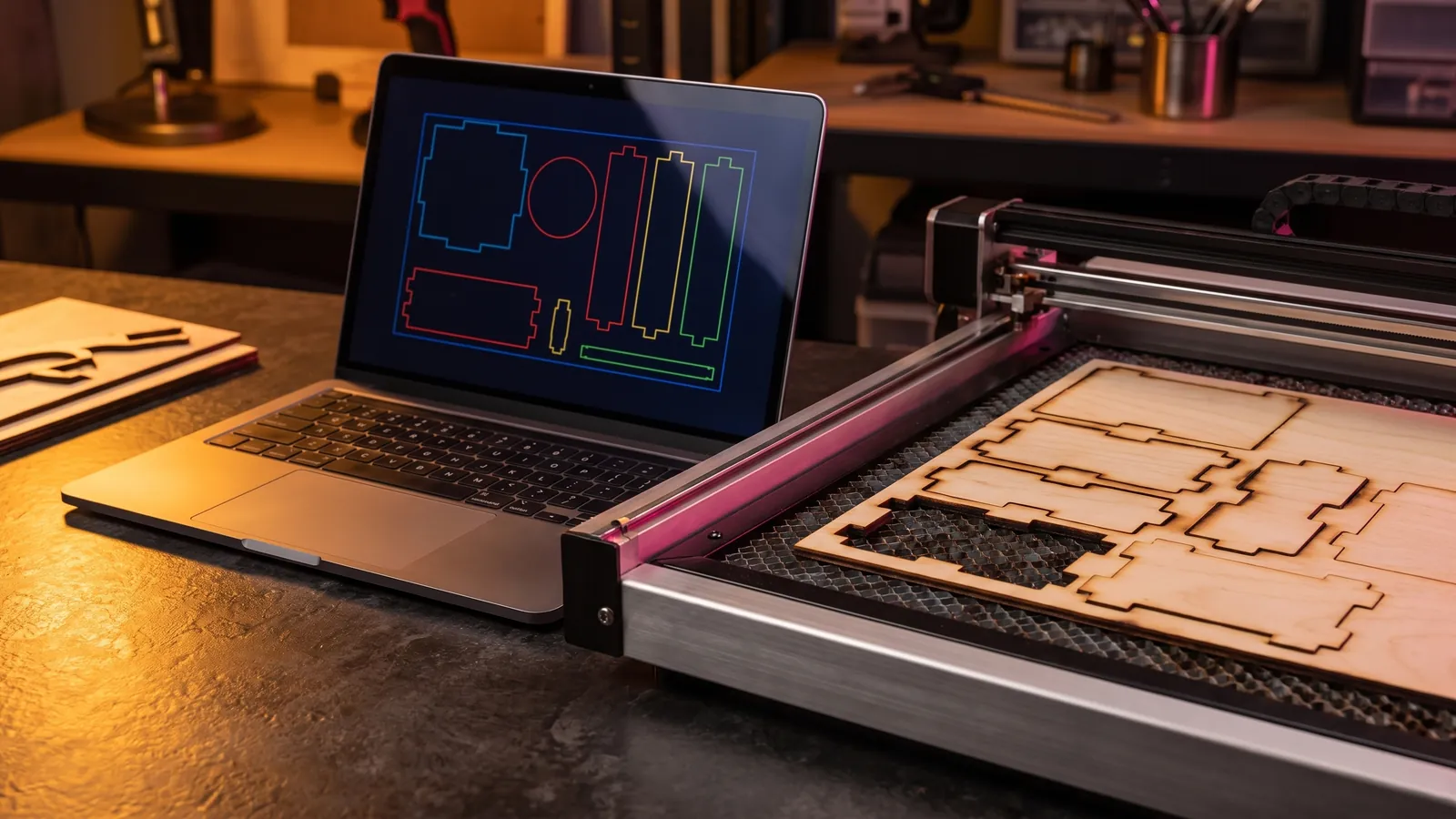
Laser and CNC
Laser Engraving Software: The Best Free and Paid Programs for Every Machine
Laser engraving software compared by machine: LightBurn, LaserGRBL, xTool Studio, Glowforge, EZCAD and RDWorks, with prices, file formats and free picks.
October 8, 2026 9 min read