
Free tool
STL to SVG converter
Drop an STL. Get its outline or a cross-section as a clean SVG at real size, ready for LightBurn.
Runs in your browser. Nothing is uploaded.
How to use it
1Drop your STL
Binary or ASCII STL, or a 3MF. It is read on your device and never uploaded.
2Pick outline, slice or layers
Outline traces the silhouette from any side. Slice cuts through the model at one height. Layers slices it every material thickness for a stacked model.
3Set the size
Keep the real size in millimetres, or scale to a target width, height or stack height.
4Download SVG or DXF
True-size files in millimetres. Layers come laid out on sheets, or as one file per layer in a zip.
To convert an STL to SVG, you flatten it. An STL is a 3D mesh and an SVG is a flat drawing, so you either trace the model's outline from one side or cut it with a plane and keep the cross-section. Drop the STL in the converter above, pick Outline, Slice or Layers, and download an SVG or DXF at true size in millimetres.
Outline, slice or layers
| Mode | What you get | Use it for |
|---|---|---|
| Outline | The silhouette seen from the top, bottom, front, back or a side, holes included | A sign or plaque from a 3D logo, an inlay, a cutting template or stencil |
| Slice | The exact cross-section at one height, along Z, Y or X | A profile to cut, a template for a bracket or pipe, checking a wall |
| Layers | A slice every material thickness, numbered and packed on sheets | Stacked plywood topographic maps and layered sculptures |
The outline is traced from a fine raster, accurate to about 0.05 mm at the standard detail; the panel shows the figure for your model. Slices are exact: every triangle the plane crosses adds one segment, and the segments are joined into closed loops.
Making a stacked model
- Measure your sheet with calipers and enter that thickness. Nominal 3 mm plywood is often a little thinner, and the error adds up over many layers.
- Set the size. Stack sets the finished height; Width and Height scale the footprint.
- Enter your sheet or bed size and keep the layer numbers on. Parts are packed by their bounding box with the spacing you choose.
- Cut, then stack from layer 1 at the bottom, lining each part up with the outline of the one below.
Each layer is cut at its own mid-height, and the layer count is rounded to the nearest whole layer, so the stack can differ from the model by up to half a layer. Choose File per layer when you want every layer in the model's own footprint: the files then line up with each other. If parts must slot together rather than stack, size them with the laser kerf calculator.
Getting the size right in LightBurn and Glowforge
The SVG states its width and height in millimetres, with a viewBox in the same units, so one unit is one millimetre.
- LightBurn has an SVG import setting under Settings, Import / Export: 96 DPI, Inkscape's default, or 72 DPI, Illustrator's default. Its docs say to try the other option if an SVG imports at the wrong scale. LightBurn matches imported colours to its palette, so the red cut lines and the blue layer numbers land on separate layers.
- Glowforge turns strokes into cuts and fills into engraves, and ignores stroke thickness, according to its support pages. Use Cut lines to cut and Filled to engrave. Text in an SVG must be converted to paths first; the layer numbers here are already drawn as strokes, so nothing goes missing.
Whatever you use, measure one part on screen before you cut.
STL to DXF for CAD and CNC
Switch the format to DXF for an AutoCAD R12 file in millimetres with closed polylines, the version CAD and CAM programs read most widely. Stacked layers get one DXF layer per slice and a LABELS layer for the numbers. LightBurn can detect the units when a DXF includes them, as this one does; otherwise you set them in its DXF import settings. Glowforge accepts DXF on its Premium plan. To go the other way, the SVG to DXF converter handles existing drawings.
Other ways to do it
- Autodesk Fusion: insert the mesh, then on the Mesh tab choose Create, Create Mesh Section Sketch and pick a plane. Edit the sketch and use Fit Curves To Mesh Section for real curves, then right-click the sketch in the Browser and choose Export DXF.
- Blender: in Edit Mode, Mesh, Bisect cuts a mesh with a plane. For an SVG, convert the object with Object, Convert, Grease Pencil, then use File, Export, Grease Pencil as SVG, which exports what the largest 3D viewport shows. DXF export needs the Export Autocad DXF Format extension.
- Inkscape cannot open STL files. It is useful once you have the SVG, for editing the outline.
- Slicer for Fusion 360, Autodesk's old app for stacked slices, is no longer listed on the Autodesk Marketplace (checked October 2026).
If the mesh is broken, fix it first with the STL repair tool, and check the model in the online STL viewer. To turn a drawing back into a 3D part, use the SVG to STL converter.
Questions
Can you convert an STL to SVG?
Yes, by flattening it. An SVG is 2D, so the converter either traces the model's outline from one side or slices it with a plane, then writes the result as an SVG at true size in millimetres.
How do I convert a 3D model to a 2D file for laser cutting?
Load the STL, choose Outline for its silhouette or Slice for a cross-section, and download the SVG or DXF. The cut lines are red 0.1 mm hairlines, and Filled gives solid shapes for engraving.
How do I make a layered (stacked) laser cut model?
Choose Layers, enter your material thickness and the finished size, and download the numbered parts laid out on your sheet size. Cut them and glue them in order, with layer 1 at the bottom.
Why does my slice have gaps?
The mesh has holes or edges that do not meet, so a cut through it cannot close. The converter closes small gaps itself and shows the rest as dashed open lines; repair the STL and slice again for clean loops.
Is my file uploaded?
No. The STL is read and sliced in your browser, and the SVG or DXF is built on your device.
Will the SVG come out at the right size?
It is written at true size: width and height in millimetres with a matching viewBox. Check one known dimension after importing, because some programs apply their own SVG scale setting.
Can I get a DXF instead of an SVG?
Yes. Switch the format to DXF for an R12 file in millimetres with closed polylines and one DXF layer per slice.
Read next
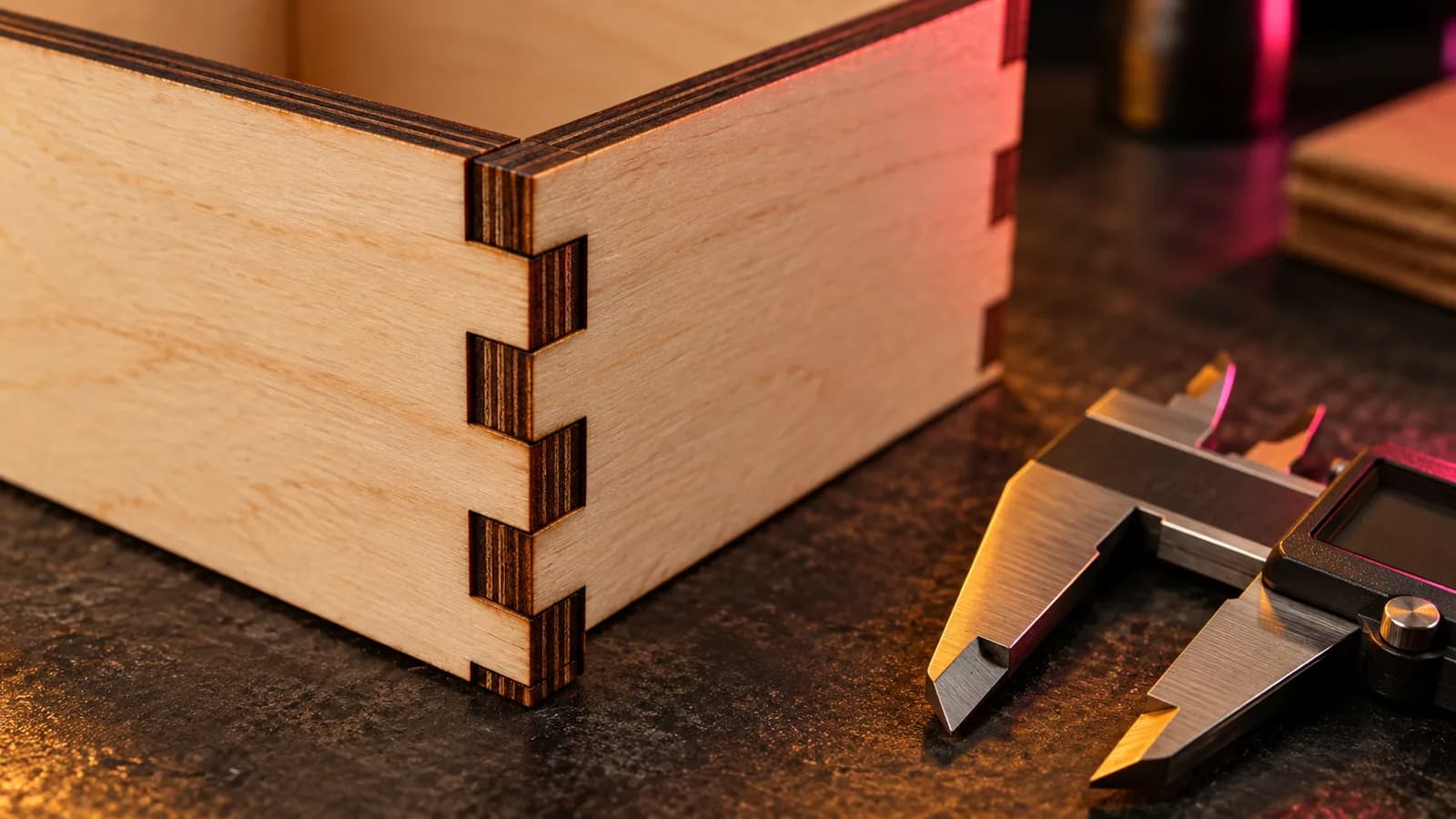
Laser and CNC
Laser Kerf Explained: Measure It and Set the Offset in LightBurn
What laser kerf is, why press-fit joints come out loose, how to measure kerf with one test cut, and how to set the kerf offset in LightBurn.
September 21, 2026 2 min read
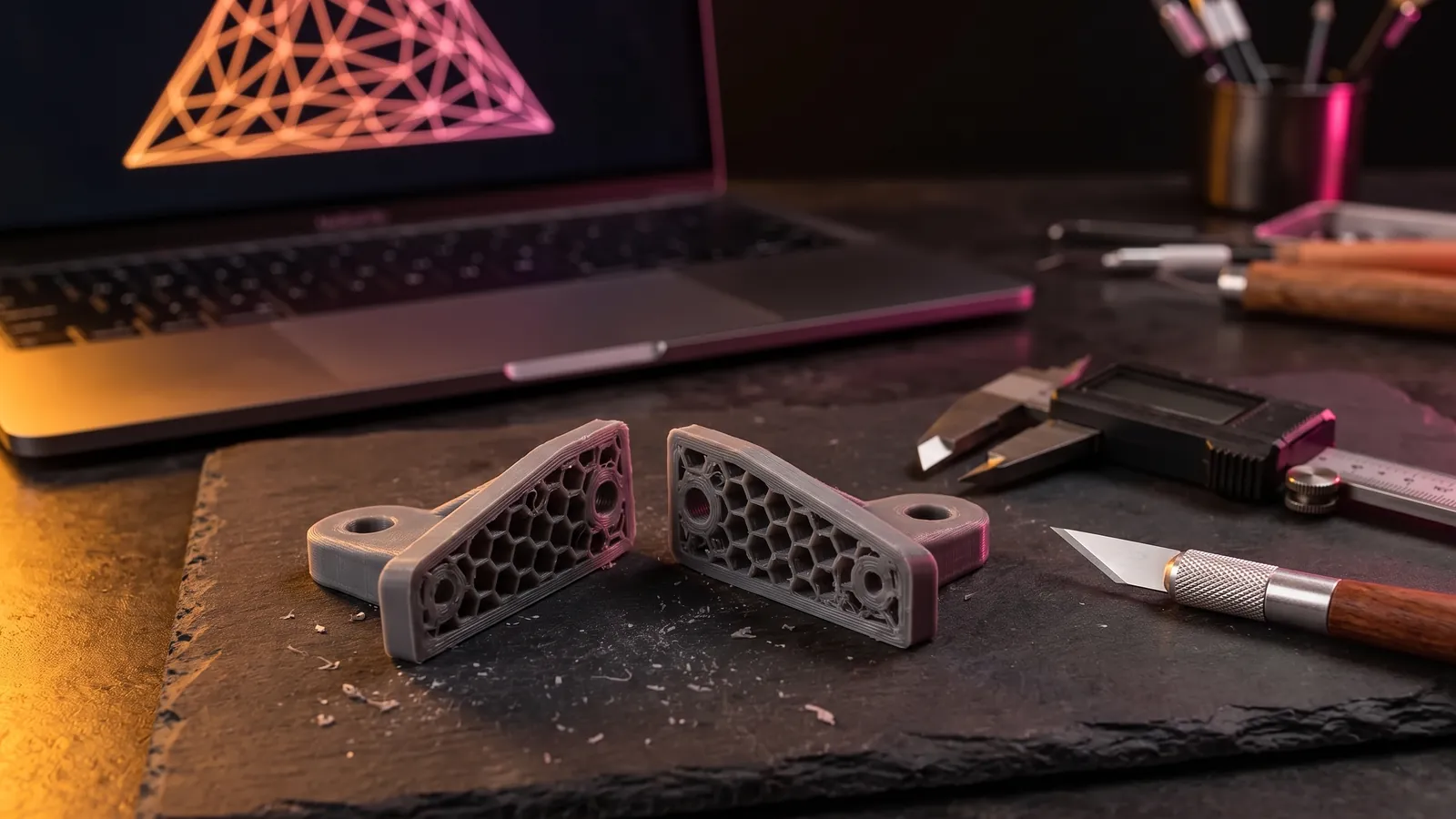
3D printing
How to Edit an STL File: The Right Free Tool for Each Change
How to edit an STL file for free: scale, cut, add text, combine parts or cut holes in your slicer, Tinkercad, Blender, Fusion or FreeCAD, matched to the job.
October 8, 2026 10 min read
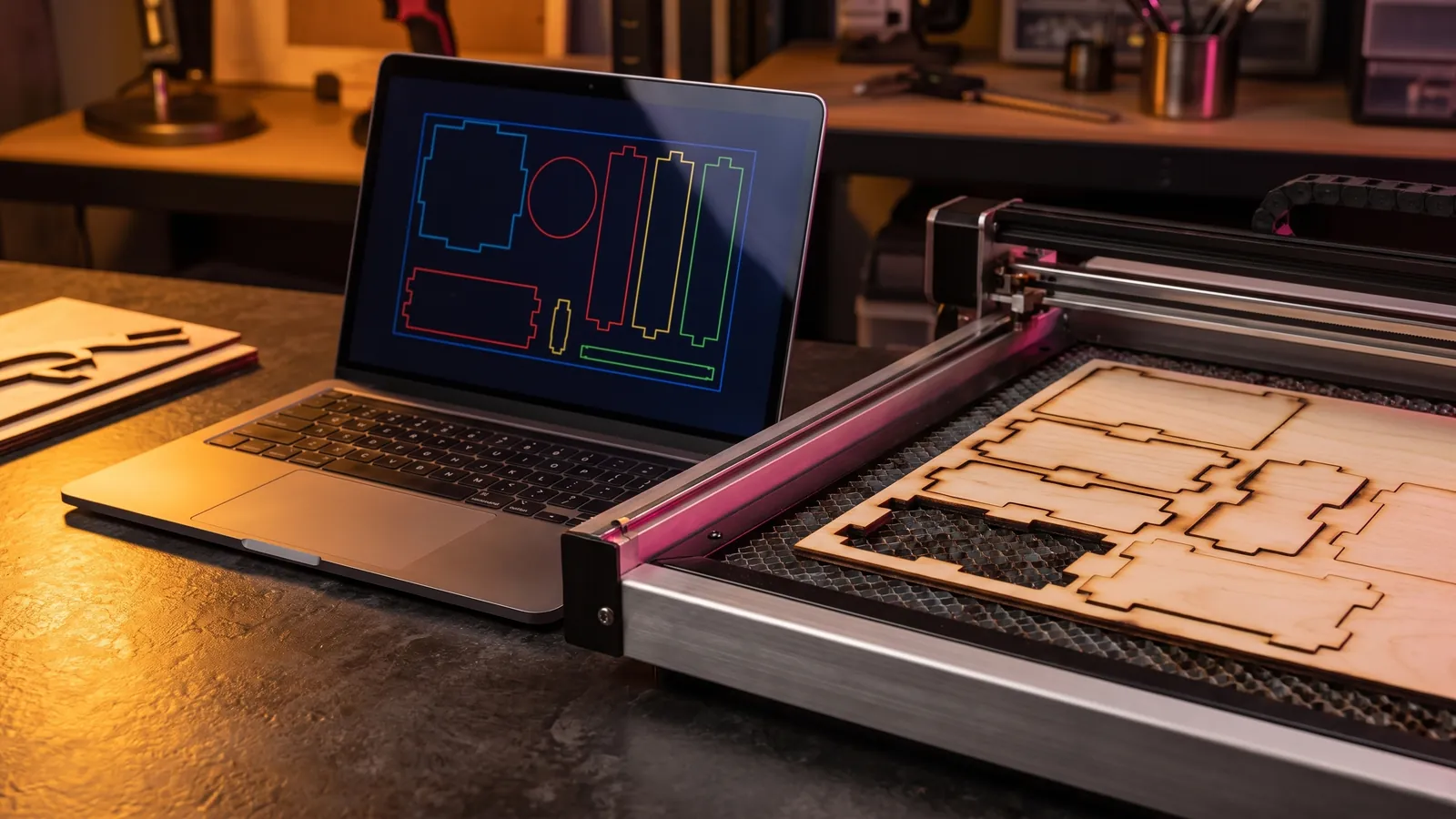
Laser and CNC
Laser Engraving Software: The Best Free and Paid Programs for Every Machine
Laser engraving software compared by machine: LightBurn, LaserGRBL, xTool Studio, Glowforge, EZCAD and RDWorks, with prices, file formats and free picks.
October 8, 2026 9 min read