
Free tool
SVG to STL converter
Drop an SVG, a PNG logo or type some text. Get a watertight STL at exactly the height you want.
Runs in your browser. Nothing is uploaded.
How to use it
1Drop your SVG
Drop an .svg file, paste SVG code, or try the sample badge. It is read on your device; nothing is uploaded.
2Set the size and height
Type the width or height in millimetres. Each fill colour becomes its own part, and each part can have its own height.
3Add a base or a keychain tab
Put the art on a rectangle or outline base, sink it into the plate instead of raising it, add a tab with a hole, or mirror it for a stamp.
4Download
One STL, a 3MF with one object per colour, an STL per part, or the traced outline as an SVG in millimetres.
To convert an SVG to an STL, give its flat shapes a height: drop the SVG above, set the width and the height in millimetres, and download a watertight STL. Each fill colour can become its own part, and the 3MF download keeps those parts separate for multicolour printing. Everything runs in your browser.
What carries over from your SVG
The converter reads the SVG's geometry, draws each colour in paint order at high resolution, then traces it back into outlines with sub-pixel accuracy. That is what makes overlapping shapes, strokes and even-odd holes come out right.
| SVG feature | What happens |
|---|---|
| Paths, rectangles, circles, ellipses, polygons, lines | Extruded as drawn, with transforms and the viewBox applied |
| Fill rule (nonzero or evenodd) | Respected, so holes stay holes |
| Strokes | Become solid lines at their drawn width, with their joins and caps |
| Several colours | One part per colour; later shapes cover earlier ones |
| CSS classes in a style block, use elements | Applied |
| Gradients | Printed in one flat colour, the average of the stops |
| Text elements | Skipped, with a warning: convert text to paths, or use the text to STL generator |
| Embedded pictures, clip paths, masks | Skipped or ignored, with a one-click option to trace the whole SVG as an image |
If the SVG sets its width in millimetres, centimetres or inches, the tool starts at that real size. Otherwise it starts at 80 mm wide, and you type the size you want.
Stroke or fill?
Many icons are drawn as strokes: a line with a width and no fill. A slicer cannot print a line with no area, so the converter turns each stroke into the solid shape it covers on screen. A 2 px stroke on a 24 px icon scaled to 40 mm becomes a line about 3.3 mm wide. Hairline strokes become hairline walls, which is why every part is checked against 0.8 mm, two line widths of a 0.4 mm nozzle, and flagged with the width it measured.
Multicolour prints with a 3MF
With One part per colour on, each fill colour is its own object. Give each colour its own height for a stepped look, or keep them equal for a flat badge you print in one go with an AMS or a tool changer. The 3MF carries one object per colour with its colour attached, and the STL per part download gives you a zip with one file per colour.
If you print with one extruder, set different heights per colour and swap filament at each height. The filament swap height guide shows how to place those changes.
Base plates, engraving and keychains
- Rectangle: a plate around the art. Margin is the space to the edge; a corner radius of 0 gives square corners.
- Outline: a plate that follows the artwork at the distance you set, like a sticker border.
- Engrave into the base: the art is sunk into the plate. The 3MF adds an inlay part for each colour that fills the engraving flush with the top.
- Keychain tab: a tab with a hole on the left, top or right, with the hole diameter and position in millimetres.
- Mirror: flips the model so a stamp reads the right way round when pressed.
Every part is built as its own closed shell and checked for open edges before you download, so slicers accept it without repair. You can confirm the size and shape in the STL viewer.
Other ways to convert SVG to STL
- Tinkercad: in the 3D workspace, press Import and select the SVG. The Tinkercad help center says it becomes a solid shape with a default height that you can scale, and that curves are converted to a best approximation of straight lines.
- Bambu Studio: File, Import, then pick the SVG, as the Bambu Lab wiki shows. Bambu Studio added SVG import in version 1.4.
- OrcaSlicer: File, Import accepts SVG and extrudes its shapes, according to the OrcaSlicer wiki.
- PrusaSlicer 2.7 and later: right-click an object, then Add part, SVG, per the Prusa knowledge base.
- Autodesk Fusion: in the Design workspace, Insert, Insert SVG, pick a face, then Solid, Create, Extrude.
- Blender: File, Import, SVG as Curves (Scalable Vector Graphics in Blender 4.x), give the curves depth with Extrude in the Geometry panel, then Object, Convert, Mesh and export the STL. The Blender manual notes that the importer reads path geometry only and ignores fills, strokes and text.
Need the vector for a laser instead of a printer? The SVG to DXF converter keeps curves and real size. Starting from a PNG logo? Use the PNG to STL converter, which traces the image first.
Questions
Can you convert SVG to STL?
Yes. An SVG is flat, so converting it means giving its shapes a height. This tool traces every fill and stroke, extrudes them to the height you set in millimetres and checks that each part is a closed, watertight solid.
Why is my SVG empty or tiny?
Empty usually means the file has no filled shapes: text that was never converted to paths, a photo wrapped in an SVG, or shapes with no fill. Convert text with Path, Object to Path in Inkscape, or trace the file as an image. Tiny does not matter here, because you set the size in millimetres.
How do I make a multicolor print from an SVG?
Keep One part per colour on and download the 3MF. Every fill colour becomes its own object with its colour attached, ready to assign filaments in Bambu Studio, OrcaSlicer or PrusaSlicer. Shapes painted later in the SVG cover earlier ones, so no two parts overlap.
What height should text and logos be?
On a base plate, 1 to 2 mm of raised height reads well and prints fast. Without a base, 2 to 3 mm keeps thin parts from bending. Line width matters more than height: keep the narrowest part at 0.8 mm or wider for a 0.4 mm nozzle.
Do stroke-only SVG icons work?
Yes. Strokes are drawn at their own width and traced like fills, so outline icons print as solid lines. If a stroke ends up thinner than 0.8 mm at your size, the tool shows a warning with the width it measured.
Can Bambu Studio import an SVG directly?
Yes. The Bambu Lab wiki describes File, Import, then selecting the SVG. Use this tool when you want exact millimetre sizes, a base plate, a keychain tab, a separate part for every colour, or an STL that any slicer opens.
Is my file uploaded?
No. The SVG is parsed, traced and meshed in your browser. Nothing is sent to a server.
Read next
HueForge and lithophanes
How to Plan Color Swap Heights for Filament Painting
Where to change filament in a HueForge-style painting: layer math, transmission distance, swap order, and adding color changes in Bambu Studio and OrcaSlicer.
September 21, 2026 2 min read
3D printing
How to Edit an STL File: The Right Free Tool for Each Change
How to edit an STL file for free: scale, cut, add text, combine parts or cut holes in your slicer, Tinkercad, Blender, Fusion or FreeCAD, matched to the job.
October 8, 2026 10 min read
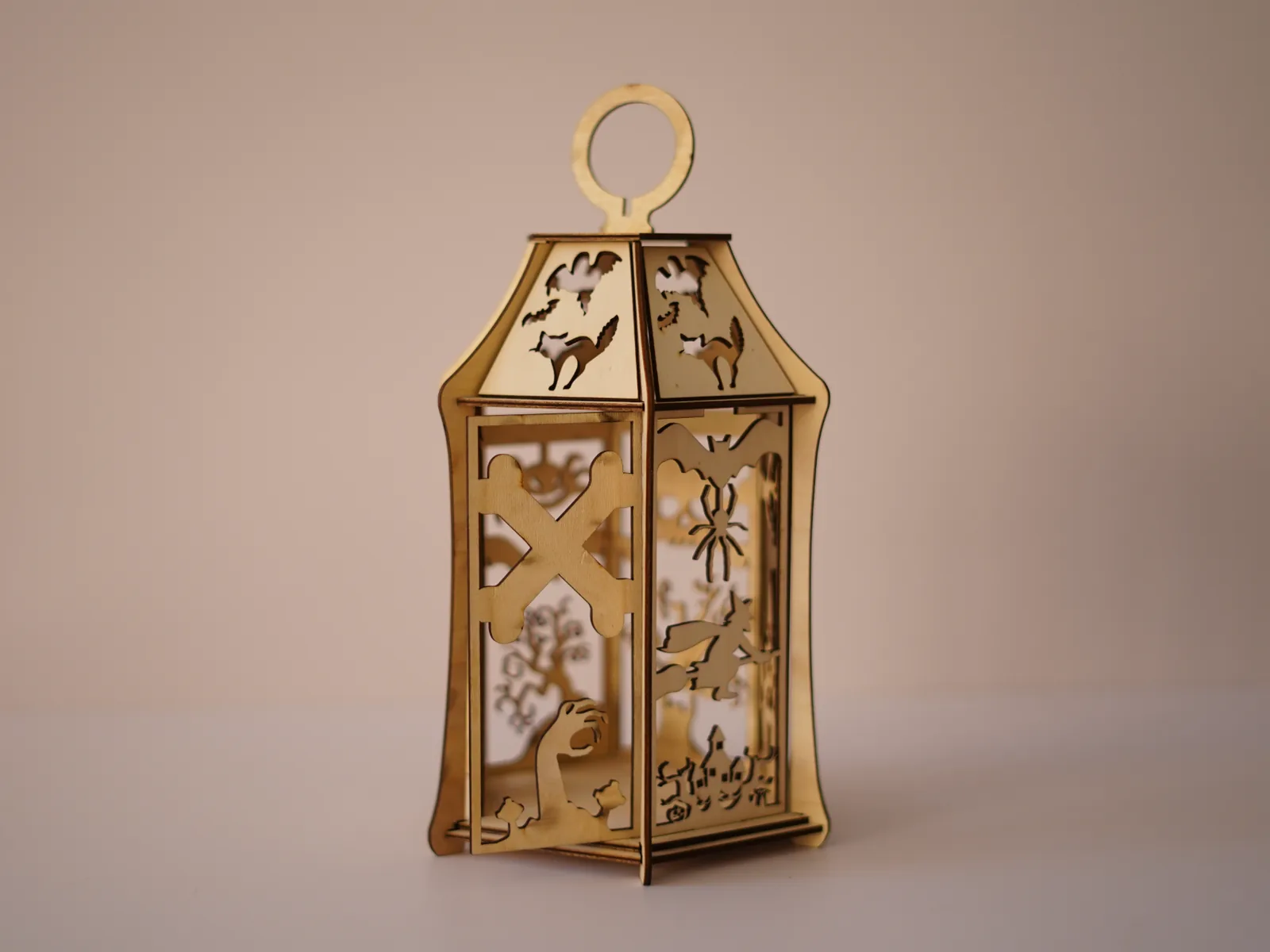
Laser and CNC
Free Halloween Lantern Laser Cut Files (SVG, EPS, PDF) for 3 mm Wood
Free laser-cut Halloween lantern for 3 mm plywood or MDF: bats, a witch, a black cat and a haunted house in SVG, EPS and PDF, with settings and assembly.
September 21, 2026 2 min read