
VoxelPrimeImage to multicolor relief and lithophane, for any printer
VoxelPrime is a desktop app that turns any image into a printable HueForge-style color relief or lithophane. It plans filament colors and swap heights, exports clean STL and works with single-extruder printers. $8 once, lifetime access.
- Opens
- JPG, PNG, WEBP
- Exports
- STL, Color swap plan
Lifetime licence. Version 1.5.
- Instant download and licence key by email
- Lifetime access, no subscription
- Every future update included
- Commercial use allowed
14-day refund
Delivered instantly
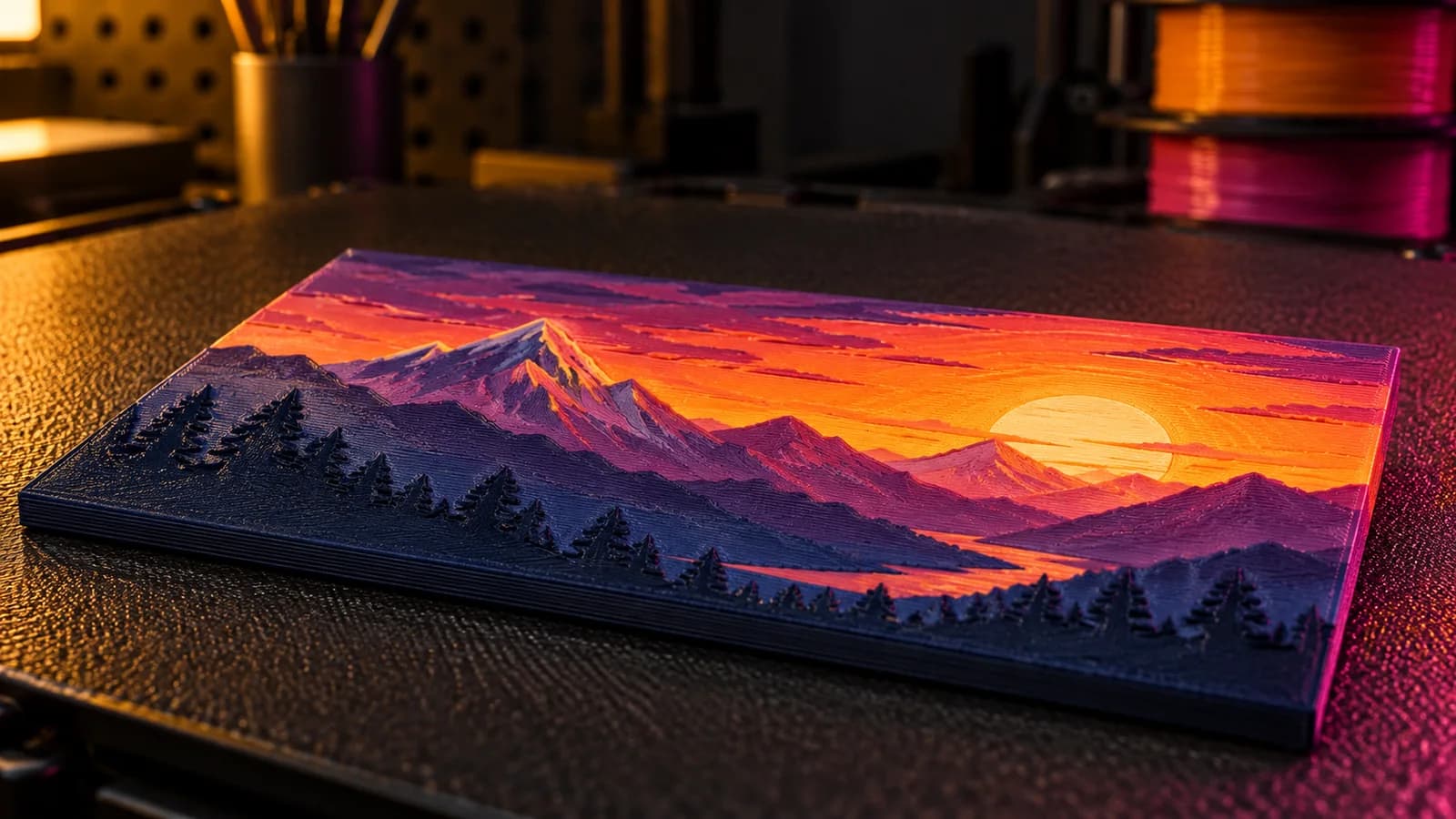
What it does.
Voxel-based conversion
Images become real voxel geometry instead of a flat heightfield guess, which is what keeps lithophanes and color reliefs sharp after slicing.
Plans around the filament you own
Tell VoxelPrime which colors are on your shelf and it builds the plate around them, so the print matches the preview instead of surprising you.
No AMS or MMU required
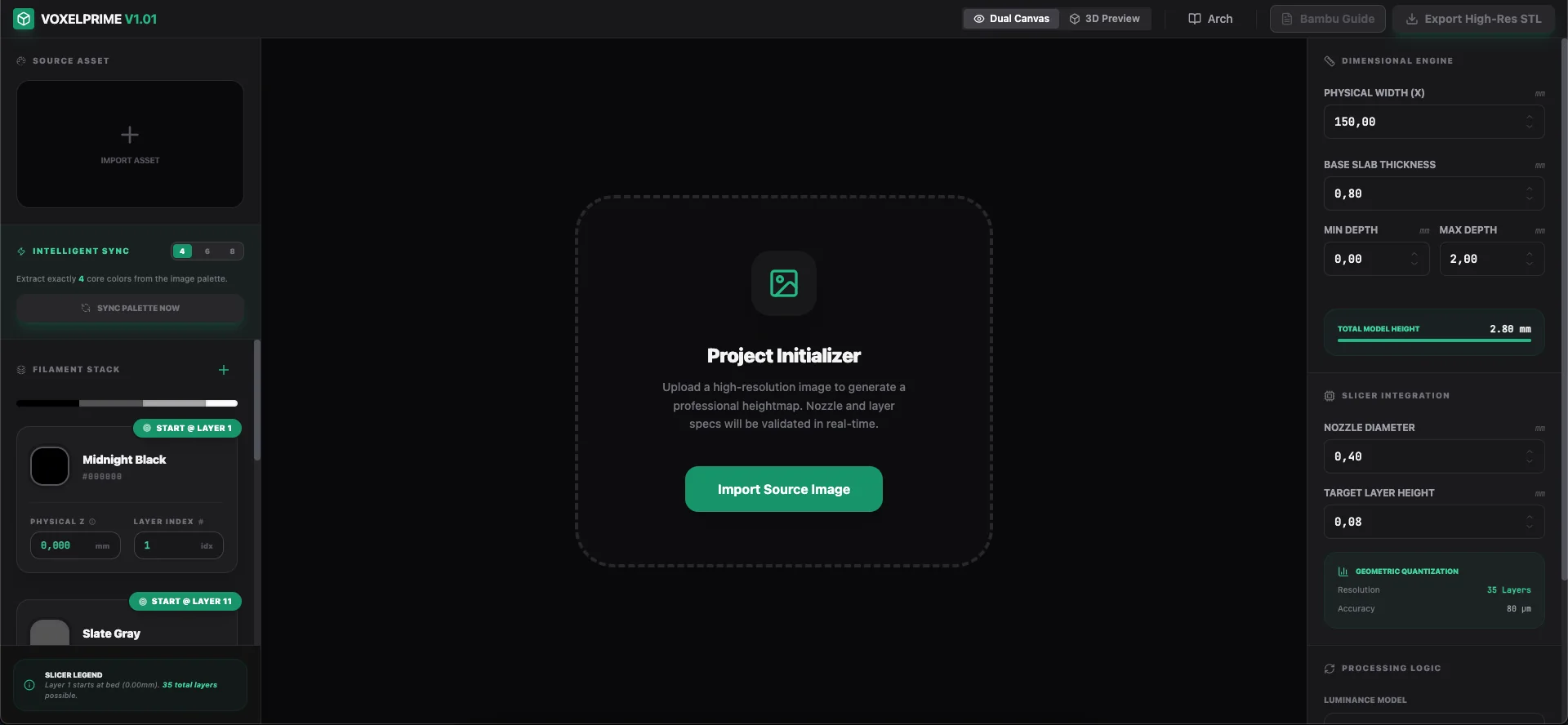
Single-extruder printers are fully supported with guided manual color changes at the right layer heights.
Depth, height and scale control
Set image depth, total Z height and physical size directly. Every parameter that changes the printed result is exposed.
Clean STL export
Files slice without repair in Bambu Studio, OrcaSlicer, PrusaSlicer, Cura and any modern slicer.
Slicing walkthrough and video course
The app walks you through slicer setup, including where each color change goes, and a full video tutorial covers every feature.
In practice.
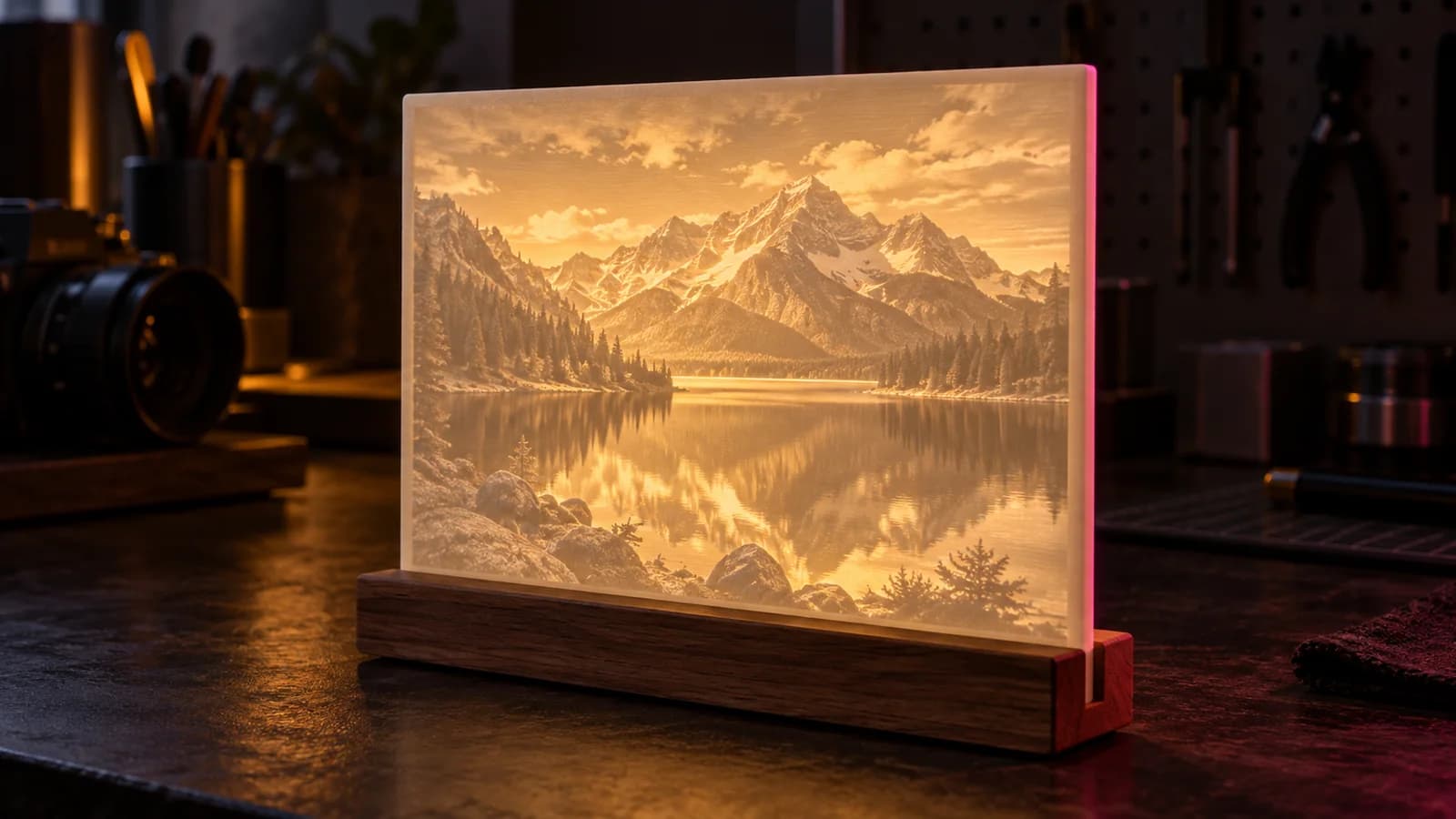
Works with your software
Standard files, standard convention: white is raised, black is deepest. Nothing to convert on the way in.
Slicers
- Bambu Studio
- OrcaSlicer
- PrusaSlicer
- Cura
Printers
- Bambu Lab A1, P1S, X1C
- Prusa MK4 and MINI
- Creality Ender and K1
- Any single-extruder FDM
Requirements
- System
- Windows 10 or 11, 64-bit
- Printer
- Any FDM printer, with or without AMS or MMU
- Slicer
- Bambu Studio, OrcaSlicer, PrusaSlicer or Cura
- Licence
- Lifetime, no activation needed
Included
- The full VoxelPrime desktop app
- Lifetime access, no subscription
- Complete video tutorial
- Support for every FDM printer
- STL export
- Updates
What it does not do
- Windows only.
- VoxelPrime is an independent product and is not affiliated with HueForge.
Before you buy
Anything else? Ask support.
Is VoxelPrime a subscription?
No. It is a single $8 payment for lifetime access. Nothing renews.
Do I need an AMS or a multi-material unit?
No. VoxelPrime supports single-extruder printers with guided manual color changes, which is the main reason people choose it.
Is VoxelPrime the same as HueForge?
No, and it is not affiliated with HueForge. It solves a similar problem, turning an image into a printable color relief, with its own voxel engine and a one-time price.
Which slicers does it work with?
VoxelPrime exports standard STL, which slices in Bambu Studio, OrcaSlicer, PrusaSlicer, Cura and any other modern slicer.
How do I get it after paying?
The download link appears on the receipt page right after checkout and is emailed to you with your order number.
Can I sell what I print?
Yes. Commercial use is allowed. Sell your prints and keep all of the revenue.
VoxelPrime, $8 once.
Pay once, keep it forever, and refund it within 14 days if it does not do what this page says.