
Depthue Studio
Gear generator for 3D printing
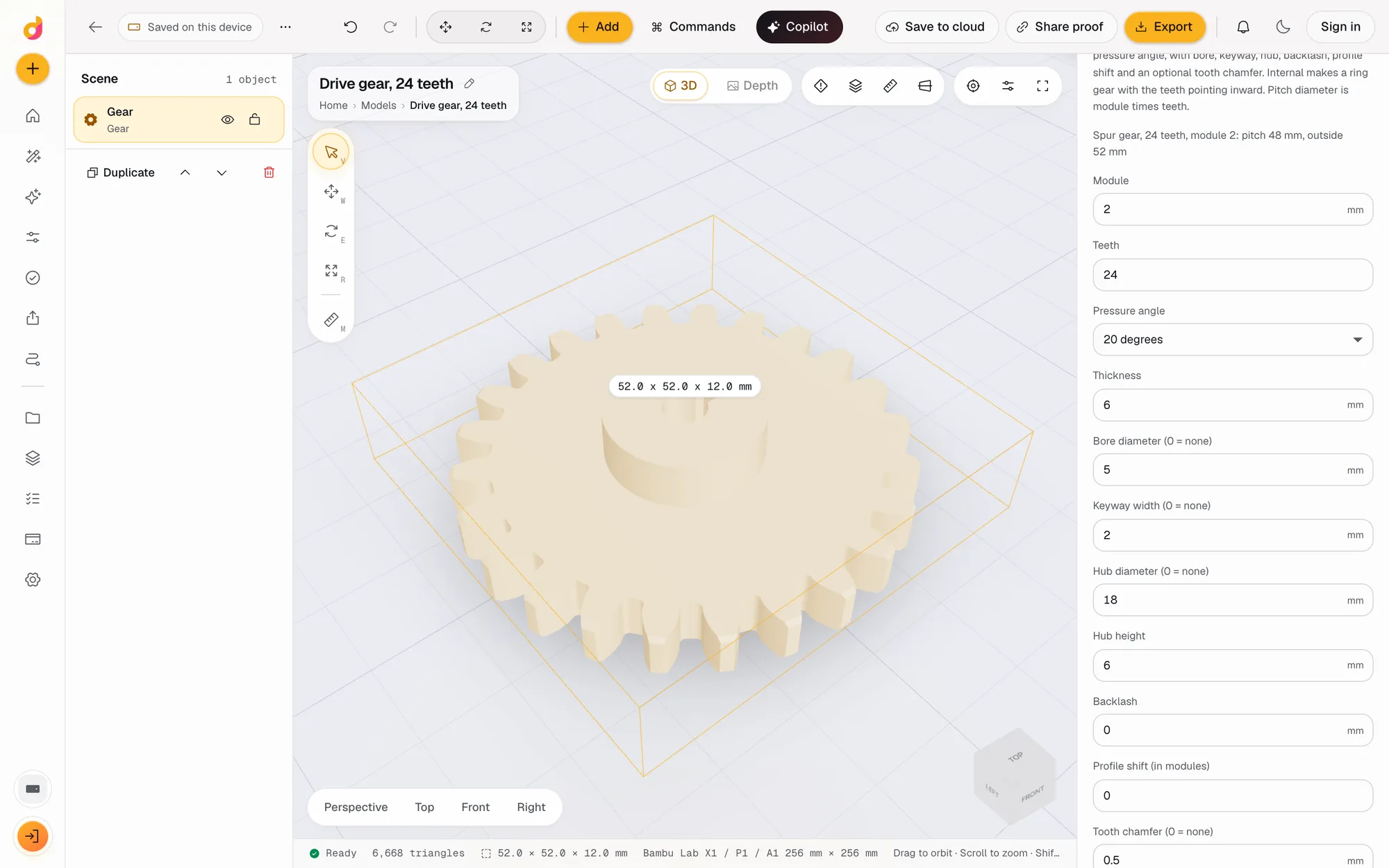
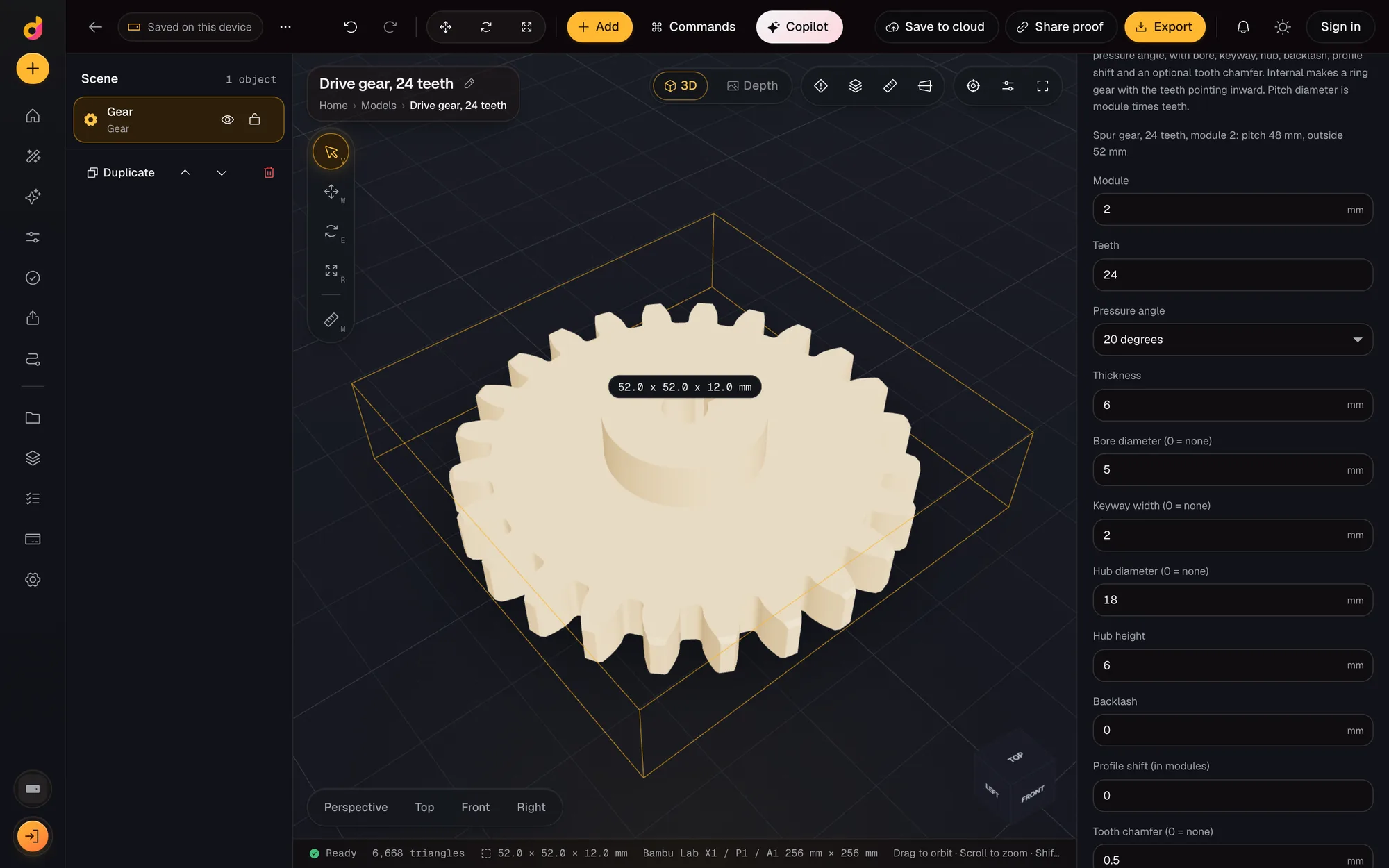
The Depthue Studio gear generator builds an involute spur gear from its module, tooth count and pressure angle, then adds a bore, keyway, hub, backlash, profile shift or tooth chamfer. It can also make an internal ring gear. The result is a closed solid you can edit further and export as STL or 3MF.
Free in your browser, no card. Files stay on your device until you save to the cloud.
The short answer
- Involute spur gears from 6 to 200 teeth, module 0.5 to 10 mm, pressure angle 14.5, 20 or 25 degrees.
- Bore, keyway, hub, backlash, profile shift and tooth chamfer are settings, and an internal ring gear is one switch.
- Pitch diameter is module times teeth, shown live in the inspector, and the gear exports as a closed STL or 3MF.
- Gear type
- Involute spur gear, or an internal ring gear with the teeth pointing inward
- Teeth
- 6 to 200
- Module
- 0.5 to 10 mm
- Pressure angle
- 14.5°, 20° or 25°
- Thickness
- 1 to 100 mm
- Shaft
- Bore up to 100 mm, keyway up to 20 mm wide (half as deep), hub up to 200 mm across and 100 mm high
- Fit
- Backlash 0 to 1 mm, profile shift -0.5 to 0.5 modules, tooth chamfer up to 3 mm
- Ring gear
- Rim width 1 to 50 mm outside the root circle
- Export
- STL, 3MF, OBJ, GLB, PLY, or an SVG or DXF outline for laser cutting
How to make a gear for 3D printing
- 1
Add a gear
Open the gear generator, or Add, Gear in any project. A 20 tooth, module 2 gear lands on the plate.
- 2
Size the teeth
Set the module and tooth count. The inspector shows the pitch and outside diameters as you type.
- 3
Fit the shaft
Add a bore, a keyway and a hub for the shaft, and a little backlash so printed teeth do not bind.
- 4
Export
Check the part, then Export as STL or 3MF. Make the mating gear with the same module and pressure angle.
Gear sizes, from three numbers
An involute spur gear is defined by three numbers: the module, the tooth count and the pressure angle. Studio derives every other size from them and shows the result while you type, for example "Spur gear, 24 teeth, module 2: pitch 48 mm, outside 52 mm".
| Size | Formula |
|---|---|
| Pitch diameter | module x teeth |
| Outside diameter | pitch + 2 x module x (1 + profile shift) |
| Root diameter | pitch - 2 x module x (1.25 - profile shift) |
| Centre distance of a pair | module x (teeth A + teeth B) / 2 |
Two gears mesh only when their module and pressure angle match. 20 degrees is the common default; 14.5 degrees is found on older and some imperial gear sets, and 25 degrees gives stronger, broader teeth.
Fit the gear to a shaft
- Bore drills the shaft hole through the gear and the hub.
- Keyway cuts a key slot half as deep as it is wide. It needs a bore.
- Hub adds a raised collar on top. It must be at least 1 mm wider than the bore and is capped so it stays inside the root circle.
- Tooth chamfer bevels the tooth edges on both faces, a common fix for printed teeth that catch at the edges.
Settings that cannot be built are explained instead of failing silently: a bore so large it leaves no gear, or a keyway without a bore, comes back as a plain warning.
Ring gears for planetary sets
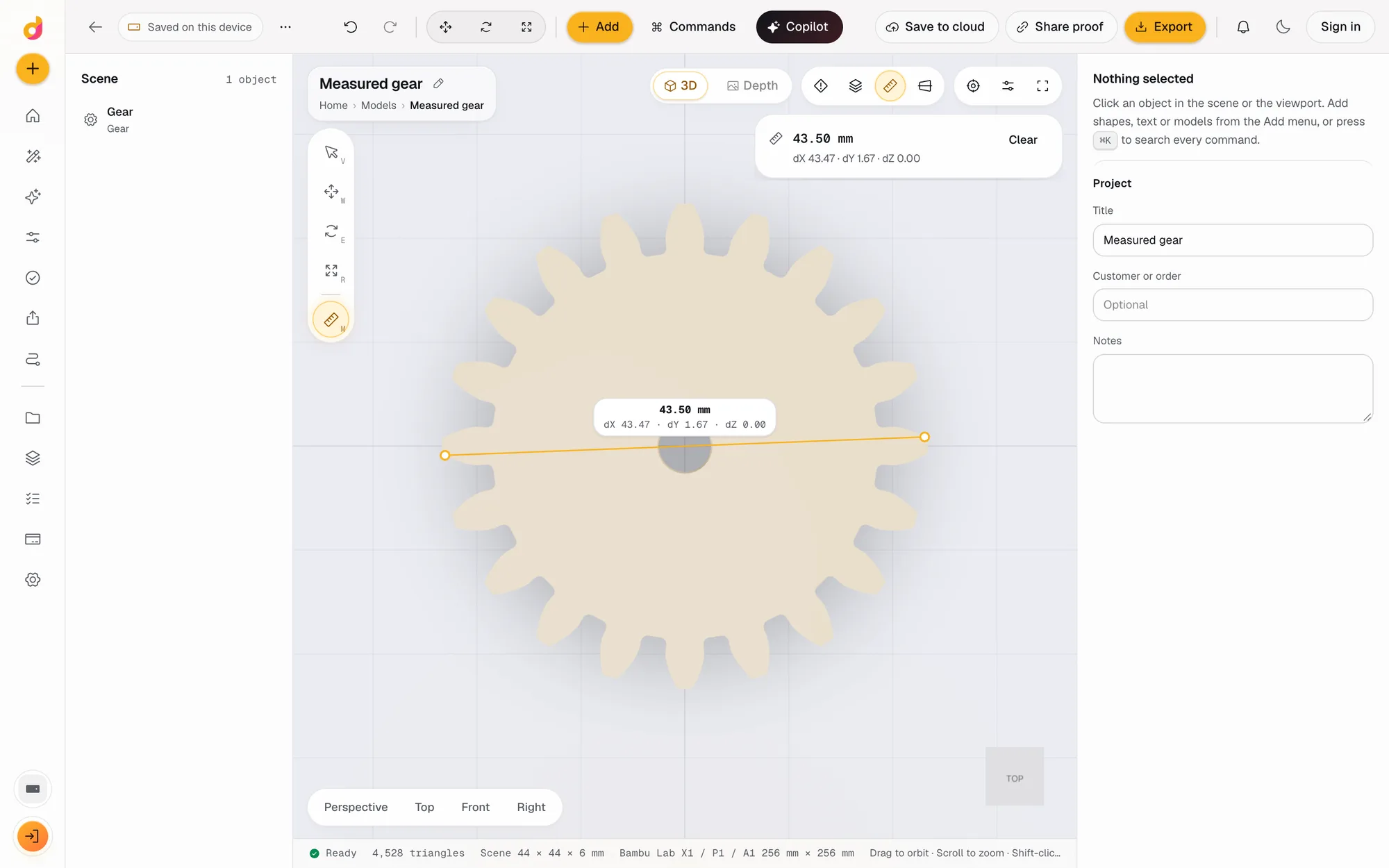
Turn on Internal and the teeth point inward, with a rim of the width you choose around them. Make the sun and planet gears with the same module, and the ring with the same pressure angle, then check the spacing with the measure tool.
After the gear
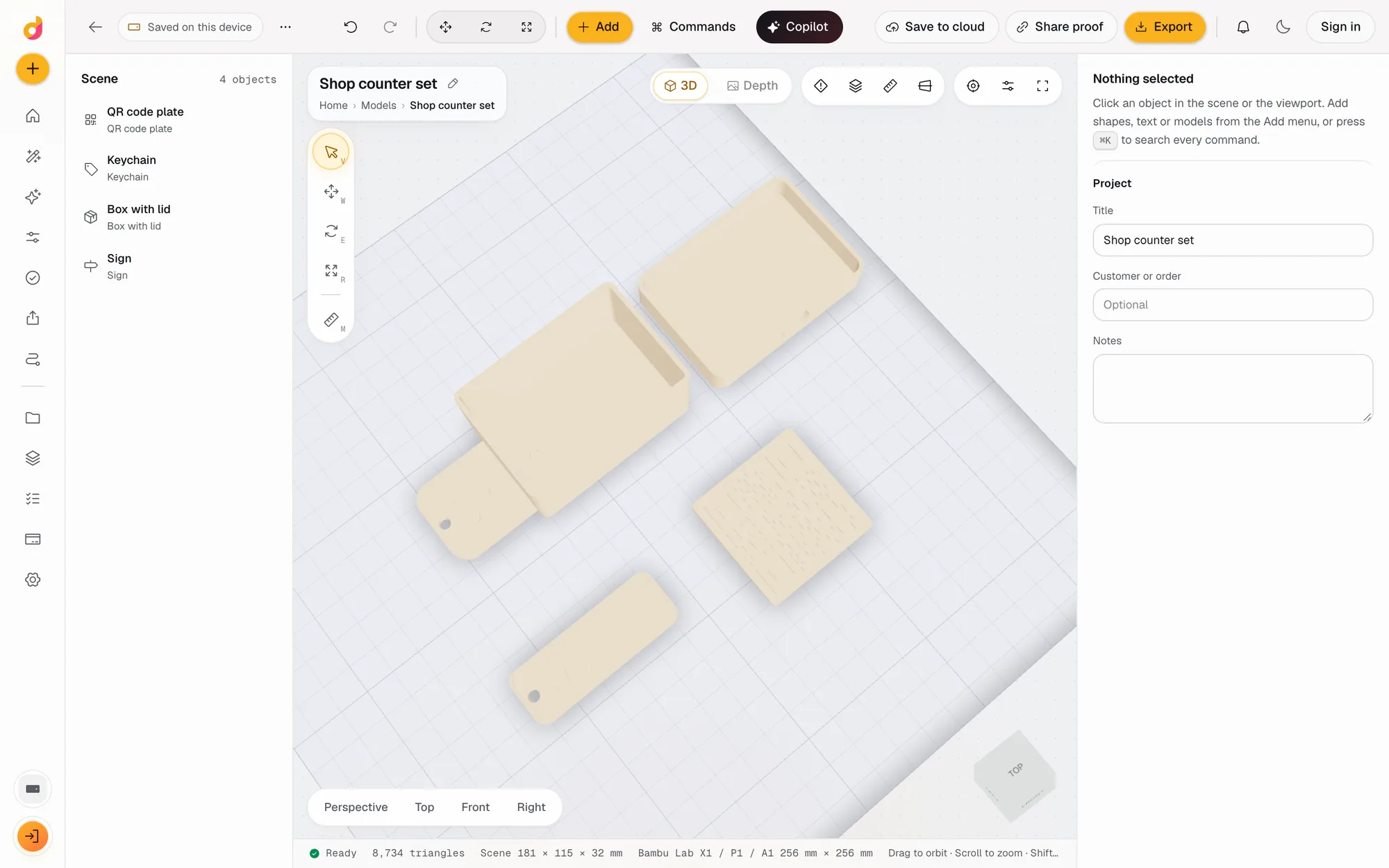
The gear is a normal solid in the scene. Add a hole for a set screw, emboss a part number, array it, or combine it with another part with a boolean. The print checks read its volume, mass and thinnest wall, and the print estimate gives grams, time and cost from a real slice.
Questions
How do I make two gears that mesh?
Give both the same module and pressure angle. Their centres sit half the sum of the pitch diameters apart: module x (teeth A + teeth B) / 2. A module 2 pair with 20 and 30 teeth sits 50 mm apart.
What is the module of a gear?
The module is the pitch diameter divided by the number of teeth, in millimetres. A bigger module means bigger, stronger teeth. A 24 tooth gear at module 2 has a 48 mm pitch diameter.
What backlash should I use for 3D printed gears?
Printed teeth are rarely exact, so most gears need a little clearance. Start around 0.1 mm of backlash, print a test pair, and raise it if the teeth bind. Studio applies backlash as an inward offset of the tooth flanks.
Can it make helical, bevel or worm gears?
No. The generator makes involute spur gears and internal ring gears. For other types, the scripted part lets you build your own from code on the same geometry engine.
Can I export the gear for a laser cutter?
Yes. Export, Outline gives the top view of the gear as an SVG or DXF (R12) path for laser cutting or CNC. Turn on Include holes to keep the bore and keyway in the outline.
Is the gear generator free?
Yes. Generating, editing and exporting gears is free and runs in your browser. No credits are used.
Also in Depthue Studio
- Parametric model makerMake printable keychains, name signs, boxes with lids, vases, QR plates and gears from a few settings in mm, then edit and export STL or 3MF. Free.See how it works
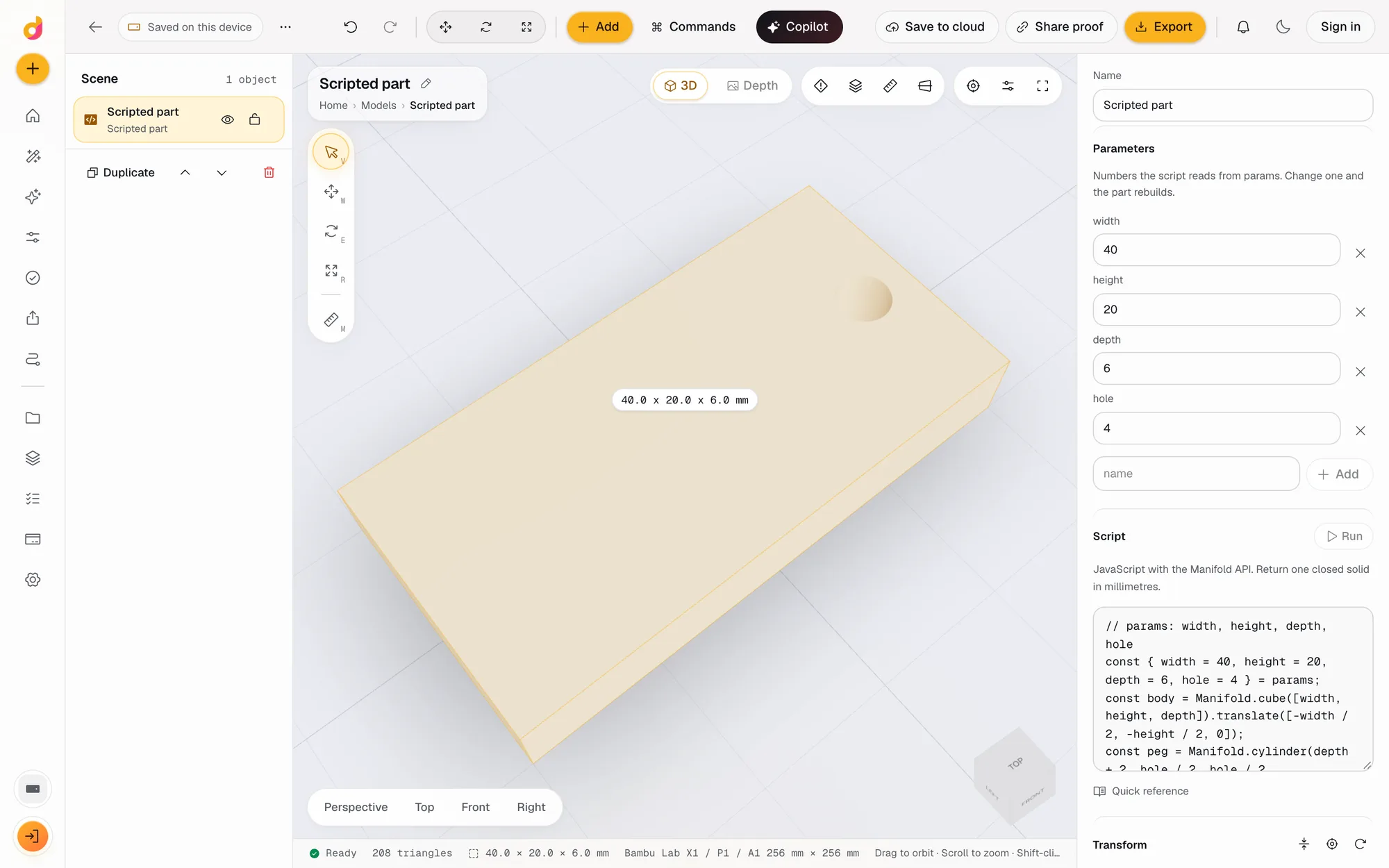 Code CADWrite a few lines of JavaScript and get a closed, printable solid. Named parameters become fields, Cmd Enter rebuilds, and it exports STL or 3MF. Free.See how it works
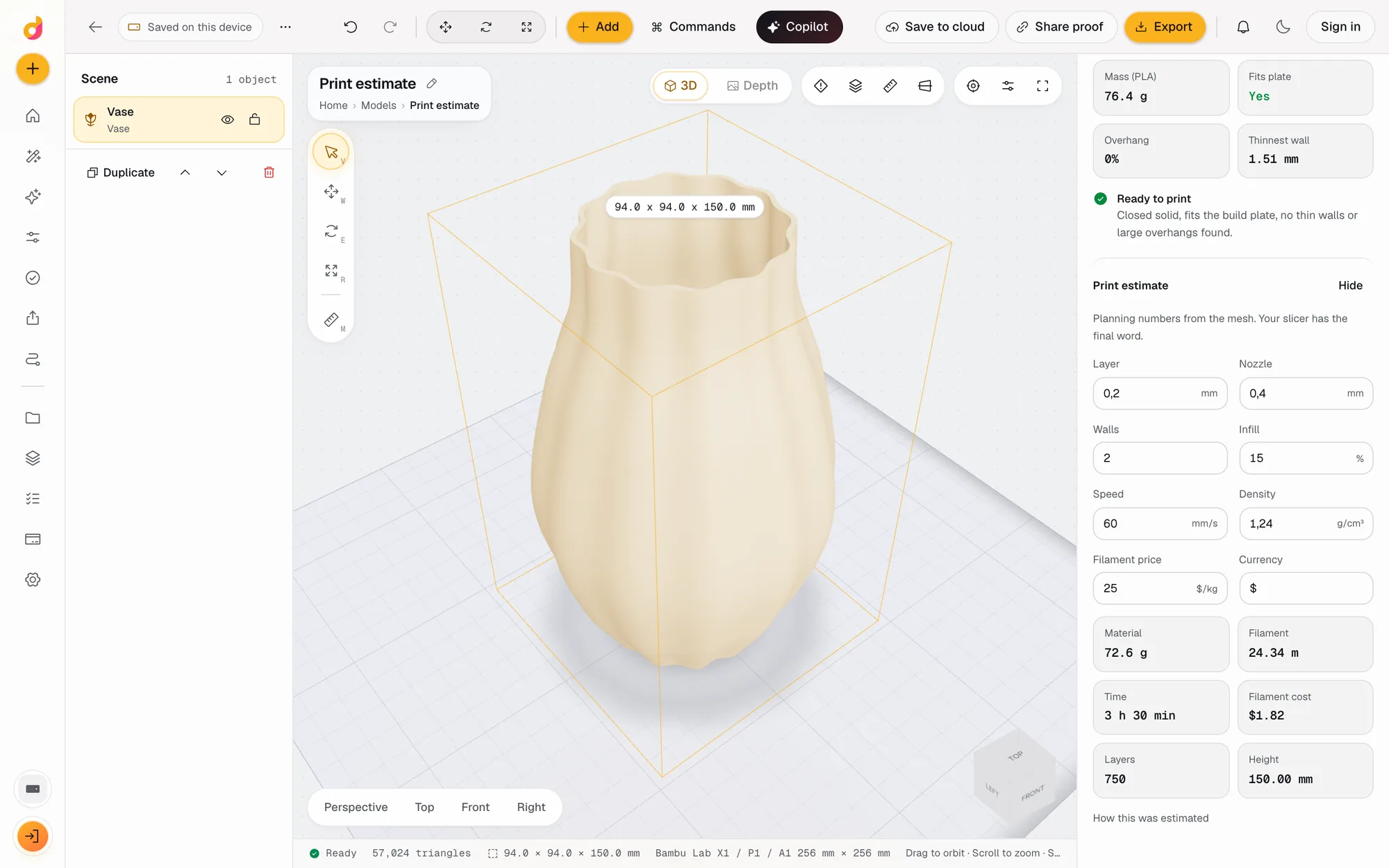 STL checkerCheck an STL before printing: closed solid, plate fit, overhangs, thin walls, volume, mass and a print estimate in grams, time and cost. Free, in your browser.See how it works
Read next
3D printing
How to Edit an STL File: The Right Free Tool for Each Change
How to edit an STL file for free: scale, cut, add text, combine parts or cut holes in your slicer, Tinkercad, Blender, Fusion or FreeCAD, matched to the job.
November 2, 2026 11 min read
3D printing
How Much Does 3D Printing Cost? Real Numbers, and How to Price Prints to Sell
What a 3D print costs at home or from a service: filament, power, wear and failures, resin vs FDM, and a pricing formula with Etsy fees for prints you sell.
October 8, 2026 7 min read
Open the gear generator.
It runs in your browser and the free plan needs no card. Paid plans from $5 a month add credits, storage and projects.