
Depthue Studio
Code CAD in the browser: scripted parts on the Manifold kernel
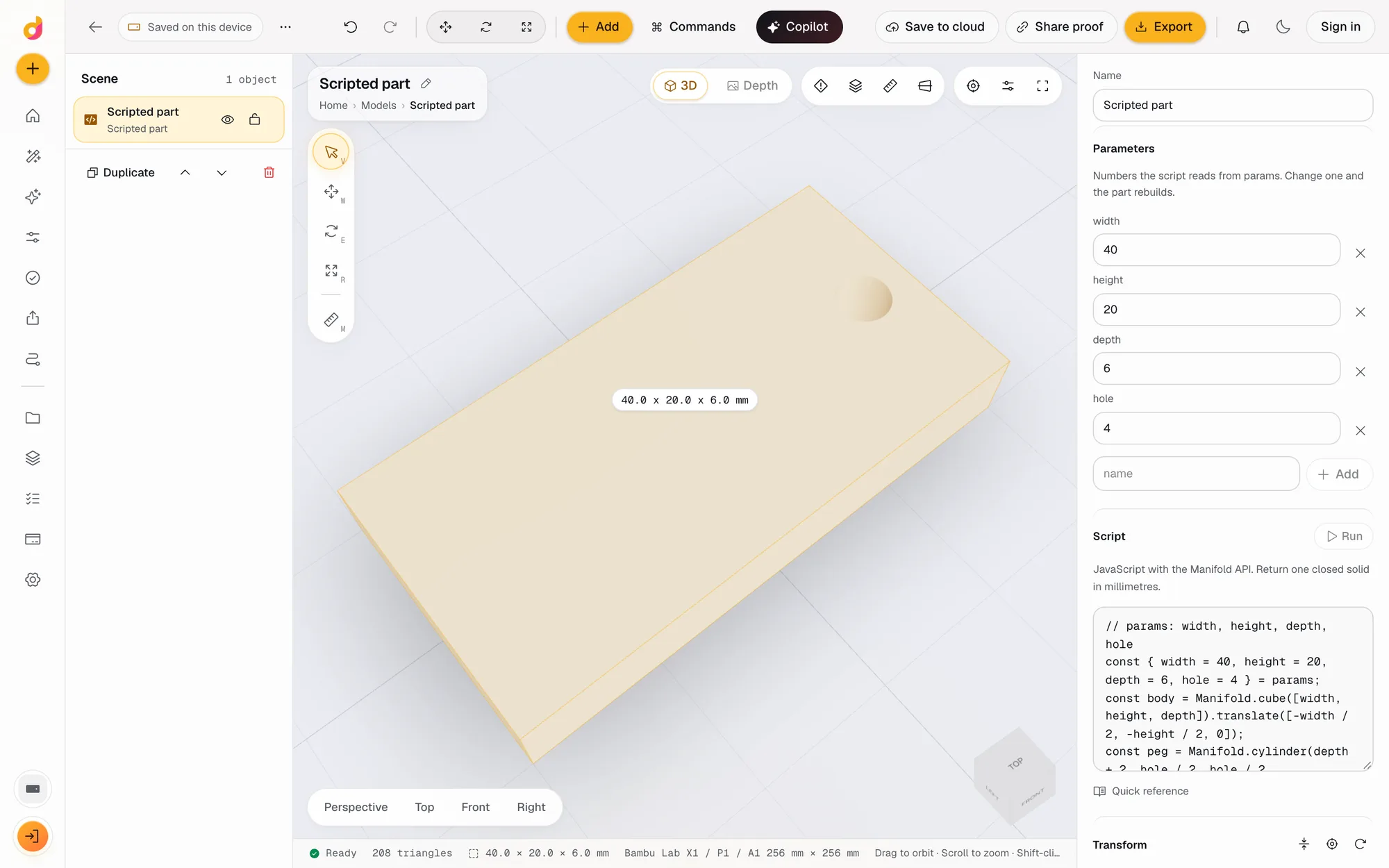
A scripted part in Depthue Studio is code CAD in the browser: a few lines of JavaScript build a solid on the Manifold geometry kernel, the numbers the script reads become fields in the inspector, and Run or Cmd Enter rebuilds it. The result is a normal object you can cut, combine, check and export as STL or 3MF.
Free in your browser, no card. Files stay on your device until you save to the cloud.
The short answer
- Scripts are plain JavaScript with Manifold and CrossSection in scope, and they return one solid.
- Every number the script reads from params becomes a field in the inspector, so the part has its own settings.
- It runs on your device in a worker; a script that hangs restarts the engine instead of freezing the page.
- Language
- JavaScript, as a function body that returns one Manifold
- In scope
- Manifold, CrossSection, params and an mm helper
- Parameters
- Numbers read from params, shown as fields; add or remove them in the inspector
- Rebuild
- Run, or Cmd Enter in the code editor
- Safety
- Runs in the geometry worker on your device; a hung script restarts the engine; intermediate solids are freed automatically
- After the script
- Any operation in the stack: holes, text, textures, booleans, hollow, then checks and export
How to make a part from code
- 1
Add a scripted part
Add, Scripted part (JavaScript). A working example lands on the plate: a block with a peg hole and four parameters.
- 2
Write the solid
Build it from Manifold cubes, cylinders and spheres, CrossSection extrusions and booleans, and return the result.
- 3
Name the parameters
Read numbers from params, for example width or hole. Each one becomes a field you can change without touching the code.
- 4
Run and export
Press Run or Cmd Enter. The solid rebuilds, the checks update, and Export writes STL, 3MF, OBJ or PLY.
Why write a part instead of drawing it
Some parts are easier to describe than to draw: a bracket with four holes spaced 32 mm apart, a battery holder for a variable number of cells, a cable comb with a slot every 6 mm. In code these are a few lines and a loop. Change the count from 4 to 6 and the part follows.
Studio's scripts use the same geometry kernel as every other operation in the editor, Manifold, an open-source library built to keep solids closed through booleans. That is why a scripted part never needs repair before slicing.
A first script
The example that opens with every new scripted part shows the whole pattern:
// params: width, height, depth, hole
const { width = 40, height = 20, depth = 6, hole = 4 } = params;
const body = Manifold.cube([width, height, depth]).translate([-width / 2, -height / 2, 0]);
const peg = Manifold.cylinder(depth + 2, hole / 2, hole / 2, 48).translate([width / 2 - hole, 0, -1]);
return body.subtract(peg);
The four names it reads from params show up as fields. Type 60 into width and the block is 60 mm wide; nobody has to open the code.
Code and the rest of the editor
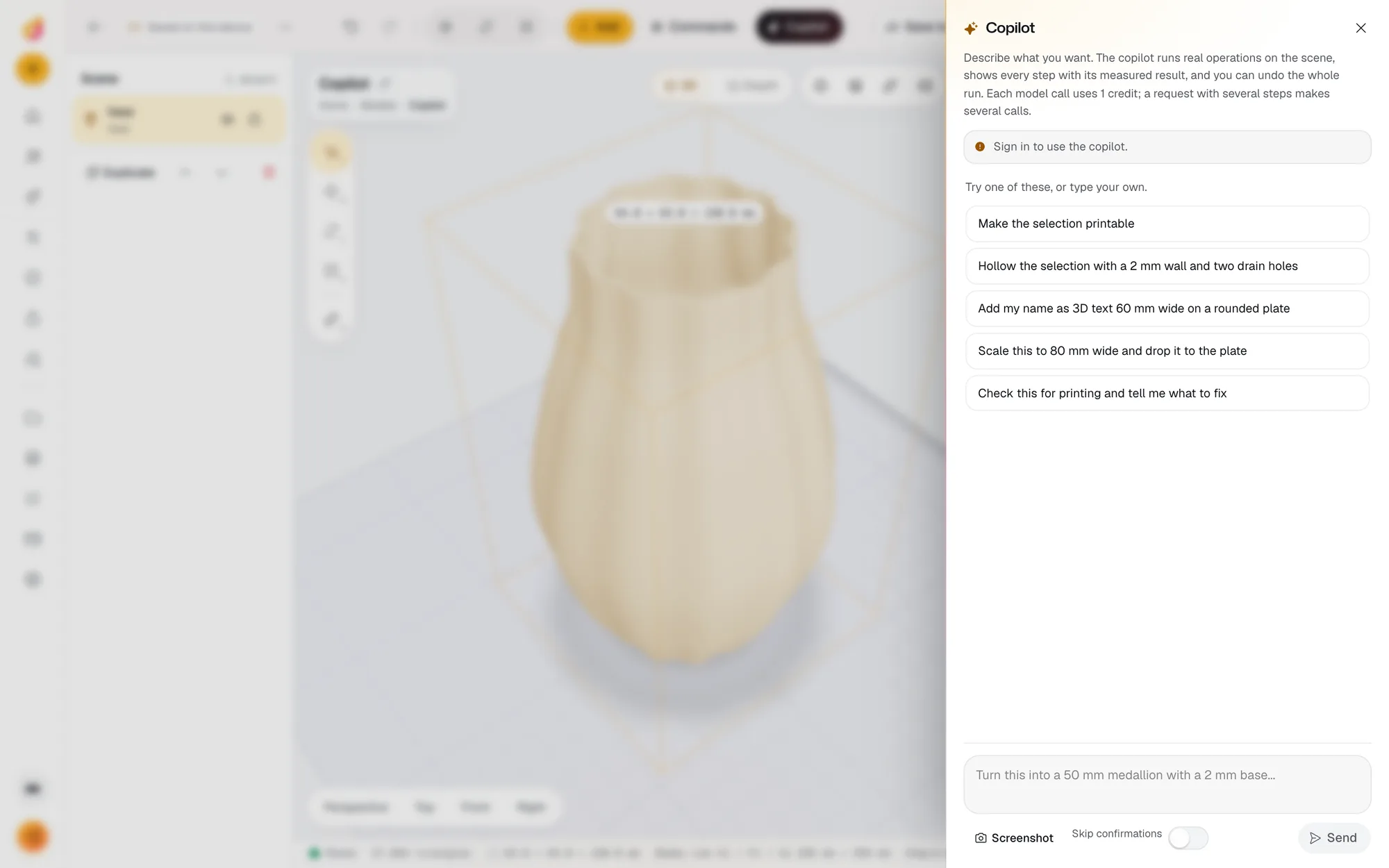
A scripted part is a normal object. Stack an emboss text operation on it, subtract an imported model from it, run the print checks, or export its outline as SVG for a laser. The AI copilot can write or edit the script from a plain description and then measures what it built.
When to use something else
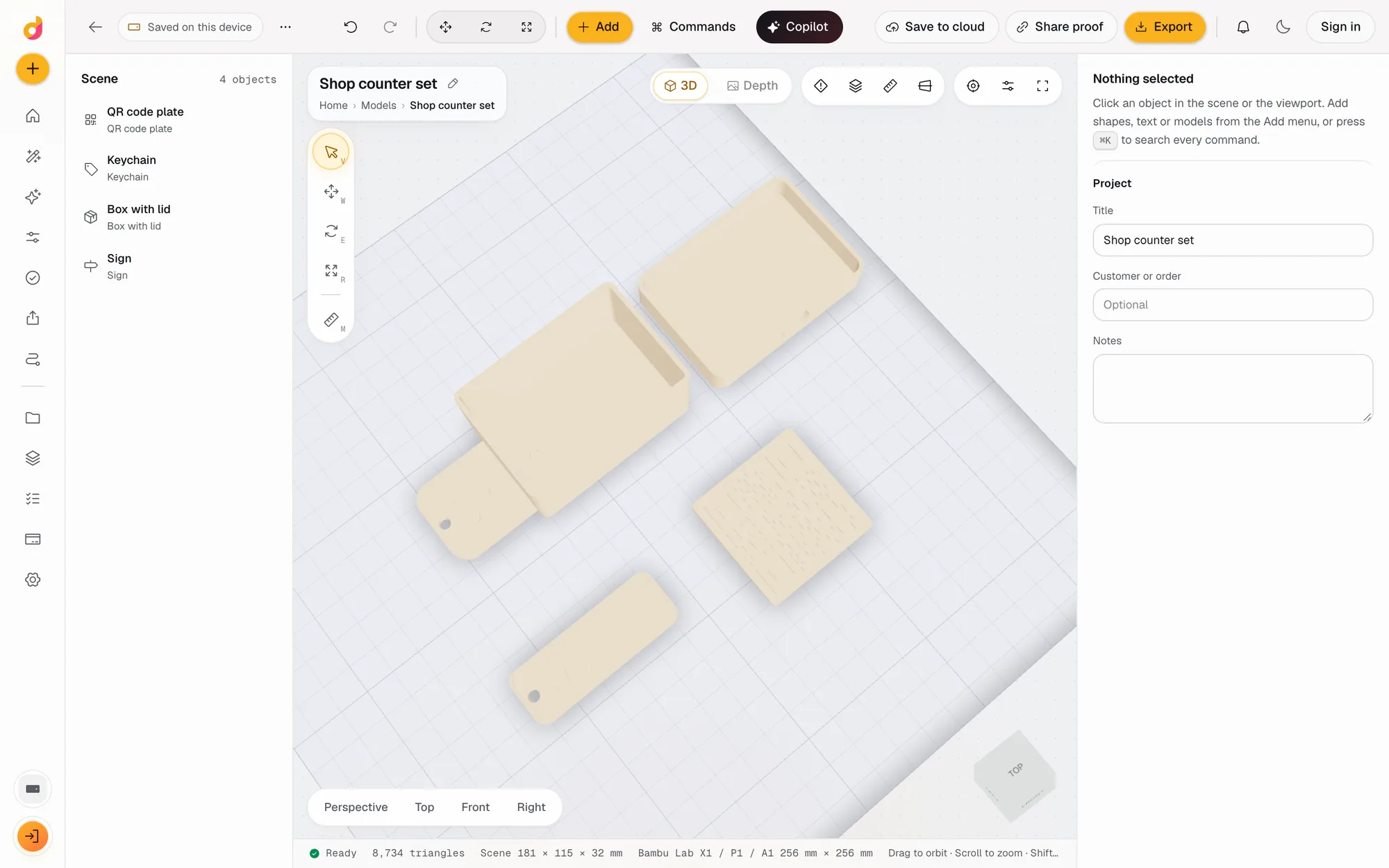
For full parametric CAD with sketches, constraints and assemblies, use a CAD program such as Fusion, Onshape or FreeCAD. For OpenSCAD libraries you already rely on, use OpenSCAD itself. Studio's scripts are for quick, exact parts that live next to your reliefs, imports and text in one scene.
Questions
What is code CAD?
Modelling by writing code instead of drawing. You describe a part as a program, such as a cube minus a cylinder, and change it by changing numbers. It suits parts with exact dimensions and parts you make in many sizes.
Is this OpenSCAD in the browser?
No. Studio scripts are JavaScript on the Manifold library, not OpenSCAD's own language, so .scad files do not run as they are. The ideas carry over: primitives, booleans, extrusions and parameters. OpenSCAD's nightly builds offer Manifold as their geometry engine too.
What can a script use?
Manifold for solids (cube, cylinder, sphere, union, subtract, intersect, transforms), CrossSection for 2D shapes you extrude or revolve, params for your named numbers, and mm for units. The panel links a quick reference.
What happens if my script has an infinite loop?
The run is timed. A script that never returns blocks only the geometry worker, and Studio restarts that worker instead of freezing the page. The error message points at your line.
Can I share a scripted part?
Yes. Download the project backup, a ZIP that restores the whole scene on any device, code and parameters included. Anyone can also just use the exported STL.
Also in Depthue Studio
- Parametric model makerMake printable keychains, name signs, boxes with lids, vases, QR plates and gears from a few settings in mm, then edit and export STL or 3MF. Free.See how it works
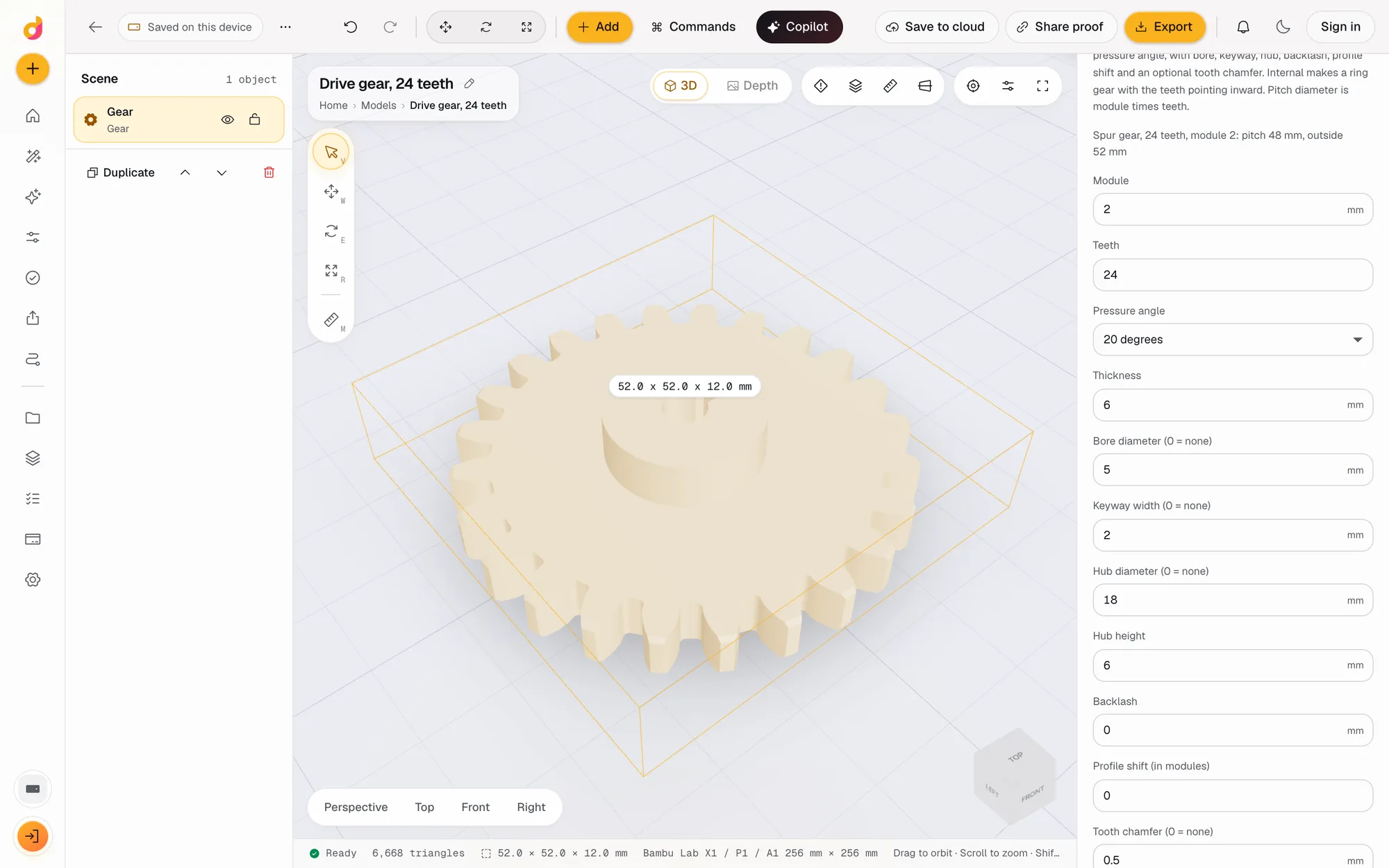 Gear generatorFree involute gear generator: set module, teeth and pressure angle, add a bore, keyway, hub, backlash or chamfer, and download a printable gear STL or 3MF.See how it works
- AI copilotDescribe a part in plain words and the Depthue Studio copilot runs the real steps: shapes, text, cuts, hollowing, checks and exports, with one-click undo.See how it works
Read next
3D printing
How to Edit an STL File: The Right Free Tool for Each Change
How to edit an STL file for free: scale, cut, add text, combine parts or cut holes in your slicer, Tinkercad, Blender, Fusion or FreeCAD, matched to the job.
November 2, 2026 11 min read
3D printing
The Best 3D Modeling Software for 3D Printing in 2026
The best 3D modeling software for 3D printing, free and paid: Tinkercad, Fusion, Onshape, Blender, FreeCAD, OpenSCAD, Shapr3D, Womp and Depthue Studio.
November 2, 2026 5 min read
Open a scripted part.
It runs in your browser and the free plan needs no card. Paid plans from $5 a month add credits, storage and projects.