
Free tool
Convert 3MF to STL
Drop a .3mf, get a clean binary STL. Multi-object projects and build transforms are handled, and nothing is uploaded.
Runs in your browser. Nothing is uploaded.
How to use it
1Drop your .3mf
From Bambu Studio, OrcaSlicer, PrusaSlicer, Cura or a model site. It is read on your device.
2Check the objects
Every object on the plate is listed with its triangle count. Untick any you do not want.
3Choose the output
One merged STL keeps objects where they sit on the plate. STL per object gives a zip with one file per part.
4Download
Download the binary STL or the zip, then check it in the STL viewer if you like.
What gets converted
The converter reads every .model file in the 3MF, follows components across files, applies each component's and build item's transform, and converts units to millimetres. Only objects on the build plate are exported, the same set your slicer would print.
What does not survive
STL is geometry only. Colors, materials, supports, modifiers and slicer settings stay in the 3MF, so keep it as your master copy.
Questions
Is my 3MF uploaded?
No. The file is unzipped and converted in your browser.
Does it support Bambu Studio 3MF files?
Yes. It follows the 3MF Production extension that Bambu Studio, OrcaSlicer and PrusaSlicer use for multi-object projects, including component files and transforms.
Why are colors missing in my STL?
STL cannot store color. Export one STL per object if your model uses separate parts for each color.
What units does the STL use?
Millimetres. The converter reads the 3MF's unit and converts inches, centimetres or microns to millimetres.
Read next
3D printing
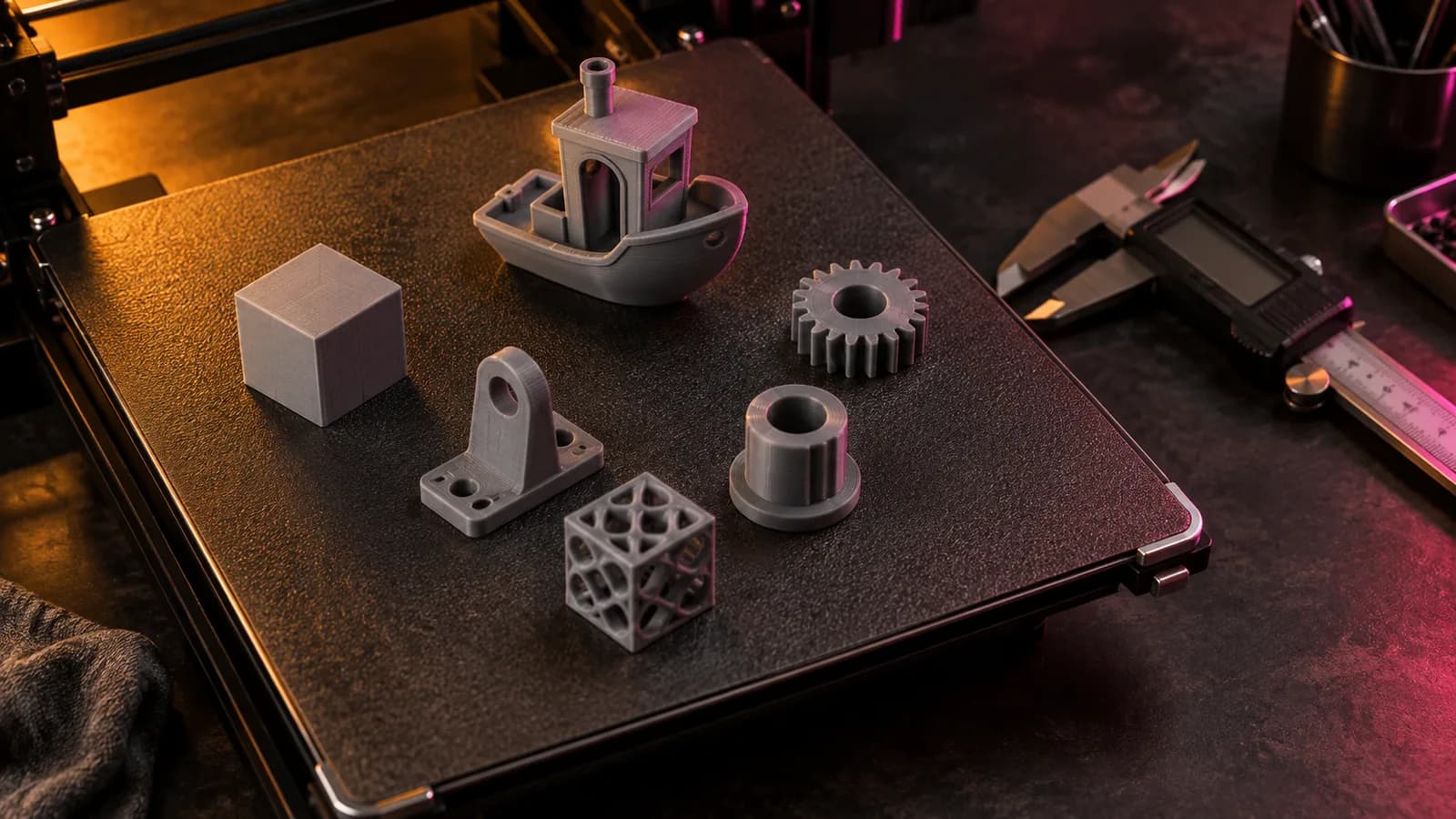
How to Convert 3MF to STL: 4 Free Ways (No Upload Needed)
Convert 3MF to STL with a free in-browser converter, Bambu Studio, OrcaSlicer, PrusaSlicer, Cura or Blender, and what STL keeps from multi-object plates.
September 21, 2026 2 min read
3D printing
The Best STL Viewers for Windows, Mac, Android and iPhone (2026)
Free ways to open STL, OBJ and 3MF files in 2026 now that Microsoft 3D Viewer is gone: browser viewers, slicers, MeshLab, Blender and apps for phones.
September 21, 2026 3 min read