
Free tool
Laser kerf calculator
Measure one test cut, get the offset LightBurn needs, then size joints that press-fit.
Runs in your browser. Nothing is uploaded.
How to use it
1Cut a test
Cut a 20 mm square and a 20 mm square hole in the material you will use, with your normal cut settings.
2Measure
Measure the piece and the hole across the flats with digital calipers and enter both.
3Copy the offset
The LightBurn kerf offset is half the measured kerf. Copy it into the cut layer's settings.
4Size joints
Switch to Size joints for slot widths and a box generator kerf value, with press, snug or sliding fit.
Why kerf matters
The beam follows the middle of each line and removes material on both sides. Parts come out smaller than drawn and holes larger, so a joint drawn to fit exactly comes out loose by about two kerf widths. The full explanation is in laser kerf explained.
Questions
What is a normal kerf for a diode laser?
Usually 0.1 to 0.2 mm on thin wood, more on thick material or when out of focus.
Why measure a hole as well as a piece?
The piece shrinks and the hole grows by the kerf. Averaging both cancels most measuring and taper error.
Should I use the kerf offset and adjust the design?
No. Do one or the other, or you compensate twice.
Read next
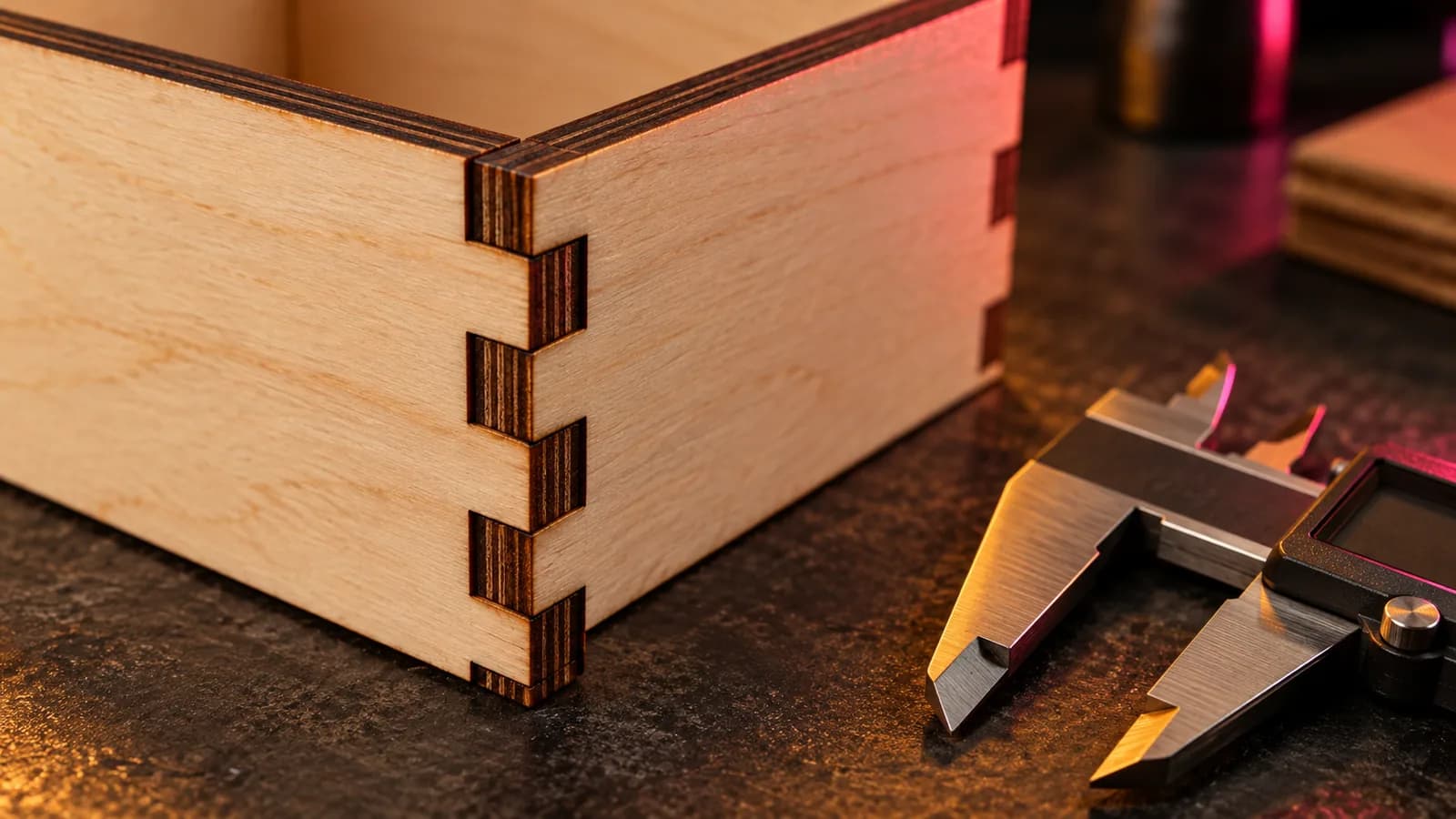
Laser and CNC
Laser Kerf Explained: Measure It and Set the Offset in LightBurn
What laser kerf is, why press-fit joints come out loose, how to measure kerf with one test cut, and how to set the kerf offset in LightBurn.
September 21, 2026 2 min read
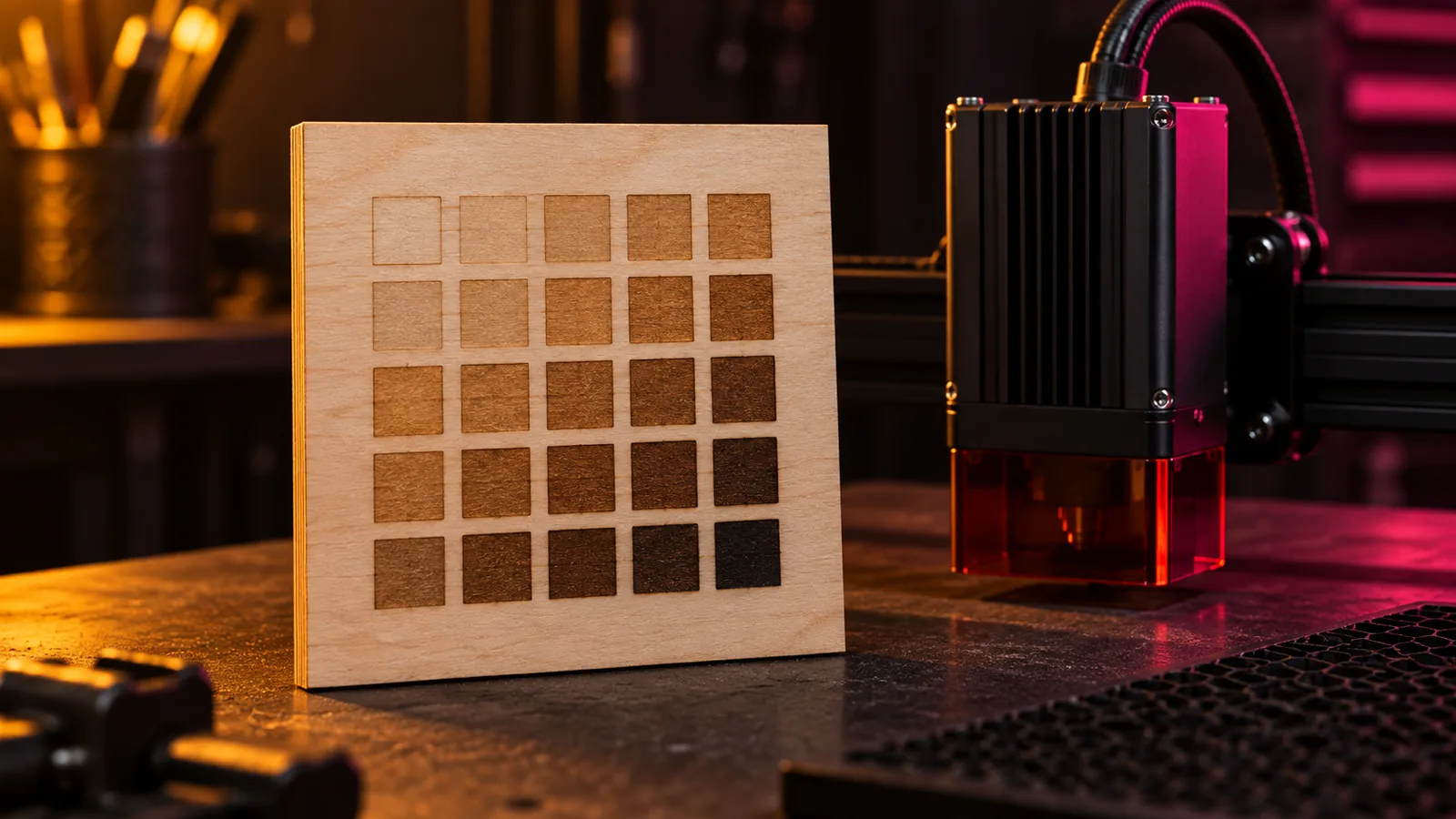
Laser and CNC
Laser Power and Speed Settings by Material: A Starting-Point Guide
Starting power and speed settings for diode, CO2 and fiber lasers on wood, MDF, acrylic, leather, slate and metal, and the test grid that dials them in.
September 21, 2026 2 min read
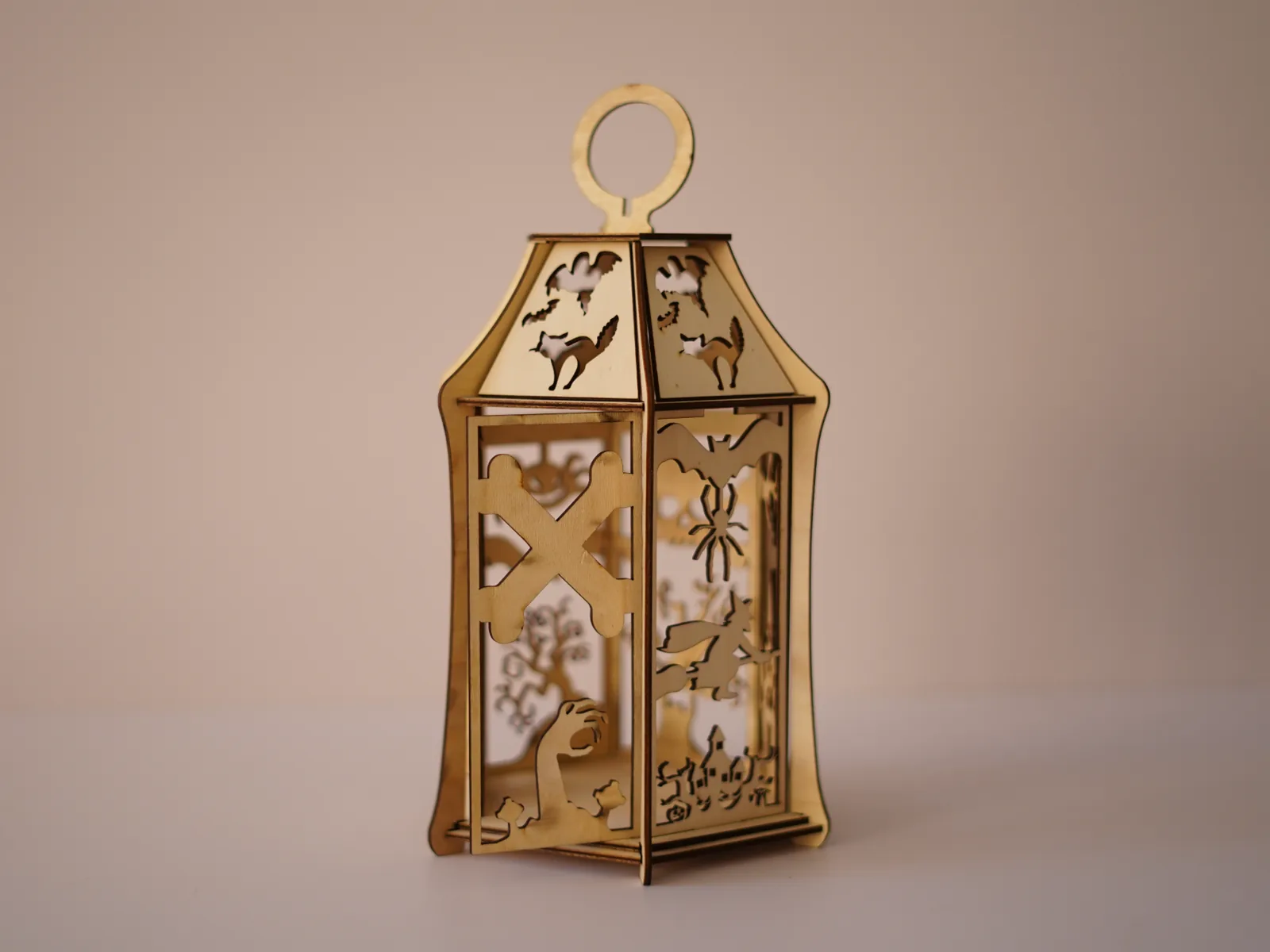
Laser and CNC
Free Halloween Lantern Laser Cut Files (SVG, EPS, PDF) for 3 mm Wood
Free laser-cut Halloween lantern for 3 mm plywood or MDF: bats, a witch, a black cat and a haunted house in SVG, EPS and PDF, with settings and assembly.
September 21, 2026 2 min read