
Free tool
Repair an STL file online
Drop an STL. See what is broken, fix it in one click and download a watertight file.
Runs in your browser. Nothing is uploaded.
How to use it
1Drop your file
Drop an STL, OBJ or 3MF, or try the broken bracket sample. It is checked on your device and nothing is uploaded.
2Read the check
The report counts holes, open and non-manifold edges, flipped faces, degenerate and duplicate triangles. The 3D view marks each problem in color.
3Repair
Keep the defaults for most files. Raise the weld tolerance for hairline cracks, and turn on Remove small loose pieces to drop floating debris.
4Download
Compare Before and After, then download the watertight STL for your slicer.
To repair an STL file, run it through a mesh repair tool that closes holes, turns flipped faces outward and removes duplicate and zero-area triangles, then save it again as a watertight STL. The tool above does this in your browser: drop the file, click Repair and download a result that has been checked again from scratch. It also lists anything it could not fix, such as self-intersections, with what to try next.
What each problem means
- Holes. Triangles are missing, so the surface has a gap. Each hole is a loop of open edges that only one triangle uses.
- Non-manifold edges. Three or more triangles meet at one edge. A clean surface has exactly two per edge, one on each side.
- Flipped normals. The order of a triangle's corners sets which side is outside. A flipped triangle faces inward, and a fully flipped shell is inside out.
- Zero-area and duplicate faces. Slivers with no area and exact copies add nothing to the shape, but they break the edge counts every check relies on.
- Floating shells. Small separate pieces, often left over from a scan or a boolean, that print as stray blobs.
- Self-intersections. The surface passes through itself, for example two parts that overlap without being merged.
What you see and what gets fixed
| Problem | What you see in the slicer | Fixed here? |
|---|---|---|
| Holes | Gaps or missing layers, a warning that the model has errors | Yes, with a flat patch |
| Hairline cracks between patches | Thin gaps along seams | Yes, raise the weld tolerance |
| Non-manifold edges | Model errors, stray walls | Copies, inner walls between touching parts and loose flaps: yes. The rest is reported |
| Flipped normals | Missing or filled-in areas, unless the slicer fixes it on import | Yes |
| Zero-area and duplicate faces | Often nothing, but checks fail | Yes |
| Floating shells | Stray blobs, extra supports | Yes, with Remove small loose pieces |
| Self-intersections | Overlapping walls | No |
How the repair works
- Corners closer than the weld tolerance become one vertex. When open edges look like hairline cracks, the tool suggests a higher tolerance that closes them.
- Slivers are flipped into the face next to them, copies are dropped, and the wall between parts that touch face to face is removed so they join.
- Loose flaps on an edge are removed. A T-junction, where a corner sits on another triangle's edge, is closed by splitting that triangle.
- Faces are turned to agree with their neighbours, holes are closed, and each closed shell is pointed outward. A shell inside another one stays inward, so a hollowed resin print keeps its cavity.
- The result is checked from scratch: every edge must be shared by exactly two triangles, once in each direction.
Each hole gets a flat patch across its edges, so a big hole in a curved surface leaves a flat spot. Reshape it in a 3D editor if that area matters. You can spin the result in the STL viewer, and a 3MF from your slicer goes through the 3MF to STL converter or straight into this tool.
What it does not fix
Self-intersections and overlapping shells need a boolean union, which rebuilds the surface. Most slicers merge overlapping parts as they slice, so it often does not matter. When it does, use one of the tools below.
Other ways to repair an STL
- PrusaSlicer repairs some errors automatically when it loads an STL and marks broken models with a warning icon. On Windows, right-click the model and choose Fix by Windows repair algorithm (older versions say Fix by Netfabb). See Prusa's guide to corrupted models.
- Bambu Studio also repairs to a degree on import. Right-click the object and choose Fix Model, or click the warning symbol in the object list. It is Windows only, according to the Bambu Lab wiki.
- OrcaSlicer has the same Fix Model command. Since version 2.4.0 it runs on macOS and Linux too, per the 2.4.0 alpha release notes.
- Blender with the 3D Print Toolbox extension (Blender 4.2 and later): its 3D Print tab in the sidebar runs Solid, Intersections and Degenerate checks, and Make Manifold fills holes, fixes normals and removes loose geometry.
- Meshmixer: Analysis, Inspector, then Auto Repair All. Edit, Make Solid rebuilds overlapping shells as one solid, as an approximation that loses fine detail. Autodesk no longer develops it and lists it for Windows only, per its Inspector docs and Marketplace page.
- UltiMaker Cura has Mesh Fixes settings such as Union Overlapping Volumes and Remove All Holes that act while slicing, described in UltiMaker's support article.
Questions
Can I fix an STL file online for free?
Yes. This tool closes holes, fixes flipped normals, removes duplicate and zero-area triangles, stitches T-junction seams and drops loose pieces for free, in your browser, then checks the result again before you download it. There is no sign-up and the file is never uploaded.
What does non-manifold mean?
An edge is non-manifold when three or more triangles share it instead of exactly two, so the surface no longer has a clean inside and outside. Doubled faces, walls inside the model and parts that touch along one edge all cause it.
Why does my slicer say the model has errors?
The mesh is not a closed surface with every face pointing outward: it has holes, flipped or doubled faces, or edges shared by more than two triangles. The slicer has to guess where the inside is, which shows up as gaps, missing walls or filled cavities in the preview.
Will repair change my model's shape?
Barely. Faces are only removed when they are copies, have no area or hang loose, and holes are closed with flat patches across their edges. Welding moves no corner further than the weld tolerance, 0.0001 mm by default.
Is my file uploaded?
No. The file is read, checked and repaired in a background thread of your browser, and the repaired STL is built on your device.
Why is my STL inside out?
The order of each triangle's corners decides which side is outside. When an exporter or a mirror operation reverses that order, the normals point inward and slicers read the solid as empty. Repair turns every closed shell outward and keeps real hollows facing inward.
What does watertight mean for an STL?
Every edge is shared by exactly two triangles that run it in opposite directions. The surface then encloses a solid with no gaps, which is what a slicer needs to tell inside from outside.
Read next
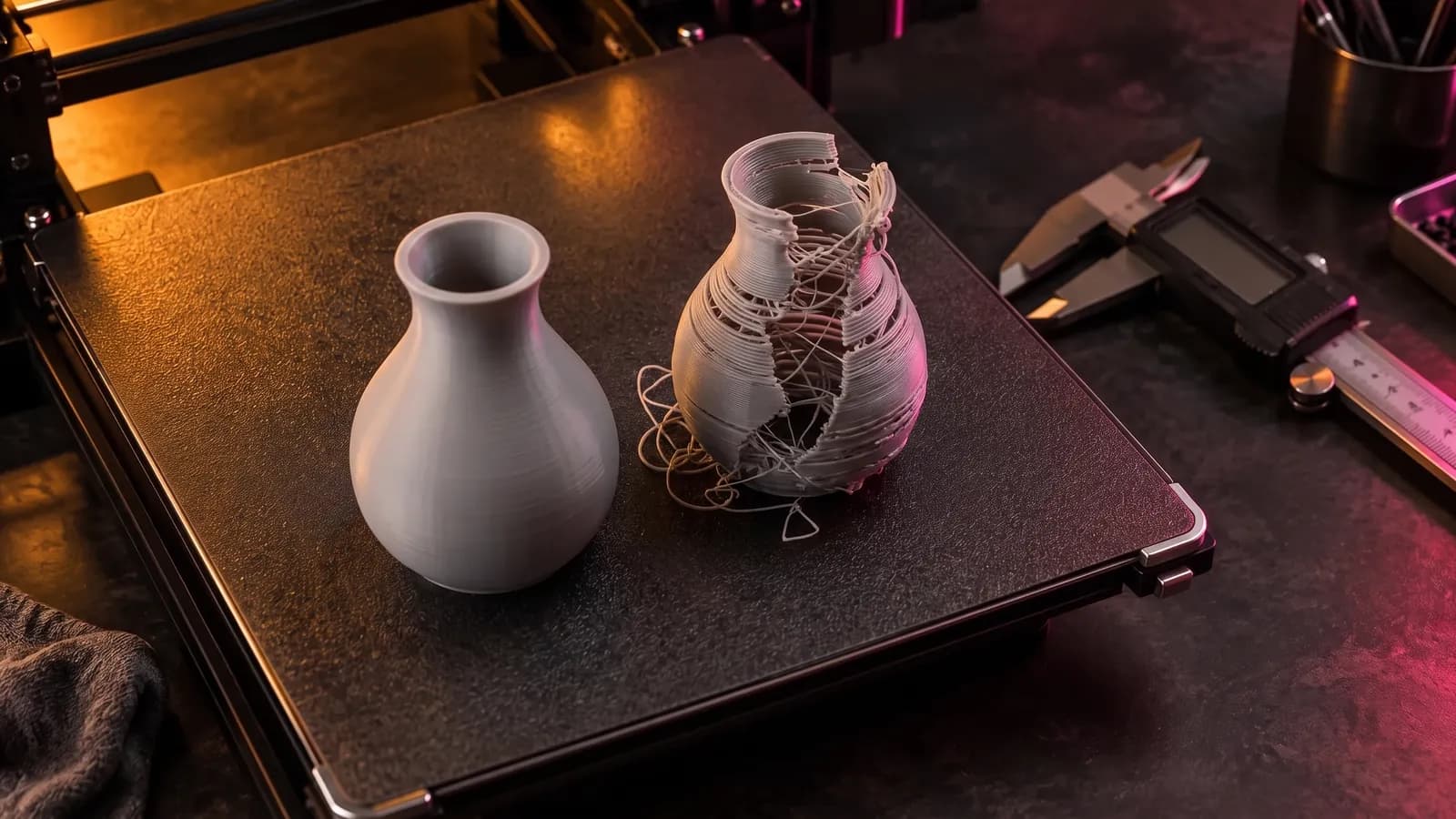
3D printing
How to Fix STL Files: Holes, Non-Manifold Edges and Other Errors
How to fix STL errors: what open edges, non-manifold edges, flipped normals and self-intersections mean, what your slicer is saying, and the fix for each.
October 8, 2026 8 min read
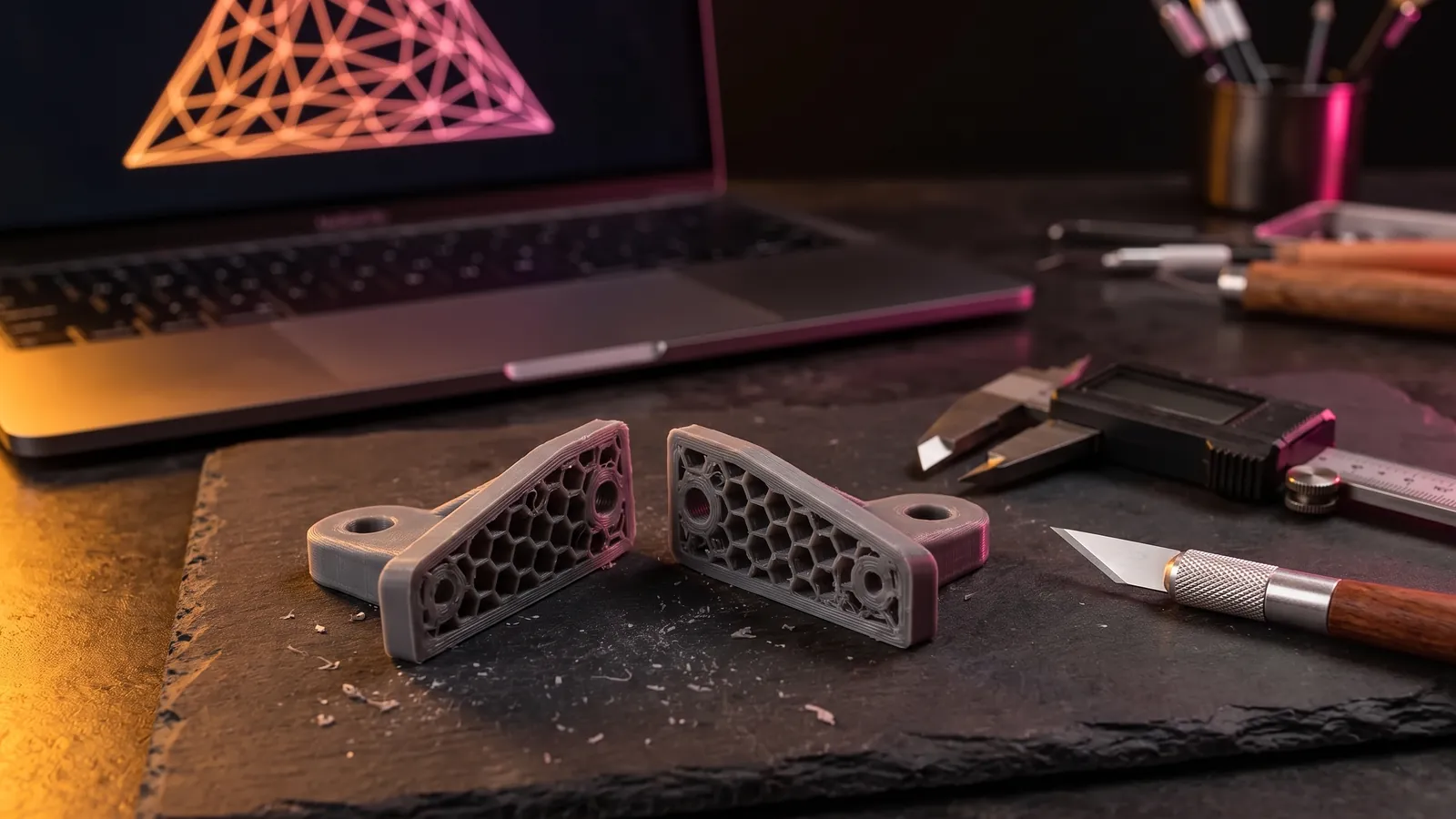
3D printing
How to Edit an STL File: The Right Free Tool for Each Change
How to edit an STL file for free: scale, cut, add text, combine parts or cut holes in your slicer, Tinkercad, Blender, Fusion or FreeCAD, matched to the job.
October 8, 2026 10 min read
3D printing
The Best STL Viewers for Windows, Mac, Android and iPhone (2026)
Free ways to open STL, OBJ and 3MF files in 2026 now that Microsoft 3D Viewer is gone: browser viewers, slicers, MeshLab, Blender and apps for phones.
September 24, 2026 3 min read