
Depthue Studio
STL checker: is this model ready to print?
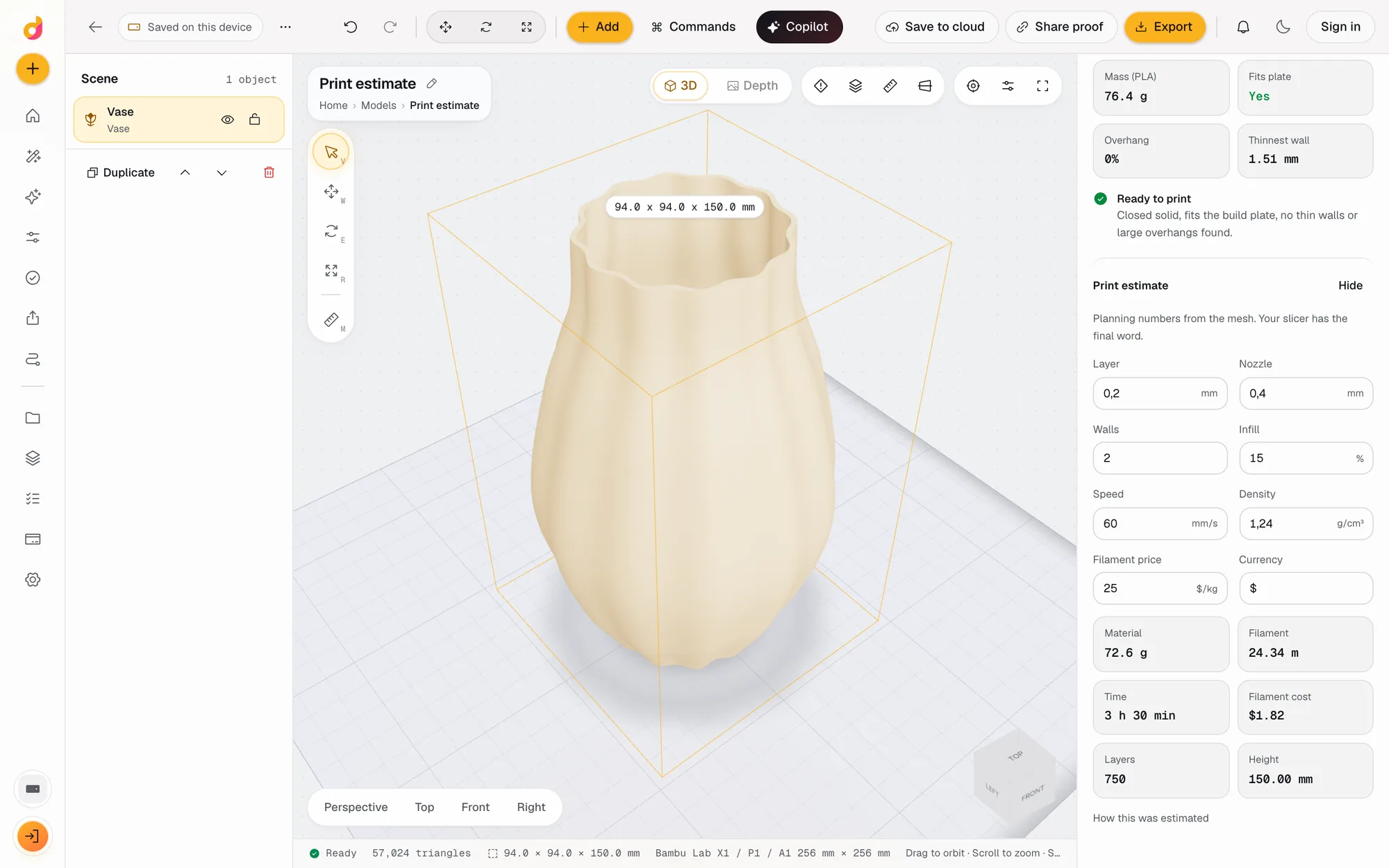
Depthue Studio checks an STL the way a slicer will see it: whether it is a closed solid, whether it fits your build plate, how much of it overhangs, where the walls are too thin, and what it weighs. A print estimate adds grams, filament length, layers, time and cost from a real slice of the mesh.
Free in your browser, no card. Files stay on your device until you save to the cloud.
The short answer
- Flags an open mesh, a part that does not fit the plate, more than 30% of the surface overhanging past 45 degrees, walls under 0.8 mm and loose pieces.
- Reads volume, mass and the thinnest wall from the mesh after every operation.
- The print estimate slices the mesh for grams, filament metres, layers, time and cost, with your layer height, walls, infill, speed and price.
- Solid
- Closed (watertight) or not, triangles, shells
- Plate fit
- Against 12 machine presets or a custom size: Bambu Lab, Prusa, Creality, an 8K resin printer, a 400 x 400 mm laser bed and a 300 x 180 mm CNC bed
- Overhangs
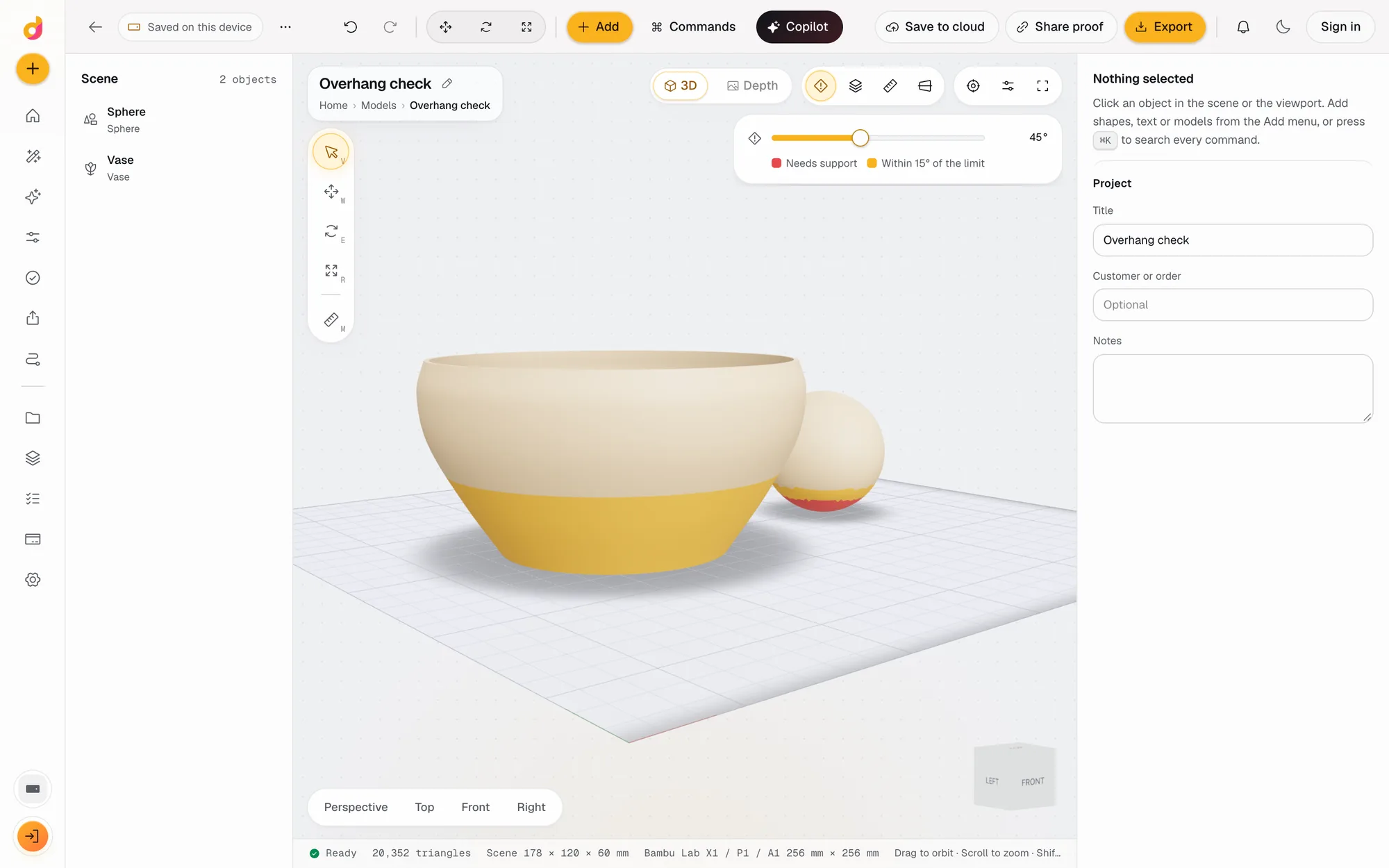
- Share of the surface facing down steeper than 45°; shading view with an angle from 20° to 80°
- Thin walls
- Thinnest wall measured from sampled surface points; flagged under 0.8 mm
- Volume and mass
- cm³ measured from the mesh; mass in PLA; any density from 0.3 to 25 g/cm³ in the print estimate
- Print estimate
- Grams, filament metres, layers, time and cost from layer height, nozzle, walls, infill, speed, density and price per kg
- Tools
- Overhang shading (O), layer and section view (L), measure (M), orthographic camera (5)
How to check an STL file for 3D printing
- 1
Open the model
Drop the STL, OBJ, 3MF, GLB or PLY on the plate and pick your printer in the Viewport panel.
- 2
Read the checks
The inspector lists what needs fixing in plain words, or Ready to print when nothing does.
- 3
Look closer
Press O for overhang shading, L for a slice at any layer, M to measure between two points.
- 4
Estimate the print
Estimate this part slices it with your settings and gives grams, metres of filament, layers, time and cost.
The five things that stop a print
Most failed prints of a downloaded or generated model come from a short list. Studio checks each one on the mesh after every operation, so a fix shows up in the report straight away.
| Check | Flagged when | Usual fix |
|---|---|---|
| Closed solid | The mesh has holes, open edges or flipped faces | Repair operation |
| Build plate | The part is larger than the plate you picked | Scale, rotate or cut it |
| Overhangs | Over 30% of the surface faces down steeper than 45° | Rotate the part or add supports in the slicer |
| Thin walls | The thinnest wall measures under 0.8 mm | Thicken operation, or scale up |
| Several pieces | The file holds loose fragments | Keep largest shell, or a base plate to join them |
Look at the problem, not just the number
- Overhang shading (O) paints faces past the support angle red and faces within 15° of it amber. Set the angle between 20° and 80° to match your printer and material.
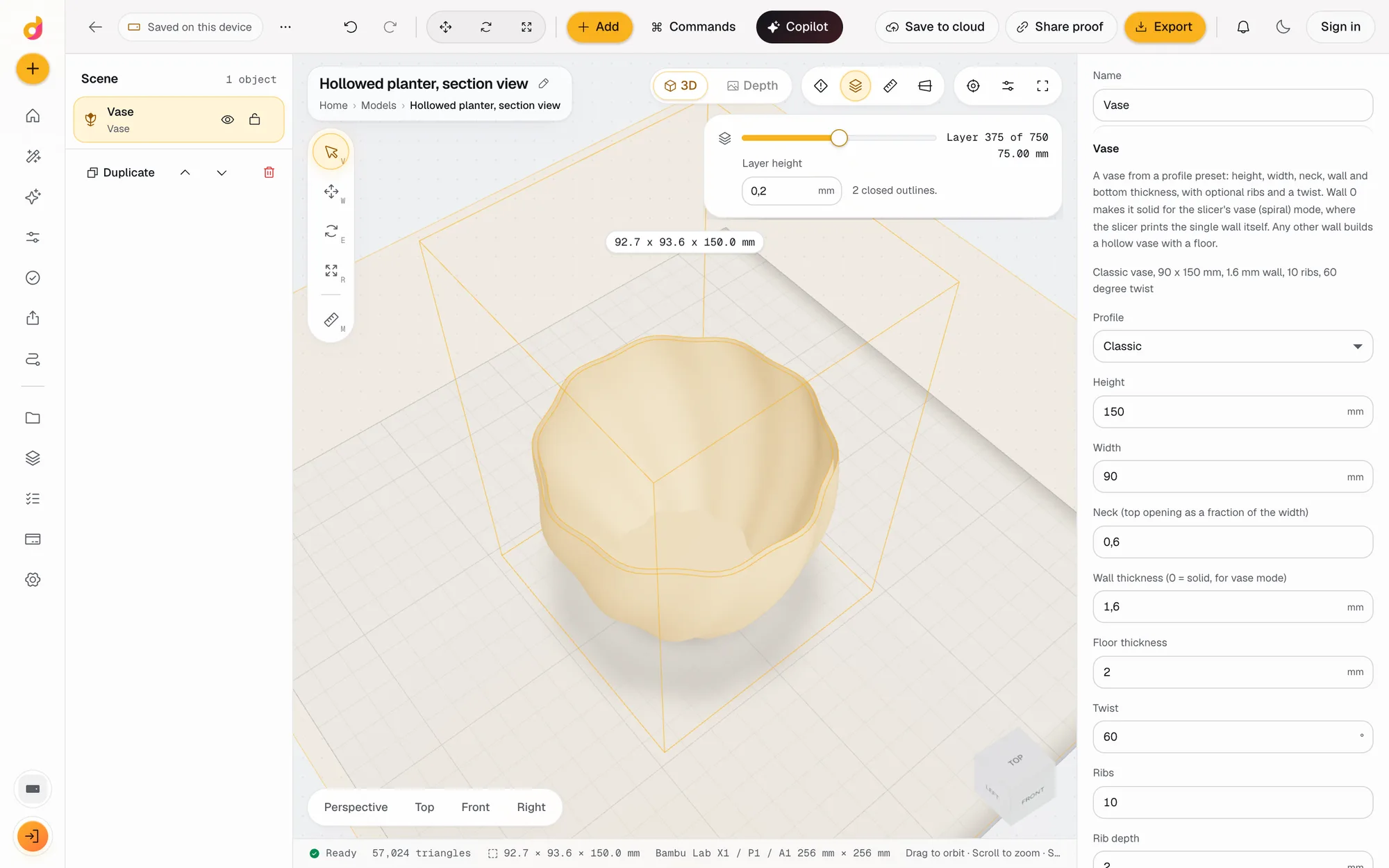
- Layer view (L) cuts the model at any layer and draws the slice outline computed by the geometry engine, with the layer number for your layer height. Gaps in a broken mesh show in red.
- Measure (M) reads the distance between two points in mm with dX, dY and dZ. Points snap to corners; hold Shift to place one freely.
Weight, time and cost before you slice
The print estimate slices the mesh with your layer height, nozzle, walls, infill, speed, material density and filament price, and returns grams, metres of filament, layers, time and cost. Your settings are remembered for the next part, which makes quoting a batch quick. For a quick quote without a model, the free 3D print cost calculator works from grams and hours.
Then fix it in the same place
Every fix is an operation in the STL editor: repair, thicken, cut, add a base plate, rotate. Change one and the checks update.
Questions
How do I check if an STL is printable?
Open it in Depthue Studio and read the checks: it must be a closed solid, fit your build plate, have walls of at least about 0.8 mm and not overhang too much. Studio lists each problem in plain words with a fix, or says Ready to print.
How do I know if my STL is watertight?
The Closed solid check says Yes or No for the mesh after all operations. If it says No, add the Repair operation, which welds vertices, fixes flipped faces and fills holes, then read the check again.
How do I calculate the volume and weight of an STL?
The checks show the volume in cm³ measured from the mesh and its mass as solid PLA. A real print with walls and infill weighs less; the print estimate gives that figure for your settings and any material density from 0.3 to 25 g/cm³.
How accurate is the print estimate?
It slices the real mesh at every layer with your layer height, walls, infill and speed, so grams and filament length come from the part's actual outlines and areas. It leaves out travel moves, acceleration, cooling and supports, so treat your slicer's time as the final figure.
Does it check overhangs?
Yes. The checks report the share of the surface facing down steeper than 45° and flag it above 30%. Overhang shading paints those faces red, and you can set the support angle from 20° to 80° for your printer.
Is it free?
Yes. Checks, overhang shading, layer view, measuring and the print estimate all run in your browser and never use credits.
Also in Depthue Studio
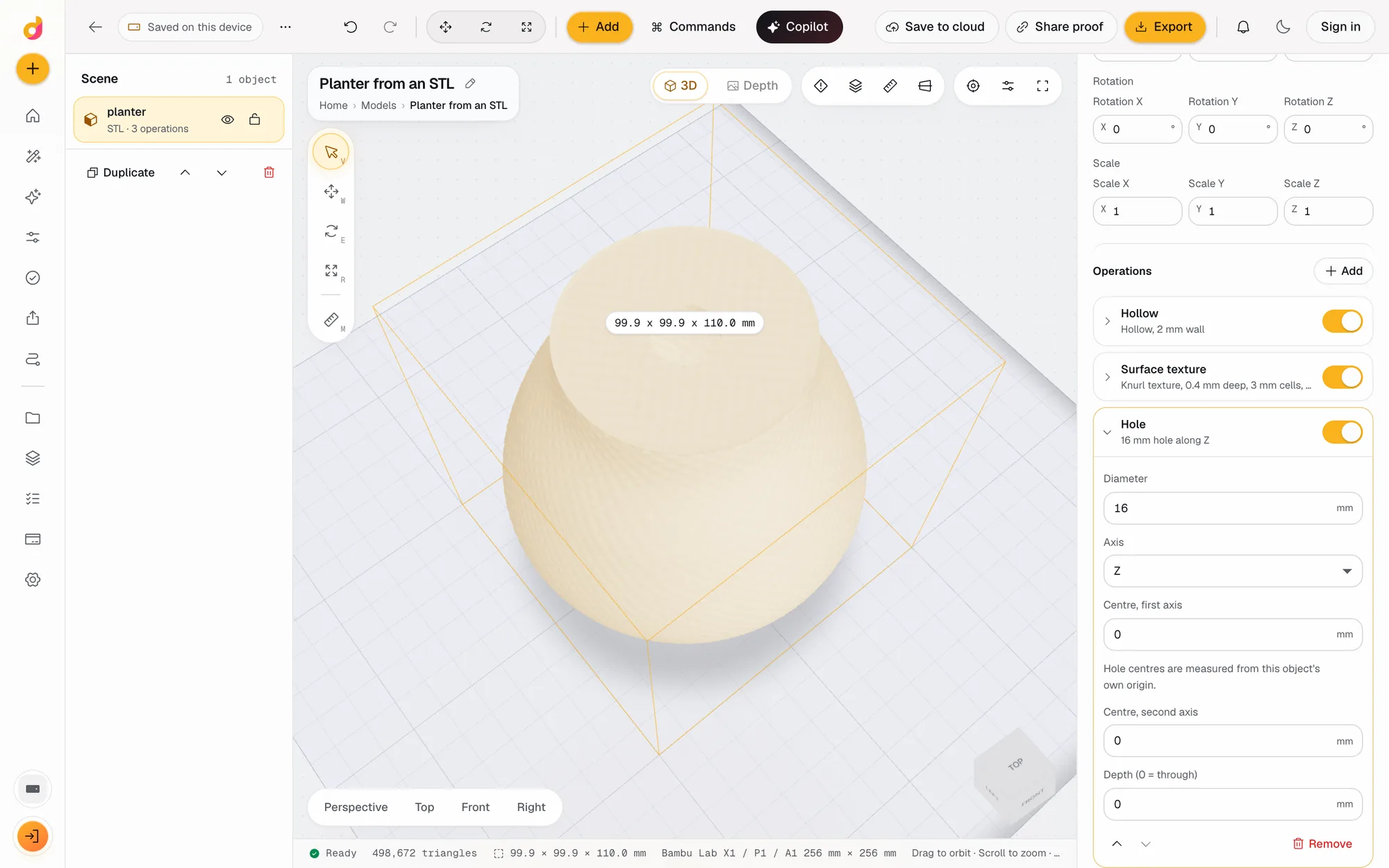 STL editorEdit STL files online: scale to exact millimetres, cut, hollow, combine, add text and holes, repair and simplify, then export STL or 3MF. Free, in your browser.See how it works
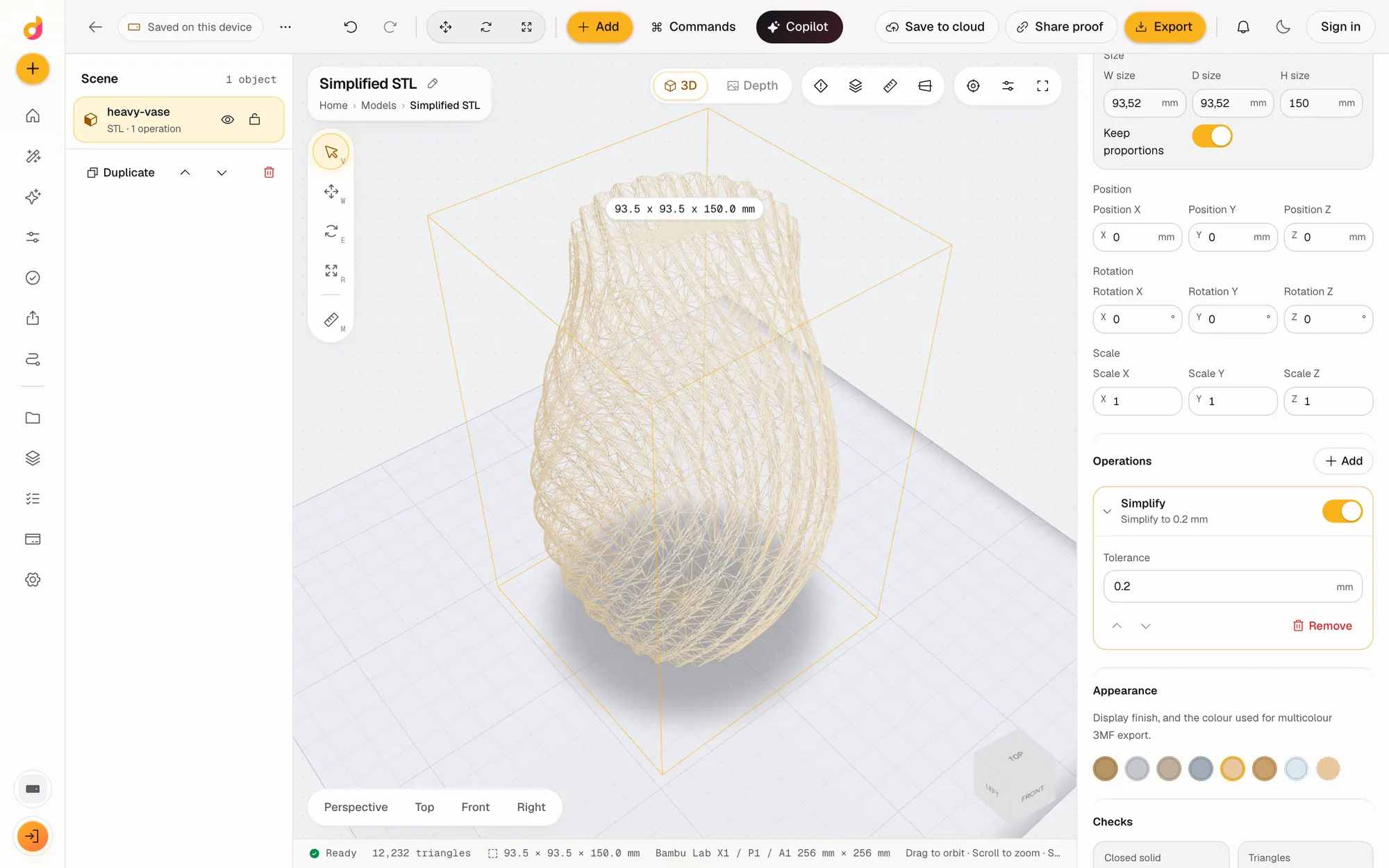 STL simplifierReduce an STL's triangle count and file size within a tolerance in millimetres, see the new count live and export a lighter STL or 3MF. Free, in your browser.See how it works
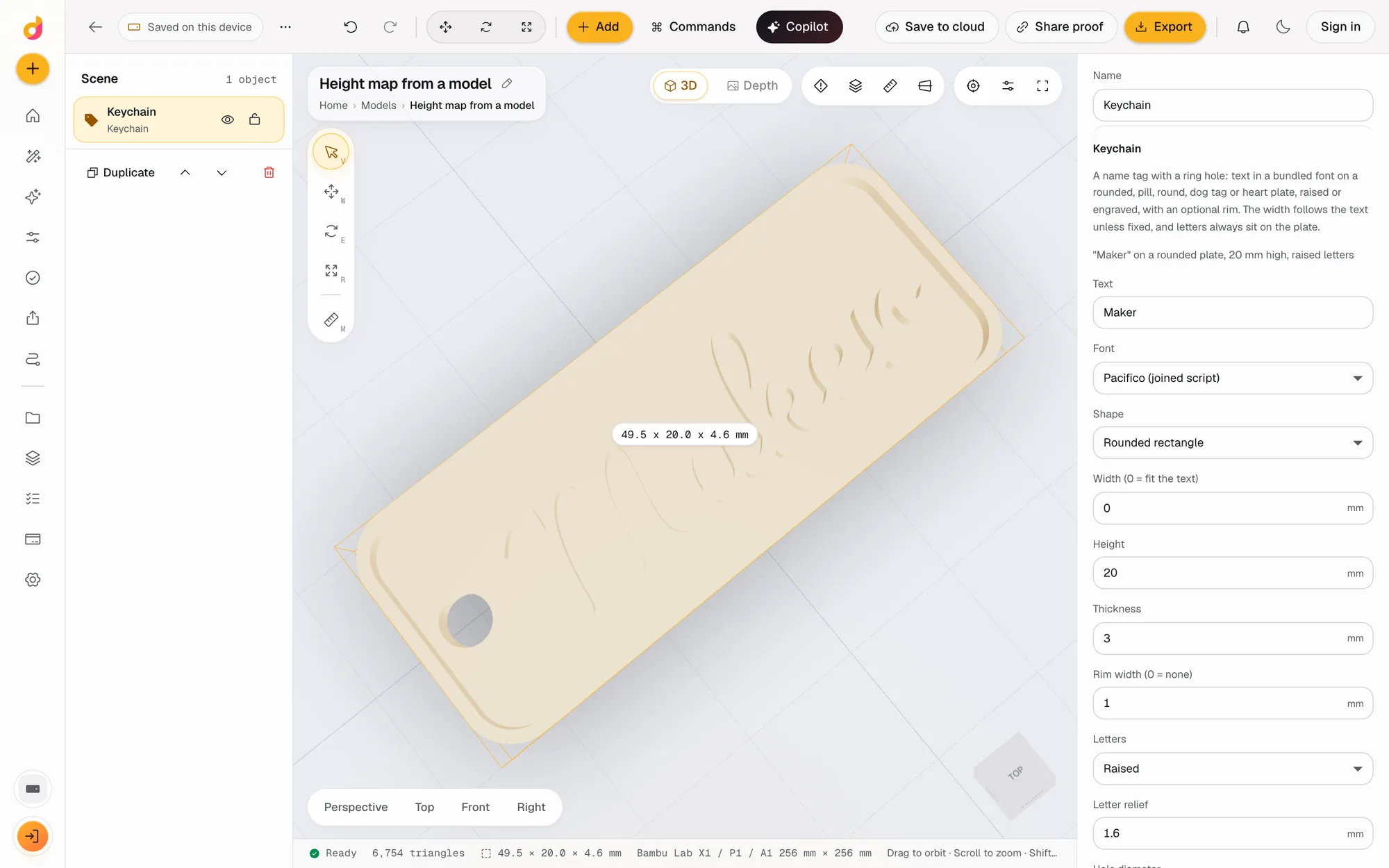 STL to depth mapTurn an STL or any 3D model into a 16-bit grayscale depth map PNG for LightBurn, xTool and Aspire, or an SVG or DXF outline. Free, in your browser.See how it works
Read next
3D printing
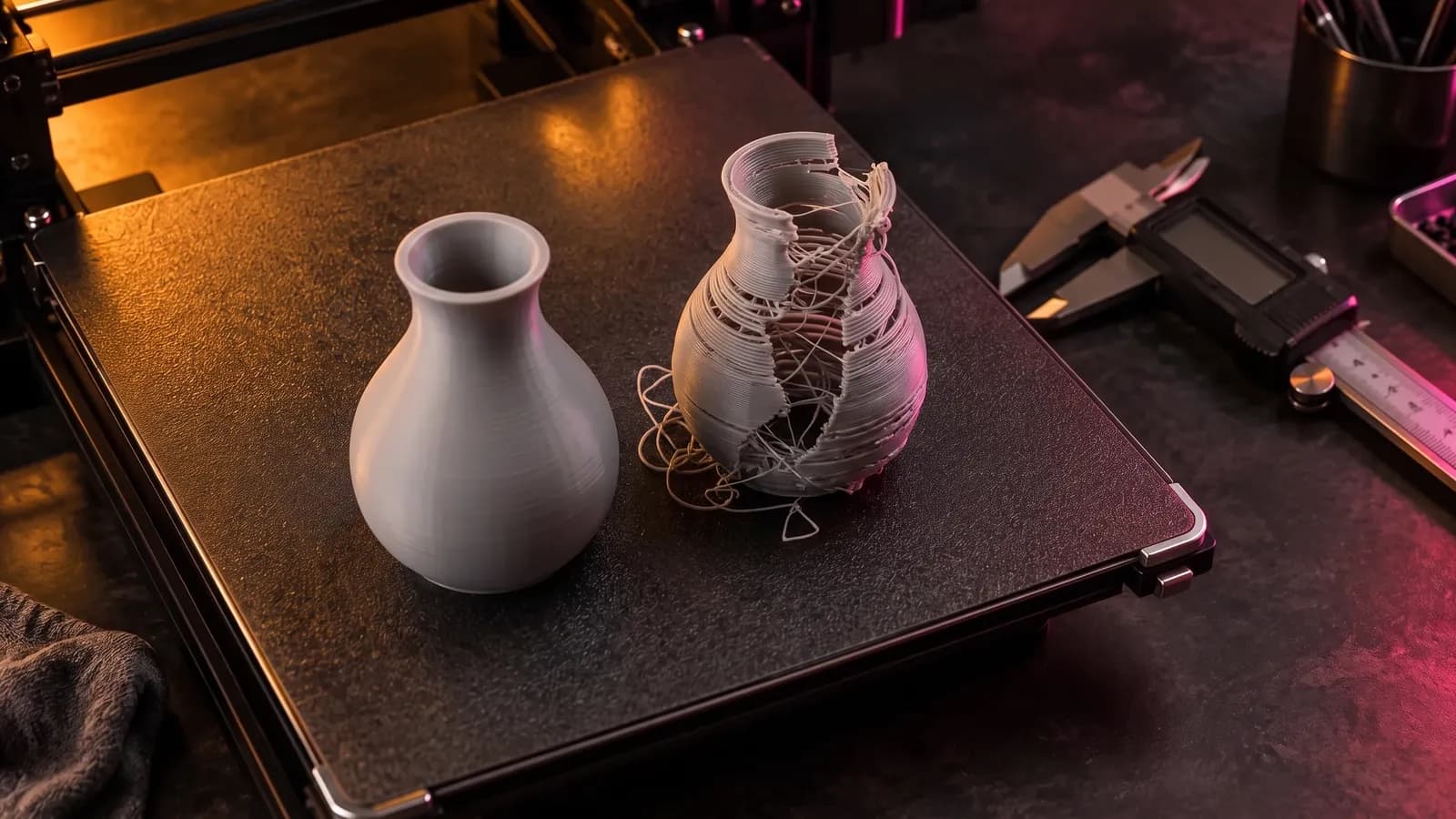
How to Fix STL Files: Holes, Non-Manifold Edges and Other Errors
How to fix STL errors: what open edges, non-manifold edges, flipped normals and self-intersections mean, what your slicer is saying, and the fix for each.
October 8, 2026 8 min read
3D printing
How Much Does 3D Printing Cost? Real Numbers, and How to Price Prints to Sell
What a 3D print costs at home or from a service: filament, power, wear and failures, resin vs FDM, and a pricing formula with Etsy fees for prints you sell.
October 8, 2026 7 min read
Check an STL.
It runs in your browser and the free plan needs no card. Paid plans from $5 a month add credits, storage and projects.