xTool AImake: What It Does for Laser and Craft Files (2026)
xTool AImake review: how it works inside xTool Studio, what it does well, where it falls short, how credits work, and how it compares with other AI tools.
By Depthue Lab2 min read
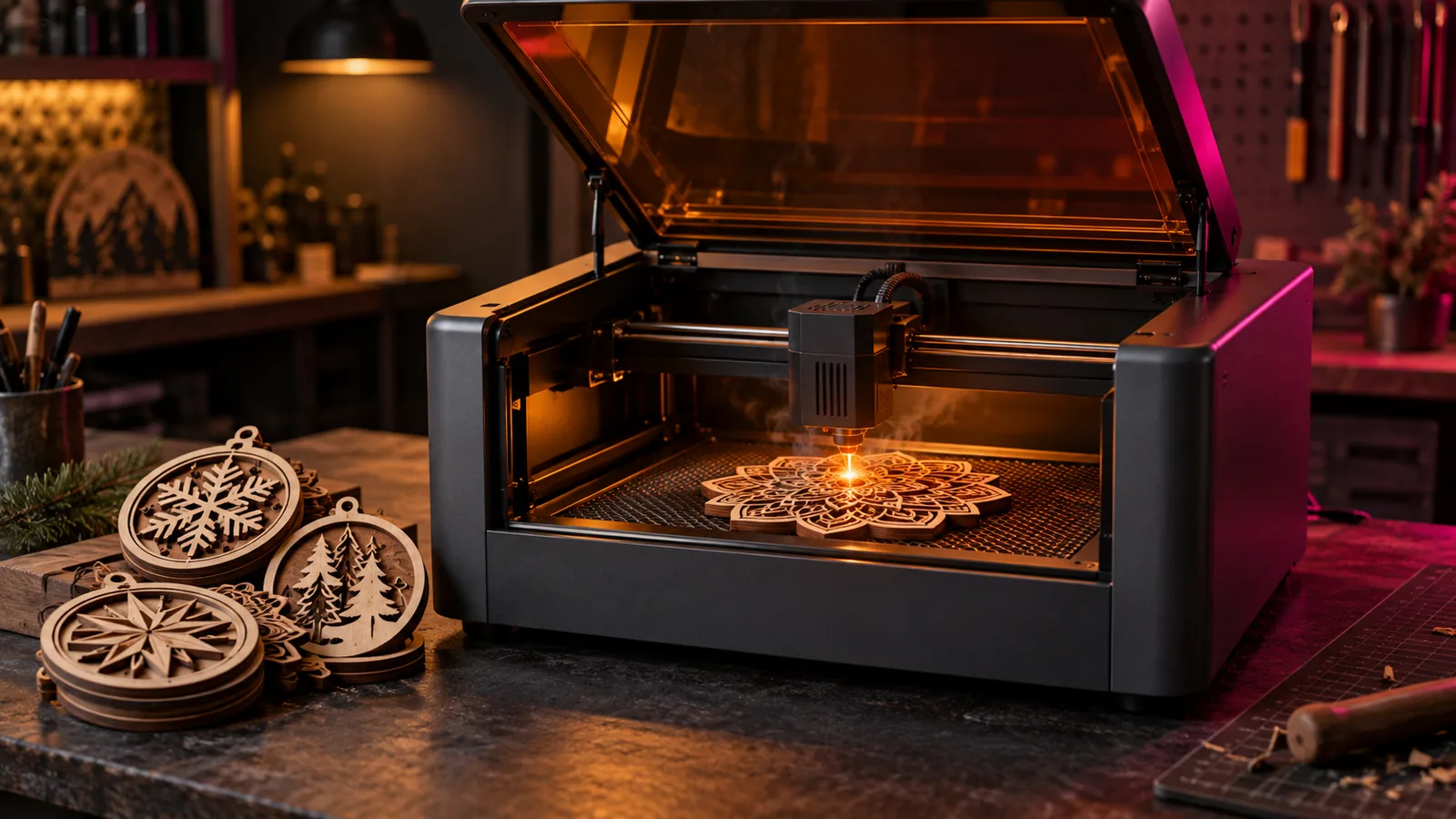
AImake is xTool's answer to a common frustration: generic AI images look great and cut badly. Instead of generating a picture and leaving you to fix it, AImake is built into xTool Studio, knows it is making something for a laser, and hands the result straight to the machine.
What AImake does
- Generates designs from a description, in craft-oriented styles rather than general art.
- Edits through conversation. Select a design on the canvas and ask for changes in plain language, such as simplifying details or changing the style.
- Stays inside the workflow. Generated images drop into the xTool Studio canvas, where you set up layers and send the job to your xTool machine.
xTool describes it as a crafting agent that combines AI models with manufacturing knowledge, and presented its wider AI strategy at CES 2026.
Credits
AImake uses credits in xTool Studio. According to xTool, credits can be topped up or earned by publishing projects. Check your balance before a big design session; iteration is where credits go.
Where it shines
- You own an xTool machine and want to go from idea to cut in one app.
- Quick personalised pieces: ornaments, signs, gifts and seasonal decorations.
- Beginners who do not want to learn tracing and vector cleanup yet.
Where other tools fit better
| Need | Better fit |
|---|---|
| A machine that is not an xTool | Image model plus a vectorizer, then LightBurn |
| Precise text and logos | A vector editor with licensed fonts |
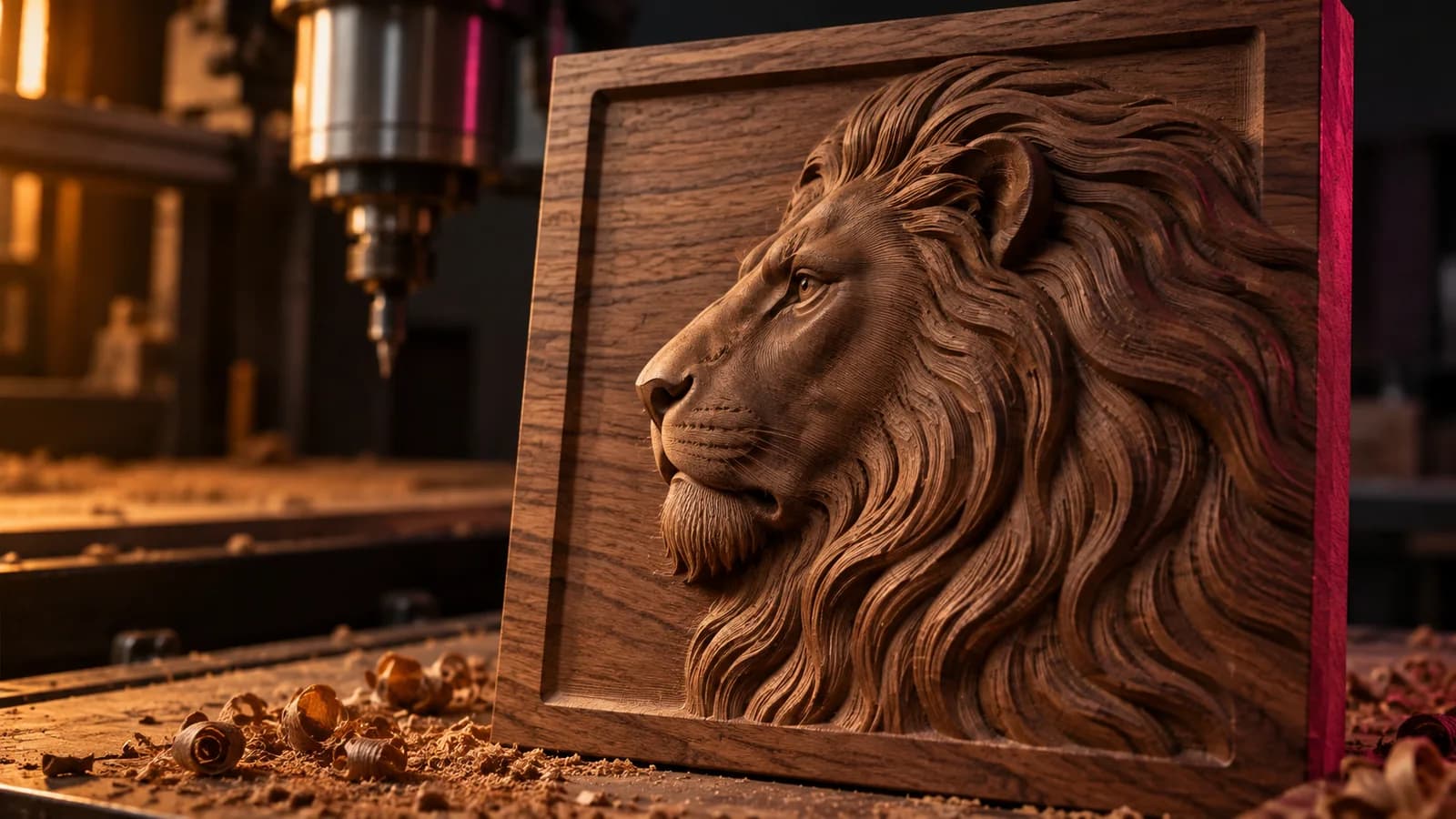
| 3D relief and coin engraving | A depth map tool such as DepthGen Pro |
| Photo engraving prep | A dithering tool such as ImagR |
Getting better results from any AI design tool
Whether you use AImake or a general image model, the same rules apply: ask for connected shapes for cutting, even line weights for engraving, a plain background, and no fine texture you cannot burn at your size. The free AI prompt builder writes those constraints into prompts for Midjourney, ChatGPT, Ideogram and Stable Diffusion.
For relief work, where brightness has to mean depth, pair your design tool with the free depth map generator.
Verdict
For xTool owners, AImake removes the most annoying part of AI design: the round trip between an image generator, a tracer and the laser software. For everyone else, and for 3D relief, a small stack of specialised tools still does more. See the best AI tools for laser engraving for the full picture.
Free tools for this job
Frequently asked questions
What is xTool AImake?
AImake is an AI crafting assistant from xTool, integrated into xTool Studio. It generates and edits designs from natural-language instructions and prepares them for xTool laser machines.
Is xTool AImake free?
AImake runs on credits inside xTool Studio. Credits can be topped up and, according to xTool, earned by publishing projects.
Can I use AImake with a non-xTool laser?
AImake is designed around xTool Studio and xTool machines. You can export designs from xTool Studio, but the direct send-to-machine workflow is for xTool hardware.
Can AImake make depth maps for 3D engraving?
AImake focuses on designs and crafting files. For 3D relief engraving you need a depth map from a depth estimation tool such as the Depthue generator or DepthGen Pro.