The Best Depth Map Generators in 2026, Free and Paid
Seven depth map generators for laser engraving, CNC and 3D printing, compared on price, privacy, offline use, export formats and coins and portraits.
By Depthue Lab4 min read
On this page (9 sections)
- The short list
- 1. DepthGen Pro: best for production work
- 2. Depthue depth map generator: best free option
- 3. SculptOK: best one-click cloud reliefs
- 4. Depth-R: best browser editor
- 5. Depth Anything V2 on Hugging Face: best for trying the raw model
- 6. ComfyUI with depth preprocessors: best for tinkerers
- 7. DepthGen Free Edition: best no-AI offline option
- How to choose
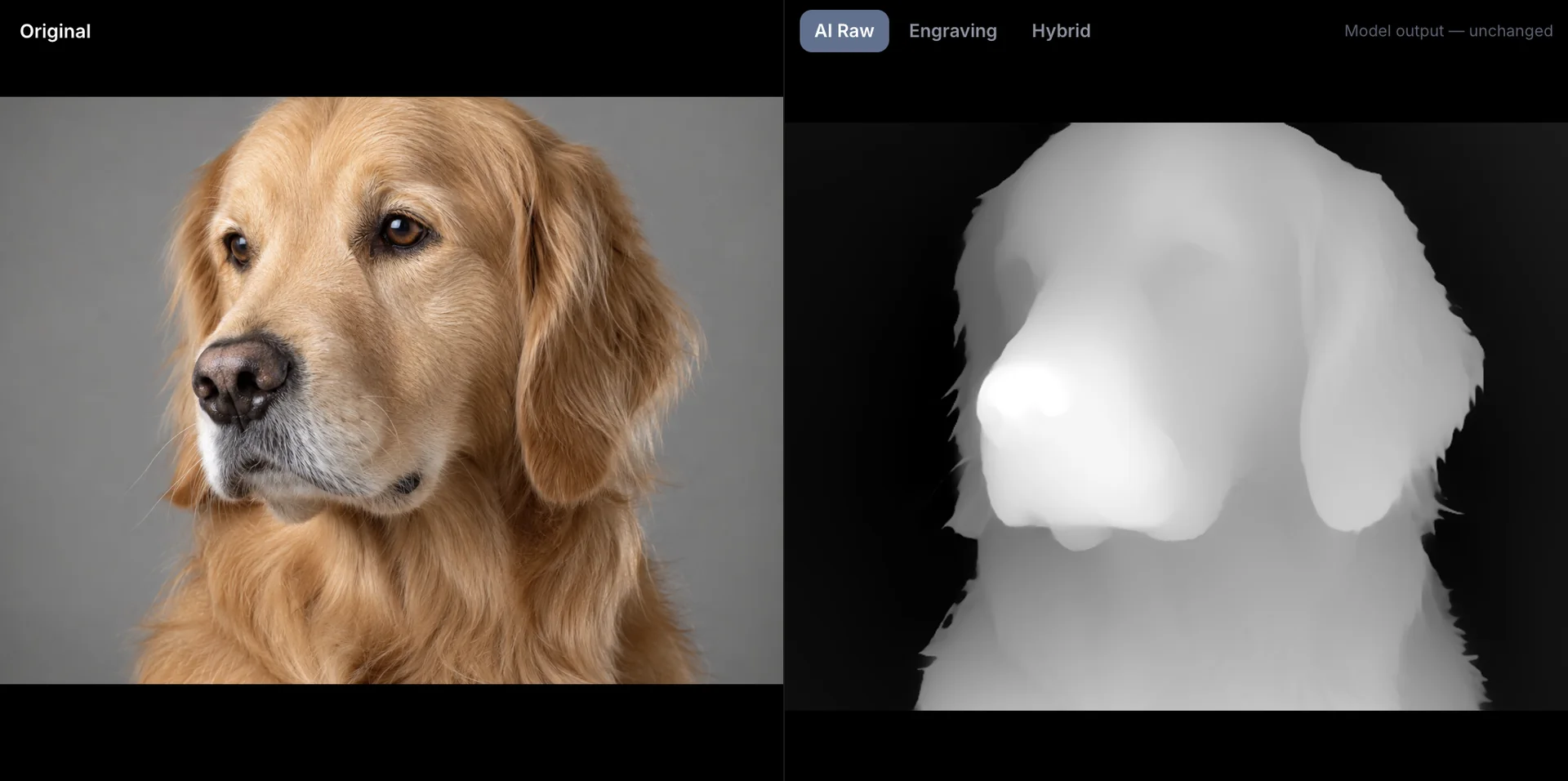
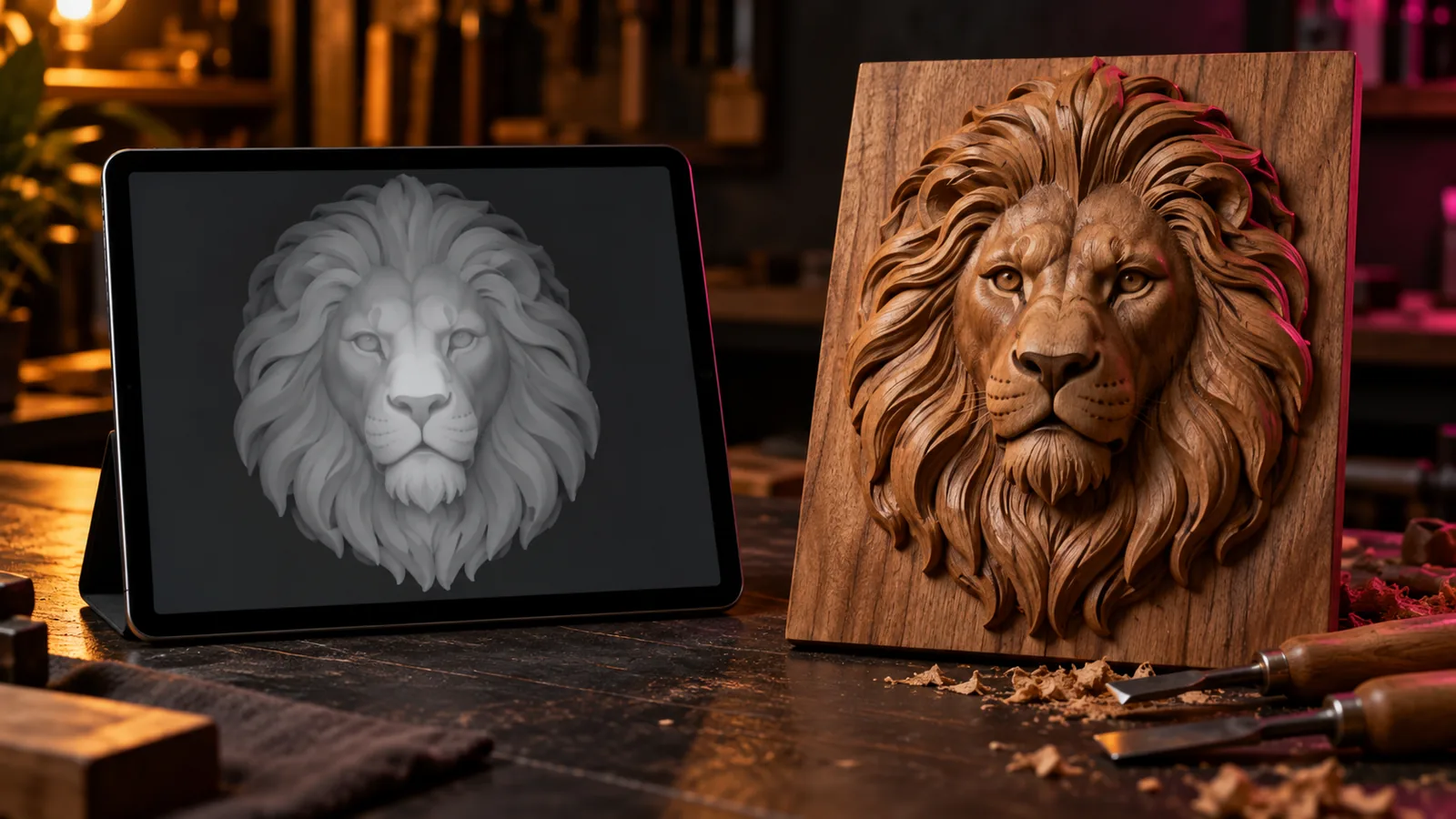
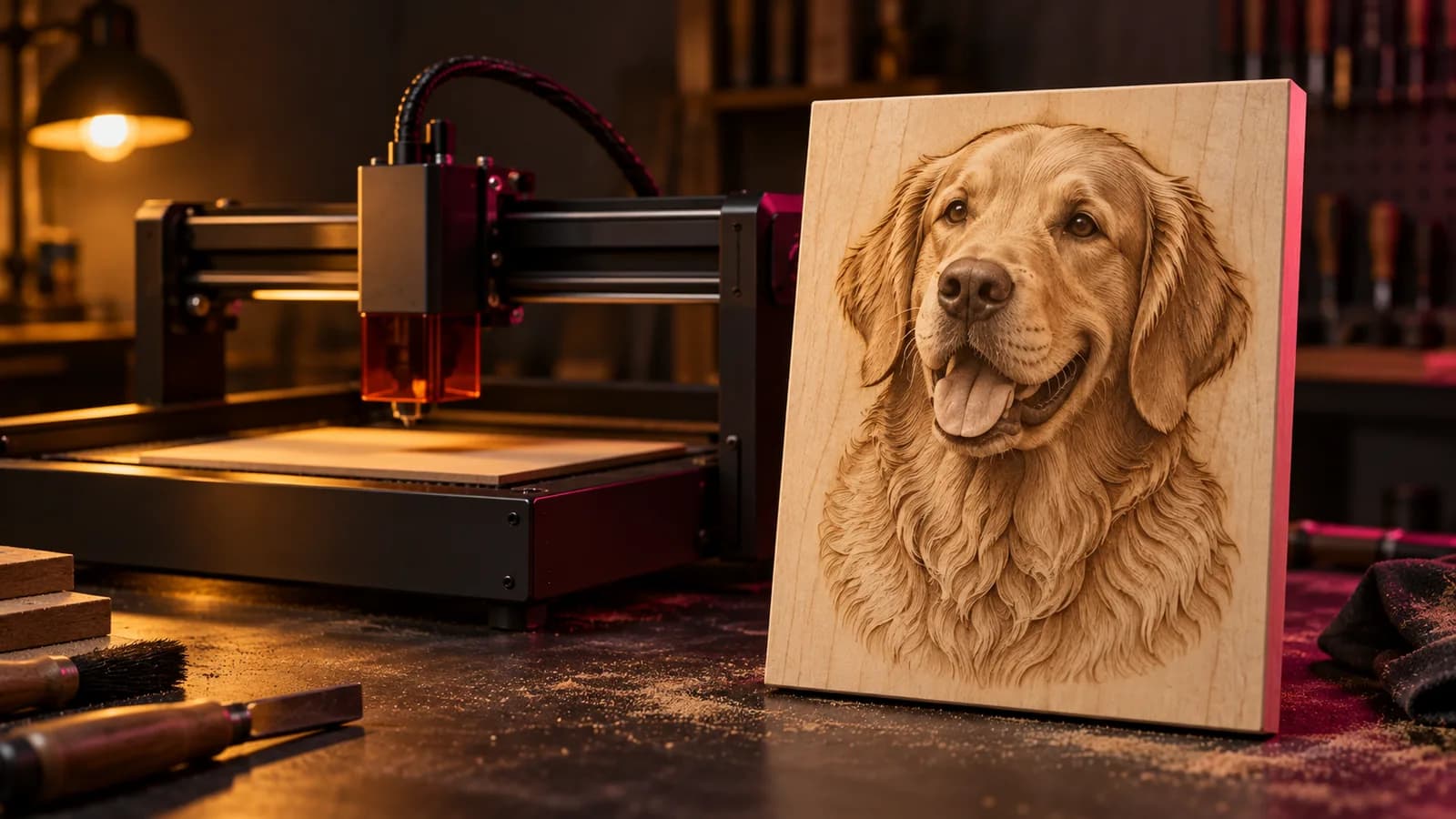
A depth map generator turns a normal image into a grayscale height map that a laser, CNC router or slicer can turn into physical relief. They all use similar AI models underneath, so the real differences are practical: where your image goes, what you can fix by hand, which files come out, and what it costs over a year of work.
Disclosure: Depthue makes DepthGen Pro, DepthGen Free and the free browser generator in this list. Every other tool is described from its own public pages, and prices were checked in September 2026.
The short list
| Tool | Price | Runs | Best for |
|---|---|---|---|
| DepthGen Pro | $39.99 once | Offline, Windows and Mac | Production, coins, 16-bit, batches |
| Depthue depth map generator | Free | In your browser, no upload | Quick maps, private photos |
| SculptOK | Credit packs | Cloud | One-click reliefs and 3D previews |
| Depth-R | From $26.90 a month | Browser (cloud) | Online editing with STL export |
| Depth Anything V2 demos | Free | Hugging Face servers | Trying the raw model |
| ComfyUI with depth nodes | Free | Your GPU | Tinkerers with a local AI setup |
| DepthGen Free Edition | Free | Offline, Windows | No-AI maps for logos and line art |
1. DepthGen Pro: best for production work
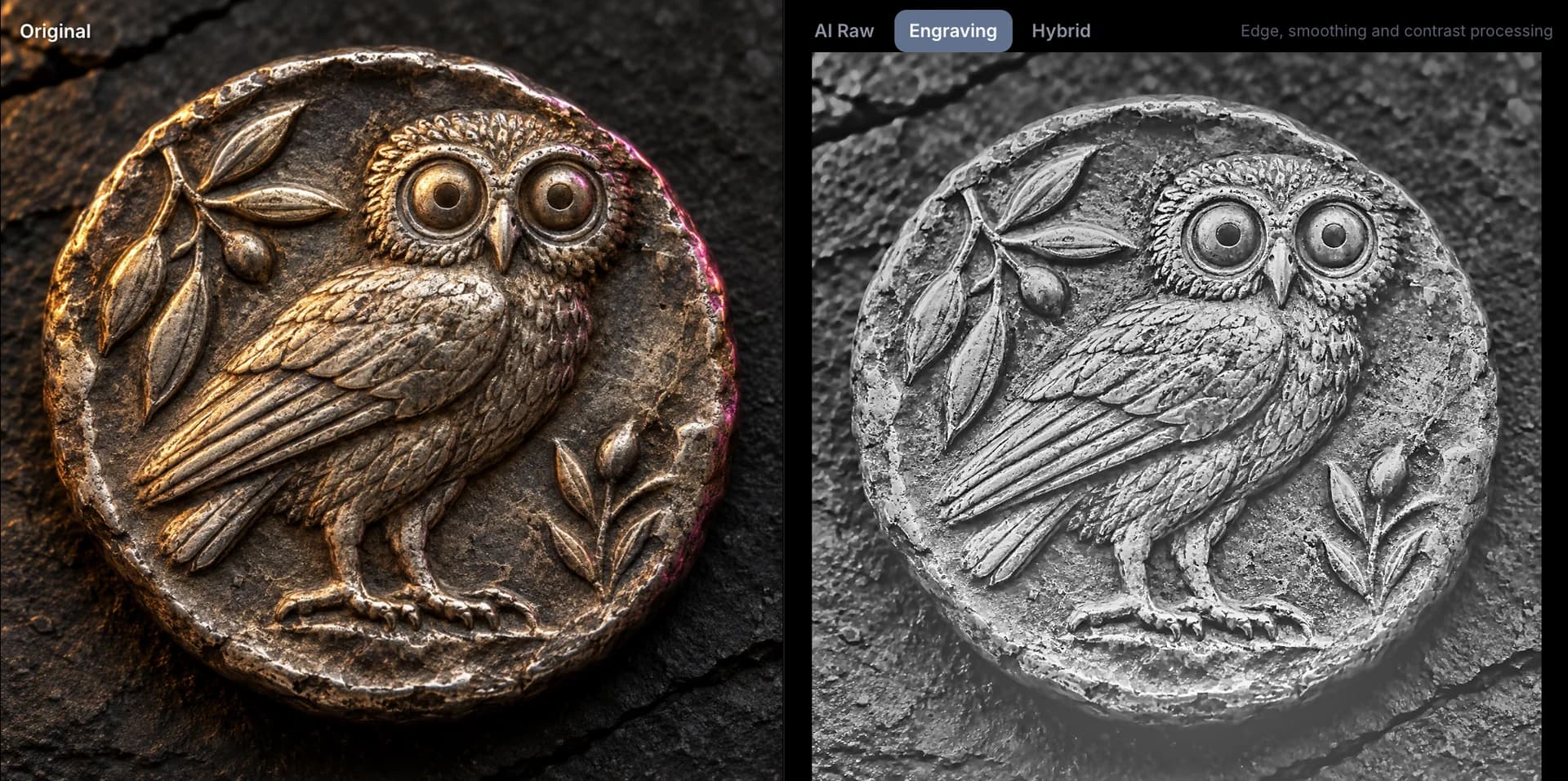
DepthGen Pro is an offline desktop app for Windows, with a native Apple Silicon build on the same licence. It classifies each image as a photo, relief object or line art and routes it to Depth Anything V2, Depth Anything V3 (Windows) or Lotus 2. Its Coin / Relief mode uses a photometric method that rebuilds height from shading, which is the case general models get wrong.
On top of the model output you get detail transfer, a non-destructive height brush with undo, depth range and black and white point controls, and exports in 8-bit and 16-bit PNG, 32-bit EXR, and watertight STL and OBJ (plus 3MF on Mac). Batch processing writes finished files for whole orders.
Choose it if you engrave or carve for money, handle customer photos you should not upload, or work with coins and medals.
Skip it if you make one depth map a month. The free tools below are enough.
2. Depthue depth map generator: best free option
The free generator runs Depth Anything V2 Small inside your browser with WebGPU or WebAssembly. The model downloads once and the photo never leaves your device. You can set black and white points, midtones, detail from the photo, smoothing and a background cutoff, preview the relief in 3D, and download a PNG or an STL.
Limits: 8-bit PNG only, one image at a time, no relief mode for coins.
3. SculptOK: best one-click cloud reliefs
SculptOK is a cloud service built around depth maps, bas-relief and 3D models. You upload an image and receive a depth map and preview, with background removal and restoration steps built in. Pricing is credit based, and new accounts receive free credits to try it.
Choose it if you want a fast result with no setup and you are comfortable uploading the image.
Skip it if your images are confidential or you generate enough maps that credits add up.
4. Depth-R: best browser editor
Depth-R, from Design Gecko, generates depth maps online and gives you editing controls for highlights, black level, detail, denoising and background, with PNG and STL output. It is sold as a subscription: $26.90 for one month, $99.90 for six months or $169.90 for a year at the time of writing.
Choose it if you want interactive editing without installing anything.
Skip it if you want to own your tool outright or work offline. A year of Depth-R costs about four times a DepthGen Pro licence.
5. Depth Anything V2 on Hugging Face: best for trying the raw model
The research team behind Depth Anything publishes public demos where you can upload an image and download the raw depth output. It is free and a good way to see what the model does before any post-processing.
Limits: your image goes to a shared server, queues can be long, and there are no fabrication controls or STL export.
6. ComfyUI with depth preprocessors: best for tinkerers
If you already run a local AI setup, ComfyUI can run depth models (Depth Anything, MiDaS, Marigold and others) as nodes. It is free and powerful, but it is a workflow builder, not an engraving tool: you assemble the pipeline yourself, and you still need another program to build a relief or STL.
7. DepthGen Free Edition: best no-AI offline option
DepthGen Free Edition is the original v1.0 of DepthGen, kept free for Windows. It uses classic image processing with depth, contrast, gamma and edge controls, a 3D preview and PNG and STL export. For logos, text and high-contrast line art it is often all you need; for faces and animals, AI does better.
How to choose
- Private photos or client work: only tools that process locally: DepthGen Pro, the Depthue browser generator, DepthGen Free or ComfyUI.
- Coins, medals, plaques: DepthGen Pro's Coin / Relief mode.
- Deep galvo relief over 256 passes: you need a true 16-bit export. See 8-bit vs 16-bit depth maps.
- A few maps a month: the free browser generator.
- Hundreds of maps a month: a one-time licence beats any subscription within months.
Free tools for this job
Frequently asked questions
What is the best depth map generator?
For repeat laser, CNC and 3D printing work, DepthGen Pro is the most complete offline option: three local AI models, a photometric relief engine for coins, a height brush, 16-bit PNG, EXR, STL and OBJ export and batch processing for one payment. For occasional use, a free browser generator running Depth Anything V2 is enough.
What is the best free depth map generator?
The Depthue depth map generator is free with no signup or limit and runs the model on your own device. Hugging Face also hosts free public demos of Depth Anything models, but those upload your image to a shared server.
Do depth map generators work offline?
Desktop apps such as DepthGen Pro and DepthGen Free work fully offline. Browser tools that run the model locally work offline once the model is cached. Cloud services such as SculptOK and Depth-R need an internet connection for every image.
Which depth map generator is best for coins?
General AI models flatten coins because a coin faces the camera as one plane. DepthGen Pro has a Coin / Relief mode that rebuilds height from the metal's shading. Cloud tools and free models give noticeably flatter results on coins.