Meshy vs Tripo for 3D Printing: Price, Credits, Exports and Rights
Meshy vs Tripo compared for 3D printing from their own pages: free credits, paid plans, STL and 3MF export, print tools and who owns free-plan models.
By Depthue Lab2 min read
Meshy and Tripo both turn an image or a text prompt into a full 3D model in the browser, and both export STL and 3MF for printing. The difference for a 3D printer owner is in three places: Meshy has more print preparation built in, Tripo's Pro plan includes more credits for the same $20, and the two free plans treat your models very differently. Everything below is from each company's own pages, read on November 2, 2026.
Side by side
| Meshy | Tripo | |
|---|---|---|
| Free plan | 100 credits a month; 10 downloads a month, untextured Meshy 6 Lite models only | 200 credits a month; models are public |
| Paid plans | Pro $20 a month ($192 a year), 1,000 credits; Premium $40, 3,000; Ultra $100, 8,000 | Pro $20 a month, 3,000 credits; Max $90, 25,000 |
| Image to 3D cost | 20 to 25 credits | Not listed |
| Exports | FBX, OBJ, USDZ, GLB, STL, BLEND, 3MF | GLB, USD, FBX, OBJ, STL, 3MF |
| Print tools | Print Check (watertight, holes, non-manifold edges), Make Printable (10 credits), Add Base, Split | Not listed |
| Free-plan rights | Meshy owns the output and licenses it under CC BY 4.0, credit to Meshy | Tripo keeps the rights; non-commercial use |
| Other tools | Free lithophane maker, 3D relief generator (20 credits), multi-colour print | Free relief generator, STL only, no account |
Which one to pick
- Pick Meshy if you want to go from a picture to a printable file on one site. Its print check and repair save a trip to another program, and the free plan's CC BY licence lets you sell with attribution.
- Pick Tripo if you generate a lot of models and will prepare them for printing elsewhere. The Pro plan's 3,000 credits go further, and Tripo also sells API access.
- Pay for either if you sell prints. Read the current terms first; both companies update them.
Credits are not comparable one to one. Run the same two or three images through each free plan and compare the cost and the result before you subscribe.
Getting an AI model ready to print
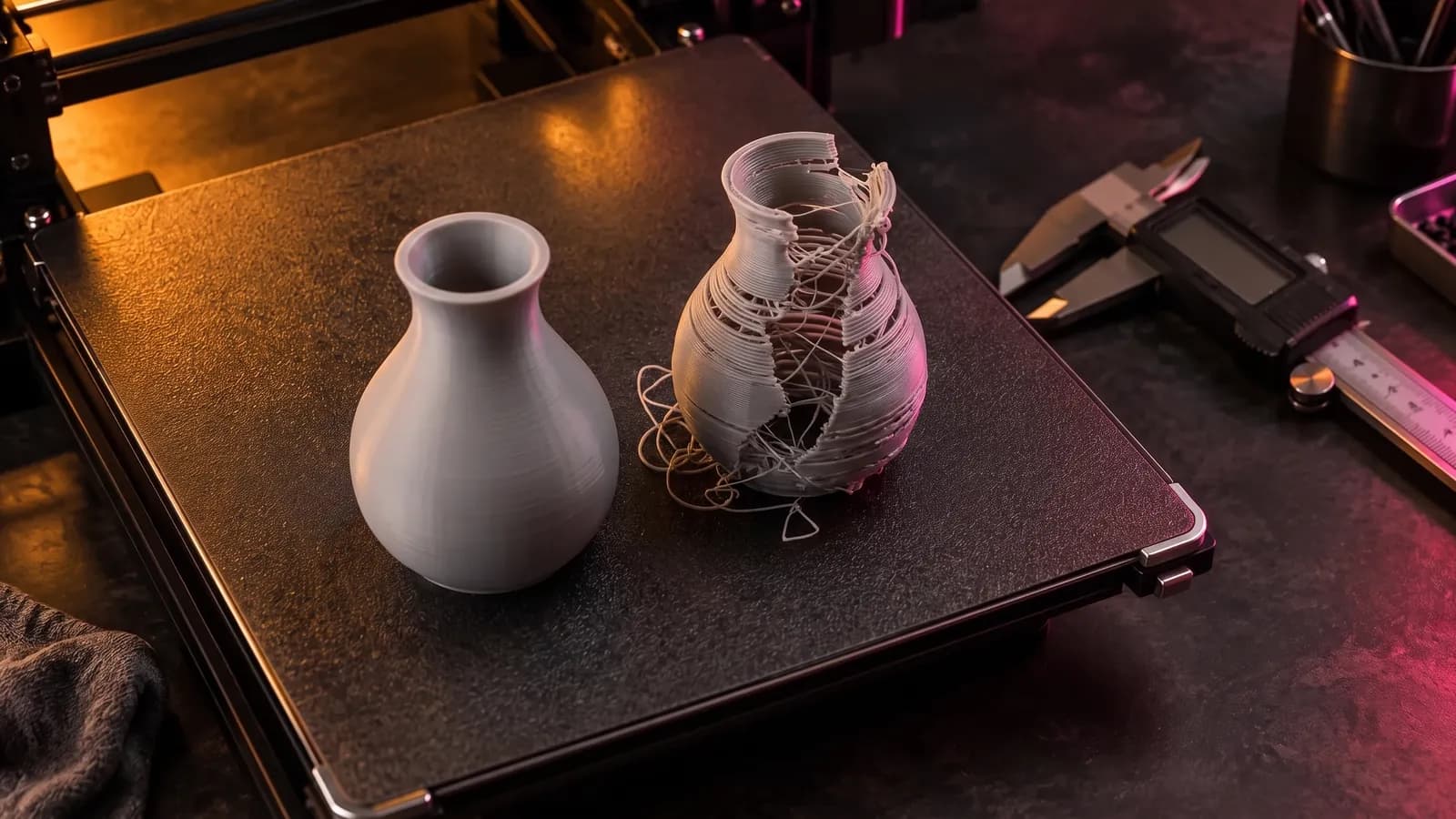
AI models come out as dense meshes, often as GLB in metres with Y up, sometimes with small holes or a base that does not sit flat. Four checks fix nearly all of it, free and in your browser:
- Look at it. The GLB viewer shows the size, volume and triangle count without installing anything.
- Convert it. GLB to STL scales it to millimetres and stands it Z up the way slicers expect.
- Close it. STL repair finds open edges and closes small holes.
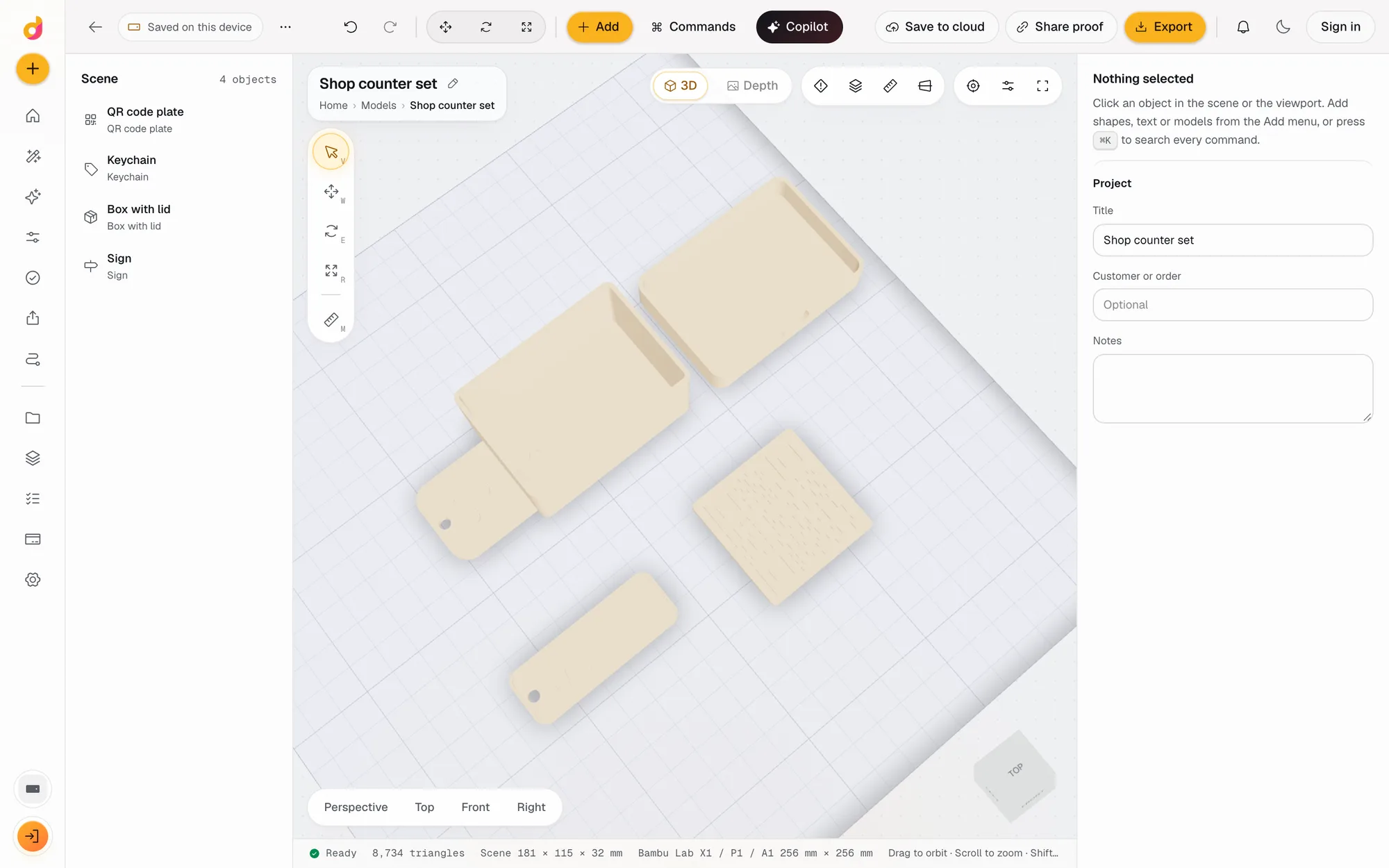
- Finish it. The Depthue Studio STL editor flattens the base, hollows it with drain holes, cuts it into printable pieces, simplifies a heavy mesh and checks walls and overhangs before you slice.
For a flat result such as a sign, coin or plaque, skip full 3D: a relief from a photo keeps far more of the picture's detail. The longer guide to making a 3D model from an image covers preparing the image and when each approach fits.
Free tools for this job
Frequently asked questions
Is Meshy or Tripo better for 3D printing?
Meshy has more printing tools on its own site: Print Check for holes and non-manifold edges, Make Printable repair, Add Base and Split. Tripo exports STL and 3MF but its pages do not list repair tools, so plan to check and fix its models in another program.
Is Meshy or Tripo cheaper?
Both Pro plans cost $20 a month. Tripo's includes 3,000 credits a month and Meshy's 1,000, but the two count credits differently, so compare the cost of the jobs you run: Meshy lists image to 3D at 20 to 25 credits.
Can I sell prints from Meshy or Tripo free plans?
Not freely. Meshy's terms license free-plan models under CC BY 4.0 with credit to Meshy, which allows commercial use with attribution. Tripo's free plan is non-commercial and Tripo keeps the rights. Paid plans on both are the safe route for selling.
Do Meshy and Tripo export STL?
Yes. Meshy exports FBX, OBJ, USDZ, GLB, STL, BLEND and 3MF. Tripo exports GLB, USD, FBX, OBJ, STL and 3MF. Meshy's free plan downloads only untextured Meshy 6 Lite models, 10 a month.
How do I check an AI model before printing?
Open it in a viewer to check its size and triangle count, convert it to STL in millimetres, repair any open edges, and give it a flat base. All of that can be done free in the browser.