How to Make a 3D Model From a Single Image With AI (2026)
Turn one image into a printable 3D model with AI: preparing the image, Hunyuan3D vs Meshy vs Tripo, licensing, and making the mesh watertight for printing.
By Depthue Lab2 min read
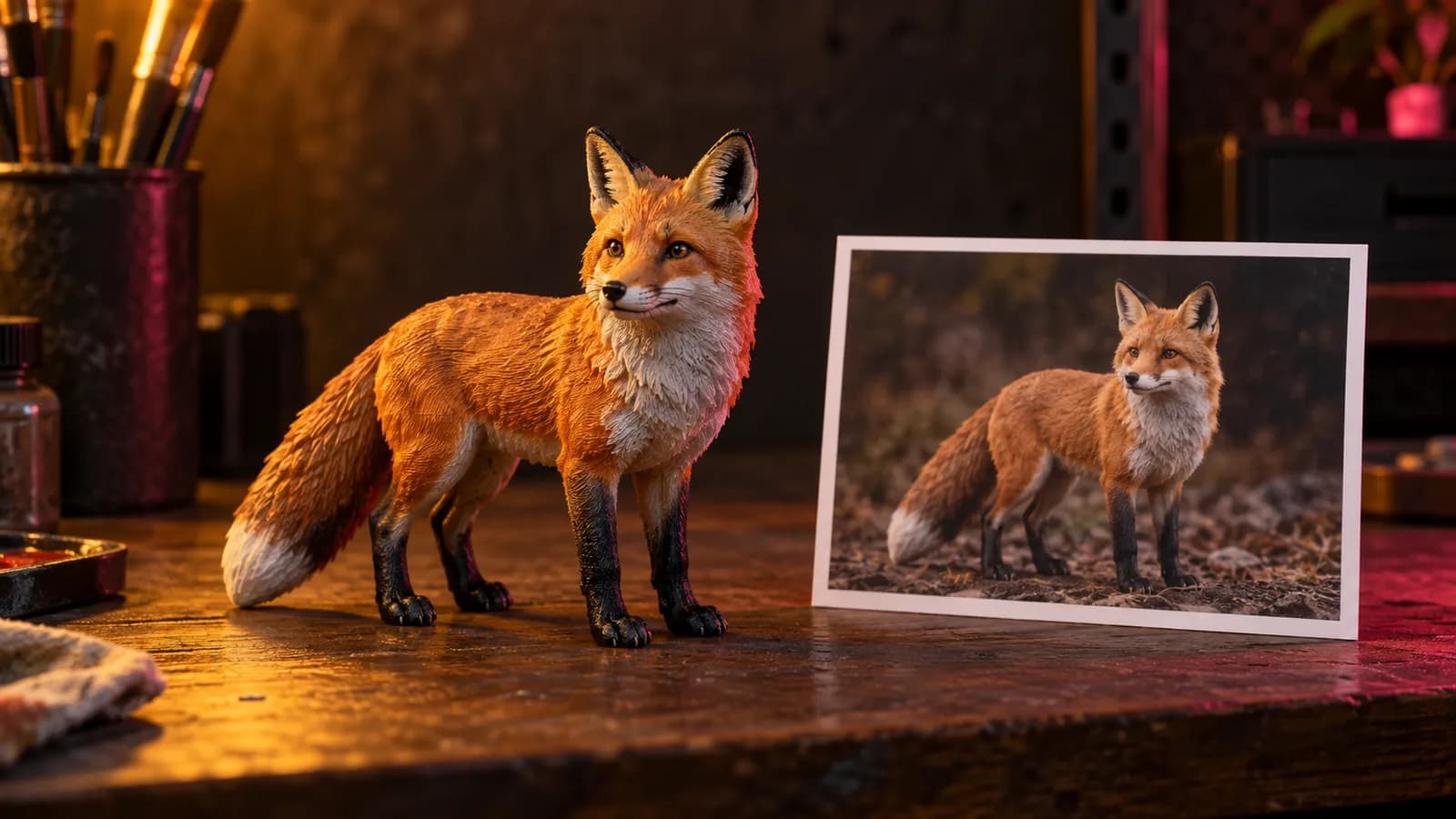
Image-to-3D AI builds a full 3D model, front and back, from a single picture. A few years ago that took a sculptor an afternoon. Now it takes a minute, and with a little cleanup the result prints.
First decide: full 3D, or relief?
Many "photo to 3D" jobs do not need a full model.
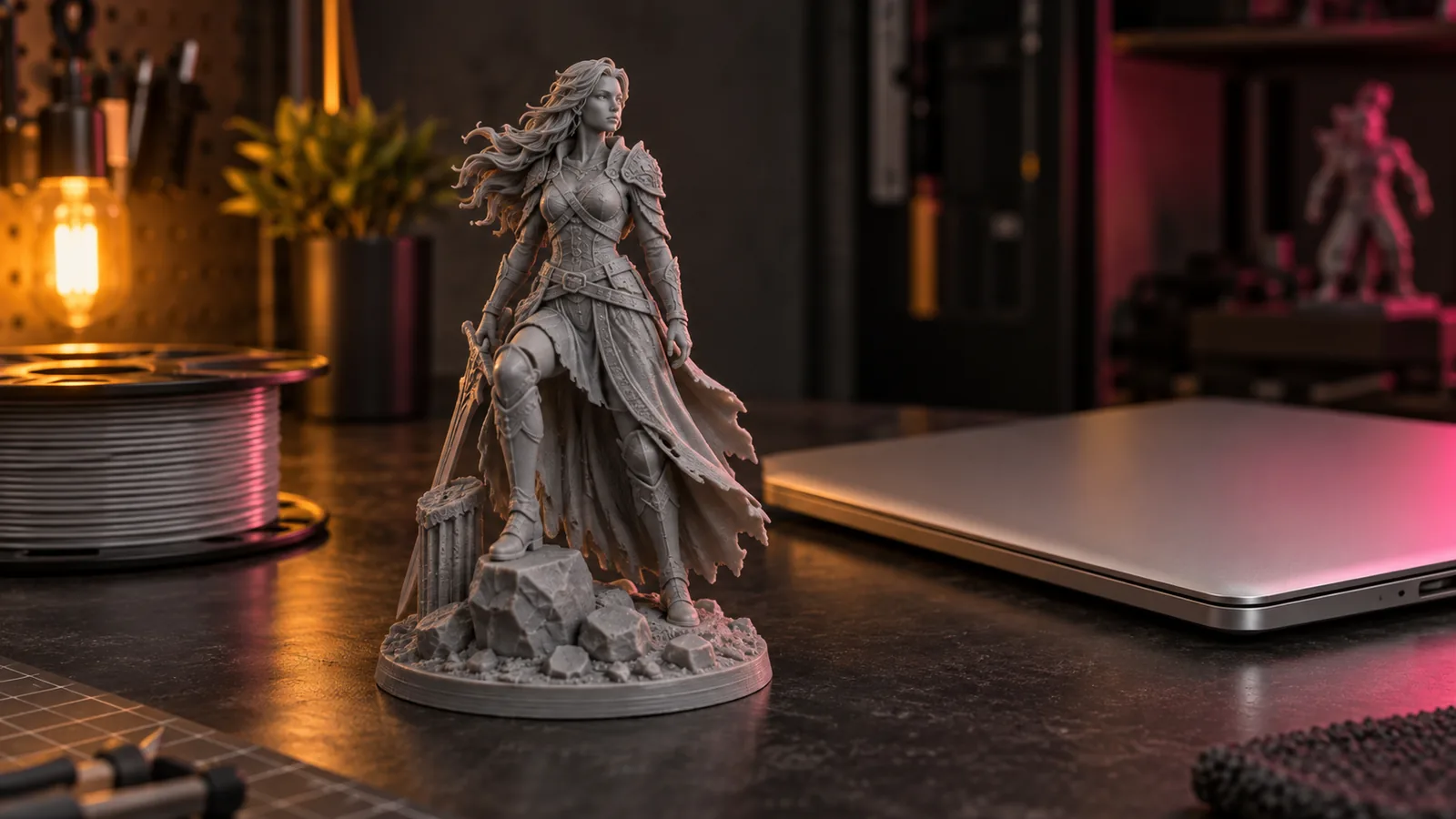
- Needs to be seen from every side: figurines, toys, props, game pieces. Use image-to-3D AI.
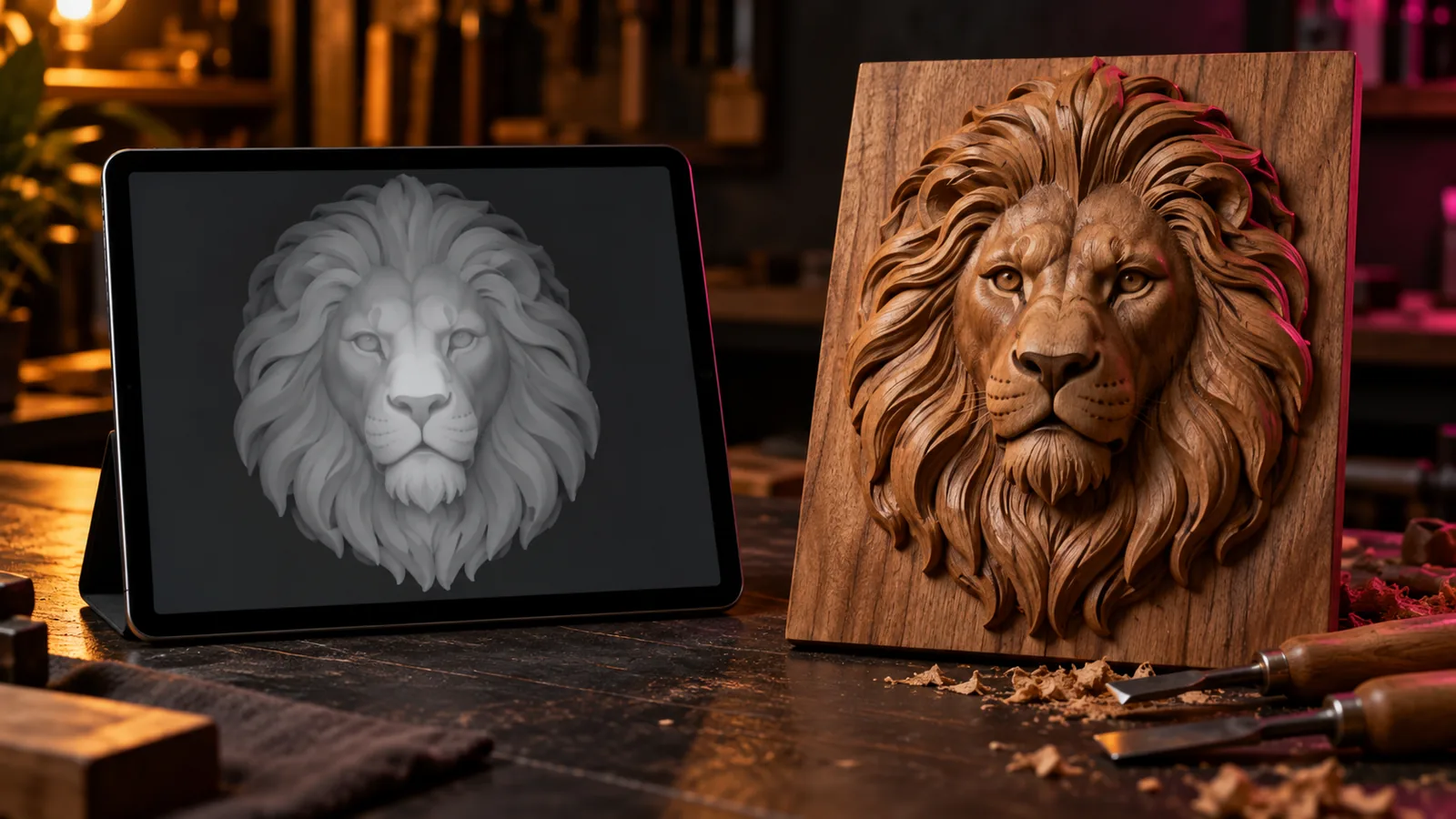
- Needs to be seen from the front: plaques, coins, portraits, signs, lithophanes, wall art. Use a depth map and a relief. It keeps far more of the photo's real detail, because nothing has to be invented.
For reliefs, start with the free depth map generator and the image to STL tool. The rest of this guide is about full 3D.
Step 1: prepare a reference image
The AI can only reconstruct what it can read. Whether you photograph an object or generate a reference with an image model, aim for:
- One object, centred, filling most of the frame.
- A plain background, ideally white or neutral gray.
- Soft, even light with no harsh cast shadows.
- A front or three-quarter view. Three-quarter views give the model more shape to work from.
- No cropping. Feet, tails and edges cut off by the frame come back as guesses.
An image model such as ChatGPT, Gemini or Midjourney can make a clean reference from a messy photo: ask for "the same subject, full body, three-quarter view, plain light gray background, soft studio light".
Step 2: choose a generator
| Tool | Runs | Exports | Good to know |
|---|---|---|---|
| Hunyuan3D | Locally (open source) or on Tencent's site | GLB, OBJ | Free and unlimited on your own GPU |
| Meshy | Cloud | STL, OBJ, GLB, FBX, 3MF and more | Free tier outputs carry an attribution licence |
| Tripo | Cloud | Common mesh formats | Free tier is non-commercial |
Licences change often. If you plan to sell prints or files, read the current terms of the plan you use.
Step 3: generate, then look critically
Generate two or three variants and compare them from the back and from below. Look for thin parts that will not print, holes, and surfaces that fold through each other.
Step 4: make it printable
- Convert to STL if needed. Your slicer or Blender can import GLB or OBJ and export STL.
- Check it's watertight. Your slicer will warn about open edges; MeshLab or Blender's 3D Print Toolbox can repair them.
- Add a flat base. Cut the bottom flat so it sits on the plate, or add a plinth.
- Scale to real size. Image-to-3D output has no real-world units.
- Thicken fragile parts. Ears, tails and fingers under 1 mm usually snap.
Open the result in the free STL viewer to confirm dimensions and volume before slicing.
Step 5: print
- FDM: 0.12 mm layers for detail, tree supports for overhangs.
- Resin: hollow and add drain holes for anything larger than a few centimetres.
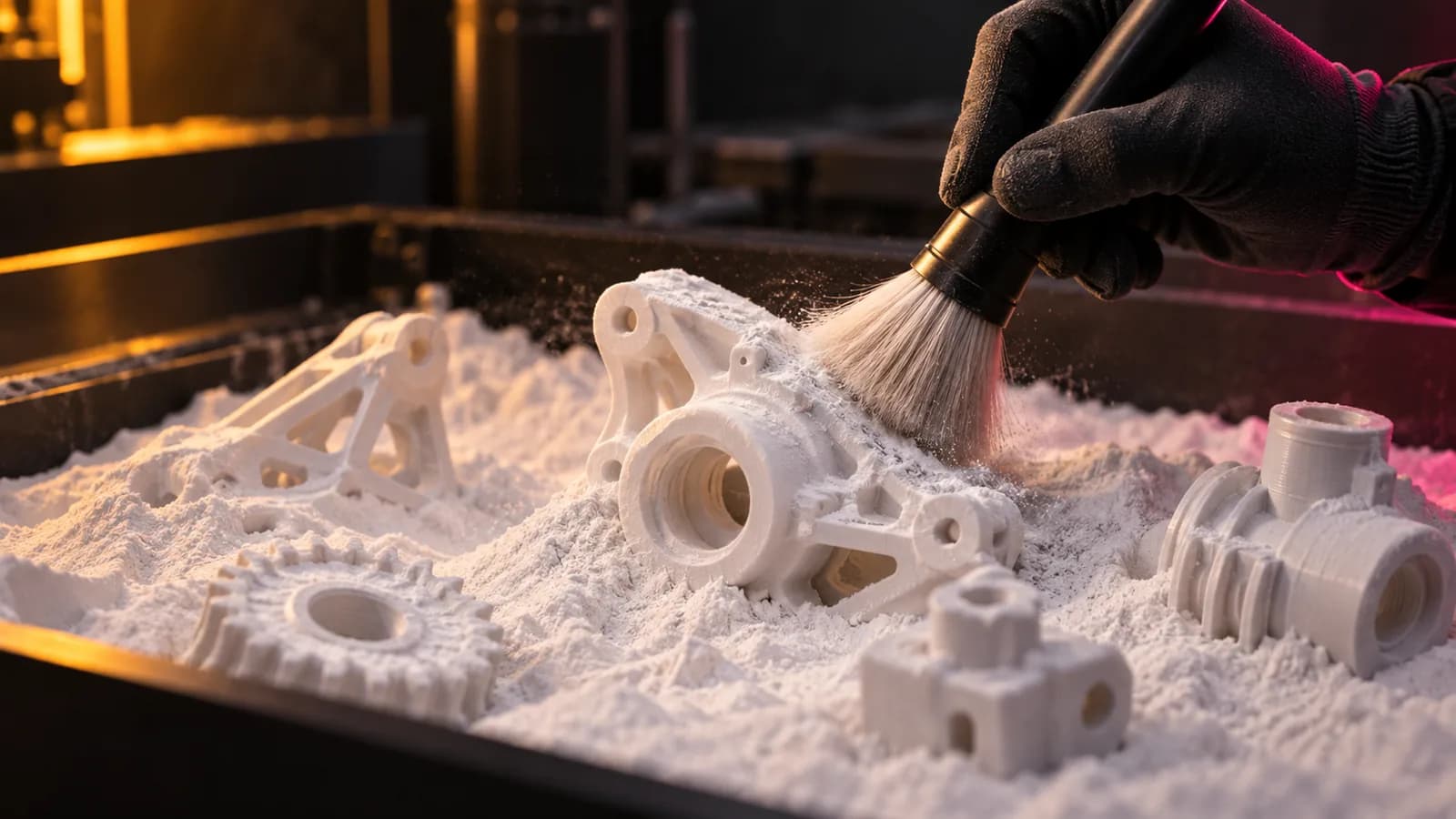
- SLS: no supports needed; great for small batches. See the best SLS printers.
What AI still gets wrong
Hidden sides are invented, text and logos rarely survive, and symmetric mechanical parts come out slightly lopsided. For characters and organic shapes it is remarkable; for parts that must fit something else, model them in CAD.
Free tools for this job
Frequently asked questions
Can AI really make a 3D model from one photo?
Yes. Image-to-3D models generate a full mesh, including the back, from a single image. The hidden sides are invented, so results are best for stylized objects and characters and weakest for precise mechanical parts.
Which AI 3D generator exports STL?
Meshy exports STL directly along with OBJ, GLB, FBX and 3MF. Hunyuan3D exports GLB and OBJ, which you can convert to STL in Blender or your slicer.
Are AI-generated 3D models printable?
Often, after cleanup. Check that the mesh is watertight, give it a flat base, thicken thin parts and scale it to real size before slicing.
When is a depth map better than image-to-3D?
When the result only needs to be seen from the front: plaques, coins, signs, lithophanes and wall art. A relief from a depth map keeps far more of the image's real detail than a full 3D reconstruction.