
Free tool
GLB to STL converter
Drop a GLB or glTF, set its real size in millimetres, download an STL ready to slice.
Runs in your browser. Nothing is uploaded.
How to use it
1Drop the GLB
A .glb, a .gltf together with its .bin, or a zip holding them. It is read on your device.
2Check the size
glTF is in metres, so the converter multiplies by 1,000. If the model is bigger than your printer, turn on Scale to height.
3Pick the parts
Each mesh is listed as a part with an edge check. Untick the ones you do not want to print.
4Download the STL
One merged STL, Z up and sitting on the plate, or one STL per part in a zip for multicolour printing.
To convert GLB to STL, drop the .glb file (or a .gltf with its .bin) on the converter above, check the size in millimetres, set a height if it is too big to print, and download the STL. glTF stores metres with Y as up, so the converter multiplies by 1,000 and stands the model upright for your slicer. Nothing is uploaded.
Why GLB models need scaling before you print
The glTF specification is strict: all distances are in metres, +Y is up and the front faces +Z. Slicers read STL numbers as millimetres with Z up. Copy the numbers across without converting and an 80 mm figure becomes 0.08 mm, lying on its back.
The opposite problem comes from models built at real-world scale. Meshy's API, for example, has an auto-size option that estimates the real-world height of the object and resizes the model to match, so a statue can arrive life-size. At 1,800 mm tall it will not fit any desktop printer. Turn on Scale to height and type the height you want; everything scales evenly, so proportions stay right.
What survives the conversion
| Comes through | Left behind |
|---|---|
| Every mesh, as its own part | Textures and materials |
| Positions, rotations and scales from the scene | Vertex colours |
| Copies of a mesh used several times | Animation |
| Mirrored parts, with faces kept the right way out | Poses: rigged models convert in their rest pose |
| The base shape of a model with morph targets | Morph target blends |
AI-generated models and print readiness
Image and text to 3D generators produce a shape for viewing, not necessarily a closed solid. After loading, every part gets an edge check: Watertight means the slicer sees a closed volume, while open edges mean holes that can print as gaps. Fix those in the STL repair tool before slicing, and check thin details at the size you plan to print.
If the model comes from Meshy, its API can also return STL or 3MF directly, alongside GLB. For more on generating printable models, see image to 3D model with AI.
Split, zipped and compressed glTF files
- .gltf with .bin and textures: this is the layout Blender calls glTF Separate, and its manual warns the files must be shared as a group. Drop the .gltf and the .bin together.
- Zip from a model site: drop the zip itself; the converter finds the models inside.
- Draco compression: Blender's glTF exporter can compress meshes with Google Draco (Data, Draco Compression). This converter cannot decode Draco, so export again with it turned off.
Other ways to convert
Blender: File > Import/Export > glTF 2.0 (.glb, .gltf) to import, then File > Import/Export > Stl (.stl) to export. The STL exporter has Scale and Scene Unit options for the size, per the Blender manual. It is a lot of program for a conversion, but useful if the model needs editing.
To keep the parts and print in several colours, convert to 3MF instead with the STL file converter. To look at a model before converting, open it in the STL viewer, which reads GLB too.
Questions
Can GLB be converted to STL?
Yes. The meshes in a GLB convert to STL triangles exactly, at their positions in the scene. Textures, materials and animation are dropped, because STL stores the shape only.
Is GLB or STL better for 3D printing?
STL, or 3MF. Neither PrusaSlicer nor Bambu Studio lists GLB among the formats it imports, so a GLB has to be converted first. GLB is better for the web, AR and game engines, where its textures and materials matter.
Why is my GLB model tiny or huge after converting?
glTF measures in metres. A converter that ignores this writes 0.08 for an 80 mm model, which a slicer reads as 0.08 mm. This one multiplies by 1,000, and when a file was clearly saved in another unit it says so and offers to fix it.
Will the colours and textures come through?
No. STL has no standard way to store colour. To print in colour, keep the meshes as separate parts and download STL per part or a 3MF, then give each part its own filament.
How do I convert a .gltf that comes with a .bin file?
Drop the .gltf and the .bin together. A .gltf alone only describes the scene; the geometry lives in the .bin, so the converter needs both.
Why does it say the file uses Draco compression?
Draco shrinks meshes with a special encoding this converter cannot decode. Export the model again with compression turned off, for example by unticking Draco Compression in Blender's glTF export settings.
Is my model uploaded?
No. The GLB is read, converted and saved entirely in your browser.
Read next

3D printing
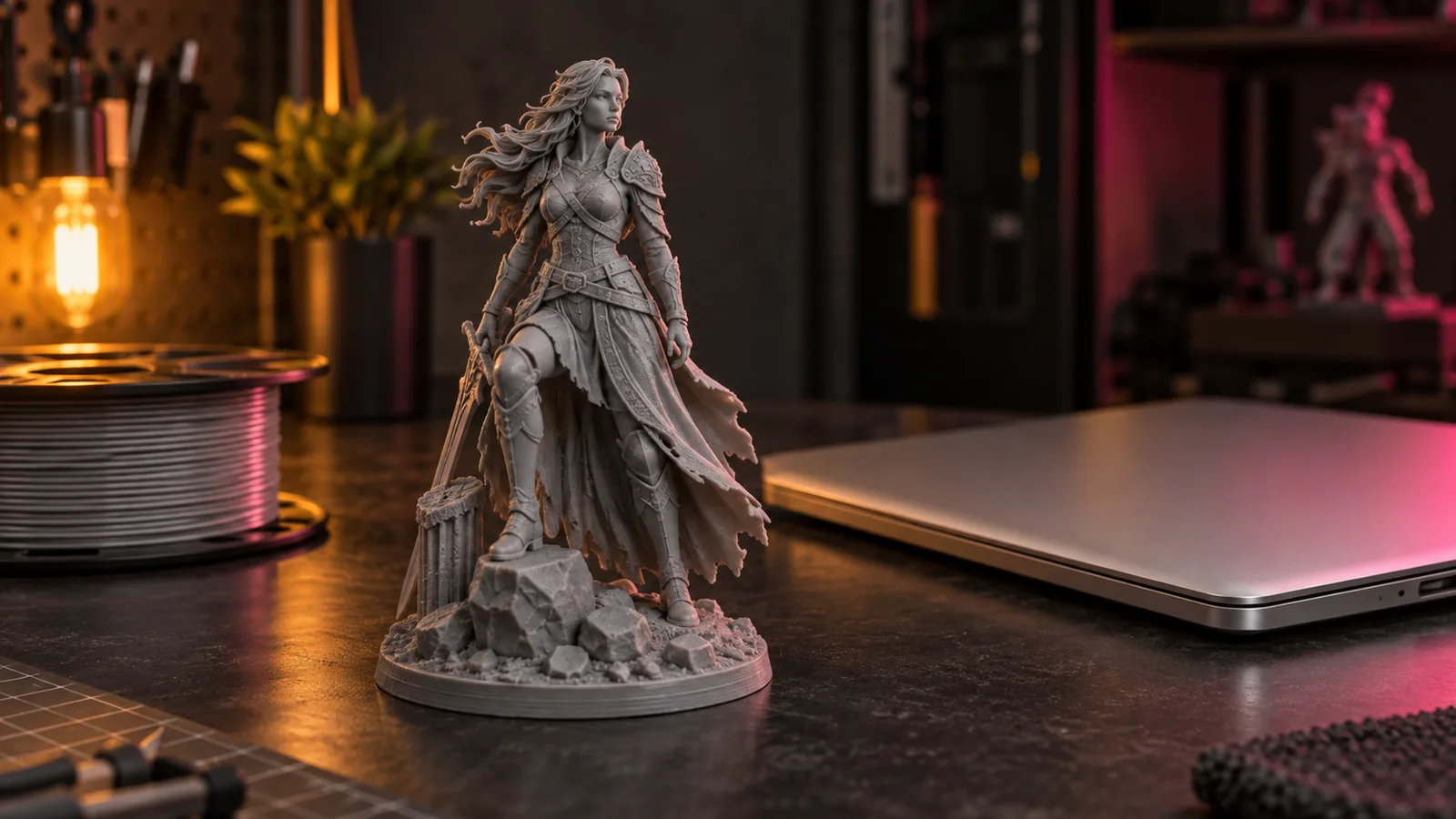
How to Make a 3D Model From a Single Image With AI (2026)
Turn one image into a printable 3D model with AI: preparing the image, Hunyuan3D vs Meshy vs Tripo, licensing, and making the mesh watertight for printing.
September 21, 2026 2 min read
3D printing
The Best STL Viewers for Windows, Mac, Android and iPhone (2026)
Free ways to open STL, OBJ and 3MF files in 2026 now that Microsoft 3D Viewer is gone: browser viewers, slicers, MeshLab, Blender and apps for phones.
September 24, 2026 3 min read
3D printing
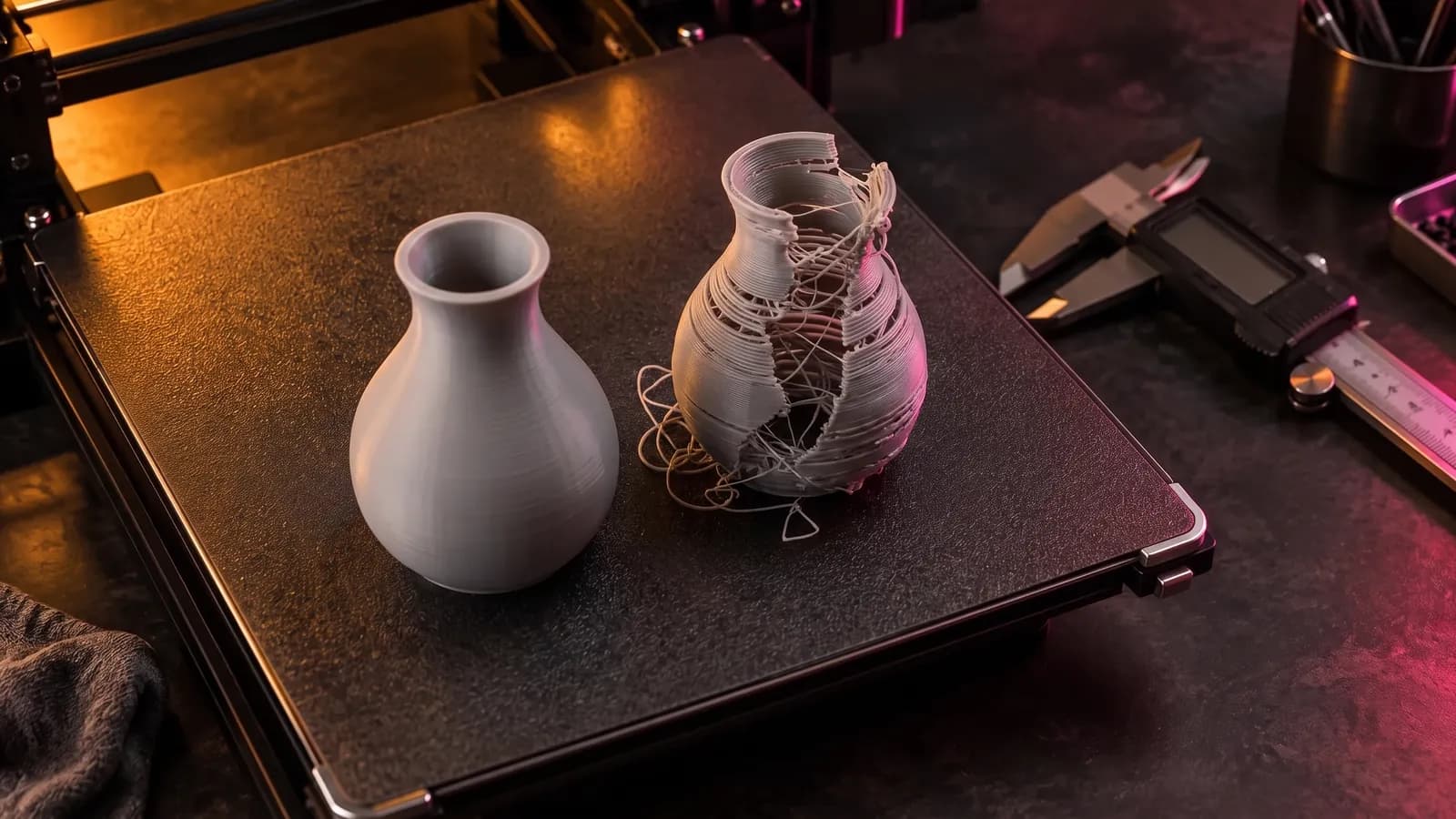
How to Fix STL Files: Holes, Non-Manifold Edges and Other Errors
How to fix STL errors: what open edges, non-manifold edges, flipped normals and self-intersections mean, what your slicer is saying, and the fix for each.
October 8, 2026 8 min read