
Depthue Studio
Christmas ornament maker: custom name ornament STL
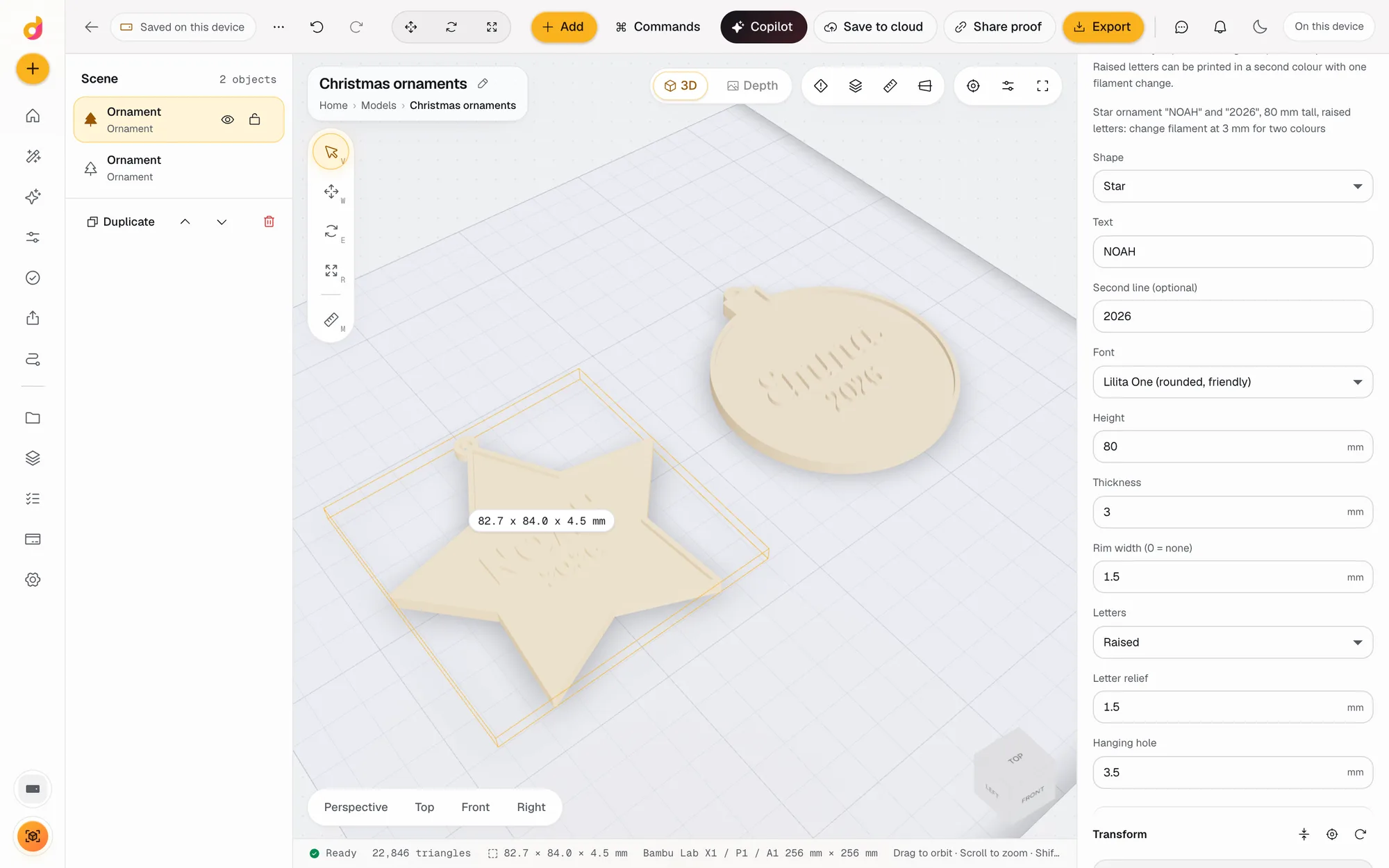
The Depthue Studio ornament maker builds a flat Christmas ornament from a shape, a name and an optional second line such as the year. Pick a bauble, star, tree or heart, choose one of 17 fonts, raise or engrave the letters, and export a closed STL or 3MF with the hanging hole already in place. Raised letters print in a second colour with one filament change.
Free in your browser, no card. Files stay on your device until you save to the cloud.
The short answer
- Bauble, star, tree or heart, 40 to 150 mm tall, with a name of up to 16 characters and an optional second line.
- Raised or engraved letters in 17 fonts, an optional rim, and a hanging hole from 2 to 6 mm in a tab on top.
- Raised letters and rim sit on top of the plate, so a filament change at the plate height prints them in a second colour.
- Shapes
- Bauble with a cap, five-point star, three-tier tree, heart
- Size
- 40 to 150 mm tall without the hanging tab, 80 mm by default
- Text
- A name of 1 to 16 characters and an optional second line of up to 16, set smaller under it
- Fonts
- 17 bundled fonts, from Anton and Bebas Neue to Lobster, Pacifico and Cinzel Decorative
- Letters
- Raised 0.4 to 3 mm, or engraved with at least 0.8 mm of ornament left under them
- Plate
- 2 to 8 mm thick, with an optional raised rim up to 4 mm wide
- Hanging hole
- 2 to 6 mm across, in a tab on top of the shape
- Export
- STL, 3MF, OBJ, GLB or PLY, or an SVG or DXF outline for a laser cutter
How to make a personalised Christmas ornament
- 1
Add an ornament
Open the ornament maker, or Add, Ornament in any project. An 80 mm bauble with a name and the year lands on the plate.
- 2
Personalise it
Pick the shape and font, type the name and the second line, and choose raised or engraved letters.
- 3
Make one for everyone
Duplicate the ornament and change the name. Each copy is its own part, so a whole family fits on one plate.
- 4
Export and print
Export STL or 3MF. For two colours, add a filament change in your slicer at the plate thickness, 3 mm by default.
A personalised ornament from four choices
The ornament is a flat part, made from four choices: the shape, the name, the font and raised or engraved letters. Studio fits the letters into the widest part of the shape, keeps them clear of the rim, and puts the hanging tab on top.
| Shape | Where the letters go |
|---|---|
| Bauble | Across the middle of the round body, under a small cap |
| Star | Across the centre and into the side arms |
| Tree | Along the widest, bottom tier, above the trunk |
| Heart | Across the middle, between the lobes and the tip |
The second line is set smaller under the name. Use it for the year, a date, "Baby's first Christmas" in a few words, or leave it empty.
Raised or engraved
- Raised letters stand on top of the ornament, 1 mm by default, with a matching rim. This is the style for a two colour print.
- Engraved letters are cut into the top. Studio caps the depth so at least 0.8 mm of ornament stays under them, so a letter never cuts through.
Script fonts such as Lobster and Pacifico join their letters, which keeps small engraved names strong.
Print it
Flat ornaments print without supports, face up. A 0.2 mm layer height reads well for letters 1 mm high. Before you export, the print checks confirm the ornament is one closed solid and read its volume and mass, and the print estimate gives grams and time from a real slice.
Need more than an ornament? The same fonts make a matching keychain or gift tag, and the STL editor can emboss a name onto any model you already have.
Questions
How do I print a two colour ornament on a single nozzle printer?
Use raised letters. The plate is one colour up to its thickness, 3 mm by default, and the letters and rim are everything above it. Add a filament change (Change Filament, M600 or a pause) at that height in your slicer, swap the spool when the printer stops, and the letters come out in the second colour.
What size should a Christmas ornament be?
Most hanging ornaments are between 60 and 100 mm tall. The default is 80 mm. Go bigger for long names: the letters are fitted to the widest part of the shape and shrink to fit, and Studio tells you when they had to shrink a lot.
Can I make an ornament for every name in the family?
Yes. Duplicate the ornament and change the name on each copy. Every copy is a separate part on the same plate, so you can export them together as one 3MF or one at a time.
Can I cut the ornament on a laser instead?
Yes. Export, Outline gives the top view of the ornament as an SVG or DXF path. Turn on Include holes to keep the hanging hole, then cut it from wood or acrylic and engrave the name separately.
Why does the heart hang from the middle?
The hanging tab sits at the highest point on the centre line. On a heart that is the dip between the two lobes, so the ornament hangs straight.
Is the ornament maker free?
Free to start. An ornament is 2 credits and an export 5, from a free allowance of 50 credits a month, so a free account makes several ornaments a month. Paid plans start at $5 a month for 1,200 credits.
Also in Depthue Studio
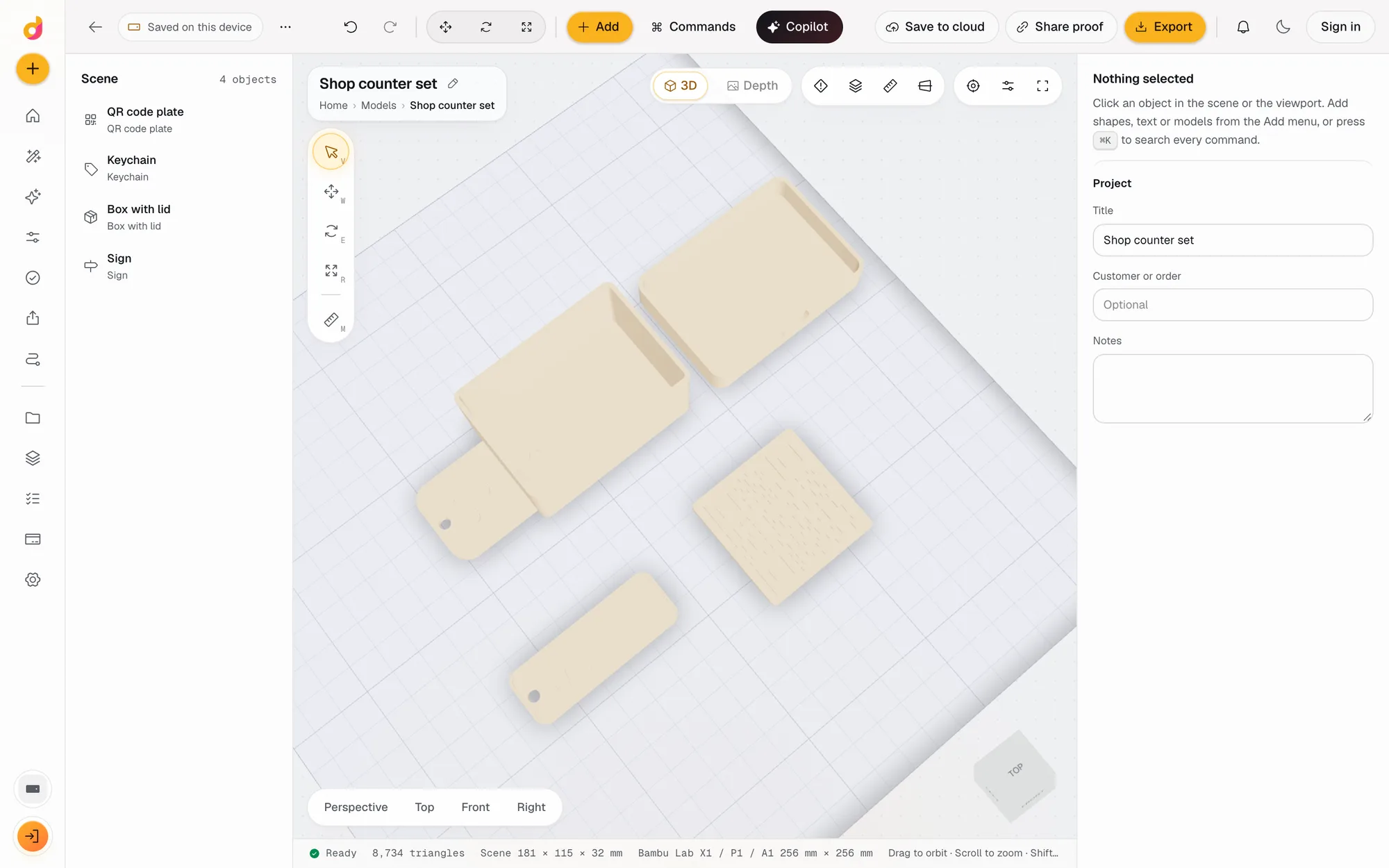
- Parametric model makerMake printable keychains, name signs, boxes with lids, vases, QR plates and gears from a few settings in mm, then edit and export STL or 3MF. Free to start.See how it works
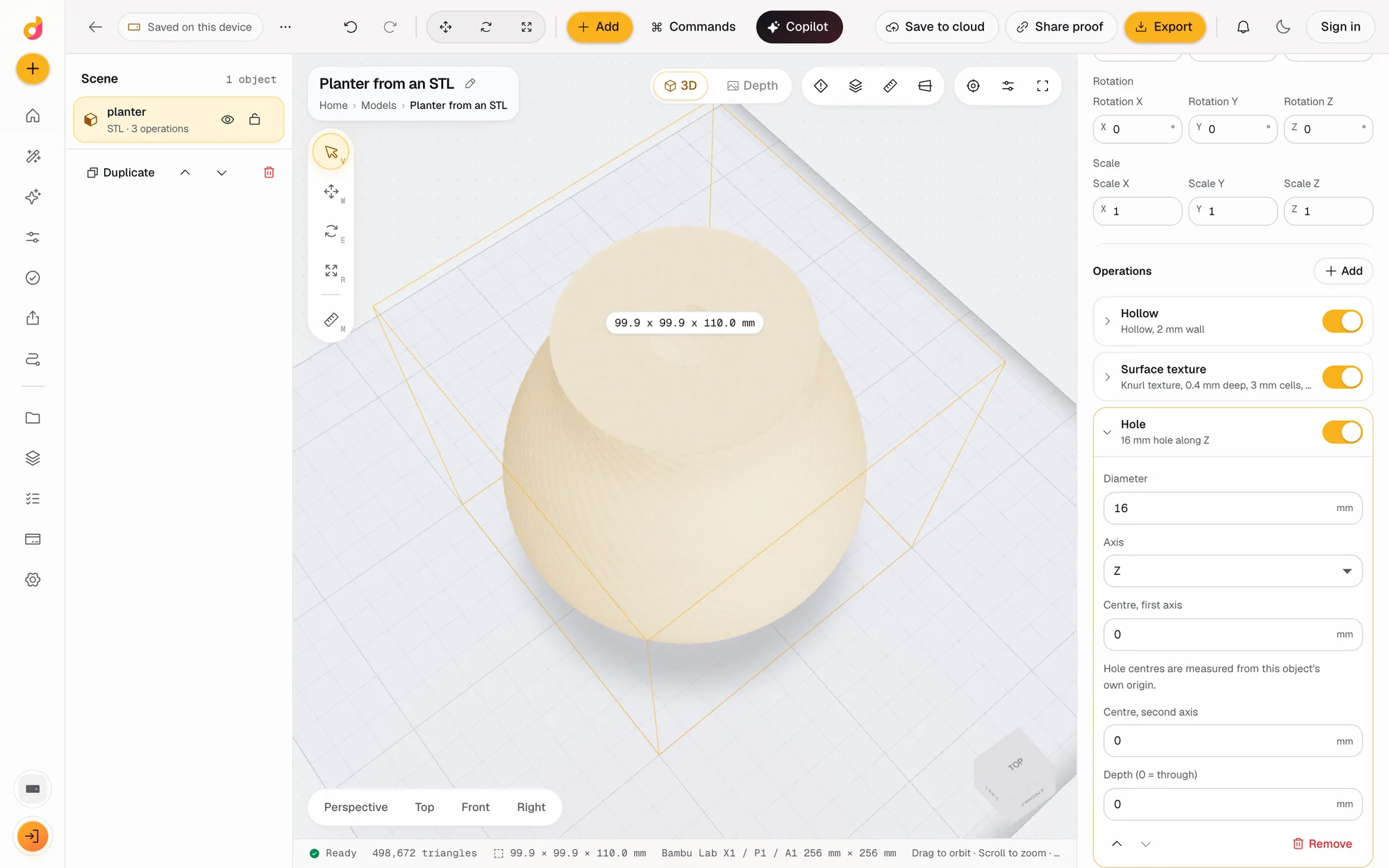 STL editorEdit STL files online: scale to exact millimetres, cut, hollow, combine, add text and holes, repair and simplify, then export STL or 3MF. Free to start.See how it works
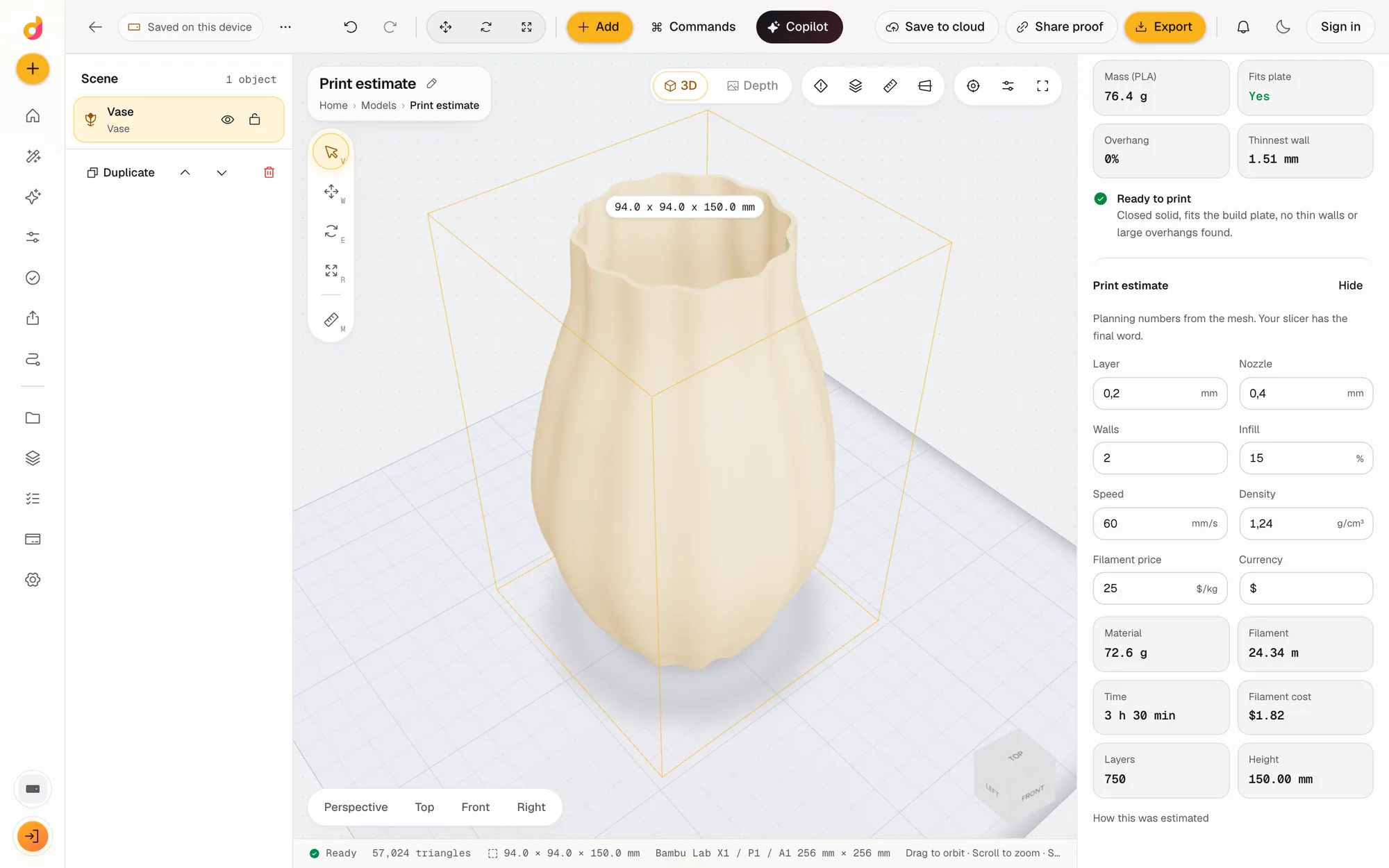 STL checkerCheck an STL before printing: closed solid, plate fit, overhangs, thin walls, volume, mass and a print estimate in grams, time and cost. Free to start.See how it works
Read next
3D printing
How Much Does 3D Printing Cost? Real Numbers, and How to Price Prints to Sell
What a 3D print costs at home or from a service: filament, power, wear and failures, resin vs FDM, and a pricing formula with Etsy fees for prints you sell.
October 8, 2026 7 min read
3D printing
How to Edit an STL File: The Right Free Tool for Each Change
How to edit an STL file for free: scale, cut, add text, combine parts or cut holes in your slicer, Tinkercad, Blender, Fusion or FreeCAD, matched to the job.
November 2, 2026 11 min read
Make an ornament.
It runs in your browser and the free plan needs no card. Paid plans from $5 a month add credits, storage and projects.