
Free tool
PNG to DXF converter
Drop a logo or drawing. Get clean, closed outlines in a DXF at the size you need, ready for LightBurn, Fusion or your CAM.
Runs in your browser. Nothing is uploaded.
How to use it
1Drop a PNG or JPG
A logo, silhouette, line drawing or scanned sketch works best. PNG, JPG, WebP and BMP are read in your browser and never uploaded.
2Tune the trace
The outlines are drawn in amber over your image. Move the threshold until they hug the edges, use Invert for light art on dark, and raise Remove specks to drop noise.
3Set the size
Type the width of the traced shapes, or of the whole image, in millimetres or inches. The height follows the image.
4Download the DXF
Check the outline count and size under the preview, then download an AutoCAD R12 DXF with its units set, or the same shapes as an SVG.
To convert a PNG to DXF, drop the image above, move the threshold until the amber outlines follow your design, set the width in millimetres or inches and download the DXF. The image is traced into closed outlines on your device, and the DXF comes out at that size with its units written into the file. Logos, silhouettes, line drawings and scanned sketches convert best; a photo becomes a two-tone stencil.
What converts well
A DXF stores lines: the edges of shapes. The converter finds those edges by splitting the image into dark and light pixels, so the cleaner that split, the cleaner the file.
| You have | What you get | Tip |
|---|---|---|
| A logo or icon on a plain background | Clean outlines of every shape, holes included | Use the largest version you have |
| A silhouette or stencil | One outline per shape | Ideal for cutting |
| A pen or marker drawing, scanned or photographed | The outline of each stroke | Raise Remove specks to drop paper texture |
| White art on a dark background | Outlines of the light parts | Turn on Invert |
| A photo of a person, pet or place | A two-tone stencil of the dark areas | See photo to DXF below |
Getting clean outlines
- Start big and sharp. Images smaller than 1200 px across are enlarged before tracing, so edges come out smooth instead of stepped. Images larger than 2000 px are reduced, and detail finer than that is not kept.
- Threshold decides what counts as shape: pixels darker than it are traced. Raise it to pick up lighter greys, lower it to keep only the darkest lines.
- Invert traces the light parts instead. If most of the image's edge turns into a shape, the background is being traced, and the converter says so.
- Remove specks drops dots, dust and tiny islands that a laser would burn as single points.
- Smoothing removes points that do not change the shape, so corners soften and the file gets lighter.
- Straight lines only builds outlines from straight segments, for pixel art and blocky shapes.
Trace settings re-trace the image in the background, and size and curve settings rewrite the DXF at once. Switch the preview to Shapes to see the outlines without the picture behind them.
Size: design width or image width
Design width is the width of the traced shapes themselves, from the leftmost edge to the rightmost. Use it when you know how big the finished part should be: type 80 mm and the logo is 80 mm wide, whatever margins the image had.
Image width is the width of the whole picture, blank margins included. Use it when the image is already drawn to scale, like a scan of a template at a known size.
The DXF keeps the picture's frame: its bottom left corner is the origin, so the outlines sit where they were in the image. The panel under the preview shows both sizes in the units you picked.
What is in the DXF
- AutoCAD R12 ASCII DXF, the oldest and plainest form, which nearly every CAD and CAM program reads.
- Units in the header. The file says millimetres or inches, so programs that read units open it at the right size.
- Closed polylines. Each shape and each hole is its own closed outline. Round parts become true CIRCLE entities and arcs when Keep circles and arcs is on.
- One layer, named 0, in one colour. Set cut, score or engrave in your laser software after import.
Curve quality sets how closely the straight segments follow each curve, from within 0.2 mm to within 0.01 mm. Finer curves mean more vertices and a bigger file. To check the result before cutting, open it in the DXF viewer.
The SVG download holds the same shapes, filled, at the same size. Use it for Cricut, Glowforge or Inkscape, which all take SVG.
Photo to DXF
People search for photo to DXF and picture to DXF, but a DXF has no shades of grey. A traced photo keeps only what is darker than the threshold, which works for a strong silhouette against a bright sky and badly for a face in soft light. A busy image can also produce thousands of tiny outlines; past 2,500 the converter warns you, because laser and CNC software slow down on files like that.
What to use instead depends on the job:
| Goal | Use |
|---|---|
| Engrave a photo with its shading on a laser | The image itself in your laser software, with settings from the laser settings tool |
| Carve a photo as a 3D relief on a CNC, or engrave it in 3D on a laser | A depth map, from the free depth map generator or DepthGen Pro on your own computer |
| Cut a portrait as a stencil or sign | This converter, with the threshold raised until the face reads |
Other ways to do it
In Inkscape, import the picture, use Path, Trace Bitmap (Shift+Alt+B) to vectorise it, then File, Save a Copy and pick Desktop Cutting Plotter (AutoCAD DXF R14). That is three steps with dialogs, and the size depends on Inkscape's document units. This converter traces and writes the DXF in one place and shows the size before you download.
Other conversions
If you already have a vector file, skip tracing and use the SVG to DXF converter. To go the other way, the DXF to SVG converter opens CAD files for Cricut and Glowforge. To make a 3D printed badge from the same logo, use PNG to STL. Before you cut joints, size the slots with the laser kerf calculator.
Questions
How do I convert a PNG to DXF?
Drop the PNG into the converter on this page, move the threshold until the amber outlines follow your design, type the width you need and download the DXF. The image is traced into closed outlines in your browser, and the file comes out in millimetres or inches with its units written in.
Can I convert a JPG to DXF?
Yes. JPG, PNG, WebP and BMP all work the same way. A JPG has no transparency and often carries compression noise around edges, so raise Remove specks a little if you see dots along the outline.
How do I turn a photo into a DXF?
A DXF holds lines, not shades, so a photo becomes a two-tone stencil of its dark areas. Pick a photo with a strong silhouette, raise the threshold until the shape reads, and clean it with Remove specks and Smoothing. To engrave a photo with its shading, send the image itself to your laser software instead of a DXF.
Are the outlines in the DXF closed?
Yes. Every traced shape is written as a closed polyline, or as a CIRCLE when it is round. The panel under the preview counts the closed outlines, and an outline that did not close would be listed above the preview.
Why does my DXF import at the wrong size?
This converter writes the units into the file, and LightBurn can auto-detect DXF units when a file includes them. If your program ignores them, set its import units to the ones you picked here. Design width measures the traced shapes; Image width measures the whole picture, blank margins included.
Can I open the DXF in LightBurn or Fusion?
LightBurn imports DXF directly, and Autodesk Fusion has Insert, Insert DXF. The file is AutoCAD R12 ASCII DXF with polylines and circles, the plainest form of DXF, so most CAD and CAM programs read it.
Is this PNG to DXF converter free?
Yes. There is no account, no watermark and no limit on files, and commercial use is allowed.
Is my image uploaded?
No. Reading, tracing and writing the DXF all happen in your browser, so the image never leaves your device.
Read next
Laser and CNC
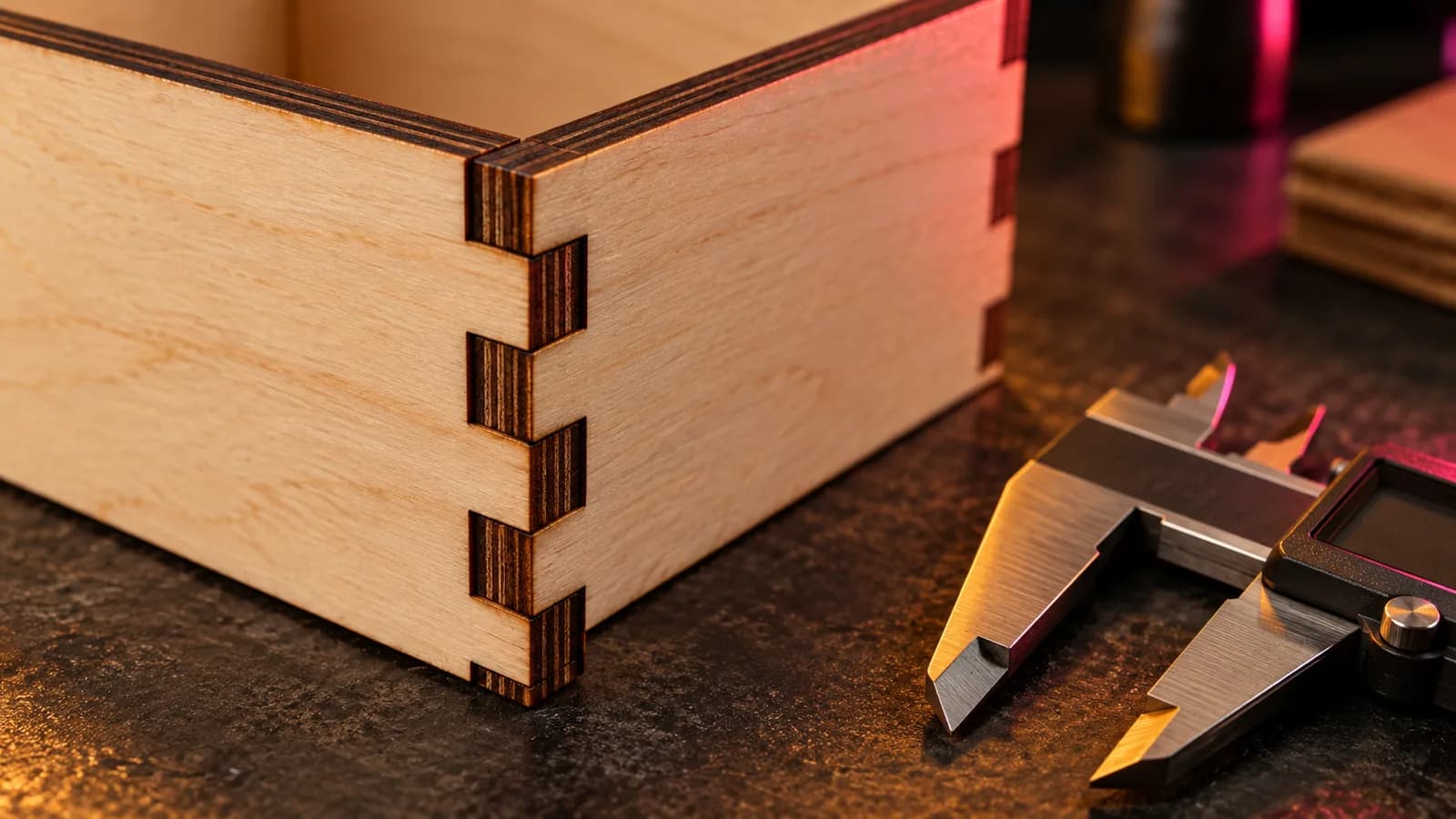
Laser Kerf Explained: Measure It and Set the Offset in LightBurn
What laser kerf is, why press-fit joints come out loose, how to measure kerf with one test cut, and how to set the kerf offset in LightBurn.
September 21, 2026 2 min read
Laser and CNC
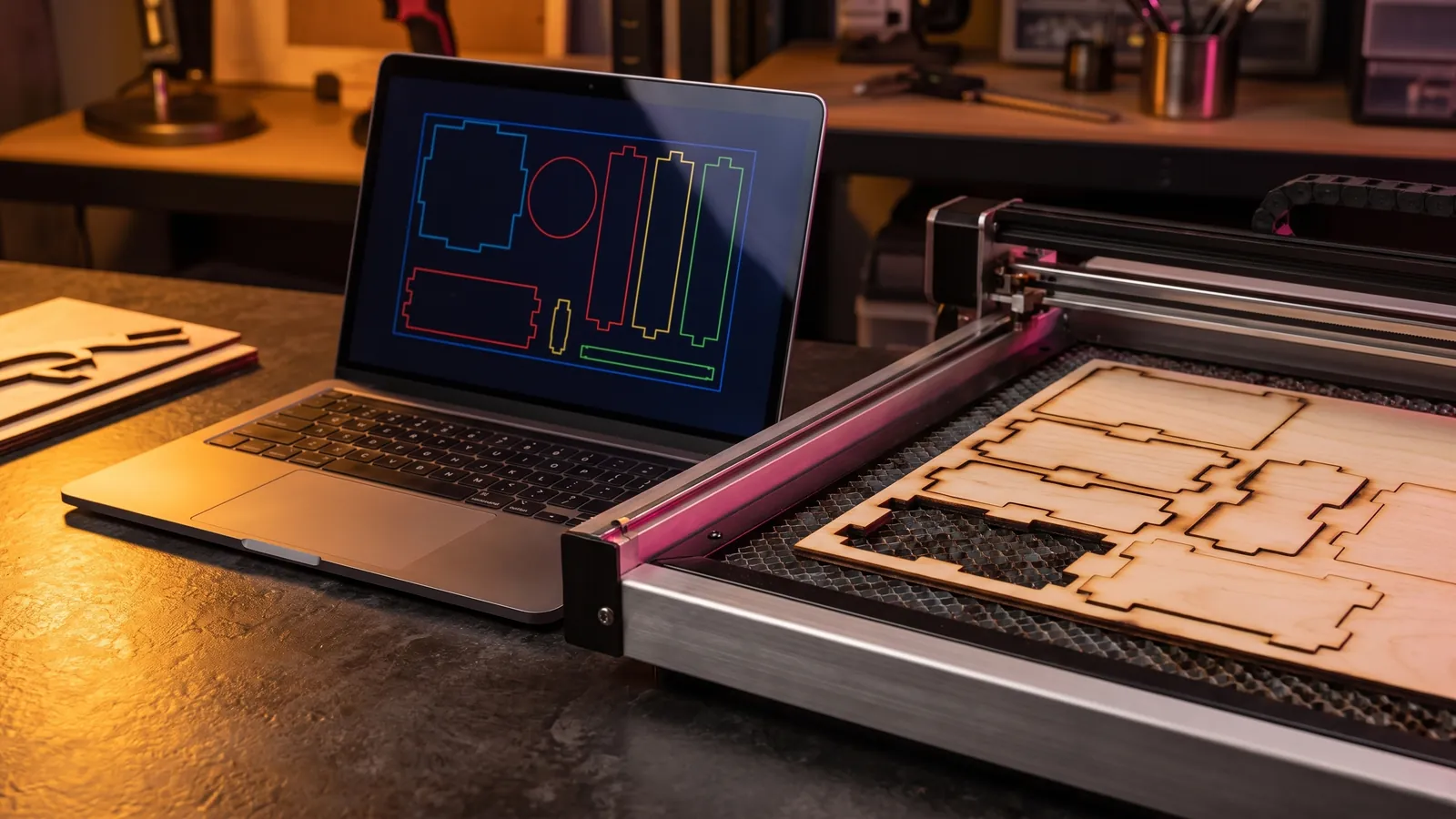
Laser Engraving Software: The Best Free and Paid Programs for Every Machine
Laser engraving software compared by machine: LightBurn, LaserGRBL, xTool Studio, Glowforge, EZCAD and RDWorks, with prices, file formats and free picks.
October 8, 2026 9 min read
Laser and CNC
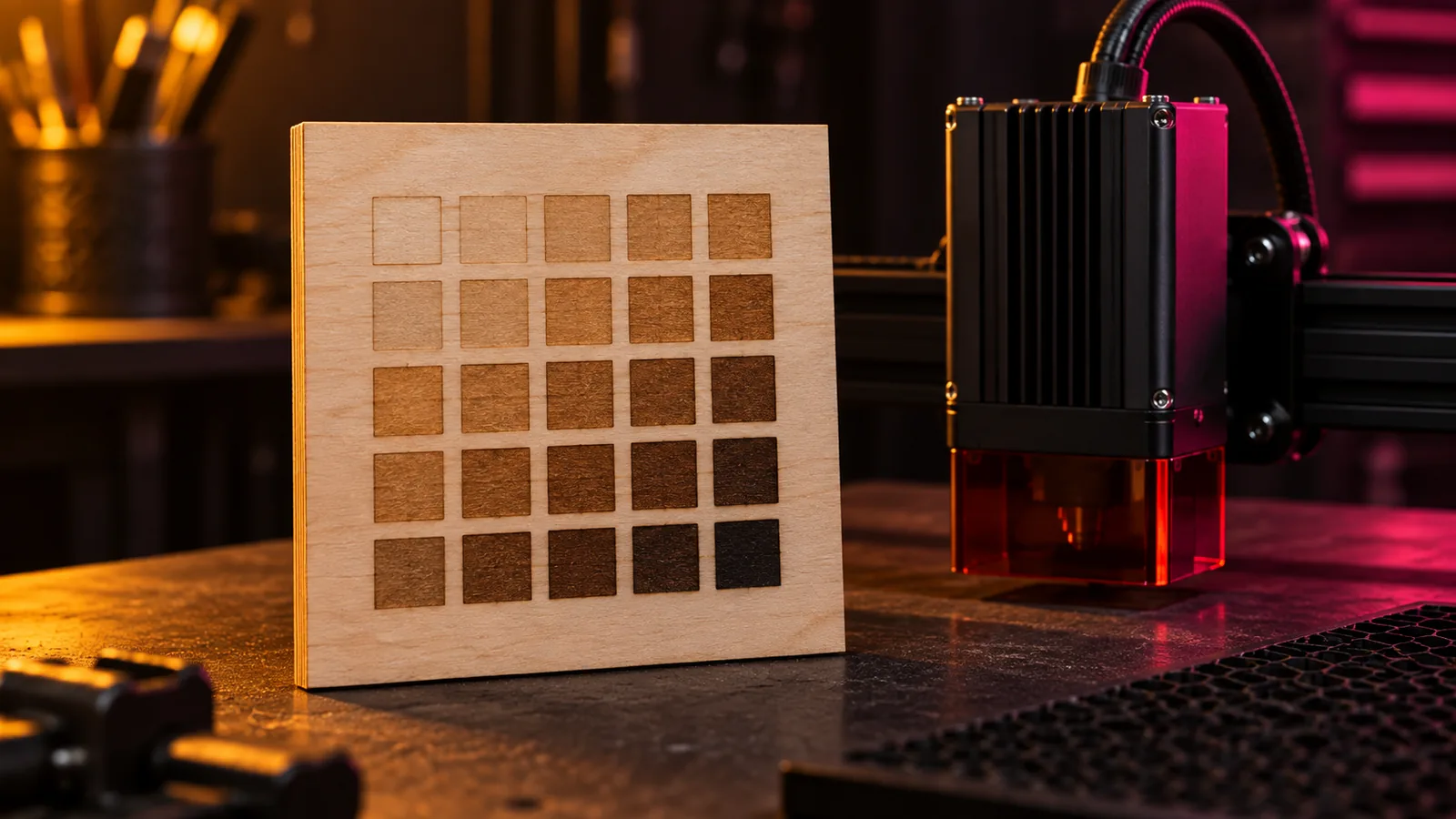
Laser Power and Speed Settings by Material: A Starting-Point Guide
Starting power and speed settings for diode, CO2 and fiber lasers on wood, MDF, acrylic, leather, slate and metal, and the test grid that dials them in.
September 21, 2026 2 min read