
Free tool
DXF to SVG converter
Drop a DXF, check the preview, download an SVG for Inkscape, Cricut, LightBurn or the web.
Runs in your browser. Nothing is uploaded.
How to use it
1Drop your DXF
An ASCII DXF from any CAD or CAM program. It is read on your device and never uploaded.
2Check the units
Auto reads the units saved in the file. If it has none, it is read as millimetres; choose cm or in if the size looks wrong.
3Choose what to keep
Join touching lines turns loose segments into closed shapes, Fill closed shapes suits apps that want filled artwork, and any layer can be left out.
4Download the SVG
The viewBox fits the drawing and the width and height carry real units, so it opens at true scale.
To convert DXF to SVG, drop the DXF into the converter above, check the size, and download the SVG. Each layer becomes a group in its colour, arcs and circles stay exact arcs, splines and blocks come out at true scale, and the SVG's width and height carry real units, so Inkscape, Cricut Design Space, Glowforge or a browser shows it at the size it was drawn.
What survives the conversion
| In the DXF | In the SVG |
|---|---|
| Lines, polylines with arcs, circles, arcs | Exact paths and circles |
| Ellipses and elliptical arcs | Exact elliptical arcs |
| Splines, rational ones included | Segments within 0.002 mm of the curve |
| Blocks, nested blocks and arrays | Placed with their scale and rotation |
| Layers and colours | One group per layer, in its colour |
| Text and MText | SVG text in a stand-in font |
| Hatch fills | Their outlines, if you switch them on |
| Dimensions, points, leaders, images | Left out, and listed |
| Paper space layouts | Left out |
Lines that meet end to end are joined into single paths, so an outline drawn as forty separate segments becomes one closed shape that a cutter or a fill can use. Entities on hidden or frozen layers stay hidden, as they are in CAD.
Scale and units
A DXF stores plain numbers, and its $INSUNITS header says what they mean: 1 for inches, 4 for millimetres, and so on. The converter reads it and writes the SVG's width and height in millimetres or inches, with a viewBox in millimetres that fits the drawing exactly. When a file has no units, it is read as millimetres and the tool says so above the preview. Switch Drawing units to cm or in if a part measures wrong.
Lines are drawn 1 px wide with a non-scaling stroke, so they stay thin at any zoom in browsers and in Inkscape, which has supported non-scaling strokes since version 0.92. Cricut Design Space imports every vector as a cut line whatever its width.
Using the SVG
- Cricut Design Space: choose Upload on the design panel, then Upload Image and Browse. SVGs keep their size and are limited to 5,000 paths.
- Glowforge: in the app, choose Create a new design, then Upload a file. SVG works on every plan; DXF needs Premium.
- Inkscape: open the SVG and each DXF layer appears as an Inkscape layer with its original name.
- LightBurn and xTool Studio import DXF directly, so convert only when you need an SVG for something else.
- The web: the file is plain SVG, ready for an img tag or inline markup.
Checked against Cricut's, Glowforge's and Inkscape's own documentation in October 2026.
Other ways to convert DXF to SVG
Inkscape opens DXF files itself: choose File, Open, and pick the AutoCAD DXF R13 (*.dxf) type. Its import dialog asks for a Method of Scaling (Manual scale, Automatic scaling to size A4, or Read from file). Its help says manual scaling assumes the drawing is in millimetres, and that layers are kept only with File, Open, not with Import. Save the result as SVG.
To go the other way, the SVG to DXF converter turns artwork into CAD files with exact arcs and real units. For joints that fit, measure your kerf with the laser kerf calculator, and for 3D models use the STL to SVG converter.
Questions
How do I convert DXF to SVG?
Drop the DXF into the converter on this page, check the size, and download the SVG. Lines, arcs, circles, ellipses, splines and blocks are converted at true scale, each layer becomes a group, and nothing is uploaded.
Will the SVG keep the DXF's size?
Yes, when the DXF states its units: the SVG's width and height are written in mm or inches to match. Files without units are read as millimetres, so switch Drawing units to cm or inches if the size is off.
Can Cricut use DXF files?
Cricut Design Space uploads DXF on desktop but not in its iOS and Android apps, and it imports every vector as a cut line. An SVG works on every platform, up to 5,000 paths.
Does Glowforge accept DXF files?
Only on the Premium plan. The Glowforge app takes SVG, PDF, JPG and PNG on every plan, so converting a DXF to SVG lets any Glowforge owner upload it.
What happens to text, dimensions and hatches?
Text becomes SVG text and may show in a different font. Dimensions, points and leaders are left out and listed. Hatch fills are skipped unless you turn on Hatch outlines, because hatched shapes usually have their own outline.
Why are my shapes not closed?
Many CAD programs save an outline as separate lines and arcs. Join touching lines links pieces whose ends meet within 0.001 mm into one path, and closes it when it returns to its start.
Is my file uploaded?
No. The DXF is read and converted in your browser, and the SVG is built on your device.
Read next
Laser and CNC
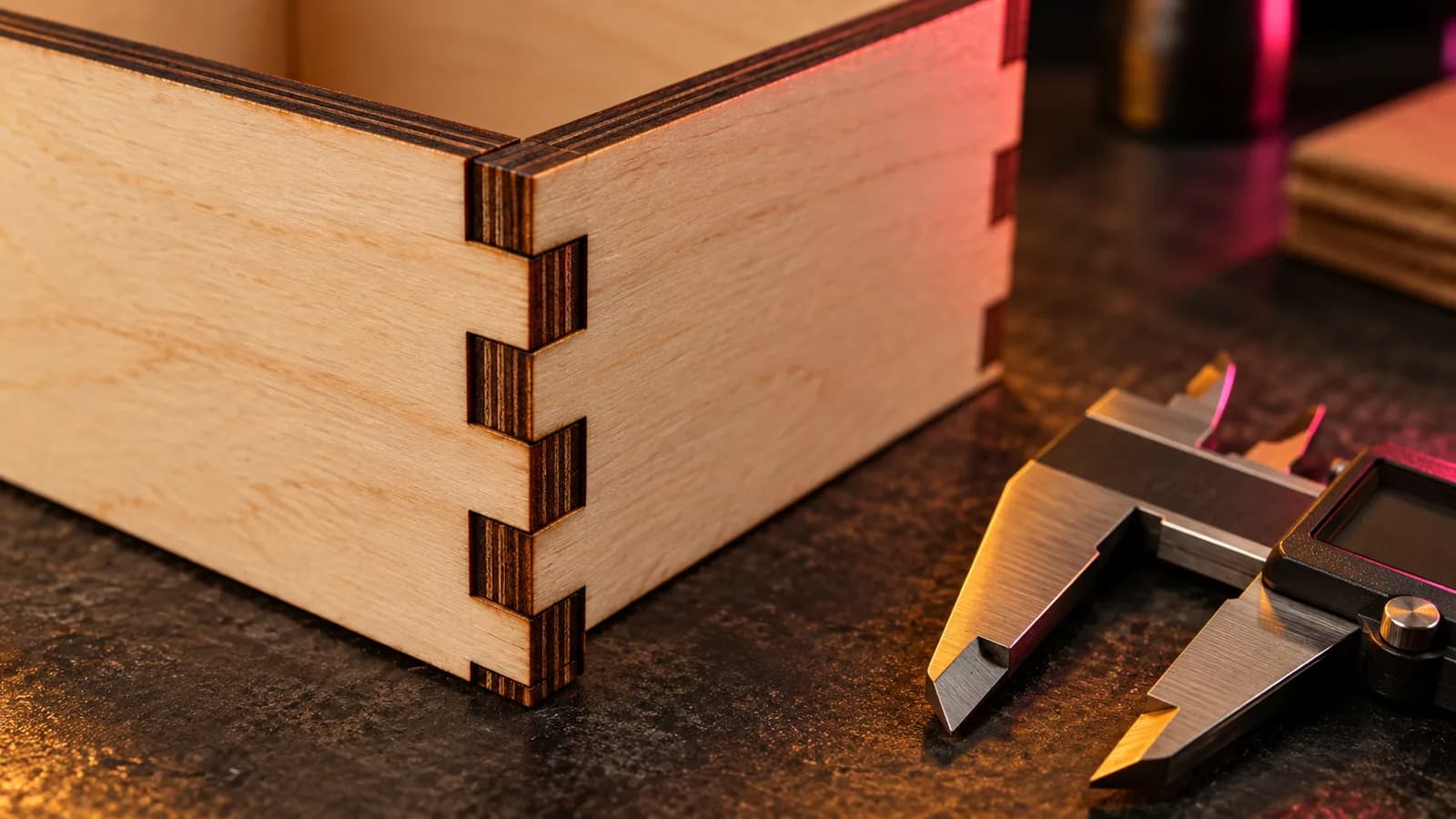
Laser Kerf Explained: Measure It and Set the Offset in LightBurn
What laser kerf is, why press-fit joints come out loose, how to measure kerf with one test cut, and how to set the kerf offset in LightBurn.
September 21, 2026 2 min read
Laser and CNC
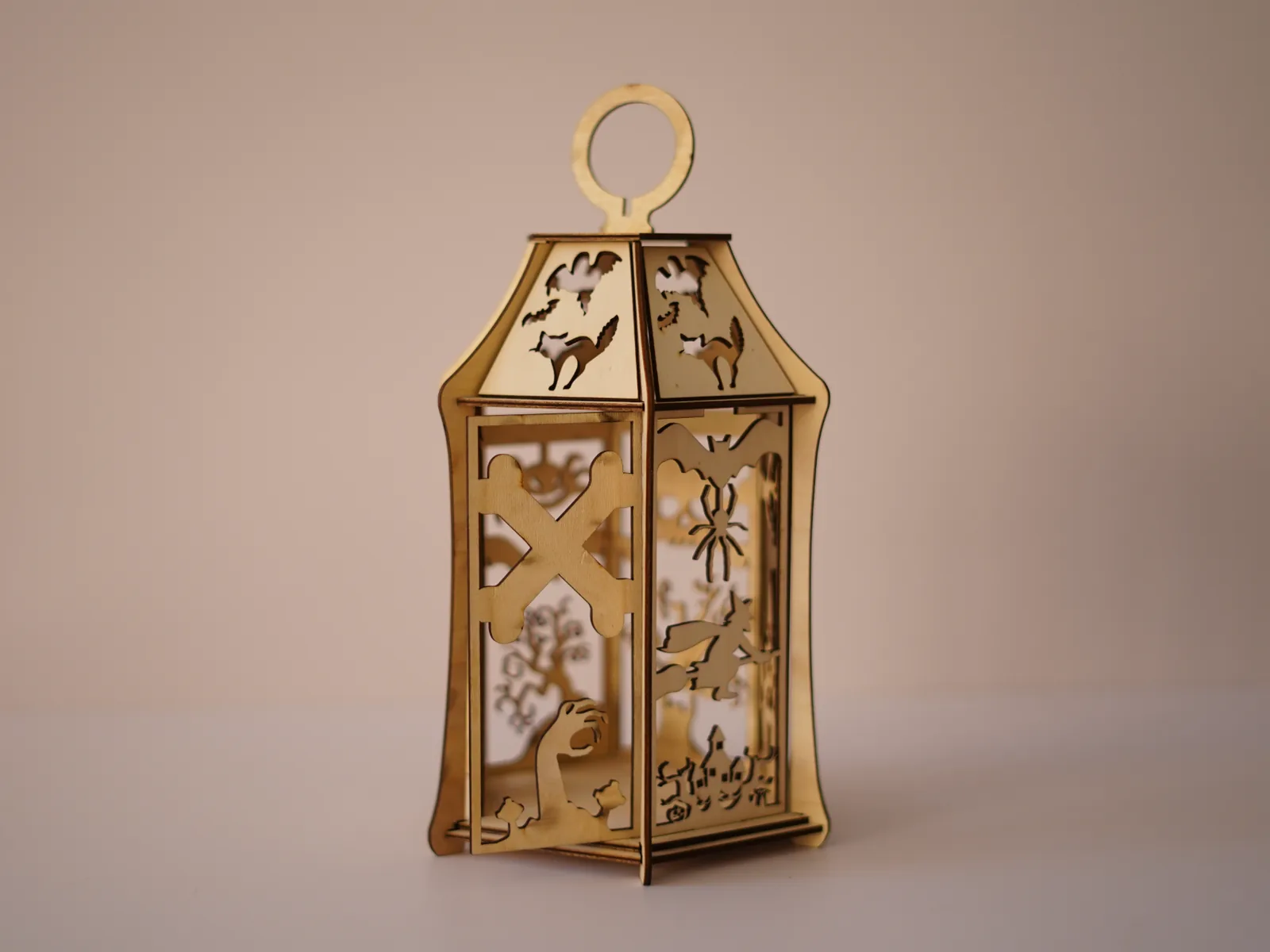
Free Halloween Lantern Laser Cut Files (SVG, EPS, PDF) for 3 mm Wood
Free laser-cut Halloween lantern for 3 mm plywood or MDF: bats, a witch, a black cat and a haunted house in SVG, EPS and PDF, with settings and assembly.
September 21, 2026 2 min read
Laser and CNC
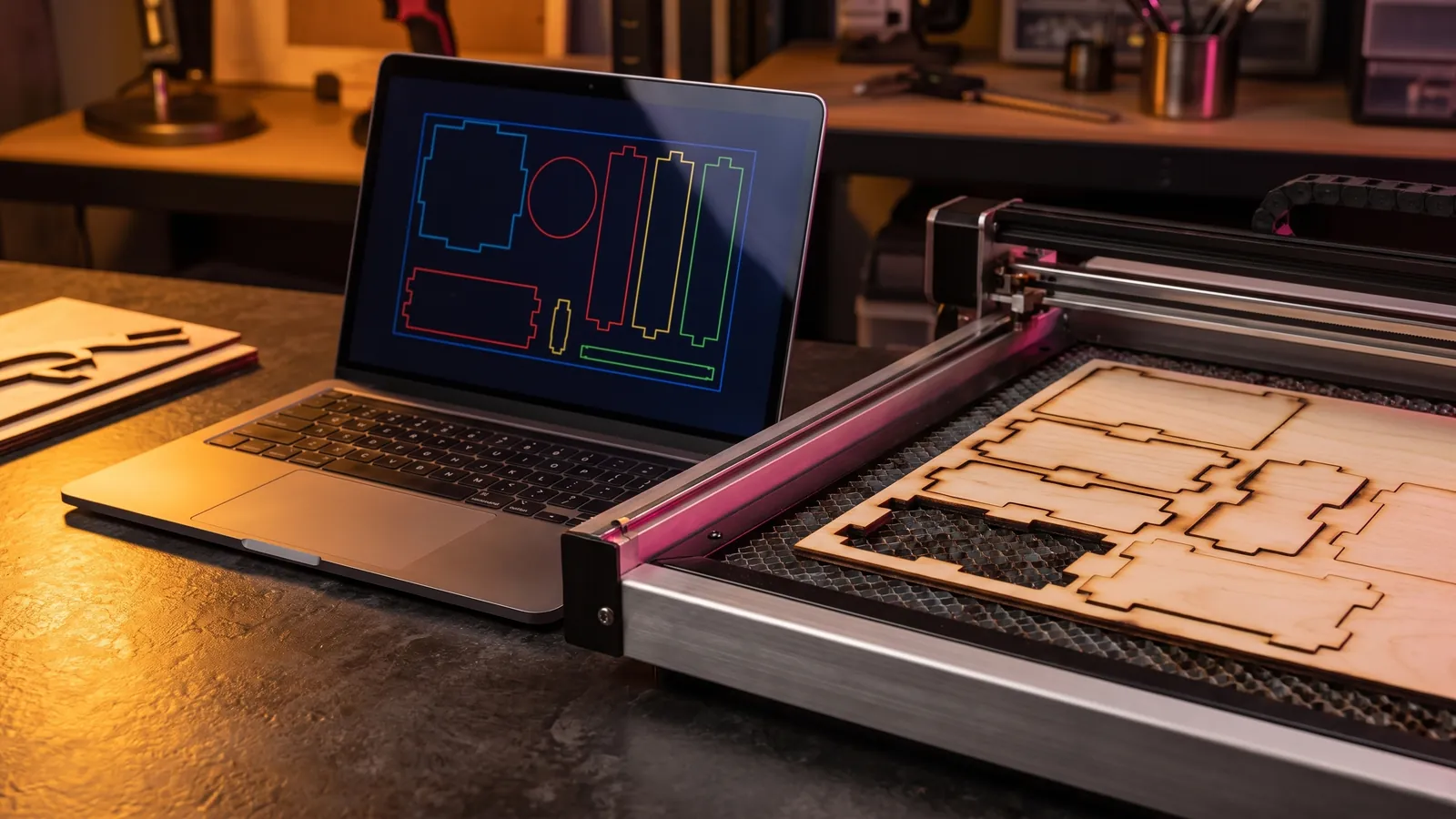
Laser Engraving Software: The Best Free and Paid Programs for Every Machine
Laser engraving software compared by machine: LightBurn, LaserGRBL, xTool Studio, Glowforge, EZCAD and RDWorks, with prices, file formats and free picks.
October 8, 2026 9 min read