
Free tool
Gridfinity layout tool
Drawer and printer in. Grid, gaps, tallest bin and a baseplate split to fit your bed out, with every bin planned on the grid.
Runs in your browser. Nothing is uploaded.
How to use it
1Measure the drawer
Enter the inside width, depth and clear height in millimetres or inches. Measure at the floor, at the narrowest point.
2Pick your printer
Choose a printer or type a custom bed size. The baseplate is split into the fewest pieces that print on it.
3Place the bins
Drag across the grid to draw a bin, or type a size and press Add. Fill gaps with 1 x 1 bins, move a selected bin with the arrow keys.
4Print the parts
Download each baseplate piece as an STL, and open each bin size in the Gridfinity generator with its size filled in.
To plan a Gridfinity drawer, enter the drawer's inside width, depth and clear height and pick your printer. The tool gives the grid in 42 mm units, the gap left on each side, the tallest bin that fits and the baseplate split into pieces that print on your bed. Then draw your bins on the grid, download each baseplate piece as an STL, and open each bin in the Gridfinity generator with its size filled in.
How the numbers are worked out
Every size comes from the Gridfinity standard the generator builds to: a 42 mm grid, bins 0.5 mm smaller than their grid, 7 mm height units and a 4.4 mm stacking lip. The fitting rules are the ones in the Gridfinity dimensions guide.
| Result | Rule | 380 x 280 x 60 mm drawer |
|---|---|---|
| Grid | Inside size minus 1 mm, divided by 42, rounded down | 9 x 6 units, 378 x 252 mm |
| Gap per side | What is left, split between both sides | 1 mm across, 14 mm front to back |
| Tallest bin with the lip | Clear height minus 5.4 mm, divided by 7, rounded down | 7 units |
| Tallest bin without the lip | Clear height minus 1 mm, divided by 7, rounded down | 8 units |
| Baseplate on a Bambu Lab A1 | Fewest pieces that print on the bed | 2 pieces: 5 x 6 and 4 x 6 |
The 1 mm is the spare the dimensions guide leaves, so the grid is never a press fit. Bin sizes in the lists are outside sizes: width and depth to the wall, height to the top of the lip when the bins keep it.
Splitting the baseplate for your printer
A baseplate bigger than the bed prints in pieces that sit side by side. The tool tries every split and keeps the one with the fewest pieces, cut as evenly as it can, so a 9 unit row becomes 3 + 3 + 3 on a small bed instead of 4 + 4 + 1. No piece goes past 10 x 10 units, the largest the generator makes.
- Keep clear around each piece leaves room between the plate and the edge of the bed. It starts at 1 mm. Raise it if your slicer adds a brim or a skirt.
- The Bambu Lab P1 and X1 series keep the print head out of an 18 x 28 mm area in the front left corner, where the filament cutter's stopper sits. Pieces are sized so they clear it, which is why a 6 x 6 does not fit there and a 6 x 5 does.
- Tight fits are flagged. When the largest piece leaves under 6 mm of the bed free, check it in your slicer before you print.
Each STL is an open baseplate, 42 mm a cell on the outside and 5 mm tall, built on your computer by the same geometry engine as the generator.
Planning the bins
Drag across empty cells to draw a bin. A drag stops at 10 units each way, the generator's limit, and turns red when it would land on another bin. You can also type a width and depth and press Add to drop a bin in the first free spot, or press Fill gaps with 1 x 1 to fill every empty cell.
Select a bin to move it with the arrow keys or remove it with Delete. The list under the grid counts the bins by size with their real dimensions, and Make it opens the generator with that size and the height you picked, so you can add dividers, a label shelf or magnet holes before you download.
The plan is saved in your browser, so it is there when you come back.
What to do with the gap
A drawer is rarely an exact multiple of 42 mm. Centre the grid and split the gap between both sides, or print filler strips to the exact width. Do not scale the grid up to fill the drawer: at anything but 42 mm, no standard bin or baseplate fits it.
Other tools
Make the parts in the Gridfinity generator, check a download's size in the STL viewer, and price the whole drawer in the 3D print cost calculator. Every Gridfinity measurement, from the foot profile to the magnet holes, is in the Gridfinity dimensions guide.
Questions
How many Gridfinity units fit in my drawer?
Take the inside width at the floor, subtract 1 mm, divide by 42 and round down. Do the same for the depth. A 380 x 280 mm drawer takes a 9 x 6 grid, 378 x 252 mm, with 1 mm and 14 mm left on each side.
How do I calculate Gridfinity sizes?
One grid unit is 42 mm and one height unit is 7 mm. A bin is 0.5 mm smaller than its grid, so a 2 x 1 bin is 83.5 x 41.5 mm, and a 3 unit bin is 21 mm tall plus 4.4 mm for the stacking lip. This tool does the sums for a whole drawer at once.
How tall can my Gridfinity bins be?
Take the clear height, subtract 1 mm, and 4.4 mm more if the bins keep their stacking lip, then divide by 7 and round down. With 60 mm of clear height that is 7 units with the lip and 8 without.
What size Gridfinity baseplate fits my printer?
The largest piece is the bed divided by 42, rounded down, with a little room kept clear: 4 x 4 on a Bambu Lab A1 mini, 5 x 5 on a Creality Ender-3 V3 SE, 6 x 6 on a Bambu Lab A1 and 6 x 5 on the Bambu Lab P1 and X1 series, which keep the head out of an 18 x 28 mm corner.
Can I make a baseplate bigger than my printer bed?
Yes, in pieces. Every piece is exactly 42 mm per cell on the outside, so pieces sit side by side as one grid. The tool splits the grid into the fewest pieces that print on your bed, as evenly as it can, and draws the joins as dashed lines.
What do I do with the gap around the grid?
Centre the grid so the gap is split between both sides, or fill it with strips cut to the exact width. Do not scale the grid to fill the drawer: at anything but 42 mm, no standard bin or baseplate fits it.
Is my layout saved?
Yes, in this browser only. The drawer, printer and bins are kept on your device for your next visit, and nothing is uploaded.
Is this Gridfinity planner free?
Yes. There is no account and no limit, the baseplate STL files are built on your computer, and the generator it links to is free too.
Read next
3D printing
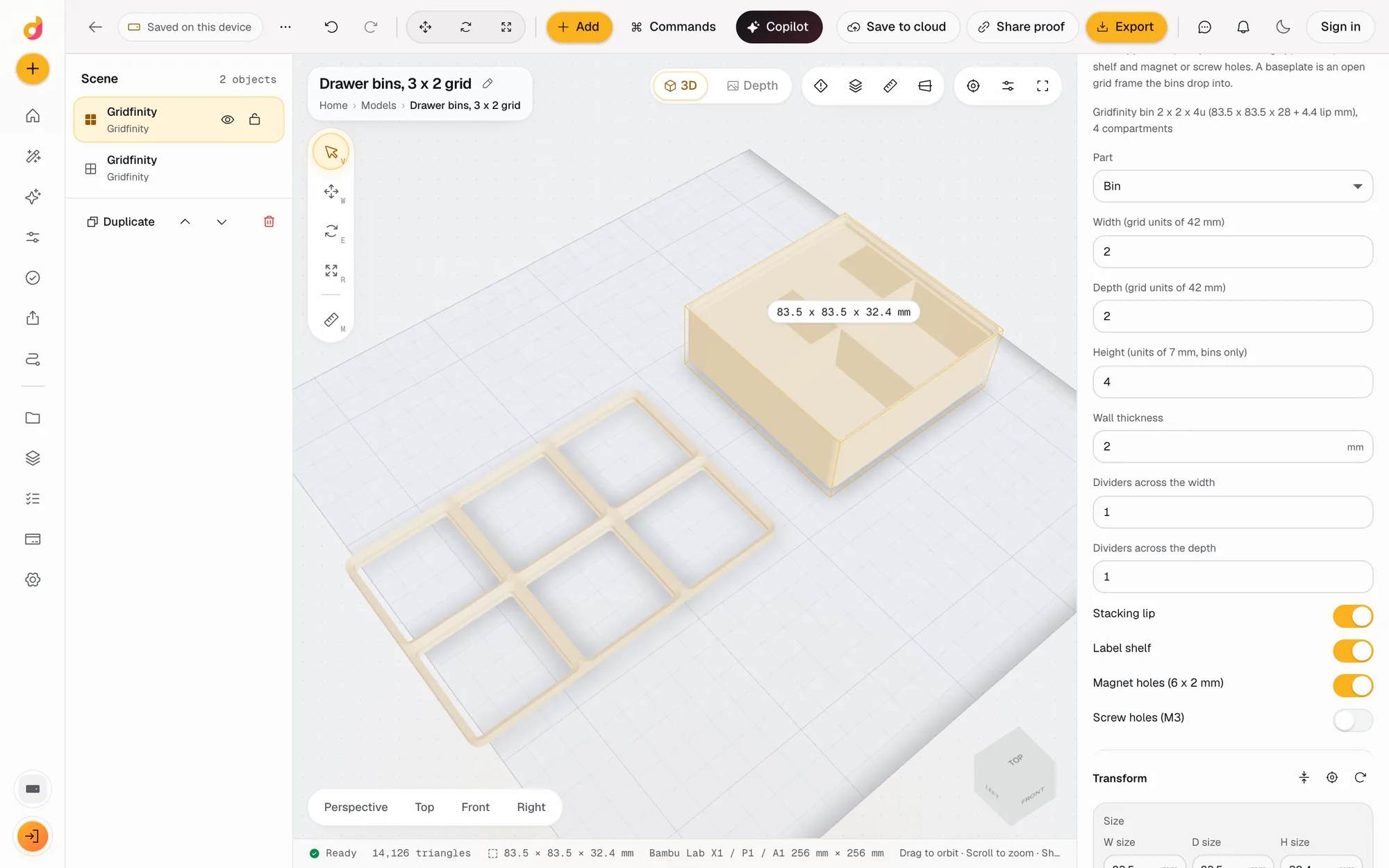
Gridfinity Dimensions: Every Size, From the 42 mm Grid to the Magnet Holes
Every Gridfinity dimension in mm and inches: the 42 mm grid, 41.5 mm bins, 7 mm heights, the 4.4 mm lip, 6 x 2 mm magnets, and how to size a drawer.
November 16, 2026 11 min read
3D printing
How Much Does 3D Printing Cost? Real Numbers, and How to Price Prints to Sell
What a 3D print costs at home or from a service: filament, power, wear and failures, resin vs FDM, and a pricing formula with Etsy fees for prints you sell.
October 8, 2026 7 min read
3D printing
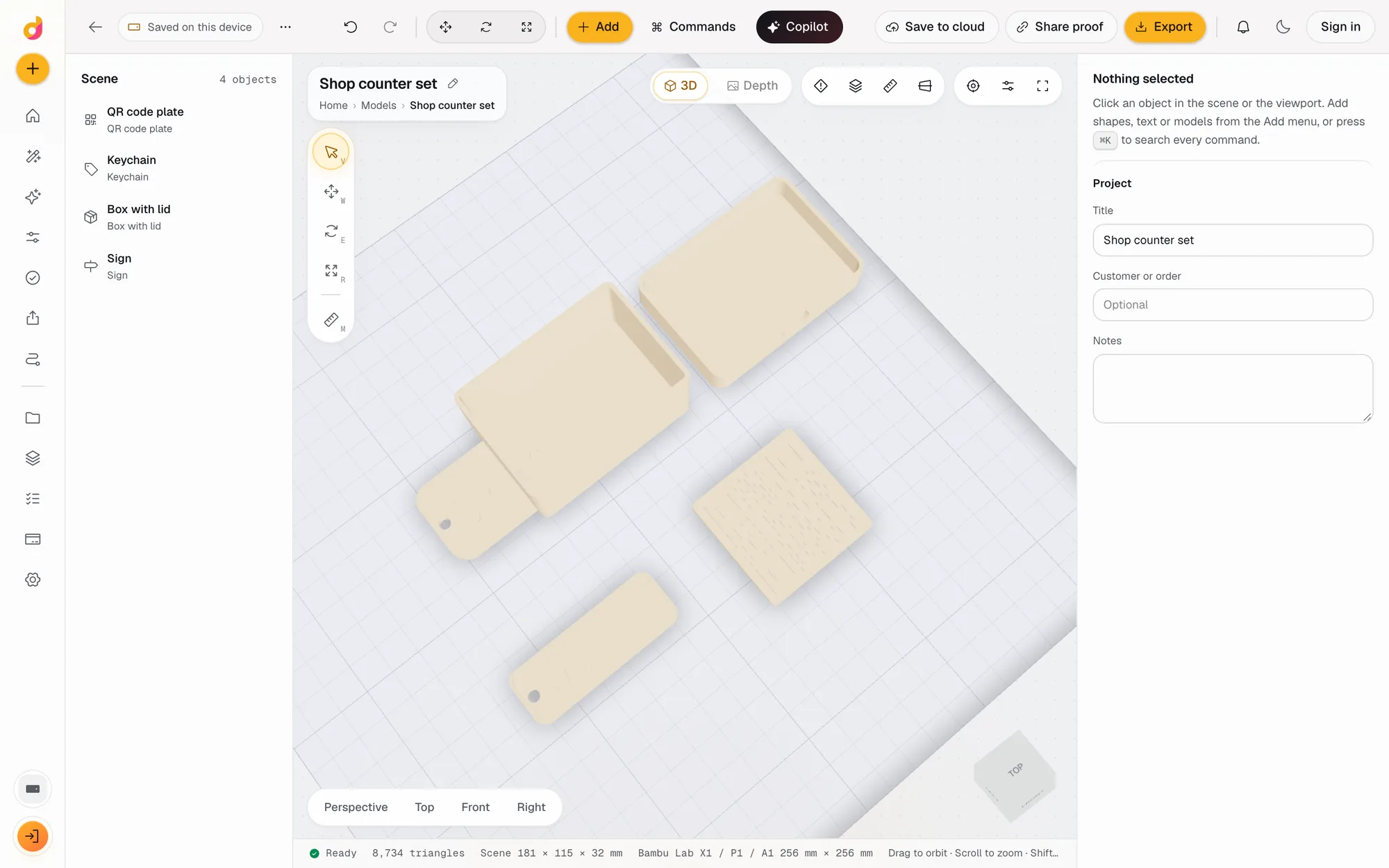
How to Make an STL File: 6 Ways, From Scratch or From What You Have
How to make an STL file for 3D printing for free: model it, build it from settings, turn a photo, logo or text into one, convert a CAD file, or use AI.
November 4, 2026 4 min read