
Free tool
Online STEP viewer
Drop a STEP or IGES file. See it in 3D with its size, volume and area, without installing CAD.
Runs in your browser. Nothing is uploaded.
How to use it
1Drop the file
A .step, .stp, .iges or .igs file from any CAD program. The first one loads the OpenCascade reader, which then stays cached.
2Turn it in 3D
Drag to orbit, scroll to zoom. Switch on wireframe to see how curved faces were meshed, and the grid for scale.
3Read the numbers
Width, depth and height in millimetres, volume, surface area and the triangle count of the displayed mesh.
4Save or convert
Take a PNG screenshot, or open the STEP to STL converter to print it.
To open a STEP file online, drop the .step or .stp file on the viewer above. It is read by OpenCascade, the open-source CAD kernel behind FreeCAD, running in your browser, and shown in 3D with its size in millimetres, volume and surface area. Nothing is uploaded and no account is needed. IGES files open the same way.
What the viewer shows
| Shown | Detail |
|---|---|
| The model in 3D | Orbit, zoom, wireframe and a grid for scale |
| Size | Width, depth and height of the whole file, in millimetres |
| Volume and area | Measured from the meshed solids |
| Triangles | How many the curved faces were split into for display |
| Every solid in an assembly | At its position, as the designer placed it |
The model is meshed for display: curved faces are split into small triangles within 0.1% of the model's size. Sizes, volume and area are measured on that mesh, so they match the exact CAD values to within that tolerance.
When you need more than a look
- Print it: convert it with the STEP to STL converter, which keeps each solid as its own part and writes STL or 3MF.
- Change it: the Depthue Studio STL editor imports STEP and IGES, then cuts, hollows, adds holes and text, and checks the part for printing.
- Other formats: STL, OBJ, 3MF and GLB open in the online STL viewer.
Questions
How can I open a STEP file without CAD software?
Drop it on the viewer above. It reads STEP and IGES with OpenCascade compiled to WebAssembly, so it works in a browser on Windows, Mac or Linux with nothing to install and no account.
What is a STEP file?
STEP (.step or .stp, ISO 10303) is the standard format CAD programs use to exchange 3D parts and assemblies as exact solids. Fusion, SolidWorks, Onshape, FreeCAD and Inventor all read and write it.
Is STP the same as STEP?
Yes. .stp and .step are two extensions for the same format. Both open here, and so do IGES files (.igs, .iges).
Can I measure a STEP file online?
The viewer shows the overall width, depth and height in millimetres, the volume and the surface area. To measure between two points or check walls and overhangs, open the file in the Depthue Studio STL editor, which imports STEP.
Is the file uploaded?
No. It is read and displayed in your browser tab. That makes the viewer safe for parts under NDA or for customers' files.
Why does it take a moment to open the first file?
The OpenCascade reader is 7.6 MB of WebAssembly. It downloads the first time you open a STEP or IGES file and is cached by the browser after that.
Read next
3D printing
The Best STL Viewers for Windows, Mac, Android and iPhone (2026)
Free ways to open STL, OBJ and 3MF files in 2026 now that Microsoft 3D Viewer is gone: browser viewers, slicers, MeshLab, Blender and apps for phones.
September 24, 2026 3 min read
3D printing
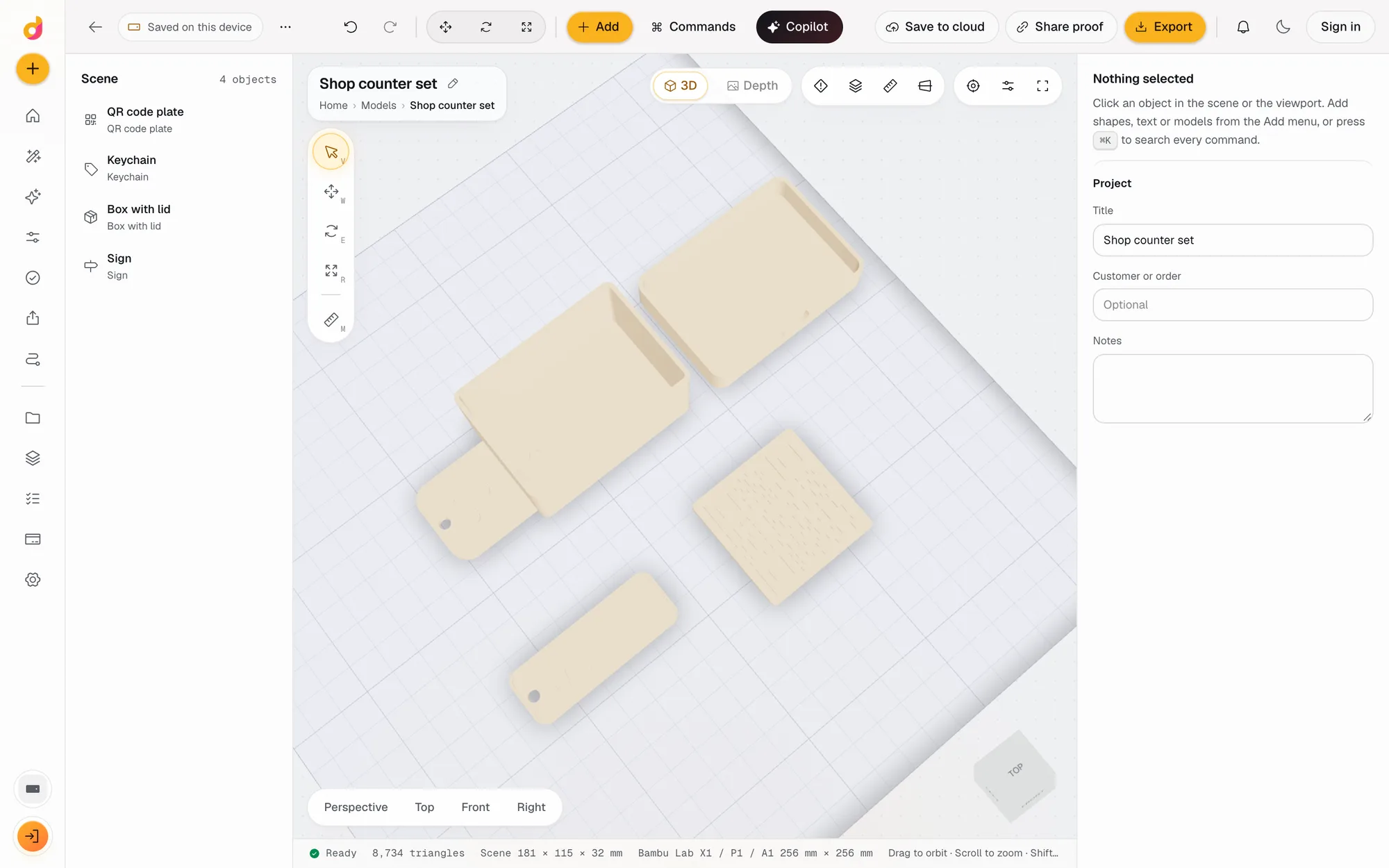
The Best 3D Modeling Software for 3D Printing in 2026
The best 3D modeling software for 3D printing, free and paid: Tinkercad, Fusion, Onshape, Blender, FreeCAD, OpenSCAD, Shapr3D, Womp and Depthue Studio.
November 2, 2026 5 min read
3D printing
How to Edit an STL File: The Right Free Tool for Each Change
How to edit an STL file for free: scale, cut, add text, combine parts or cut holes in your slicer, Tinkercad, Blender, Fusion or FreeCAD, matched to the job.
November 2, 2026 11 min read