How Much Does LightBurn Cost? Core vs Pro, Renewals, Trial and Free Alternatives
LightBurn costs $99 for Core or $199 for Pro, once, with a year of updates. Renewals, seats, the 30-day trial and free alternatives, checked October 2026.
By Depthue Lab8 min read
LightBurn costs $99 for LightBurn Core and $199 for LightBurn Pro, as of October 2026. Both are one-time purchases that include a year of updates and activation on three computers. When that year ends the software keeps working, and another year of updates costs $40.
Core runs GCode lasers such as GRBL diode engravers. Pro adds the DSP controllers used on CO2 lasers (Ruida, Trocen, TopWisdom) and galvo lasers (EZCad2, EZCad3, BSL). Every price and term below comes from LightBurn's own store, documentation and announcements.
LightBurn Core vs Pro: price and what each runs
| LightBurn Core | LightBurn Pro | |
|---|---|---|
| Price, one time | $99 | $199 |
| Updates included | 1 year from first activation | 1 year from first activation |
| Each extra year of updates | $40 | $40 |
| Computers at once | 3 | 3 |
| Extra seat | $25 | $50 |
| GCode lasers: GRBL, Smoothieware, Marlin, GRBL-LPC, Cohesion3D | Yes | Yes |
| DSP lasers: Ruida, Trocen, TopWisdom | No | Yes |
| Galvo lasers: EZCad2, EZCad3, BSL | No | Yes |
| 3D Sliced engraving (galvo only) | No | Yes |
| True Nesting (2.2 early access) | No | Yes |
| Design, layout, image and job tools | Yes | Yes |
Prices are in US dollars on LightBurn's US store, October 2026.
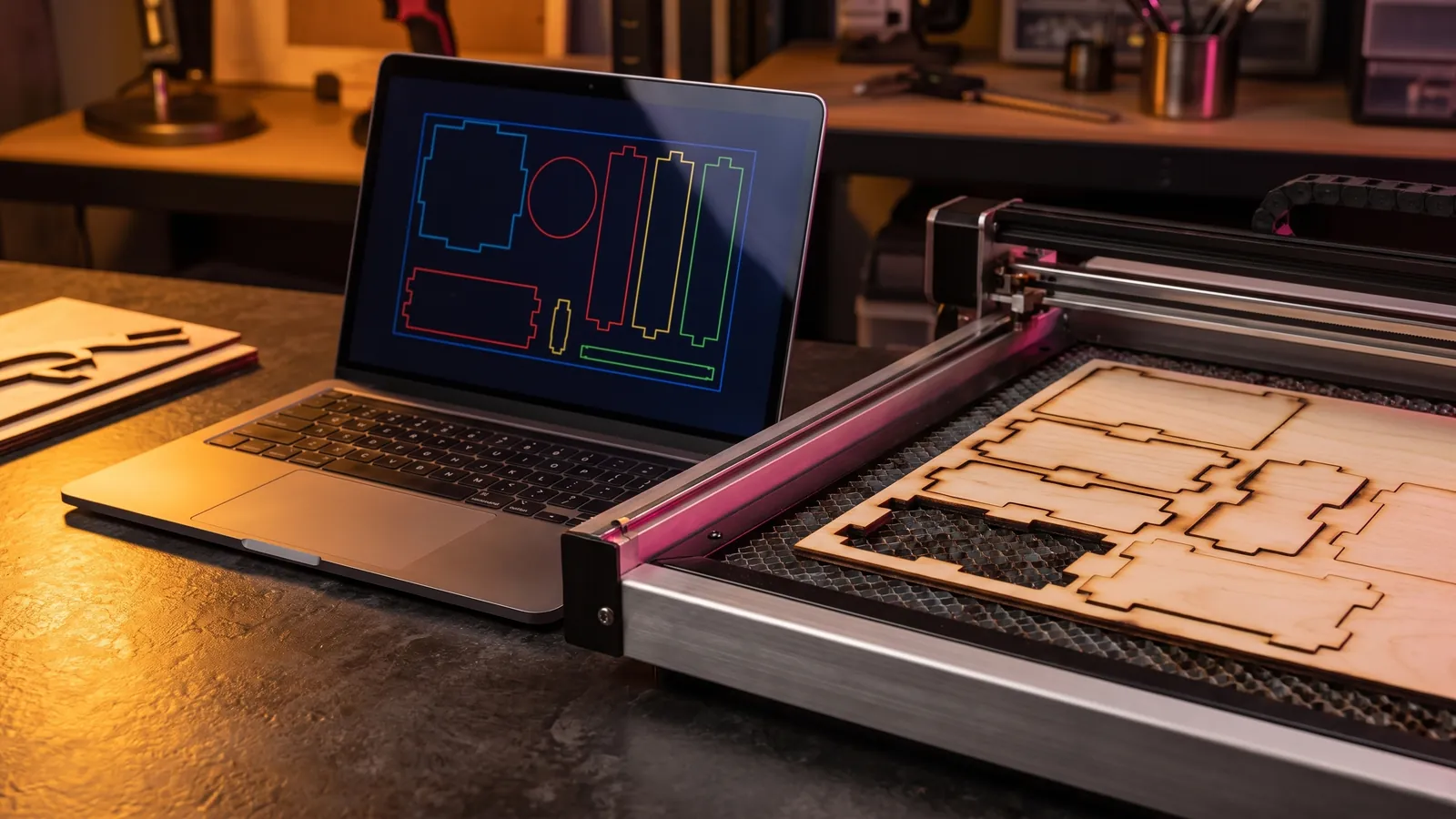
The design side is the same in both editions. LightBurn's own comparison gives Core and Pro the same shape, text, tracing, boolean, offset and variable text tools, quick nesting, ten image engraving modes, kerf offset and GCode customization. What you pay for is the controllers you can connect. That starts to change with LightBurn 2.2, released as early access on September 16, 2026: its True Nesting is, in LightBurn's words, "the first LightBurn design/layout feature that is limited to Pro licenses only."
3D Sliced engraving, which carves a depth map into real relief over many passes, only works on galvo lasers. Galvo support is Pro only, so relief engraving on a fiber laser in LightBurn needs Pro.
Which edition do you need?
- Diode laser with a GCode controller (GRBL, Smoothieware, Marlin): Core. LightBurn pitches it at "most hobbyist or entry-level lasers."
- CO2 laser with a Ruida, Trocen or TopWisdom controller: Pro.
- Galvo fiber, CO2 or UV laser on EZCad2, EZCad3 or BSL: Pro.
- Several machines of different types: one Pro key covers all three controller families.
- Not sure what you have: find the controller name in your machine's manual or look up your model in LightBurn's hardware compatibility matrix, then prove it with the trial.
Bought Core and later added a CO2 or galvo laser? Upgrading Core to Pro costs $100, the price difference. The upgrade adds the new device types but does not add a year of updates.
Renewals, upgrades and extra seats
| Item | Price (October 2026) | Notes |
|---|---|---|
| Another year of updates | $40 | Same for Core and Pro, whatever your seat count |
| Upgrade Core to Pro | $100 | Keeps your current update period |
| Extra seat on a Core key | $25 | One more computer at the same time |
| Extra seat on a Pro key | $50 | One more computer at the same time |
The three seats do not need to share an operating system, so a Windows shop PC and a Mac laptop can run the same key. Deactivate a computer you no longer use and its seat is free again. For a classroom, or more than three seats on a new key, LightBurn points to its educational and volume licensing page.
A key can go to a new owner, for example when you sell your laser, but only as a whole key. Selling or sharing individual seats is not permitted.
What LightBurn costs over three years
| Edition | Buy once, never renew | Renew twice for 3 years of updates |
|---|---|---|
| Core | $99 | $179 |
| Pro | $199 | $279 |
Renew before your update period runs out and each renewal covers 14 months instead of 12: LightBurn adds two free months to early renewals.
Why forum threads quote other prices
Most search results for LightBurn pricing are forum threads, and many predate the current terms. On October 1, 2024, LightBurn renamed its GCode license to Core at $99 and merged the DSP and Galvo licenses into Pro at $199, moving existing DSP and Galvo owners to Pro for free. LightBurn's legacy documentation lists a $30 renewal, and its 2024 announcement planned renewals from $40 to $50 depending on renewal history. The current store and License FAQ list one price: $40.
One-time purchase: what happens when updates end
LightBurn is not a subscription. Its License FAQ says you pay once and can use it forever, with a year of updates included. The key never expires. The update period does, one year after you first activate.
When the update period ends:
- Nothing stops working. Every LightBurn version released before your expiry date keeps running on your key.
- Newer versions will not run on that key. If you install one by mistake, download the last version from your update window from LightBurn's release archive, which keeps every build back to version 0.6.
- You can renew at any time for $40. Renew before expiry and the new year starts at the old expiry date, plus two bonus months. Renew after it has lapsed and the year starts on the day you pay.
- Your operating system can force the issue. LightBurn 2.1 needs 64-bit Windows 10 or 11, or macOS 12 or newer, and 1.7 was the last version for Linux. LightBurn's 2.2 announcement says Macs with M-series chips that move to macOS 28 will need LightBurn 2.2.00 or later. If your update period ended before 2.2 came out, that OS upgrade means a $40 renewal.
A sensible rhythm: renew when a release adds something you will use, or before a major OS upgrade, not on autopilot.
The 30-day free trial
LightBurn's trial runs 30 days and is, in its own words, "the full deal, no watermarks, no limits." The store asks you to test with your own hardware before you buy, and refunds are decided case by case, so the trial is the time to settle the question.
In those 30 days, check four things:
- It connects. Your machine appears, jogs and runs a small job.
- Your files import. LightBurn reads AI, SVG, DXF, PDF and PLT vectors and PNG, JPG, BMP, GIF and TIF images. It cannot import embedded fonts, so convert text to paths first.
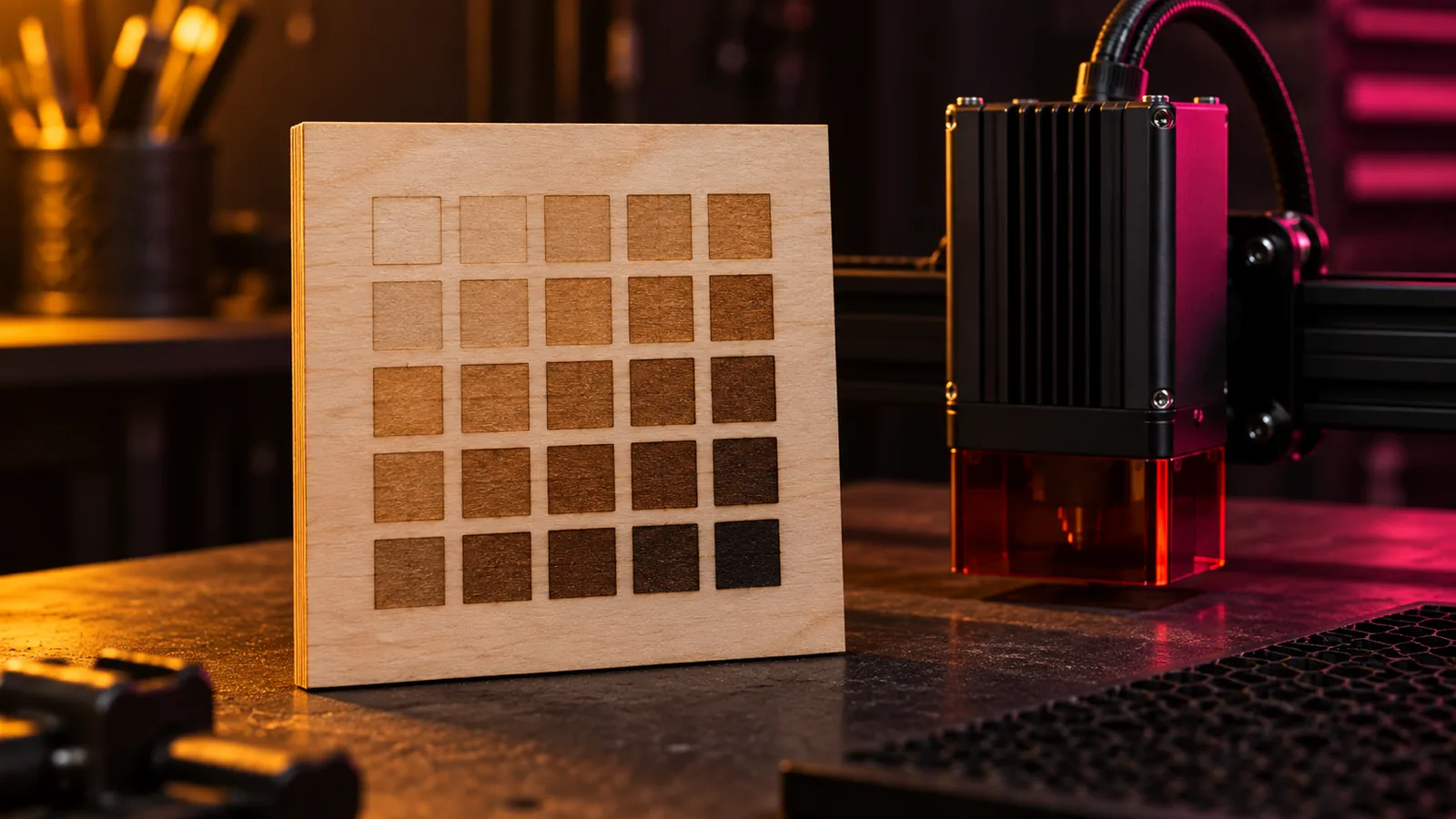
- Your settings hold. Run the Material Test (Laser Tools, Material Test), a grid that varies two of power, speed, interval and passes, on the stock you use most.
- Whether you need Pro. LightBurn's 2.2 notes say Core owners can try Pro features for two weeks with the Trial Pro button in License Management.
Start the grid from a known point. Our settings tool gives starting power and speed by machine and material, then plans the test grid around them.
Is LightBurn worth it?
For most people who run a GRBL diode, Ruida CO2 or galvo laser every week, yes. $99 or $199 once buys design, layout, image engraving and machine control in one program, and you can stop paying after the first year without losing what you have.
It earns its price when:
- You sell what you make. Variable text handles names and serial numbers, kerf offset makes parts fit, and quick nesting saves material.
- You run more than one machine. One key works on three computers, and Pro covers GCode, DSP and galvo controllers.
- You want one workflow. Design, trace, lay out and burn without moving files between programs.
You can skip it when:
- Your laser is an xTool or a Glowforge and the maker's free app does what you need.
- You engrave the odd photo on a GRBL diode from a Windows PC. LaserGRBL is free.
- You only need to design. Inkscape is free and saves SVG files for your laser program.
Free and cheaper alternatives to LightBurn
| Software | Price (October 2026) | Runs on | Works with | Main limit |
|---|---|---|---|---|
| LaserGRBL | Free, open source | Windows | Grbl v0.9 and v1.1 | Windows and GRBL only; SVG import is experimental |
| xTool Studio | Free download | Windows, macOS | xTool machines | No third-party lasers listed |
| Glowforge Print | Free; Premium from $20 a month | Web-based: Mac, PC, Android, iPhone, tablet, Chromebook | Glowforge | Glowforge only |
| Inkscape + J Tech Laser Tool | Free, open source | Windows, macOS, Linux | G-code lasers, through a sender | Writes G-code files; does not run the machine |
| MillMage | $99 Core, $199 Pro | Windows, macOS | CNC routers | Built for routers, not lasers |
LaserGRBL is the free pick for GRBL diode lasers on Windows. It is open source under GPLv3, converts photos to grayscale or dithered engravings, vectorizes images, loads G-code with a job preview, and gives you jogging, homing and live power and speed overrides (on Grbl newer than v1.1). It is not a design program, and its own README marks SVG import as experimental.
xTool Studio is xTool's own app and, in xTool's words, "the upgraded successor to XCS (xTool Creative Space)." XCS no longer gets updates on PC or mobile, and xTool machines launched after August 2025, starting with the P3, are supported only in Studio. Installers for Windows and macOS (Intel and Apple silicon) are on xTool's support site. Its release notes list only xTool machines.
Glowforge Print is, according to Glowforge, "free for life." Glowforge describes it as web-based; it runs on Mac, PC, Android, iPhone, tablets and Chromebooks and takes JPG, PDF, PNG and SVG files. Premium, from $20 a month after a 14-day trial, adds Magic Canvas AI art, a large vector art library, more fonts and saved custom material settings.
Inkscape plus a plug-in is the free design route. Inkscape is an open-source vector editor for Windows, macOS and Linux. J Tech Photonics' open-source Laser Tool plug-in turns Inkscape paths into a G-code file and is listed as working with Inkscape 1.4.2 (as of July 2025). You still need a sender such as LaserGRBL, which loads G-code, to run the job.
MillMage is LightBurn's app for CNC routers, sold on the same terms: Core $99, Pro $199, a year of updates, then $40 a year, three seats and a 30-day trial. It connects to GRBL, grblHAL, FluidNC, Duet and Smoothieware machines, and MillMage Pro adds V-carving, relief carving, texturing and True Nesting. It is the router counterpart, not a cheaper LightBurn for your laser.
For the full field by machine type, including EZCAD for galvo fiber lasers and RDWorks for Ruida, see our laser engraving software guide.
Free tools for LightBurn users
These are ours. They run in your browser and nothing is uploaded.
- Laser settings and test grid planner: starting power, speed, passes and interval by machine and material, with a grid plan for LightBurn's Material Test.
- QR code for laser engraving: a vector QR code sized in millimetres, as SVG or DXF, with an inverted option for dark materials and anodized metal.
- Depth map generator: an AI depth map from any photo, for relief engraving. On a galvo with Pro, 3D Sliced mode turns it into real depth; read 16-bit vs 8-bit depth maps before long jobs.
- Kerf calculator: measure one test cut and get the kerf offset LightBurn needs.
- SVG to DXF and DXF to SVG: clean conversions at real size when a file arrives in the wrong format.
Before you buy
Download the trial, connect your laser and run one material test on the stock you use most. If it connects and the workflow suits you, buy the edition your controller needs: Core for GCode, Pro for DSP or galvo. Near the end of your first year, look at what the latest release adds and decide on the $40 renewal then. For starting values on that first test, see laser power and speed settings by material.
Free tools for this job
Frequently asked questions
Is LightBurn a one-time purchase?
Yes. You pay once and the license works forever, with one year of updates from the day you first activate it. After that, another year of updates is optional and costs $40 as of October 2026.
What are the key differences between LightBurn Core and LightBurn Pro?
Controller support and price. Core ($99) runs GCode lasers such as GRBL, Smoothieware and Marlin. Pro ($199) adds DSP lasers on Ruida, Trocen and TopWisdom controllers and galvo lasers on EZCad2, EZCad3 and BSL, and True Nesting in the LightBurn 2.2 early access build is Pro only.
Is there a free alternative to LightBurn?
For GRBL diode lasers on Windows, LaserGRBL is free and open source. xTool Studio and Glowforge Print are free for their own machines, and Inkscape is a free vector editor for design. None of them runs GCode, DSP and galvo lasers in one program the way LightBurn Pro does.
Is LightBurn software worth it?
If you run a GRBL, Ruida or galvo laser regularly, usually yes: one payment covers design, layout and machine control, and the 30-day trial lets you test it on your own machine first. If you own an xTool or a Glowforge and its own app handles your jobs, you may not need it.
What happens when my LightBurn license expires?
Only the update period expires. The key stays valid and every version released before the expiry date keeps working. Versions released later need a renewal, which costs $40 for another year.
How many computers can I install LightBurn on?
Three at a time, on any mix of Windows and macOS. Extra seats cost $25 on a Core key and $50 on a Pro key, and deactivating an old computer frees its seat.
Sources
- LightBurn, Buy LightBurn (store)
- LightBurn, LightBurn Core License Key
- LightBurn, LightBurn Pro License Key
- LightBurn, Which version of LightBurn is right for you?
- LightBurn, Add a Year of Updates to your LightBurn License Key
- LightBurn, Upgrade LightBurn Core to LightBurn Pro
- LightBurn, Add Seats to Your License
- LightBurn, How the LightBurn License Works
- LightBurn Documentation, License FAQ
- LightBurn Documentation, How the License Works
- LightBurn Documentation (legacy, 1.6 and earlier), License FAQ
- LightBurn, Download and Free Trial
- LightBurn Documentation, Installing LightBurn
- LightBurn Documentation, File Management
- LightBurn Documentation, Material Test
- LightBurn Documentation, 3D Sliced Engravings
- LightBurn, LightBurn 2.2.00 Early Access (September 16, 2026)
- LightBurn, New LightBurn license types and pricing coming Oct 1, 2024
- LightBurn, release archive
- LightBurn, Hardware Compatibility Matrix
- LightBurn, Buy MillMage (store)
- LightBurn, MillMage Pro Has Arrived (September 8, 2026)
- LaserGRBL, official site
- LaserGRBL, GitHub README
- xTool Support, xTool Studio release notes
- Glowforge, Glowforge Print
- Glowforge, Premium
- Inkscape, source repository
- Inkscape Wiki, Installing Inkscape
- J Tech Photonics, Inkscape Laser Tool Plug-In